
Perixx PERIPRO-801 Manual
PDF manual · 14 Pages
English



Quick check
Incorrect answer, please try again.
Chat with your Perixx PERIPRO-801 manual using AI
Get instant AI answers from your Perixx PERIPRO-801 manual
Ask anything about the Perixx PERIPRO-801. Answers come from this manual, with the pages they are based on.
Ask a Question
Do you recommend PERIPRO-801?
Yes NoFrequently Asked Questions
This mouse uses Bluetooth 5.1 technology for wireless connectivity. It pairs directly with computers that have built-in Bluetooth capabilities. No USB receiver is required for standard operation, though some systems may need specific drivers for optimal performance.
Is this answer helpful?
Yes, if your tablet or smartphone supports Bluetooth connectivity. You must enable the pairing mode and follow standard setup procedures. Ensure the device supports standard mouse profiles for full functionality.
Is this answer helpful?
Gently remove the ball cover to access the ball. Wipe the ball and the internal track with a dry cloth or soft brush. Rotate the ball to clean all sides and ensure smooth movement before reassembling the cover. Never use liquid cleaners directly on the mouse.
Is this answer helpful?
It is primarily designed for Windows systems like Windows 7 or later. macOS support exists for basic navigation but advanced DPI adjustment may require additional software or may not be fully available for all features.
Is this answer helpful?
Battery life varies based on usage intensity. Typical users report several months of operation on a set of AA batteries. Frequent use without power-saving mode settings will consume the batteries faster.
Is this answer helpful?
No, the Perixx PERIPRO-801 is not waterproof. You must keep liquids away from the device to prevent damage to internal electronics and sensors. Wipe spills immediately with a dry cloth.
Is this answer helpful?
Yes, the DPI sensitivity can be changed. Some models allow button remapping through manufacturer-specific software installed on your computer. This allows for customization of primary and secondary clicks.
Is this answer helpful?
Advantages and Disadvantages
Advantages

- Ergonomic design reduces wrist strain and fatigue by allowing neutral hand positioning during use.
- Bluetooth 5.1 ensures stable wireless connection without the need for extra USB dongles.
- Adjustable DPI settings provide sensitivity control for precision tasks or fast navigation.
- Standard AA batteries offer easy replacement and avoid frequent recharging cycles.
- Durable ABS plastic material resists daily wear and maintains aesthetic appeal.
Disadvantages

- There is a learning curve for users who have never used a thumb-operated trackball.
- Requires more desk space due to the larger size compared to traditional mice.
- Trackball mechanism needs occasional cleaning to maintain smooth cursor movement.
- Battery replacement is necessary periodically as it does not use a rechargeable unit.
- Not suitable for rapid gaming actions due to the mechanics of trackball tracking.
Product Specification
Type
Trackball
Buttons
6
Connectivity
Wireless (Bluetooth 5.1)
Power Supply
2x AAA
Dimensions (WxHxD)
4.21 x 1.77 x 5.12 inches
Weight
0.29 lbs
Product Description
The Ultimate Ergonomic Solution for Modern Professionals
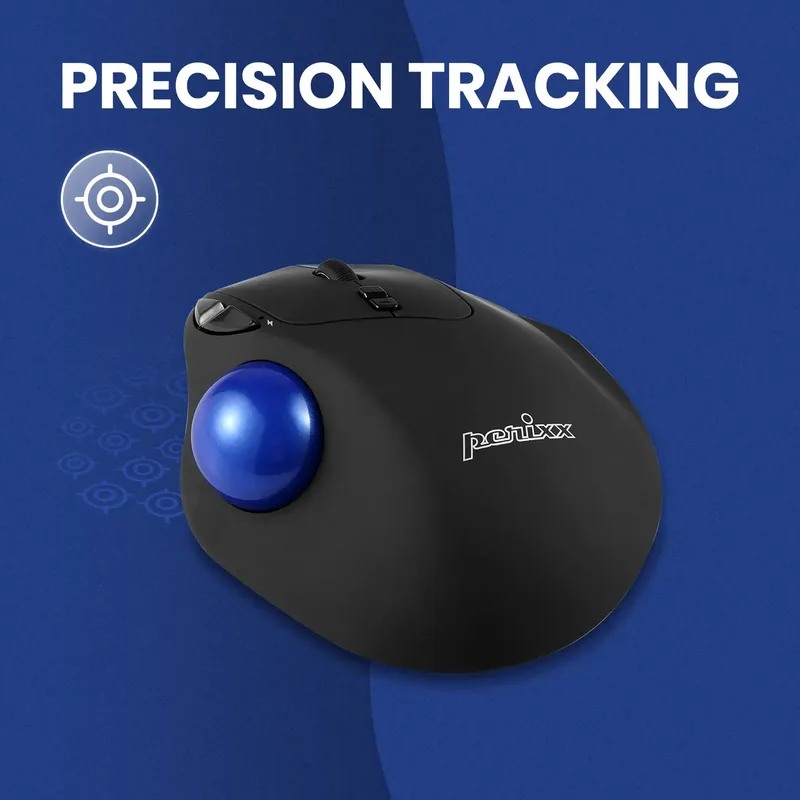
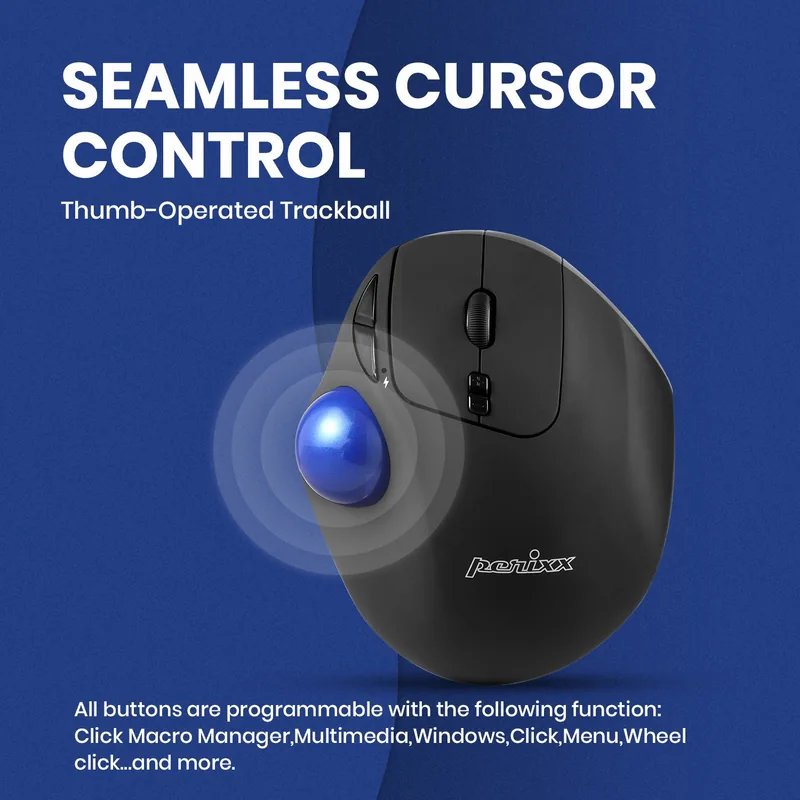
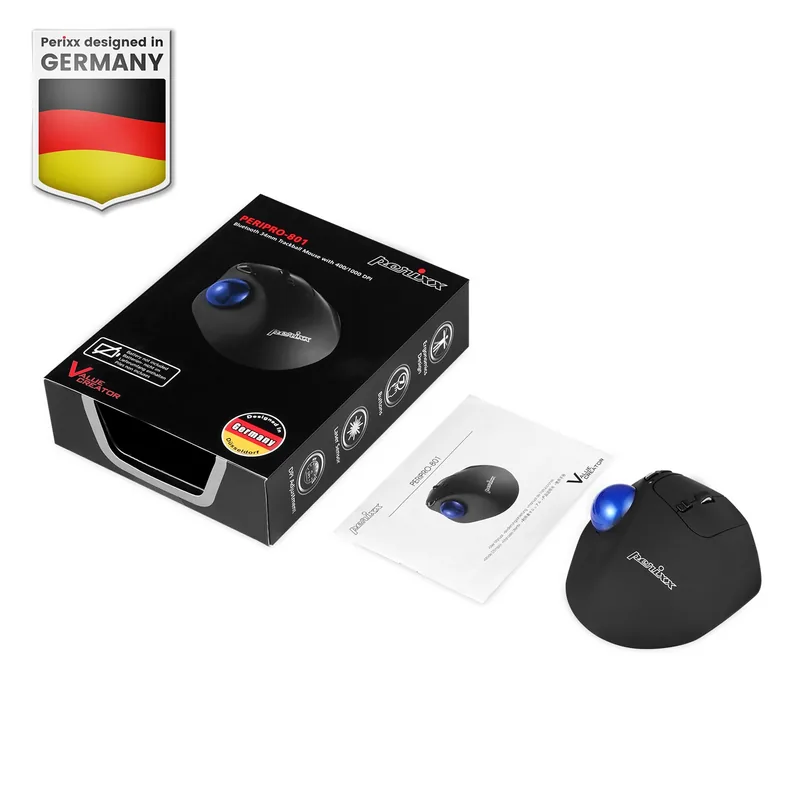
The Perixx PERIPRO-801 Ergonomic Trackball Mouse represents a significant shift in how users interact with their digital devices. It is designed specifically for those seeking relief from repetitive strain injuries associated with traditional mouse usage. Unlike standard optical mice, this trackball unit allows your hand to remain in a neutral, relaxed posture while your thumb controls the cursor. This fundamental change drastically reduces wrist flexion and forearm rotation, protecting your joints during extended work sessions. The sleek black finish matches any modern workstation aesthetic without drawing unwanted attention.
Connectivity relies on robust Bluetooth 5.1 technology, ensuring a stable wireless link to compatible computers. You do not need to fumble with USB dongles or tangled cables to get started. Simply pair the device through your system settings for immediate use. Power is supplied by standard AA batteries, offering convenience and longevity over proprietary rechargeable packs. This design choice ensures you can swap batteries quickly during critical tasks without downtime. The physical form factor measures 130 millimeters in length, fitting easily on small desks or large ones. Weight sits at just over 150 grams, providing a solid feel that does not drift across the surface.
Customization and Precision
Users can adjust sensitivity levels via DPI settings to match their specific preferences. This flexibility allows for both precise editing work and rapid window navigation with a simple toggle. The durable ABS plastic construction resists scratches and daily wear, maintaining its new look over time. The trackball mechanism itself is smooth, requiring minimal force to spin. This reduces finger fatigue compared to clicking heavy buttons frequently. For office workers, software developers, or designers, maintaining a healthy hand position is crucial. Ignoring wrist pain early leads to long-term conditions. This mouse provides an active solution to a passive problem.
Maintenance and Safety Tips
Proper care ensures this device lasts for years. Keep the surface clean using a dry cloth to prevent dust buildup in the sensor. Avoid submerging the unit in water as it is not waterproof. Disassembling the casing voids warranties and risks damaging internal circuitry. Do not operate above 40 degrees Celsius to protect internal electronics. The ball may be removed for cleaning if debris accumulates. Most users find the learning curve short, usually adapting within a few days of daily use. Once adjusted, the thumb control feels natural and efficient. Switching to this ergonomic design often results in noticeable pain reduction over time.
Search for 67,732 Manuals online


Type-in Brand or Model