
Perixx Periduo-713 Manual
PDF manual · 23 Pages
English



Quick check
Incorrect answer, please try again.
Chat with your Perixx Periduo-713 manual using AI
Get instant AI answers from your Perixx Periduo-713 manual
Ask anything about the Perixx Periduo-713. Answers come from this manual, with the pages they are based on.
Ask a Question
Do you recommend Periduo-713?
Yes NoFrequently Asked Questions
The device uses a wireless 2.4GHz connection via a small nano receiver included in the box. It connects directly to a USB port on your computer.
Is this answer helpful?
No, the Perixx Periduo 713 is designed primarily for Windows operating systems. Some functions may not work correctly on macOS.
Is this answer helpful?
Battery life depends on usage frequency but typically lasts several months under normal conditions before needing replacement.
Is this answer helpful?
No, never submerge the keyboard in water. Clean it gently using a dry cloth or a soft brush to remove dust and debris.
Is this answer helpful?
The included mouse has a fixed resolution suitable for general office use and does not offer adjustable DPI settings like gaming mice.
Is this answer helpful?
The keyboard is constructed from durable ABS plastic, which provides a lightweight yet sturdy structure for daily typing tasks.
Is this answer helpful?
Advantages and Disadvantages
Advantages

- Unique pastel pink retro vintage design
- Wireless connectivity with nano receiver
- Quiet membrane keyboard suitable for offices
- Plug-and-play installation without drivers
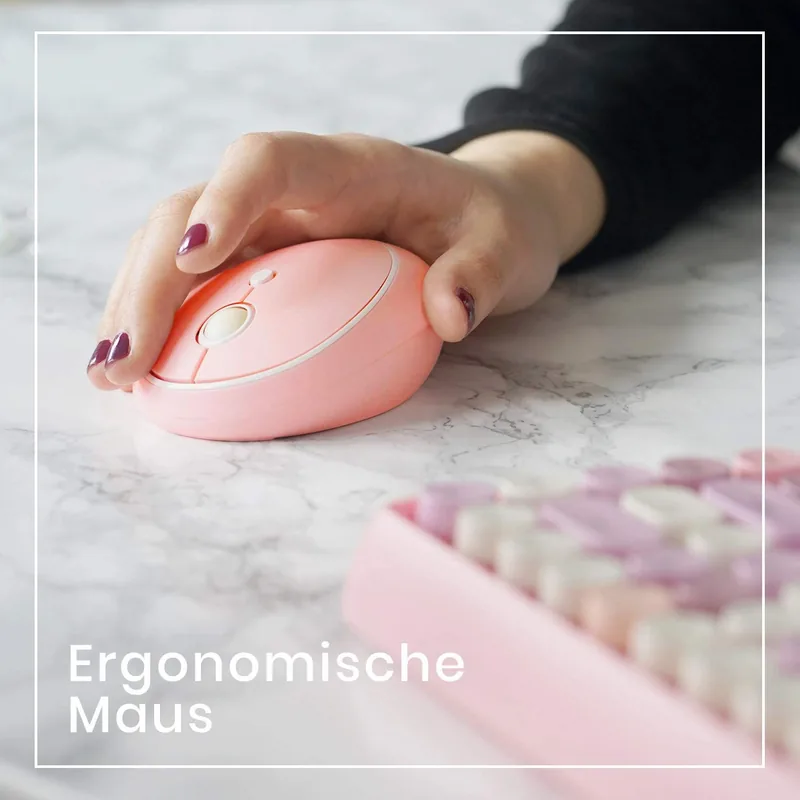
- Ergonomic mouse for comfortable use
Disadvantages

- Only compatible with Windows operating systems
- Membrane keys may lack tactile clickiness for gamers
- Plastic build may feel less premium than metal alternatives
- Limited color options available in this model
- Requires batteries which need periodic replacement
Product Specification
Package contents
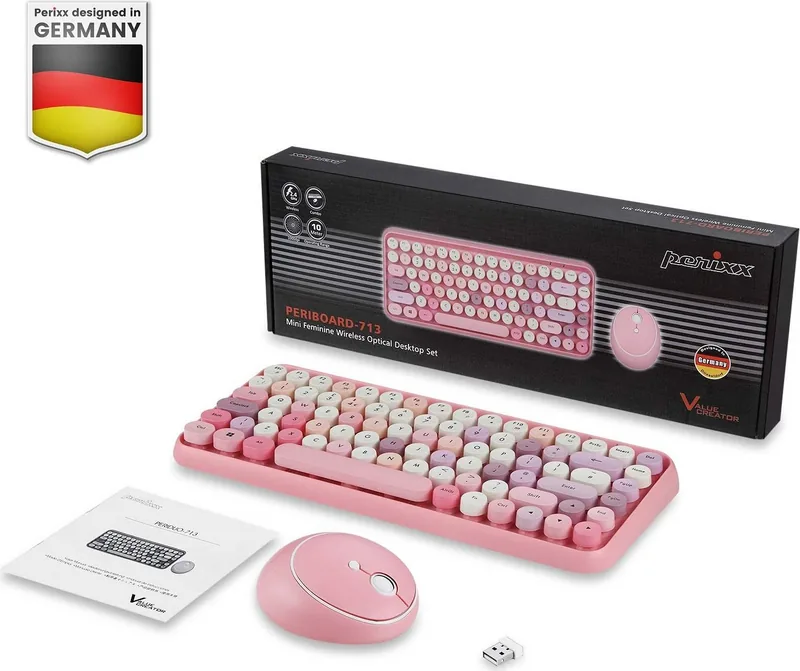
Mouse, keyboard
Layout
DE
Connection
Wireless (2.40GHz)
Sensor (mouse)
LED-red/IR 1600dpi, adjustable to 1200/800dpi
Product Description
Discover the Perixx Periduo 713 Retro Vintage Design Pastel Pink USB DE
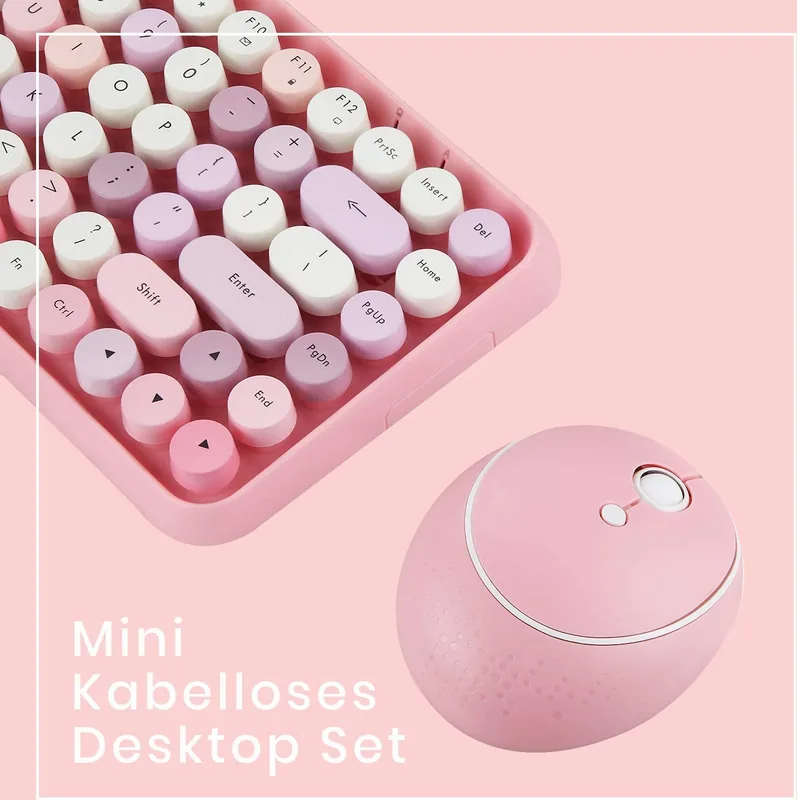
Step back in time with the Perixx Periduo 713, a keyboard and mouse set that blends modern functionality with a charming retro aesthetic. Available in a delightful pastel pink finish, this wireless duo is designed for users who appreciate vintage style without compromising on performance. The kit includes a compact membrane keyboard and an ergonomic optical mouse, both connected via a nano receiver that plugs directly into your computer.
The keyboard features standard layout keys with a soft touch membrane mechanism, ensuring quiet typing suitable for home offices or shared workspaces. Its pastel pink color adds a pop of personality to any desk setup, making it a perfect choice for those who want their tech to reflect their unique style. The included mouse complements the keyboard with a sleek design and smooth tracking capabilities, ideal for everyday computing tasks.
This product is built for comfort and durability. The keyboard boasts a travel distance optimized for tactile feedback while maintaining a low profile. Both devices are constructed from high-quality ABS plastic, ensuring they can withstand daily use. The set operates wirelessly, reducing cable clutter and providing freedom of movement. It requires no complex drivers, simply plug in the nano receiver and start working immediately.
Perfect for students, office workers, or anyone looking to add a touch of nostalgia to their workspace, the Perixx Periduo 713 offers a seamless blend of form and function. Whether you are writing documents, browsing the web, or managing emails, this set provides reliable input solutions. The pastel pink hue makes it stand out as a stylish accessory rather than just a tool.
Important Usage Notes
- Do not expose the device to liquids or extreme temperatures.
- Avoid dropping the keyboard or mouse to prevent damage.
- Clean only with a dry cloth or soft brush.
- Ensure the nano receiver remains plugged in for optimal connection.
Search for 67,732 Manuals online


Type-in Brand or Model