
Perixx Periboard-805 ERGO Manual
PDF manual · 56 Pages
English



Quick check
Incorrect answer, please try again.
Chat with your Perixx Periboard-805 ERGO manual using AI
Get instant AI answers from your Perixx Periboard-805 ERGO manual
Ask anything about the Perixx Periboard-805 ERGO. Answers come from this manual, with the pages they are based on.
Ask a Question
Do you recommend Periboard-805 ERGO?
Yes NoFrequently Asked Questions
Press and hold the Bluetooth pairing button until the LED flashes blue. Then select 'PERIBOARD-805' from your device's Bluetooth settings list to complete the connection.
Is this answer helpful?
Yes, the Perixx Periboard-805 supports Windows, macOS, Android, and iOS systems via Bluetooth, allowing you to switch between devices easily.
Is this answer helpful?
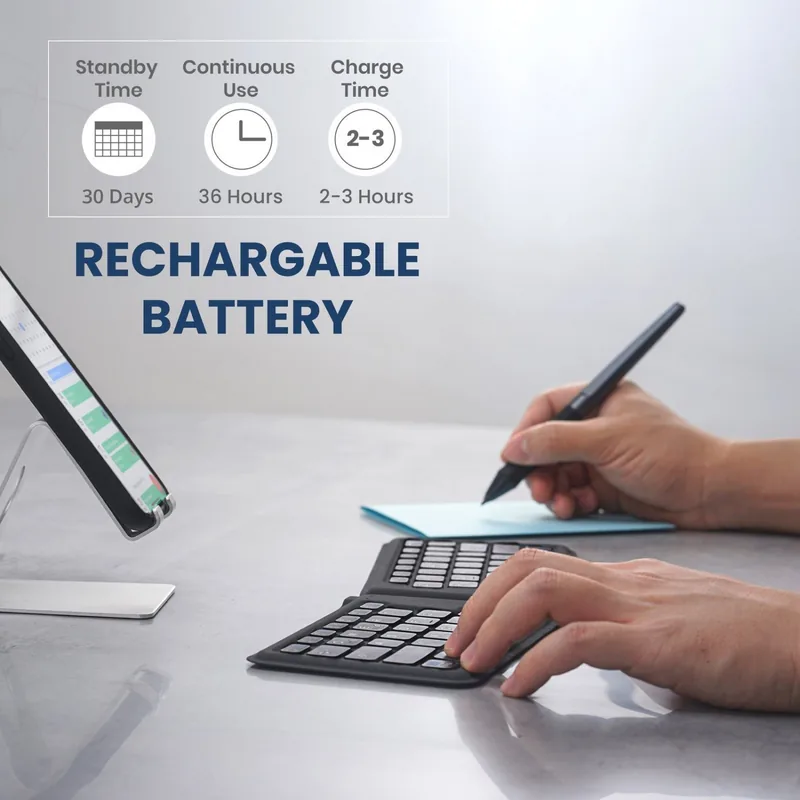
The built-in lithium battery provides extended usage time. Low battery warnings appear via flashing red LEDs when power levels drop significantly.
Is this answer helpful?
You can pair up to three devices, but you must manually switch between them using the designated function keys to activate the active connection.
Is this answer helpful?
If pairing fails, remove the PERIBOARD-805 from your paired device list and restart the pairing process from the beginning to reset the connection.
Is this answer helpful?
Advantages and Disadvantages
Advantages

- Foldable design makes it highly portable and easy to carry
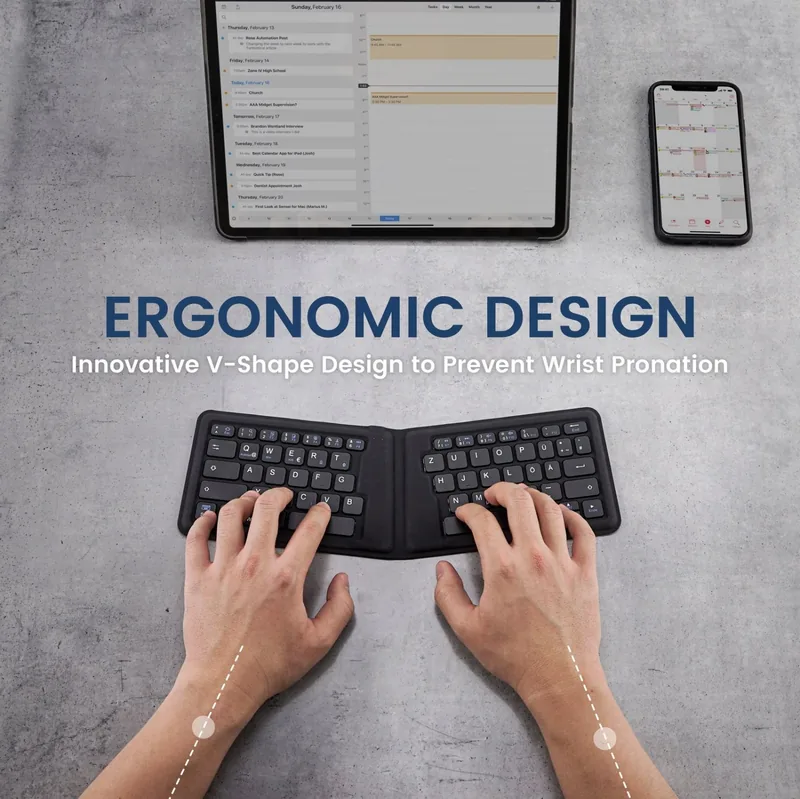
- Ergonomic shape reduces wrist fatigue during extended use
- Bluetooth 5.1 ensures stable connection across multiple devices
- Scissor-switch keys offer a quiet and comfortable typing feel
- Long battery life with clear LED status indicators
Disadvantages

- Requires manual folding which takes extra time compared to fixed keyboards
- No backlighting feature for low-light environments
- Limited to US layout which may not suit international users
- Plastic build may feel less premium than metal alternatives
- Pairing process requires specific button combinations for some OS
Product Specification
Layout
US
Type
Rubber Dome
Lighting
N/A
Keycap Level
standard, with frame, chiclet
Keycap Format
flat
Keycap Crown
straight
Numpad
N/A
Cursor Block
offset
Control Keys
N/A
Enter Key
reduced
Delete Key
N/A
Status Indicator
N/A
Wrist Rest
N/A
Housing
Plastic
Housing Color
solid, black
Keycap Finish
solid, black
Key Labeling
solid, white
Connection
wireless (Bluetooth, LE)
Power Supply
Battery
Dimensions (WxDxH)
12.96x0.23x3.82in
Weight
4.97oz
Features
FN key, foldable
Product Description
Experience Ergonomic Comfort with the Perixx Periboard-805
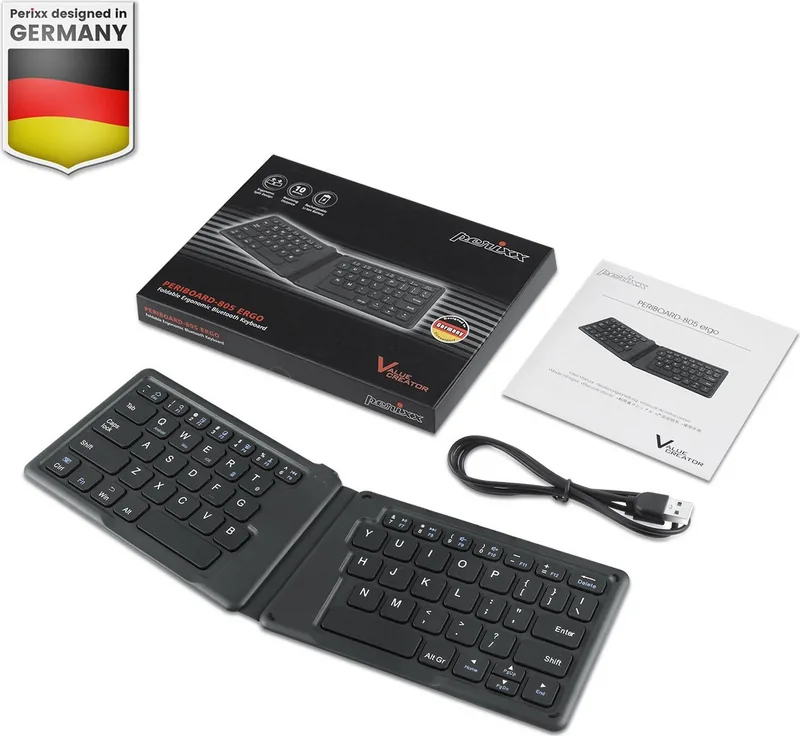
The Perixx Periboard-805 ERGO foldable Bluetooth keyboard represents a significant leap in portable typing solutions. Designed for professionals and students who value both mobility and comfort, this sleek black device combines advanced ergonomics with wireless freedom. Its unique foldable design allows it to shrink down to a compact size, making it perfect for travel, while the ergonomic layout helps reduce wrist strain during long typing sessions.
Equipped with robust Bluetooth 5.1 technology, the keyboard offers seamless connectivity to Windows, macOS, Android, and iOS devices. The US layout ensures familiar key placement, while the scissor-switch mechanism provides a quiet and responsive typing experience. With a battery life that supports extended use and an intuitive LED indicator system, staying connected has never been easier. Whether you are working remotely or commuting, the Perixx Periboard-805 delivers reliability and style.
Key Features
This keyboard stands out due to its durable ABS construction and high-quality keys designed for millions of keystrokes. The foldable form factor does not compromise on functionality, offering dedicated multimedia keys and smart shortcuts for enhanced productivity. It is an ideal companion for modern digital lifestyles where space and efficiency are paramount.
Important Notes
- Ensure devices are within range for optimal Bluetooth performance.
- Charge fully before first use for maximum battery longevity.
- Clean only with a dry cloth to maintain the finish.
Search for 67,732 Manuals online


Type-in Brand or Model