
PeakTech 8005 Manual
PDF manual · 31 Pages
English



Quick check
Incorrect answer, please try again.
Chat with your PeakTech 8005 manual using AI
Get instant AI answers from your PeakTech 8005 manual
Ask anything about the PeakTech 8005. Answers come from this manual, with the pages they are based on.
8005 Maintenance Schedule
Recommended recalibration cycle is 1 year by a calibration laboratory using a calibrator set to 94dB/1kHz.
Clean only with a damp, soft cloth and commercially available household cleanser; ensure no water enters the unit.
Free maintenance reminders
Timed to your purchase date. Always free, unsubscribe anytime.
Ask a Question
Do you recommend 8005?
Yes NoFrequently Asked Questions
It is used to measure sound levels in places like workplaces, outdoor areas, and around machines. It helps users monitor noise, compare conditions, and record readings for later review.
Is this answer helpful?
A-weighting shapes the measurement to better match human hearing. It is commonly used for general noise checks, environmental sound, and workplace-related measurements.
Is this answer helpful?
C-weighting is better for flatter sound measurements with less frequency shaping. It is often used for machinery, engines, and other technical sound sources.
Is this answer helpful?
Yes. The internal datalogger can store up to 32,000 readings without a computer connection. You can later transfer the saved data to a PC using the supplied software.
Is this answer helpful?
FAST responds quickly to changing noise and is useful for peaks or sudden events. SLOW averages the readings over a longer period and gives a steadier result.
Is this answer helpful?
It comes factory calibrated, but periodic recalibration is recommended. A yearly check is a good practice if you need reliable and documented measurements.
Is this answer helpful?
Advantages and Disadvantages
Advantages

- IEC 61672-1 Class 2 compliance and 0.1 dB resolution support accurate everyday noise checks.
- A/C weighting and FAST/SLOW response make the meter suitable for many sound measurement tasks.
- Built-in memory for up to 32,000 readings supports logging without a computer.
- USB connection, software, and analog outputs add flexibility for analysis and external use.
Disadvantages

- Best results depend on correct setup and periodic calibration, which adds maintenance work.
- Older driver/software support may require extra steps on some modern Windows systems.
- Very humid, hot, or vibration-heavy environments can reduce measurement reliability.
- Manual range and logger settings may take time to learn for first-time users.
Product Specification
Measurement Range
30-130 dB
Accuracy
±1.4 dB
Product Description
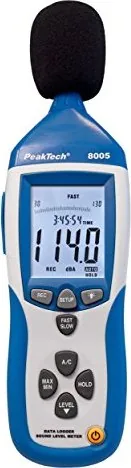
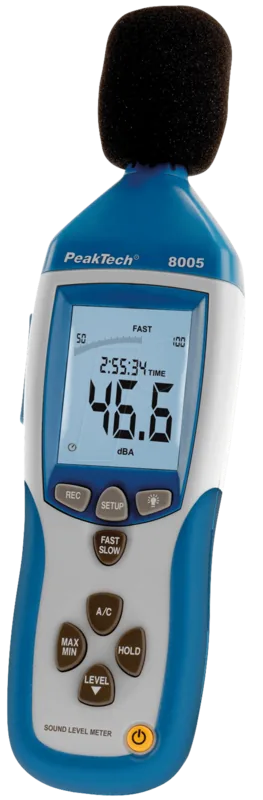
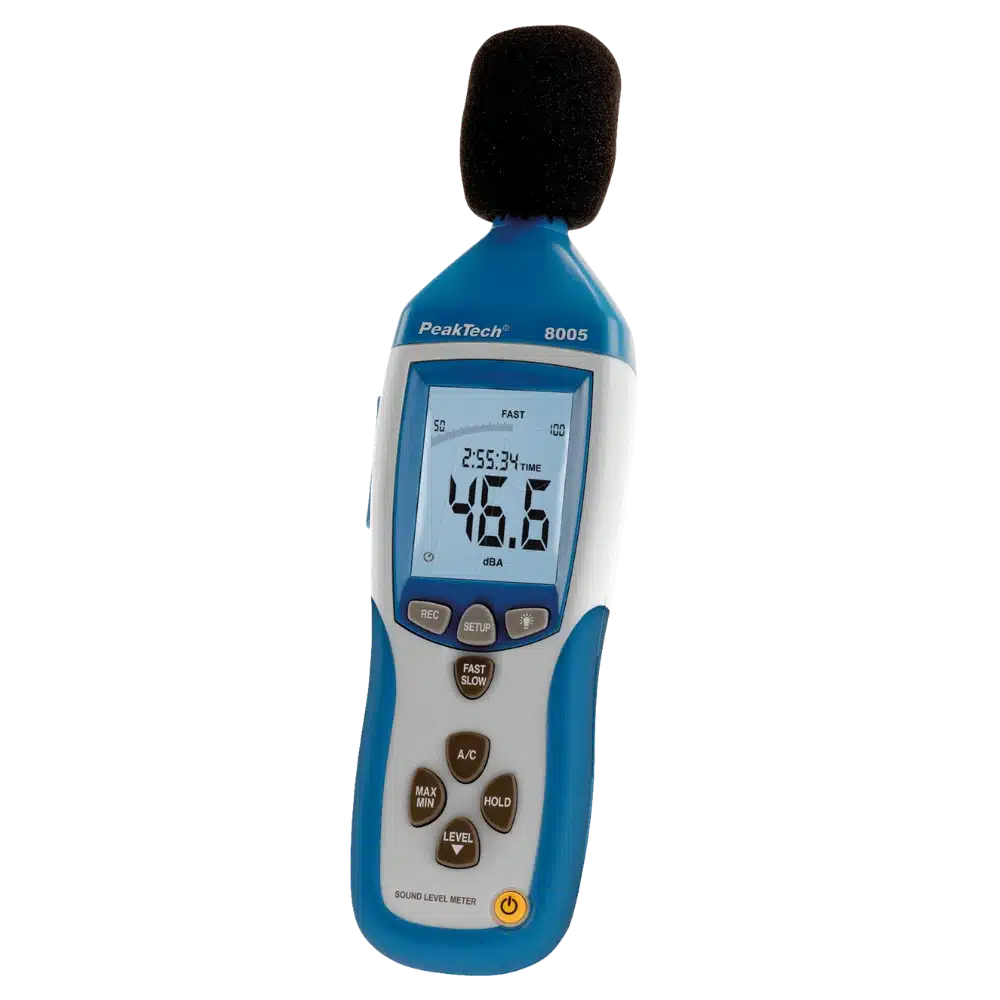
PeakTech 8005 Sound Level Meter
The PeakTech 8005 Sound Level Meter is a compact and versatile tool for checking noise levels in workshops, offices, public spaces, and around machinery. Built for users who need dependable readings without complicated setup, it combines a clear LCD display, a live bar graph, and a practical set of measurement functions. If you are searching for the PeakTech 8005 Sound level meter Manual, this model is easy to understand once you learn the basic controls and modes.
One of its strongest advantages is flexibility. The meter covers a wide range from 30 to 130 dB and supports both automatic and manual range selection, so it can adapt to quieter rooms as well as louder technical environments. It also offers A and C frequency weighting. A-weighting is ideal for general environmental and human-oriented measurements, while C-weighting is better suited for flatter readings when testing motors, machines, or other strong sound sources.
The PeakTech 8005 also gives users control over how sound is captured. FAST mode reacts quickly to sudden changes, which helps when detecting peaks, while SLOW mode smooths readings for a more stable average. The MAX/MIN and HOLD functions make it easier to freeze important values during a measurement session. That is especially useful when you need to document a peak reading or compare sound levels over time.
For longer projects, the built-in datalogger is a major benefit. It can store up to 32,000 readings and later transfer them to a computer through USB. With the included software, users can run real-time logging, download saved data, and review measurements in a more structured way. The meter also provides AC/DC analog outputs, a tripod mount, backlight, and battery or adapter power, making it practical for both field work and bench use.
Overall, this sound meter is a solid choice for anyone who wants a reliable balance of portability, logging features, and measurement control. It is especially attractive for routine noise checks, basic compliance work, and technical sound analysis where consistency matters more than unnecessary complexity.
Notes
- Use the windscreen in windy conditions for cleaner readings.
- Let the meter adjust to room temperature before precise measurements.
- Factory calibration is included, but yearly recalibration is recommended.
- Remove the battery during long storage to avoid leakage.
- Keep the microphone dry and avoid strong shocks or vibration.
Search for 67,706 Manuals online


Type-in Brand or Model