
OWC ThunderBay 4 mini Manual
PDF manual · 10 Pages
English



Quick check
Incorrect answer, please try again.
Chat with your OWC ThunderBay 4 mini manual using AI
Get instant AI answers from your OWC ThunderBay 4 mini manual
Ask anything about the OWC ThunderBay 4 mini. Answers come from this manual, with the pages they are based on.
Ask a Question
Do you recommend ThunderBay 4 mini?
Yes NoFrequently Asked Questions
It supports 2.5-inch SATA drives. For RAID configurations, identical drives with matching capacity and model are recommended for the best results and the most predictable performance.
Is this answer helpful?
No. It works with any Mac or PC that has a Thunderbolt port, but Thunderbolt 2 is recommended for the best speed and overall performance.
Is this answer helpful?
Yes. Individual drives can be added or removed without shutting down the enclosure, as long as you are not changing a drive that is part of a RAID setup that requires a specific procedure.
Is this answer helpful?
No, but it is strongly useful. Software RAID lets you build arrays with different goals, such as speed, mirroring, or redundancy, and it also adds monitoring and validation features.
Is this answer helpful?
It has no manual power switch. When the power supply is connected, the unit turns on when it receives an active Thunderbolt data signal from the computer or another device.
Is this answer helpful?
Always eject or unmount the drives from your operating system first. This helps prevent data loss and ensures the system closes any active file operations safely.
Is this answer helpful?
Advantages and Disadvantages
Advantages

- Compact four-bay design packs a lot of storage into a small footprint.
- Dual Thunderbolt ports support daisy-chaining and flexible system setups.
- Software RAID options allow users to choose speed, redundancy, or both.
- Independent drive bays make upgrades and replacements more convenient.
- Locking faceplate and LED indicators improve security and day-to-day usability.
Disadvantages

- Top performance depends on Thunderbolt 2, so older or mixed chains may run slower.
- Only 2.5-inch SATA drives are supported, which limits hardware choices.
- There is no physical power switch; it relies on an active Thunderbolt data signal.
- Drive health monitoring is not built in, so software is needed for alerts and diagnostics.
Product Specification
Form factor
2.5"
Internal connector
4x SATA 6Gb/s
External connector
2x Thunderbolt 2 (20Gb/s)
RAID Level
N/A
Fan
1x 3.62"
Dimensions
7.60x4.57x3.78in
Weight
2.42 lb
Color
black
Special features
Aluminum housing
Manufacturer warranty
one year
Product Description
OWC ThunderBay 4 mini, 2x Thunderbolt 2 Manual
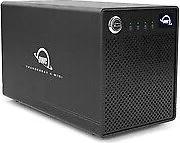
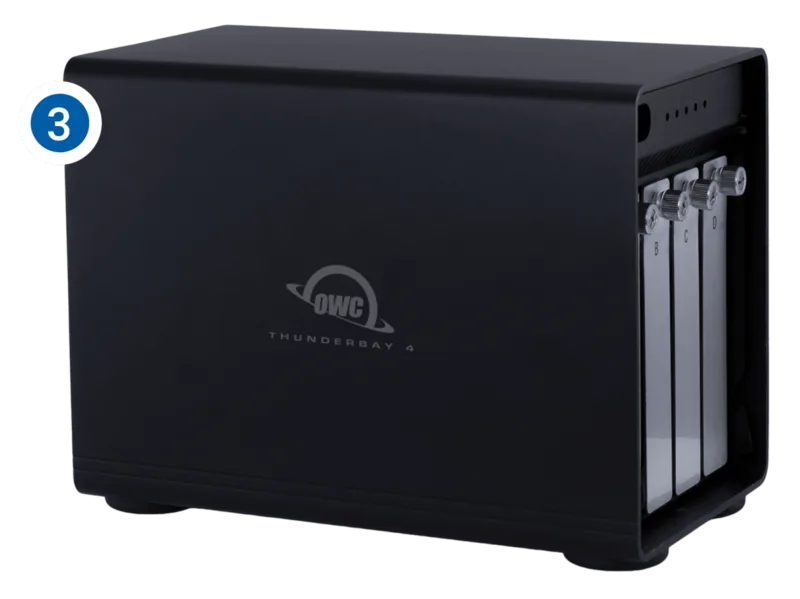
The OWC ThunderBay 4 mini is a compact four-bay storage enclosure designed for users who need flexible, high-speed external storage without taking up much desk space. Built around Thunderbolt connectivity, it is especially appealing to creators, power users, and small studios that want a simple way to expand storage capacity while keeping performance responsive. The enclosure supports two Thunderbolt ports, making it easy to connect directly to a computer or continue a Thunderbolt chain with other devices.
At its core, the ThunderBay 4 mini works with 2.5-inch SATA drives, and it is designed to support both standalone drive use and software-based RAID configurations. That makes it a practical choice for people who want a mix of speed, redundancy, and scalability. With the right software, it can be configured for RAID 0, 1, 1+0, 4, or 5, giving users plenty of options for balancing performance and data protection. It is also compatible with Mac and PC systems that include Thunderbolt ports, though Thunderbolt 2 is recommended for the best results.
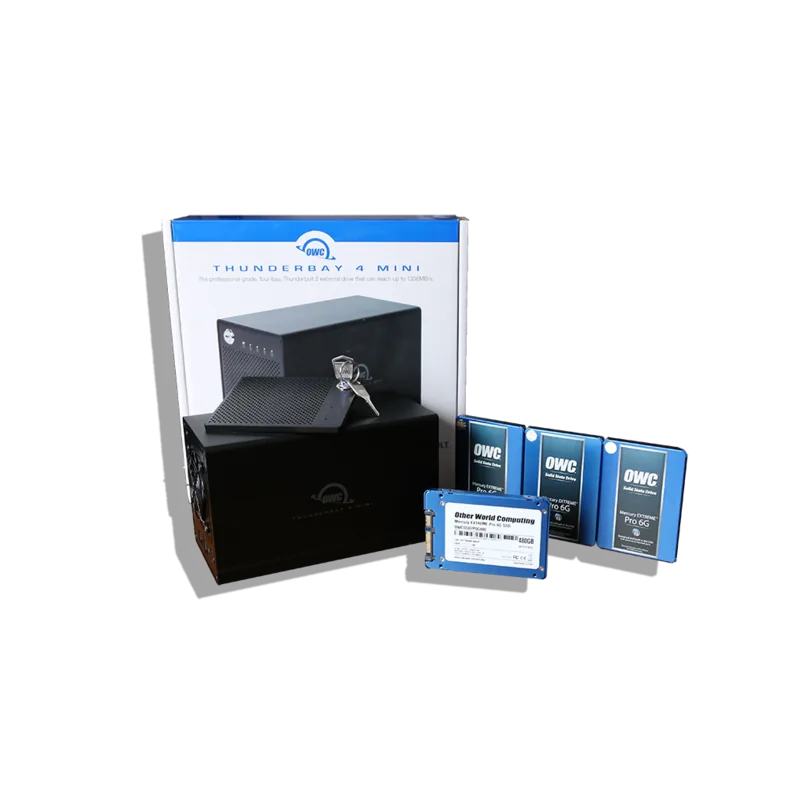
Setup is straightforward. Drives slide into removable trays, the faceplate can be locked for added security, and the LED indicators help show power status and drive activity at a glance. The enclosure is also designed with day-to-day practicality in mind: drives can be swapped individually, and in many cases there is no need to power down the entire unit when changing a single drive. That flexibility makes it especially useful for growing storage needs or replacement workflows.
This product also stands out for its software ecosystem. Paired with tools like SoftRAID, users can test drives, verify volumes, monitor S.M.A.R.T. health, and receive early warnings about possible failures. In other words, the ThunderBay 4 mini is not just a storage box; it is a compact storage platform built for reliability and control.
Notes
- Best performance comes from Thunderbolt 2 connections.
- Always eject volumes safely before disconnecting.
- RAID setups work best with identical drives.
- Regular backups are still essential for protecting data.
Search for 67,706 Manuals online


Type-in Brand or Model