
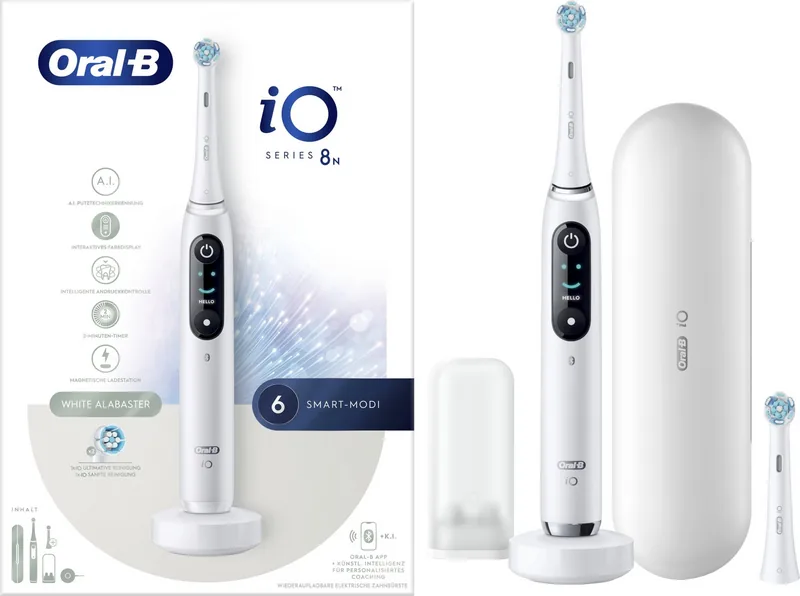
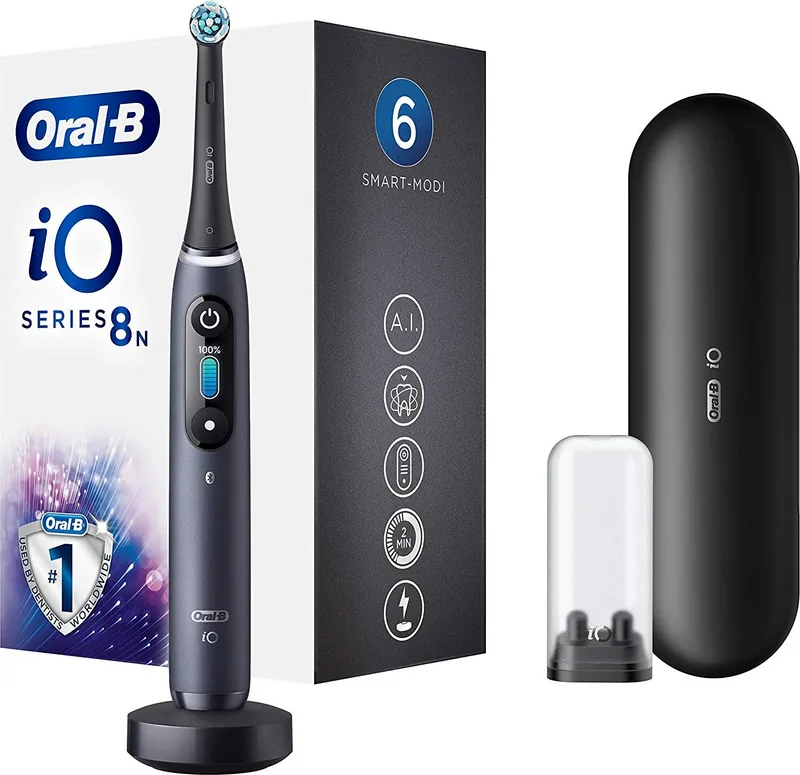
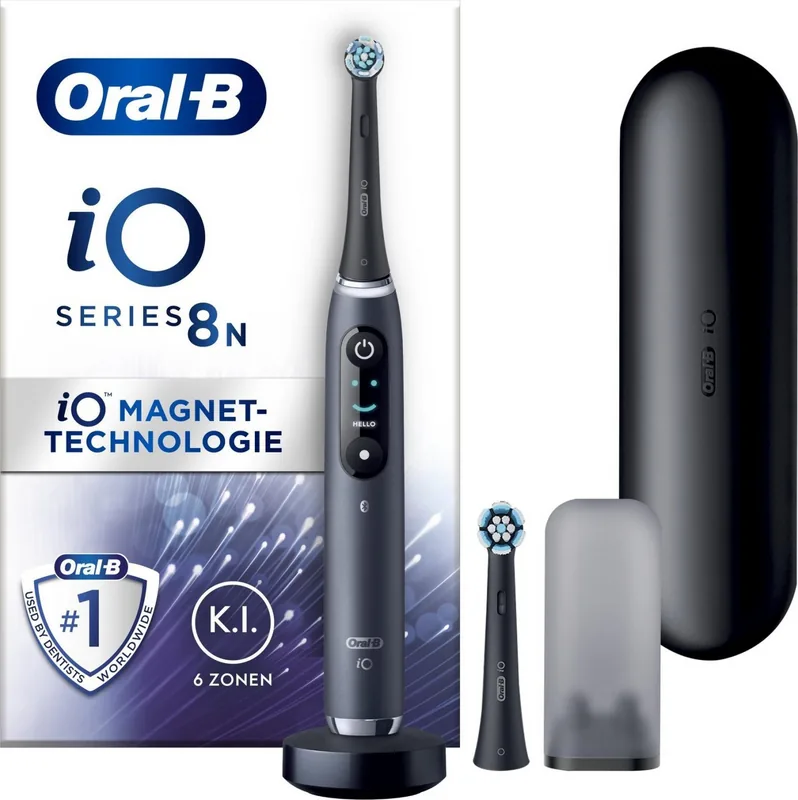
Oral-B iO Series 8N Manual
PDF manual · 110 Pages
English



Quick check
Incorrect answer, please try again.
Chat with your Oral-B iO Series 8N manual using AI
Get instant AI answers from your Oral-B iO Series 8N manual
Ask anything about the Oral-B iO Series 8N. Answers come from this manual, with the pages they are based on.
iO Series 8N Maintenance Schedule
Replace the brush head every 3 months or sooner if brush head becomes worn. The indicator bristles fade to show when replacement is needed.
Rinse the brush head under running water with the handle switched on. Remove the brush head and clean the handle and brush head separately. Wipe all parts dry and let them air-dry before reassembling.
Unplug the charger before cleaning. Clean the charger regularly with a damp cloth.
Periodically check the entire product, cords, and accessories for damage. If damaged, take it to an Oral-B Service Centre and do not use.
Periodically check the operation of the Smart Pressure Sensor by pressing moderately on the brush head during use.
Free maintenance reminders
Timed to your purchase date. Always free, unsubscribe anytime.
Ask a Question
Do you recommend iO Series 8N?
Yes NoFrequently Asked Questions
The Smart Pressure Sensor uses a light ring to indicate pressure levels. Green means you are applying the right amount of pressure. Red warns you to press less to protect your gums, while white suggests you can apply more pressure for better cleaning.
Is this answer helpful?
It is not recommended to use non-Oral-B brush heads as they may not fit correctly or provide the intended cleaning performance. Using third-party heads can also void your warranty if it causes damage to the handle.
Is this answer helpful?
A fully charged Oral-B iO Series 8N typically lasts up to two weeks with normal use, which is twice a day for two minutes each time. A full charge takes about three hours from empty.
Is this answer helpful?
Yes, the Oral-B iO Series 8N connects to both iOS and Android smartphones via Bluetooth. You need a smartphone running Bluetooth 4.2 or higher to pair successfully with the device.
Is this answer helpful?
If you apply too much pressure, the Smart Pressure Sensor light ring will turn red, and the motor speed will reduce automatically to minimize damage to your teeth and gums.
Is this answer helpful?
To reset the device, navigate to the Settings menu on the interactive display, select Factory Reset, and confirm by pressing the on/off button. This clears all personal settings and restores default configurations.
Is this answer helpful?
Advantages and Disadvantages
Advantages

- Smart Pressure Sensor with color-coded light ring prevents gum damage
- Interactive display provides real-time brushing feedback and mode selection
- Seven specialized brushing modes for diverse oral care needs
- Seamless Bluetooth connectivity with the Oral-B App for guided coaching
- Magnetic drive system ensures quiet and smooth operation
Disadvantages

- Higher price point compared to standard electric toothbrushes
- Replacement brush heads are proprietary and may be costly over time
- Bluetooth compatibility issues may occur with older smartphone models
- Requires regular app updates to maintain full functionality
- Learning curve for customizing all settings via the display menu
Product Specification
Type
Electric toothbrush
Operating mode
Battery operated
Brush head
Round
Cleaning programs
6
Timer
4 x 30 seconds
Product Description
Experience Precision Cleaning with the Oral-B iO Series 8N
The Oral-B iO Series 8N represents a pinnacle in modern oral care technology, blending sleek design with intelligent features to transform your daily routine. This electric toothbrush is engineered for those who demand excellence, offering a magnetic drive system that ensures smooth, quiet operation while delivering powerful cleaning performance. The centerpiece of this device is its interactive color display, which guides users through brushing modes and provides real-time feedback, making oral hygiene both effective and engaging.
One of the standout features is the Smart Pressure Sensor, visualized by a light ring around the brush head. This sensor changes color based on the force applied: green indicates ideal pressure, red warns of excessive force that could damage gums, and white suggests you can apply more pressure for a deeper clean. This immediate feedback helps prevent gum recession and enamel wear, promoting long-term dental health. The device includes seven specialized modes tailored to various needs, including Daily Clean, Sensitive, Gum Care, Whitening, Intense Clean, Super Sensitive, and a dedicated Tongue Clean mode. Whether you have sensitive teeth or seek a deep polish, there is a setting designed specifically for you.
Connectivity plays a vital role in the user experience. Via Bluetooth, the toothbrush syncs seamlessly with the Oral-B App, tracking your brushing habits and highlighting missed areas. The app allows for personalized coaching, ensuring you cover all quadrants of your mouth effectively. The interactive display also lets you customize settings like the light ring color and language directly on the handle without needing your phone. Charging is efficient, with a full charge taking approximately three hours, and the battery lasts up to two weeks on a single charge. The travel case offers convenient charging on the go, ensuring your oral care routine never stops, even when traveling. With its advanced AI-driven technology and intuitive interface, the Oral-B iO Series 8N sets a new standard for at-home dental care.
Search for 67,706 Manuals online


Type-in Brand or Model