
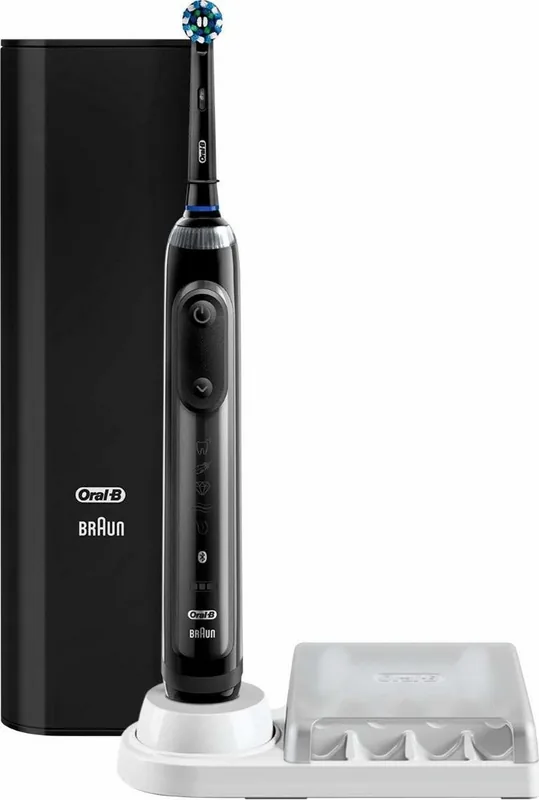
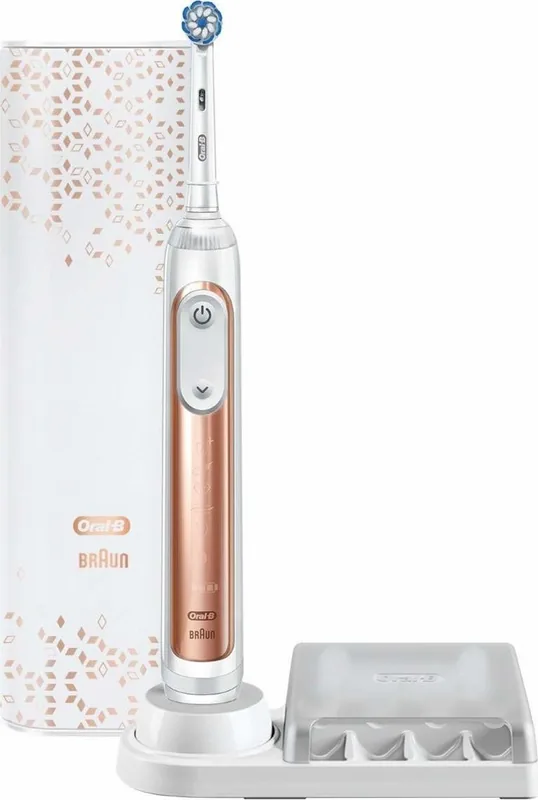
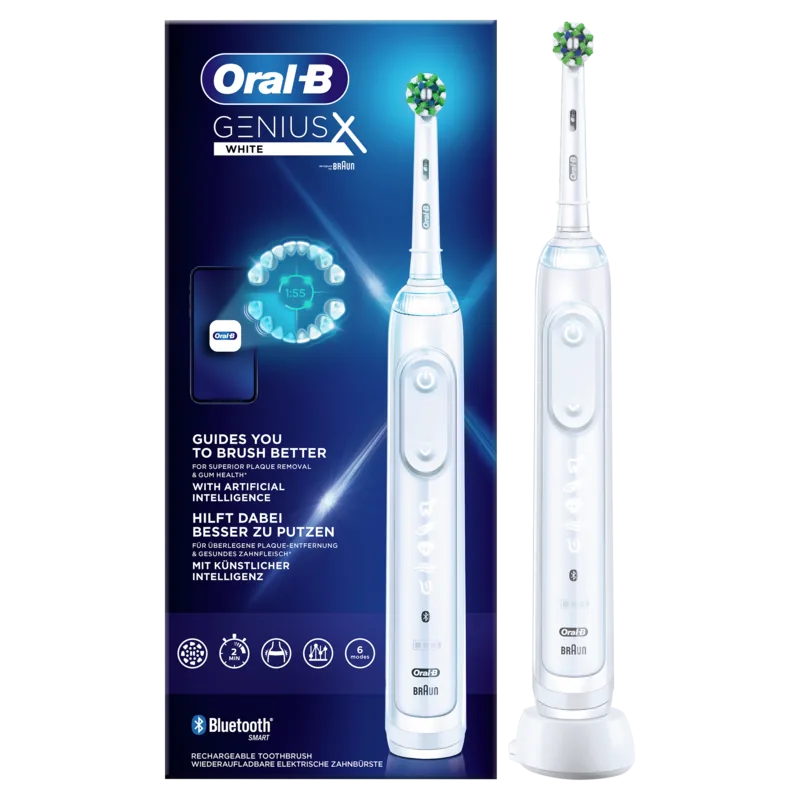
Oral-B Genius X 20000N Manual
PDF manual · 103 Pages
English



Quick check
Incorrect answer, please try again.
Chat with your Oral-B Genius X 20000N manual using AI
Get instant AI answers from your Oral-B Genius X 20000N manual
Ask anything about the Oral-B Genius X 20000N. Answers come from this manual, with the pages they are based on.
Genius X 20000N Maintenance Schedule
Replace the brush head every 3 months or sooner if bristles are worn. Indicator bristles fade to half blue in approx 3 months with regular use.
Rinse brush head under running water with handle on. Remove head, clean both parts separately, dry them before reassembling.
Regularly check the entire device, cords, and accessories for damage. Do not use if damaged; take to a service center.
Occasionally verify the pressure sensor works by pressing moderately on the brush head while the toothbrush is operating.
Free maintenance reminders
Timed to your purchase date. Always free, unsubscribe anytime.
Ask a Question
Do you recommend Genius X 20000N?
Yes NoFrequently Asked Questions
The Smart Ring changes color when you apply too much pressure. A red light indicates you need to reduce force, and the motor speed may decrease to protect your gums from damage.
Is this answer helpful?
The battery lasts approximately two weeks with regular use, which means twice a day for two minutes. It takes about 12 hours to fully charge via the stand or travel case.
Is this answer helpful?
You can physically attach them, but using non-original heads may void the warranty. We recommend original heads to ensure performance levels remain high and fit correctly.
Is this answer helpful?
Download the Oral-B app and ensure Bluetooth is active on both devices. Open the app, follow the Bluetooth pairing instructions, and keep the phone close during use.
Is this answer helpful?
No device with electronic components should be too close. Keep the toothbrush at least 15 centimeters away from a pacemaker when it is turned on to avoid interference.
Is this answer helpful?
The product comes with a two-year warranty that covers material and manufacturing defects. Contact an authorized service center for claims within this period.
Is this answer helpful?
Press and hold the on-off button for 10 seconds until all lights flash. This resets the settings to the default factory configuration for fresh use.
Is this answer helpful?
Advantages and Disadvantages
Advantages

- Smart Ring pressure sensor prevents gum damage
- Bluetooth app provides detailed tracking
- Multiple brushing modes for different needs
- Long battery life lasting two weeks
- Travel case includes charging capability
Disadvantages

- Battery is non-replaceable
- Proprietary brush heads required for warranty
- Bluetooth compatibility varies by phone model
Product Specification
Type
Electric Toothbrush
Power Source
Battery Powered (Li-Ion)
Brush Head
Round
Cleaning Modes
6
Timer
4x 30 Seconds
Features
App Control (Bluetooth), Charging Indicator Light, Battery Status Display, Pressure Sensor, Storage for 4 brush heads
Product Description
Oral-B Genius X 20000N Comprehensive Overview
Intelligent Oral Care Technology
The Oral-B Genius X 20000N represents the pinnacle of smart oral care technology available for home use today. This device integrates advanced sensors to monitor your brushing technique and provide immediate visual feedback to improve your routine. Users can achieve cleaner teeth with less effort by relying on the oscillating and rotating motion that mimics professional dental cleanings accurately. The handle is designed for ergonomic comfort, ensuring stability during extended use while providing powerful cleaning capability for every surface in the mouth. This tool helps maintain hygiene standards effectively without requiring extensive instruction.
Smart Ring LED Feedback
An illuminated Smart Ring located on the handle changes colors to indicate real-time operational status. A white light shows normal operation, while a red warning signal warns of excessive pressure that could damage gums or enamel prematurely. The system automatically reduces pulsation if too much force is applied by the user to prevent injury. A blue light confirms successful Bluetooth connectivity with the mobile application for detailed tracking. The integrated timer pulses every 30 seconds to encourage quadrant switching and signals the two-minute mark clearly.
Versatile Brushing Modes
Multiple modes allow customization for daily needs including Daily Clean, Pro Clean, Sensitive, 3D White, Gum Care, and Tongue Clean. These settings adjust vibration frequency and pressure to suit different sensitivities and specific requirements for oral hygiene. The app allows users to modify settings and track progress over time to improve habits significantly. Bluetooth connectivity ensures the toothbrush remains synchronized with the mobile ecosystem for optimal tracking of brushing sessions. Brush heads like CrossAction and FlossAction fit best for plaque removal and gum health respectively.
Power Management and Travel
A long-lasting rechargeable battery powers the unit for approximately two weeks per full charge cycle. Charging takes about 12 hours via the included stand or travel case for convenience during daily life. The travel case features a dedicated charging port allowing recharges on the go during trips away from home. Users can charge the handle via the specific Smart Plug compatible with global voltage standards for peace of mind. Store the unit on the charger to maintain battery health and longevity over time. The case also holds a smartphone in a built-in holder while charging for entertainment.
Cleaning and Warranty Terms
Replace the brush head every three months or when bristles splay out to ensure optimal cleanliness and performance. Use only original parts to maintain warranty validity and ensure performance levels remain high throughout usage time. The device is waterproof but electronics must not be submerged fully in water directly to avoid damage. A two-year warranty covers manufacturing defects and material failures for customer protection and peace of mind. Always consult a dentist regarding specific oral health conditions before use for safety. Keep away from pacemakers when active to prevent any potential electromagnetic interference issues. Do not attempt to open the device as the battery is not user replaceable.
Search for 67,706 Manuals online


Type-in Brand or Model