
Omnitronic XIRA-215A Manual
PDF manual · 16 Pages
English



Quick check
Incorrect answer, please try again.
Chat with your Omnitronic XIRA-215A manual using AI
Get instant AI answers from your Omnitronic XIRA-215A manual
Ask anything about the Omnitronic XIRA-215A. Answers come from this manual, with the pages they are based on.
XIRA-215A Maintenance Schedule
Disconnect from power. Use a soft, lint-free, moistened cloth. Never use alcohol or solvents to avoid damaging the surface.
Inspect the unit and the mains cable periodically to ensure there are no damages, crimps, or issues with sharp edges.
Use a meter to regularly check that the sound pressure level stays within required limits to prevent hearing damage.
Ask a Question
Do you recommend XIRA-215A?
Yes NoFrequently Asked Questions
The system consumes 400 watts total power. It includes 300 watts RMS for the low-frequency woofer and 50 watts RMS for the high-frequency tweeter amplifier stage.
Is this answer helpful?
No, this device is designed exclusively for indoor use. Exposure to rain, moisture, or humidity can damage the insulation and electrical components, creating safety hazards.
Is this answer helpful?
Use Channel two inputs. You can connect a microphone using an XLR or 6.3mm jack. Press the input selector switch for microphone level to ensure proper gain settings.
Is this answer helpful?
The speakers reproduce frequencies ranging from 40 Hz to 20 kHz. This covers a wide spectrum suitable for most music and speech applications in professional settings.
Is this answer helpful?
Unplug the device from mains power first. Open the fuse holder on the rear panel. Replace the blown fuse with one of the exact same rating and type specified on the unit.
Is this answer helpful?
Yes, the XLR MIX OUT jack sends the summed signal of both channels. You can connect the input of additional active speakers to expand your sound system setup.
Is this answer helpful?
Disconnect power before cleaning. Use a soft, damp lint-free cloth. Do not use solvents or alcohol as these will damage the plastic cabinet finish.
Is this answer helpful?
Advantages and Disadvantages
Advantages

- Class D biamp amplifier delivers 400 watts total power.
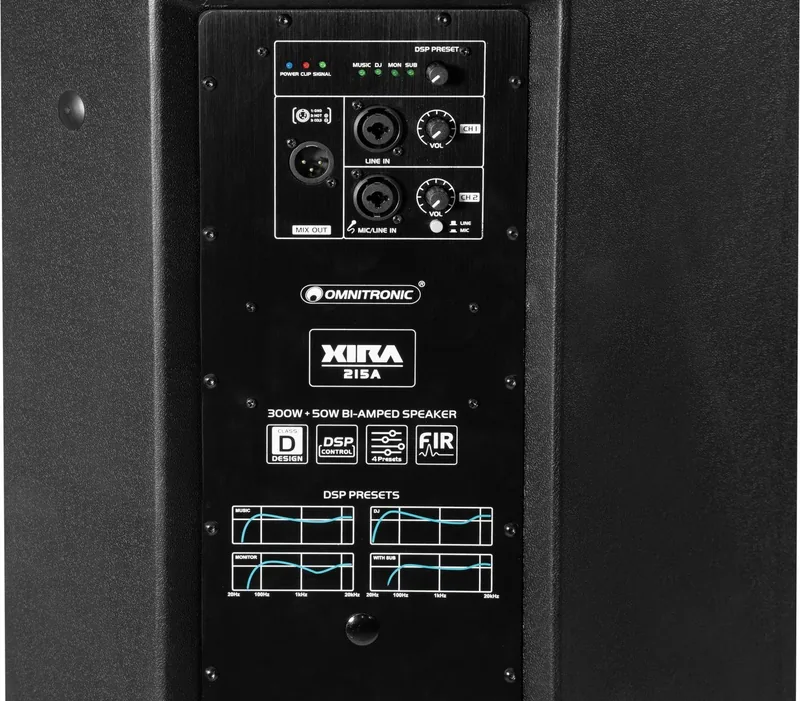
- DSP provides presets for Music, DJ, Monitor, and Sub.
- Robust plastic housing ensures durability during transport.
- Connects via XLR and 6.3mm jack inputs easily.
- Flexible dual flange allows stand or floor mounting.
Disadvantages

- Unit weighs 20 kilograms which may be heavy for one person.
- Indoor use only, not suitable for outdoor weather.
- Fuses require manual replacement by authorized dealers.
- No wireless connectivity like Bluetooth available.
- High volume poses risk of hearing damage if unchecked.
Product Specification
Principle
2-Way
Tweeter
1x 1.35"
Woofer
1x 15"
Amplification
Active
Frequency Range
40Hz-20kHz
Power
300W RMS
Sensitivity
96dB
Dimensions
16.93x27.56x16.14in (WxHxD)
Weight
44.09 lbs
Product Description
Omnitronic XIRA-215A Overview
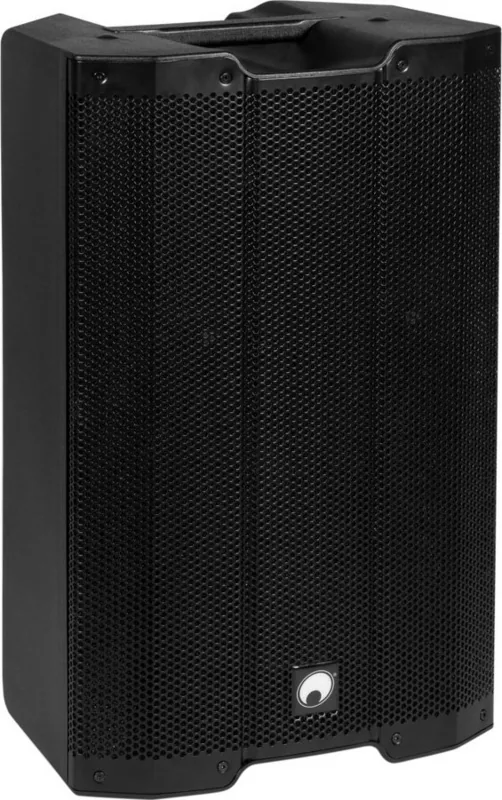
The Omnitronic XIRA-215A stands out as a powerful active loudspeaker designed for demanding professional environments. It is built with a lightweight yet stable plastic cabinet that ensures durability during transport. This full-range bass reflex system is ideal for mobile live applications and permanent installations. The device delivers high-quality audio with separate power amplifiers for low and high frequencies. A digital signal processor adds versatility with convenient application presets for rapid sound contouring. Users can switch between settings like Music, DJ, Monitor, and Sub to tailor the sound for specific requirements. It is highly rated by audio professionals globally.
Powerful Performance
The system features a 15-inch woofer paired with a titanium dome tweeter. Together they cover a frequency range from 40 Hz to 20 kHz. The total power consumption is 400 watts, with specific amplification for the low-frequency woofer and the high-frequency driver. A limiter function protects the speakers from overload, ensuring safety during high-volume events. The sensitivity is rated at 96 dB, making it loud enough for medium to large venues. This output ensures clear sound even in noisy environments where clarity is crucial.
Versatile Connectivity
Connectivity options are extensive for different setups. There are two channels for inputs. Channel one handles line-level signals from devices like CD players or mixers. Channel two accepts microphone or line inputs with a dedicated toggle switch for easy adjustment. A mixed XLR output allows for daisy-chaining further active speaker systems. This makes it easy to expand the sound system as needed for larger events. Cables should be high quality to prevent interference. Ensure all cables are secured properly to avoid accidents.
Flexible Installation
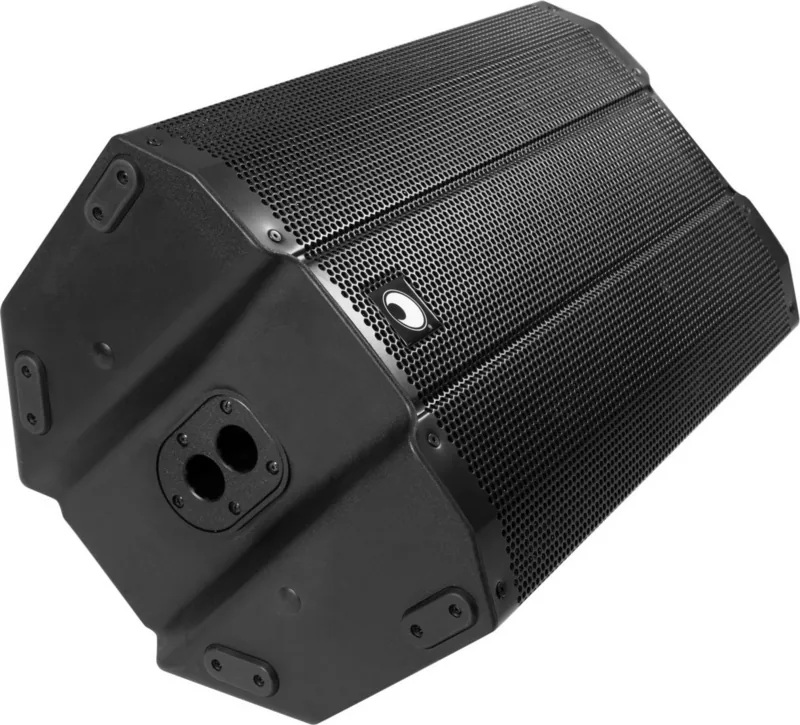
The enclosure allows for various setup configurations. It can function as a floor monitor, stand on a tripod, or be mounted on a wall. A dual flange on the bottom enables adjustment at zero and five-degree angles. This flexibility ensures the sound is directed accurately toward the audience. Always secure the units to prevent movement from bass vibrations or accidental impacts. Do not install above one hundred centimeters without secondary attachments for safety.
Maintenance and Safety
Regular cleaning is essential to maintain performance. Use a soft damp cloth and avoid solvents which damage surfaces. Never expose the unit to rain or high humidity as moisture reduces insulation. Safety is paramount when dealing with mains voltage. Always unplug the device before changing fuse settings or performing internal checks. If distortions occur, reduce volume immediately to prevent speaker damage. Protect your hearing by monitoring sound pressure levels regularly during use.
Final note: This system combines power and portability effectively for modern audio needs.
Search for 67,706 Manuals online


Type-in Brand or Model