
Omnitronic XFM-212AP Manual
PDF manual · 24 Pages
English



Quick check
Incorrect answer, please try again.
Chat with your Omnitronic XFM-212AP manual using AI
Get instant AI answers from your Omnitronic XFM-212AP manual
Ask anything about the Omnitronic XFM-212AP. Answers come from this manual, with the pages they are based on.
XFM-212AP Maintenance Schedule
Unplug the device. Use a soft, lint-free, moistened cloth. Never use alcohol or solvents.
Check the device and power cord from time to time for damage. Ensure the plug is firmly connected.
If the power plug or device is dusty, disconnect it from mains and clean with a dry cloth to prevent electrical shock.
Take out batteries if devices are not used for a longer period to prevent leakage damage.
Ask a Question
Do you recommend XFM-212AP?
Yes NoFrequently Asked Questions
No, this product is designed exclusively for indoor use. It should be protected from rain, moisture, and extreme temperatures to ensure safe operation and longevity.
Is this answer helpful?
Press the MODE button repeatedly until 'bt' appears on the display. Activate Bluetooth on your phone, select 'OMNITRONIC' from the list, and pair the devices. Music will then play through the speaker system.
Is this answer helpful?
The dynamic hand-held microphone requires two 1.5 V AA (Mignon) batteries. These are inserted into the compartment on the back of the microphone.
Is this answer helpful?
Yes, the system features XLR and 6.3 mm jack inputs for connecting external dynamic microphones, which can be mixed with the wireless signal using the level controls.
Is this answer helpful?
The red CLIP indicator signals that the amplifier is overloaded. You should immediately lower the master volume or reduce the input levels to prevent damage to the speakers.
Is this answer helpful?
The speaker can be mounted on stands or walls, but if installed higher than 100 cm, it must be secured with a safety cable to prevent falling and potential injury.
Is this answer helpful?
Advantages and Disadvantages
Advantages

- Integrated Bluetooth receiver for wireless music streaming from mobile devices
- Built-in audio player supports USB and SD card playback with remote control
- Includes a UHF wireless microphone for clear vocal transmission
- Versatile connectivity with XLR and RCA inputs/outputs for various audio sources
- Robust 2-way speaker system with 12-inch woofer and 1.34-inch tweeter
Disadvantages

- Designed strictly for indoor use and not suitable for harsh outdoor environments
- Requires careful installation to prevent tipping, especially when mounted high
- No internal serviceable parts; repairs must be handled by authorized dealers
- Batteries for the microphone and remote must be purchased and replaced separately
- Not designed for rigorous road use; transport requires original packaging
Product Specification
Principle
2-way
Tweeter
1x 1.34"/34mm
Woofer
1x 12"/304.8mm
Frequency range
50Hz-18kHz
Power
150W RMS
Audio connections
Stereo Line In (RCA), Mic In (XLR), Mic In (6.35mm jack), Line In (XLR), Line Out (XLR)
Other connections
USB, Card reader (SD)
Wireless
Bluetooth
Power supply
Battery, Mains power
Features
portable
Dimensions
14.76x22.83x12.40in (WxHxD)
Weight
46.08lbs
Consists of
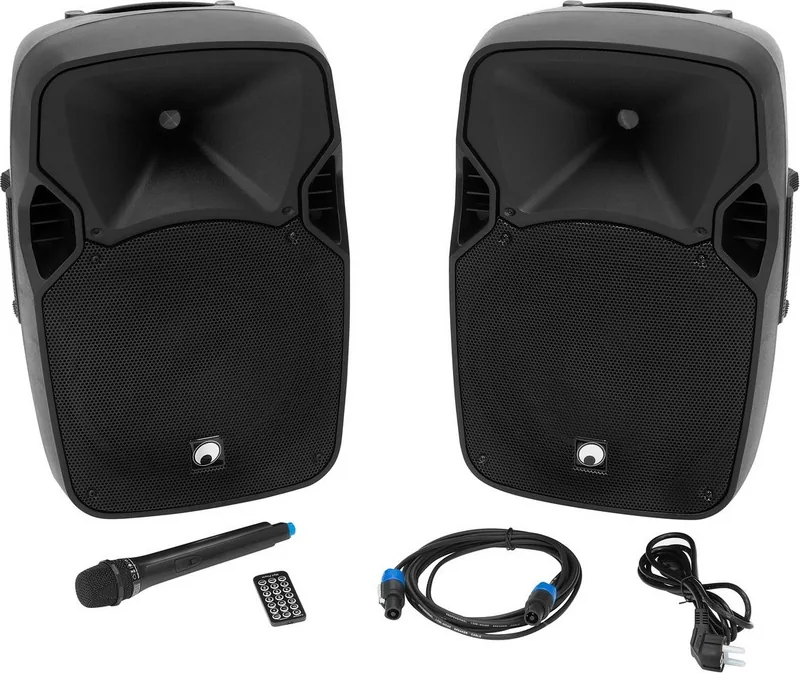
2x compact speakers, 1x microphone
Product Description
Omnitronic XFM-212AP - Read, Download & Print Free
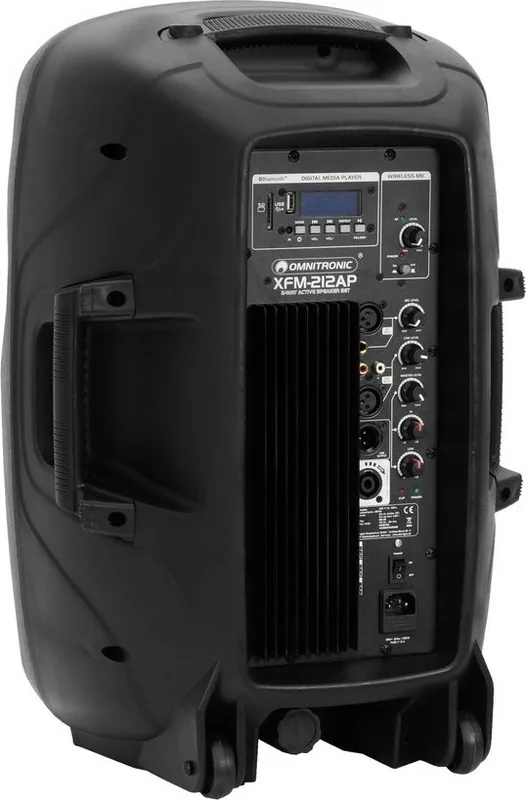
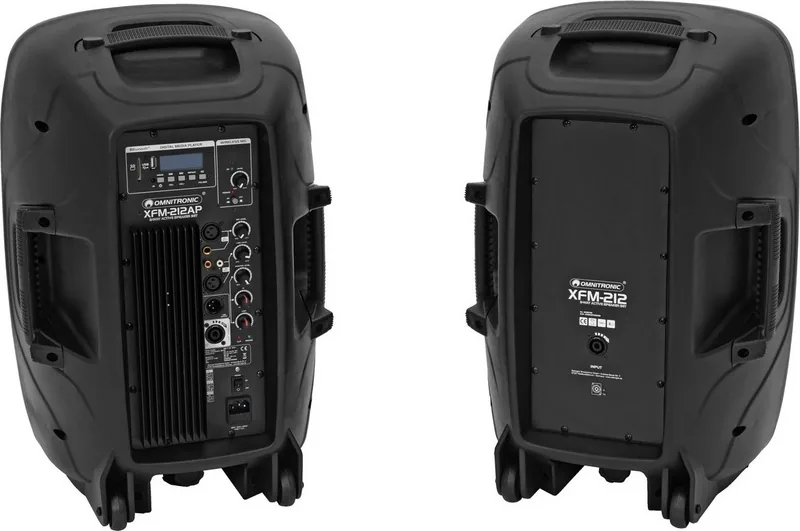
The Omnitronic XFM-212AP represents a versatile and robust solution for professional audio applications, designed to deliver high-quality sound in both permanent installations and live event settings. This active speaker system combines an integrated amplifier with a passive satellite unit, creating a powerful 2-way configuration that handles vocals and music with clarity and depth. The system features a large 30 cm woofer paired with a 3.4 cm tweeter, ensuring rich bass response and crisp highs across a wide frequency range of 50 Hz to 18,000 Hz.
One of the standout features of the XFM-212AP is its built-in multimedia capabilities. Users can stream music wirelessly via Bluetooth from smartphones or tablets, eliminating the need for cumbersome cables during performances. Additionally, the integrated audio player supports USB drives and SD cards, allowing for direct playback of MP3 and WMA files. Control over these functions is intuitive, utilizing front-panel buttons or a dedicated infrared remote control for seamless operation. The system also includes a UHF wireless microphone operating at 865 MHz, providing reliable vocal transmission without interference.
Safety and stability are paramount in the design of this unit. The speaker box comes equipped with a mounting flange, making it easy to install on stands or subwoofers. However, users must adhere to strict safety guidelines regarding installation height and load-bearing capacity to prevent accidents. The device is intended for indoor use only and requires a standard 230 V power supply. Proper maintenance involves regular cleaning with a damp cloth and ensuring batteries are removed during extended periods of non-use to prevent leakage.
Whether you are setting up a small venue or a larger stage, the Omnitronic XFM-212AP offers the flexibility and performance needed for professional results. Its comprehensive connectivity options, including XLR and RCA inputs, allow for easy integration with mixers, CD players, and other audio sources. By following the detailed operational instructions, users can ensure years of reliable service and optimal sound quality.
Search for 67,706 Manuals online


Type-in Brand or Model