
Omnitronic MAXX-1508DSP Manual
PDF manual · 28 Pages
English



Quick check
Incorrect answer, please try again.
Chat with your Omnitronic MAXX-1508DSP manual using AI
Get instant AI answers from your Omnitronic MAXX-1508DSP manual
Ask anything about the Omnitronic MAXX-1508DSP. Answers come from this manual, with the pages they are based on.
MAXX-1508DSP Maintenance Schedule
Disconnect from mains before cleaning. Use a soft, lint-free damp cloth; never use alcohol or solvents, and prevent liquids entering the device.
Check the device and power cord from time to time for crimping, sharp-edge damage, or other damage.
Free maintenance reminders
Timed to your purchase date. Always free, unsubscribe anytime.
Ask a Question
Do you recommend MAXX-1508DSP?
Yes NoFrequently Asked Questions
The system provides 700 W RMS total: 400 W for the low-frequency (subwoofer) section and 2×150 W for the high-frequency satellite sections using a Class-D amplifier design.
Is this answer helpful?
Yes. The MAXX-1508 includes an integrated Bluetooth receiver. Activate the Bluetooth button to enter pairing mode, select “OMNITRONIC MAXX-1508” on your device, and stream audio wirelessly. Unlock the Bluetooth button to disconnect.
Is this answer helpful?
Start with SAT and SUB level controls at minimum, power on sources before the unit, increase volume gradually, and monitor the LIMIT LED. Reduce levels if the LIMIT indicator lights frequently or audible distortion occurs to prevent driver damage.
Is this answer helpful?
Connections include combo XLR/6.3 mm inputs (L/R), an RCA stereo input with a +5 dB sensitivity switch, and balanced XLR LINK OUTs for feeding additional active speakers. Satellite speaker jacks connect the passive satellites to the subwoofer.
Is this answer helpful?
Yes. Satellites have a 35 mm standard flange and M8 threaded inserts for suspension; the subwoofer features an M20 flange for pole mounting a satellite. Always use proper safety attachments and follow installation guidelines.
Is this answer helpful?
Yes. A built-in USB charging port supplies up to 5 V/2 A for charging mobile devices while the PA system is powered.
Is this answer helpful?
Clean with a soft, damp lint-free cloth and disconnect mains beforehand. Do not use solvents. Internal service (beyond fuse replacement) should be performed by authorized dealers; always use original spare parts.
Is this answer helpful?
Advantages and Disadvantages
Advantages

- Powerful 700 W RMS output (400 W LF + 2×150 W HF) for mobile PA and medium events.
- DSP with Flat/DJ/LIVE presets and limiter enables quick tonal tailoring and driver protection.
- Integrated Bluetooth streaming and USB 5 V/2 A charging port for modern mobile workflows.
- Sturdy 16 mm MPX/MDF subwoofer enclosure with M20 flange and optional castors for transport.
- Multiple inputs (XLR/6.3 mm combo, RCA) and XLR parallel outputs for flexible system linking.
Disadvantages

- Designed for indoor use only; not rated for outdoor exposure to rain or heavy moisture.
- Relatively heavy subwoofer (29 kg) may require assistance to move despite optional castors.
- No onboard mixing features—external mixer required for multiple mic/line sources.
- Satellite drivers are passive; speaker wiring must be correct and secure to avoid issues.
- Maintenance and internal repairs require authorized service; few user-serviceable parts.
Product Specification
Principle
2-Way
Tweeter
1x 1"
Woofer
1x 8"
Amplification
passive
Frequency Range
120Hz-18kHz
Power Handling
150W RMS, 300W Peak
Impedance
4 Ohm
Sensitivity
92dB
SPL max.
116dB
Dispersion Angle
90x60 degrees
Dimensions
11.22x18.35x11.34in (WxHxD)
Weight
18.74lb
Product Description
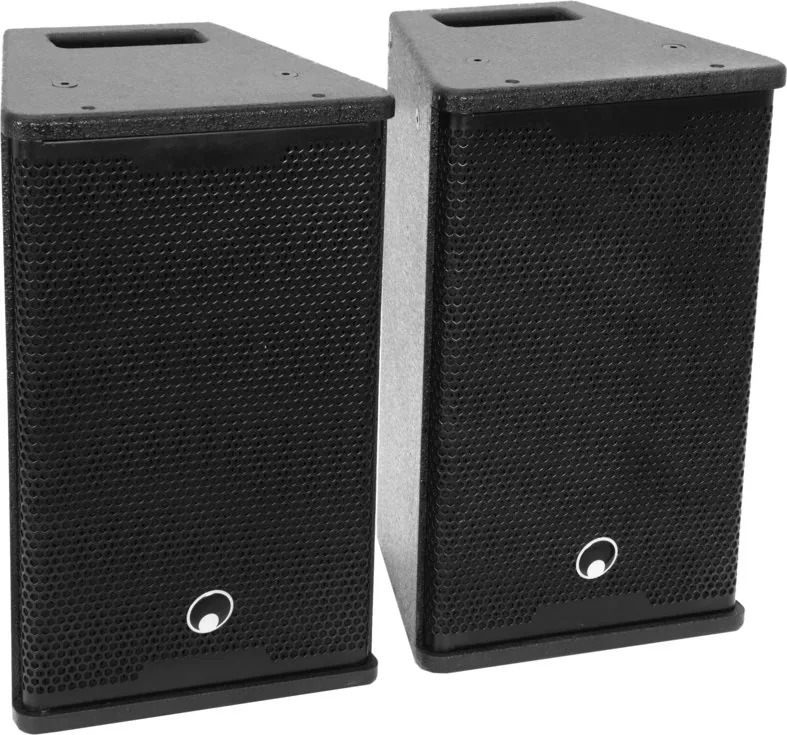
Omnitronic MAXX-1508 Manual — Powerful Portable 2.1 PA System
The Omnitronic MAXX-1508 is a compact, mobile 2.1 active PA system designed for solo performers, bands and mobile DJs who need robust output and clear, balanced sound. Built around a 15" subwoofer with a Class-D amplifier and two 8" satellite speakers with 1" compression drivers, the system delivers 700 W RMS (400 W LF + 2×150 W HF) and a frequency coverage tailored for full-range live playback. A bass-reflex subwoofer yields tight, dry low end while passive two-way crossovers with PTC tweeter protection ensure the satellites stay safe at high SPLs.
Key features and usage
Equipped with a DSP offering three presets (Flat, DJ, Live), a signal limiter and separate level controls for subwoofer and satellites, the MAXX-1508 adapts quickly to different venues. Inputs include combo XLR/6.3 mm jacks and RCA (Cinch) with a +5 dB sensitivity switch, plus parallel XLR outputs for linking additional systems. Integrated Bluetooth streaming makes quick wireless playback possible and a USB 5 V/2 A charging port doubles as a handy powerbank for mobile devices.
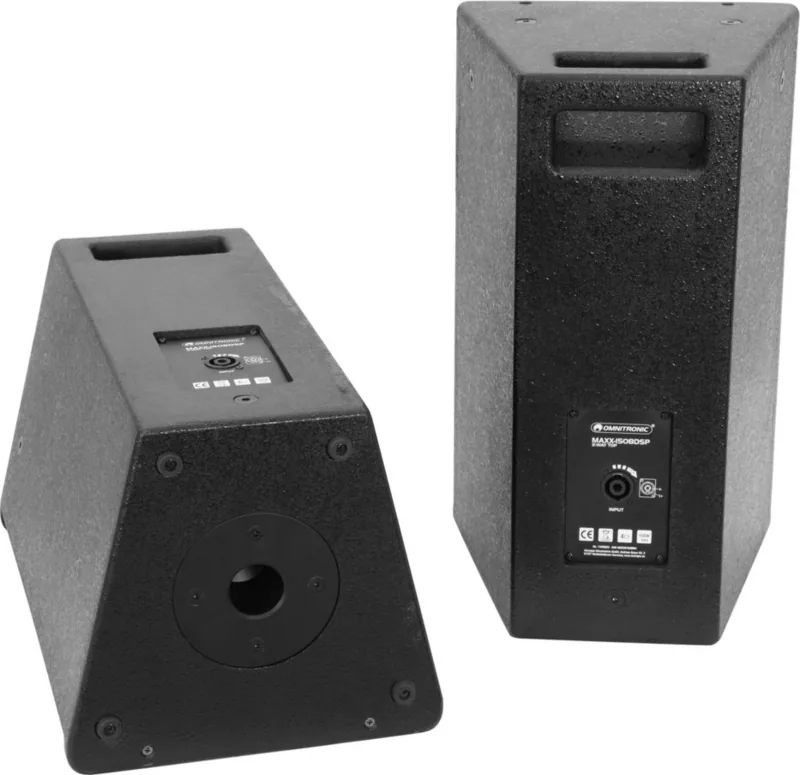
The subwoofer cabinet is made from 16 mm multiplex/MDF with ergonomic handles, structural lacquer and a metal grille; satellites use 16 mm MDF and feature stand flanges and M8 threaded inserts for hanging or secure mounting. Optional castors, stands, distance tubes and stand forks improve transport and installation flexibility. The system is intended for indoor mobile PA use and includes safety and operating guidance to avoid overload, moisture and improper wiring.
Practical setup and operation
Position the subwoofer centrally between satellites or mount a satellite on the M20 flange. Use short, high-quality, balanced cables where possible to reduce noise. Start sources before powering the unit, set SAT and SUB levels low initially, then adjust. Use the DSP presets to quickly tailor tonal balance, and watch the LIMIT LED to prevent distortion and protect drivers. For suspended or overhead installs use the M8 inserts and always employ safety bonds.
Notes
- Designed for indoor mobile PA applications; observe ambient temperature and humidity limits.
- Follow safety instructions: earth connection required, disconnect before cleaning or fuse replacement.
- Use only original spare parts; maintenance should be performed by authorized service.
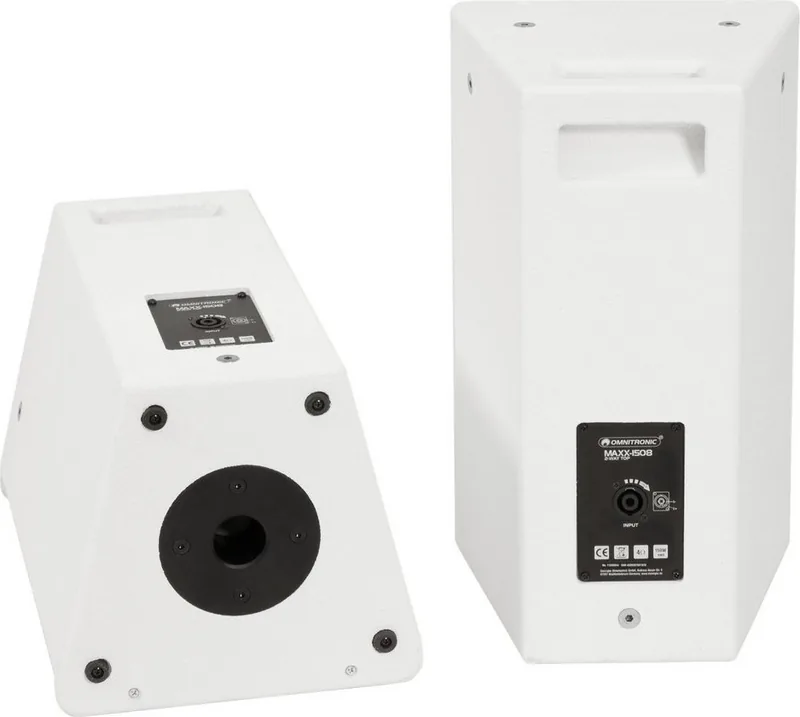
Pros and cons are provided below, plus a short FAQ to answer common operational questions. The product is available in black or white and is sold with two speaker cables and a detailed manual.
Search for 67,706 Manuals online


Type-in Brand or Model