
NVIDIA Mellanox ConnectX-5 VPI Manual
PDF manual · 75 Pages
English


Quick check
Incorrect answer, please try again.
Chat with your NVIDIA Mellanox ConnectX-5 VPI manual using AI
Get instant AI answers from your NVIDIA Mellanox ConnectX-5 VPI manual
Ask anything about the NVIDIA Mellanox ConnectX-5 VPI. Answers come from this manual, with the pages they are based on.
Ask a Question
Do you recommend Mellanox ConnectX-5 VPI?
Yes NoFrequently Asked Questions
It provides high-performance networking for Ethernet and InfiniBand environments in one card. The VPI design lets it support multiple protocols, making it useful for data centers, HPC clusters, storage fabrics, and virtualization-heavy servers.
Is this answer helpful?
Yes. The product family includes single-port and dual-port models. This gives system builders flexibility to choose a layout that matches their server design, bandwidth needs, and port-count requirements.
Is this answer helpful?
The manual references Linux, Windows, FreeBSD, VMware, OFED for Linux, and WinOF-2 for Windows. Exact support depends on the driver package and release notes, so checking compatibility before installation is recommended.
Is this answer helpful?
Not fully. The manual notes that PCIe 3.0 x16 has a bandwidth ceiling below a full 200Gb/s aggregate. In practice, dual-port 100GbE operation may be limited by the bus rather than the adapter itself.
Is this answer helpful?
Power off the system, unplug it, use ESD protection, and handle cables and brackets carefully. The manual also recommends verifying airflow, using the correct bracket height, and avoiding excessive force during insertion.
Is this answer helpful?
The LED indicators show status by color and blinking pattern. Solid amber or green typically indicates a valid link, while blinking signals activity or, in some cases, a beacon or link issue depending on the mode.
Is this answer helpful?
Not always. The adapter is usually shipped with qualified firmware, but newer releases may be available. The manual describes tools such as mlxup and MLNX_OFED utilities to check versions and update firmware when needed.
Is this answer helpful?
Advantages and Disadvantages
Advantages

- High-speed 100Gb/s connectivity for Ethernet and InfiniBand workloads.
- VPI flexibility helps one adapter serve multiple network environments.
- Advanced offloads and RDMA features reduce CPU load and improve efficiency.
- Broad OS and driver support simplifies enterprise deployment and management.
Disadvantages

- PCIe 3.0 x16 can limit full dual-port 100GbE aggregate bandwidth.
- Firmware and driver setup may require careful version matching.
- Installation needs ESD precautions, airflow awareness, and proper bracket handling.
Product Specification
Type
LAN adapter, SAN adapter
Form factor
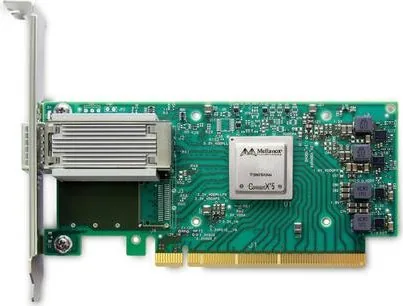
1x PCIe card (interchangeable bracket: full height and low profile bracket included)
Interface
1x PCIe 3.0 x16
Port
1x QSFP28
Transmission
1x QSFP28 (1G/10G/25G/40G/50G/100Gb/s, InfiniBand SDR/DDR/QDR/FDR/EDR)
Power supply
Power supply only via interface
Chipset
Mellanox ConnectX-5 EN (LAN adapter, QSFP28)
Dimensions
5.59x2.72 in (WxH, without bracket, PCIe card)
Features
VLAN, LACP, VXLAN, NVGRE, GENEVE, RoCE, SR-IOV, NVMe over Fabric (NVMe-oF), MPLS, iSCSI, iSER, NC-SI, PXE-Bootrom
Manufacturer warranty
one year
Product Description
NVIDIA Mellanox ConnectX-5 VPI 100G, QSFP28/InfiniBand, PCIe 3.0 x16 Manual
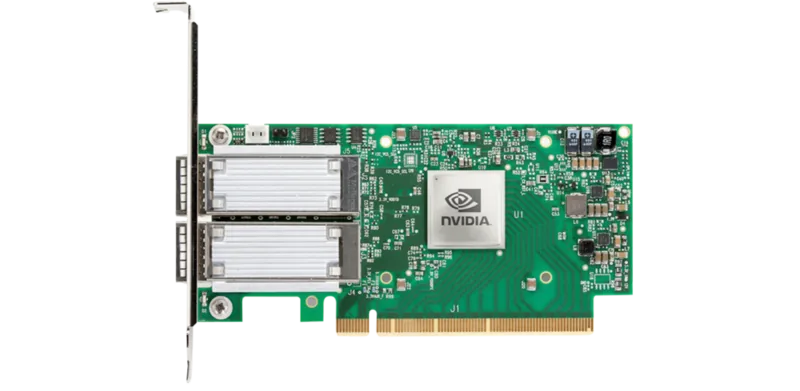
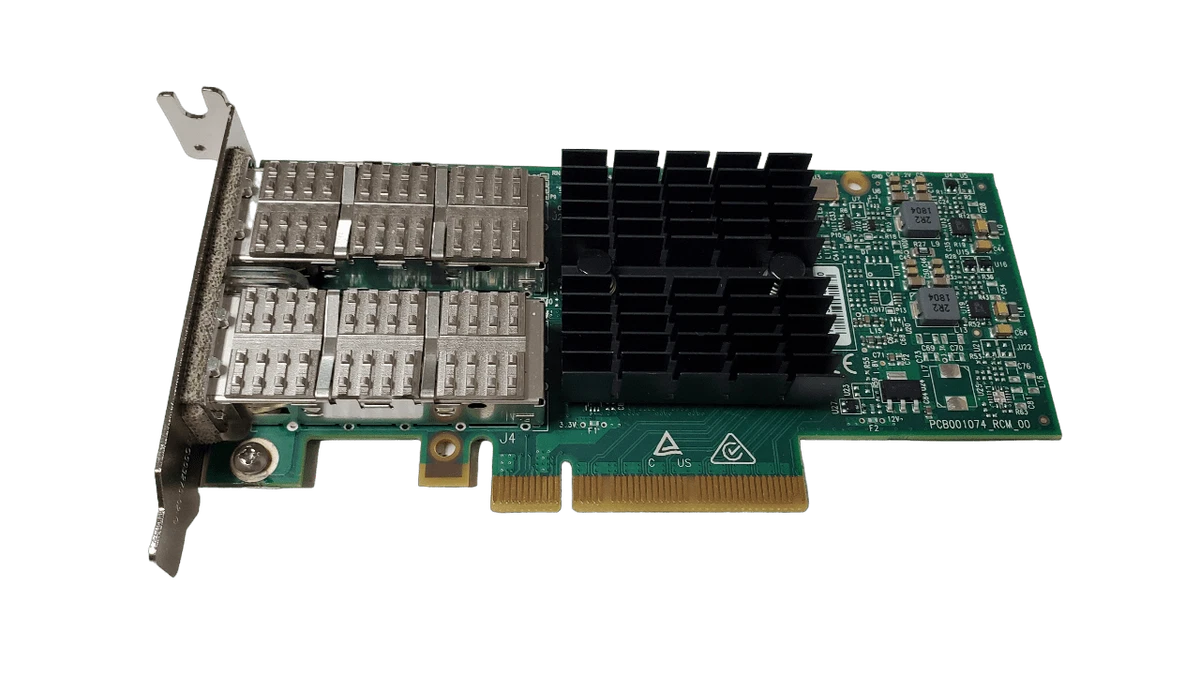
The NVIDIA Mellanox ConnectX-5 VPI adapter card is built for environments that demand speed, flexibility, and stable connectivity. Designed for both Ethernet and InfiniBand workloads, it bridges high-performance computing, enterprise storage, and modern data center networking in one compact low-profile form factor. With QSFP28 connectivity and support for up to 100Gb/s per port, it is a strong fit for teams that want a single adapter family to cover multiple traffic patterns and deployment models.
What makes this card especially appealing is its Virtual Protocol Interconnect design. It can operate across Ethernet and InfiniBand networks, helping organizations simplify infrastructure without sacrificing performance. The card also supports advanced capabilities such as RDMA, RoCE, SR-IOV, overlay offloads, QoS, and hardware acceleration for storage and virtualization workloads. That makes it useful not only for raw bandwidth, but also for reducing CPU overhead and improving efficiency under demanding application loads.
For administrators, the ConnectX-5 line stands out because it is well documented and broadly supported. The manual covers Linux and Windows driver installation, firmware updates, secure boot considerations, LED behavior, troubleshooting, and hardware installation steps. In practical terms, that means the adapter is not just about plugging in a fast network interface; it is also about maintaining a clean deployment path with driver packages, firmware management tools, and clear diagnostics. The inclusion of both short and tall bracket options adds another layer of flexibility for different server chassis designs.
In day-to-day use, the card is a good match for data-heavy workloads such as clustered compute, storage fabrics, virtualization, and GPU-accelerated systems. It supports multiple Ethernet speeds and InfiniBand data rates, which helps future-proof installations and adapt to mixed environments. The design also includes LED indicators for link status, ESD protection for cable handling, and airflow guidance to help keep performance consistent.
Notes
- Best suited for servers with a PCIe x16 slot.
- Check firmware and driver versions before deployment.
- For dual-port 100GbE operation on PCIe 3.0, bandwidth limits may apply.
- Maintain proper airflow and ESD precautions during installation.
Search for 67,706 Manuals online


Type-in Brand or Model