

Free Ninebot by Segway Manuals – Read, Download & Print
2 Manuals
Manuals

Categories

Comprehensive Guide to Ninebot by Segway Manuals
The ecosystem of electric mobility relies heavily on accurate documentation to ensure user safety, optimal performance, and longevity of the hardware. For owners of Ninebot by Segway products, understanding the provided manuals is essential. This document serves as a detailed overview regarding the importance, availability, and utility of official manuals for Ninebot by Segway devices. Whether you own a kick scooter, an electric skateboard, or a self-balancing hoverboard, having access to the correct documentation transforms a potentially confusing experience into a seamless interaction with the technology.
Importance of Official Documentation
Accessing the official manual is the first step for any new owner of a Ninebot by Segway product. These documents are designed by engineers who understand the specific nuances of the device. They provide foundational knowledge regarding how to operate the machine safely. Without reading the manual, users might inadvertently set incorrect parameters that could lead to reduced battery life or mechanical issues. Furthermore, the manuals often contain critical safety warnings. Ignoring these warnings can void warranties or result in unsafe operating conditions.
The documentation also acts as a primary reference for maintenance schedules. Regular checks on tire pressure, brake functionality, and battery health are typically outlined in these guides. Following these steps helps prevent unexpected failures during rides. Additionally, the manuals serve as a troubleshooting resource. When the device behaves unexpectedly, the guide offers a list of common error codes and potential fixes. This reduces the need for immediate customer support contact and empowers the user to solve minor problems independently.
Understanding the regulatory compliance information included in the manual is also vital. Different regions have different laws regarding speed limits and where personal mobility devices can be operated. The manual often summarizes these restrictions based on the region of purchase. Adhering to these guidelines ensures that the rider remains compliant with local traffic laws and avoids legal penalties. It also promotes responsible riding practices among the wider community of users.
Categorization of Supported Devices
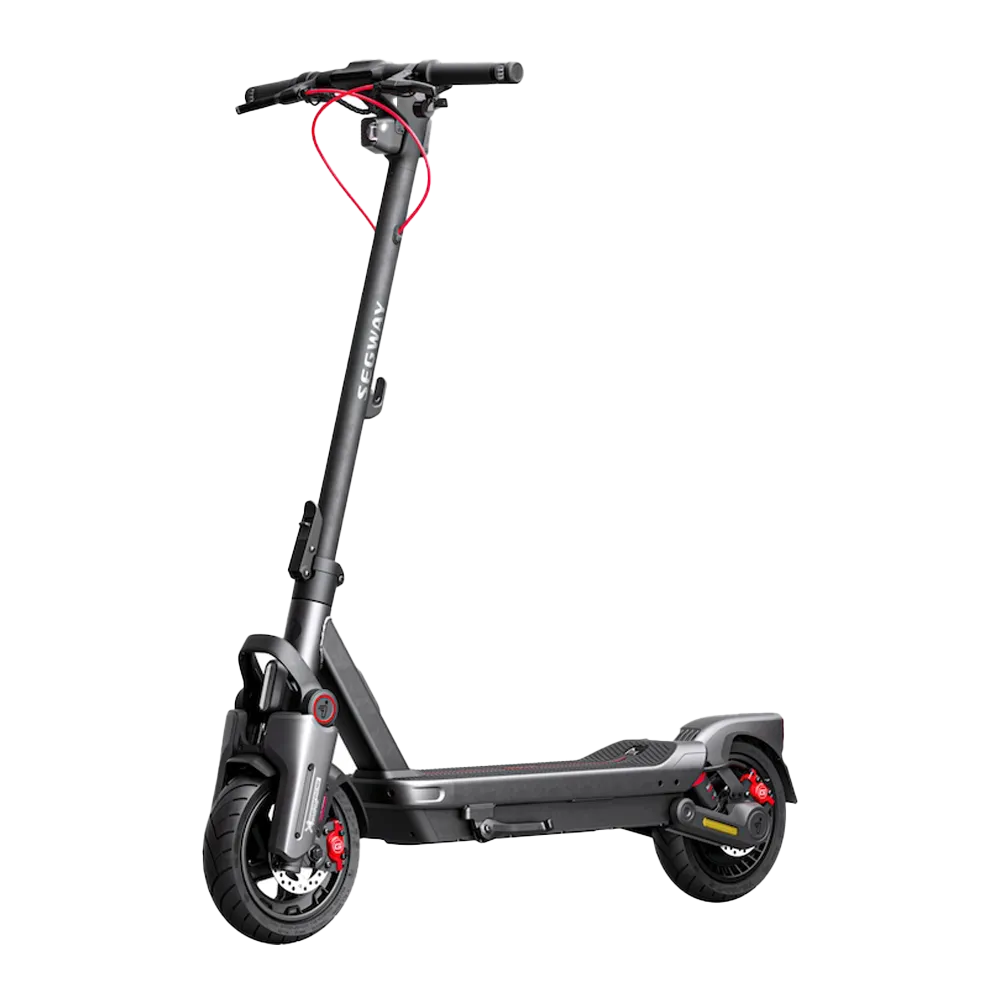
Ninebot by Segway manufactures a wide variety of electric transportation solutions. Each category has distinct documentation requirements because the mechanics and software differ significantly between product lines. The most prominent category involves electric kick scooters. Models such as the G Series or MAX Series feature specific folding mechanisms and braking systems that require unique handling instructions. The manual for these units focuses heavily on assembly from the box, wheel alignment, and battery charging protocols.
Another major category includes self-balancing scooters known colloquially as hoverboards. These devices rely on gyroscopic sensors and complex firmware to maintain balance. The manual for hoverboards provides extensive guidance on weight distribution limits and learning curves for beginners. It often includes sections dedicated to proper footwear usage and surface conditions to prevent accidents. Proper operation ensures that the motors remain cool and functional over long periods.
Electric skateboards form another segment of the portfolio. These boards differ from hoverboards as they are controlled via a remote. The manual details the pairing process between the remote and the board, along with acceleration settings. Riders need to know how to adjust sensitivity levels to suit their skill level. Incorrect settings can lead to jerky movements or sudden stops. The documentation for boards also covers deck material care and wheel durability expectations under various load conditions.
Personal Transporters and Segways themselves, the classic upright models, require specialized manuals too. These devices involve standing upright while navigating turns. The documentation addresses center of gravity adjustments and handlebar height customization. Users must follow these instructions to avoid fatigue and strain on the lower back during extended use. Each device type maintains its own specific manual file within the official repository to ensure clarity.
Accessing Digital Documentation Resources
In the modern digital age, physical paper manuals are becoming less common, though some older packaging may still include them. The primary method for accessing manuals today is through the official Segway-Ninebot website. Users can visit the support section and search for their specific model number. This search function filters results to show only the relevant documentation files for that particular item. This ensures that users do not download incorrect guides meant for similar but incompatible models.
Digital PDF versions are preferred due to their portability. Users can save these files to their smartphones or tablets for easy reference while on the road. The search engine on the website is organized by product categories, making navigation intuitive. Once the correct device is selected, users will see links to user manuals, quick start guides, and warranty information. Sometimes, videos are also available that complement the written text. Visual aids help clarify complex assembly steps that might be difficult to describe in print alone.
For those who prefer searching through third-party repositories, caution is advised. Only official sources guarantee that the information is up to date. Third-party sites may host outdated versions of manuals that reflect previous firmware revisions. Installing older manuals can lead to confusion regarding newer features or button layouts introduced in recent production runs. Sticking to the manufacturer website ensures data integrity and security. Always verify the date of publication to confirm it matches your specific manufacturing batch.
Additionally, dealerships and authorized retailers often provide printed copies upon purchase. This service adds convenience for individuals who might struggle with digital interfaces. However, these copies may not include the latest errata or updates released after the sale. Checking online periodically is recommended to catch any critical recalls or safety notices that supplement the original print version. Keeping a digital backup on cloud storage protects against loss of the physical copy.
Utilizing the Segway-Ninebot App
The Segway-Ninebot mobile application integrates closely with the hardware documentation. Many manuals now direct users to download the app for advanced configuration. The app allows for firmware updates, ride statistics tracking, and parameter customization. The manual explains how to pair the device via Bluetooth and what permissions are required for full functionality. Some features, such as geofencing or cruise control activation, must be enabled through the app interface rather than physical buttons on the board.
Updating firmware through the app requires stable internet connectivity and sufficient battery power. The manual warns users to keep the device powered on during the entire update process. Interrupting an update can brick the device control board, rendering it unusable until repaired by a service center. Therefore, following the step-by-step instructions found in both the manual and the app tutorials is crucial for system stability. The app also serves as a diagnostic tool when paired correctly.
Ride analytics provided by the app help users understand their behavior patterns. Speed averages, distance traveled, and battery consumption rates are logged automatically. Reviewing this data alongside the efficiency tips in the manual can help extend the range of a charge. Adjusting driving modes based on terrain, as suggested in the guide, improves overall energy conservation. For example, switching to Eco mode when traveling on flat surfaces preserves battery capacity compared to Power mode.
Understanding Safety Protocols
Safety is the cornerstone of the ninebot manuals. They prioritize warning labels regarding environmental hazards. Riding in rain or snow is generally discouraged unless the device is specifically rated for off-road wet conditions. Most consumer models are not waterproof despite some marketing claims. Water ingress can damage electronics and pose electrical shock risks. The manual outlines the IP rating protection levels clearly so users know the water resistance limits of their specific model.
Protective gear recommendations are another key component. While not always legally mandated, wearing a helmet is strongly advised in the documentation. The manuals explain why helmets are necessary given the speeds these devices can achieve. Knee pads and elbow guards further reduce injury risk during falls. Understanding the stopping distances of the scooter at full speed is critical for situational awareness on shared paths. The guide provides visual diagrams of braking zones relative to speed.
Battery handling protocols prevent thermal events and fires. Charging equipment specified by the manufacturer is required to manage voltage and current correctly. Using generic chargers poses significant risks to the lithium-ion cells contained within. The manual instructs on proper ventilation during charging and temperature thresholds for safe operation. Leaving batteries fully depleted for long periods damages cell chemistry. Periodic top-ups are encouraged even when the unit is stored for weeks.
Troubleshooting Common Issues
Troubleshooting sections in the manual address frequent complaints encountered by users. Error codes appear on the display screen or flash as LED indicators. Decoding these signals helps identify the root cause without visiting a repair shop. Common issues include wheel sensor malfunctions, motor overheat warnings, or battery communication errors. The manual lists specific reset procedures for each scenario. Holding certain button combinations can clear temporary glitches in the logic board.
If the device does not turn on, the manual suggests checking the main fuse or connection wires first. Mechanical jams in wheels or brakes can also prevent movement. Inspecting the axle area for debris or foreign objects is a simple task covered in the cleaning subsection of the guide. Regular maintenance prevents many of these blockages from occurring in the first place. The manual recommends cleaning intervals based on mileage or usage frequency.
Connectivity issues with the mobile app are also addressed. If the phone fails to detect the scooter, the manual advises toggling Bluetooth on both devices. Restarting the scooter completely can also refresh the wireless module. Sometimes interference from other nearby electronics disrupts the signal path. Moving away from crowded radio frequencies or Wi-Fi routers might resolve the pairing lag. These solutions are listed sequentially to maximize efficiency for the user attempting repairs.
Warranty Claims and Legal Compliance
Warranty terms vary by region and are summarized in the manual provided with the device. Registration of the product online extends coverage benefits in many cases. Claims require proof of purchase and serial number identification. Tampering with the chassis or removing seals voids the warranty immediately. Unauthorized modifications to the suspension or motor speed controllers invalidate coverage provisions. Users should read the terms carefully to understand exclusions related to wear-and-tear items.
Legal compliance involves adhering to local ordinances regarding e-mobility. Road legality depends on factors like maximum speed caps and light requirements. The manual includes a section on regional certifications and whether the model meets specific standards like CE or UL certification. Importing devices from other countries might require adaptation to local voltage standards or speed limiters. Failure to comply can result in seizure of the equipment by customs or authorities.
Consumer rights vary globally, but the general policy supports defect resolution for a specified period. The manual directs users to the nearest authorized service center location. Providing accurate diagnostic information found in the troubleshooting section speeds up the repair process. Retaining original packaging during transport to a service center minimizes shipping damage. Clear documentation of the problem helps technicians prepare appropriate parts beforehand for quicker turnaround times.
Conclusion on User Empowerment
Mastering the Ninobot by Segway manual enhances the overall ownership experience significantly. It bridges the gap between raw hardware capabilities and practical daily application. By understanding the specifications and limitations defined in the documentation, riders maximize safety and performance. Continuous reference to these guides ensures that maintenance is performed timely and correctly. As technology evolves, digital resources allow for real-time updates on best practices. Investing time in reading the manual is an investment in a safer and more reliable journey every day.
Owners who ignore documentation often face premature failures or safety incidents. Those who engage with the content build a habit of responsible operation. This contributes to the broader acceptance of electric personal transporters in urban environments. Ultimately, the manual is not just a rulebook but a companion guide for the lifecycle of the product. Its information remains valuable throughout years of service. Keeping it accessible ensures preparedness for any operational challenge that arises during travel.
Search for 67,706 Manuals online


Type-in Brand or Model