
Niimbot B21 Manual
PDF manual · 25 Pages
English


Quick check
Incorrect answer, please try again.
Ask a Question
Do you recommend B21?
Yes NoFrequently Asked Questions
Yes, it supports iOS devices running compatible versions for app integration and seamless Bluetooth connection.
Is this answer helpful?
It prints moderately fast enough for most home and office labeling tasks without causing delays.
Is this answer helpful?
No, it uses thermal printing technology so no ink is required for any printing sessions ever.
Is this answer helpful?
Battery duration depends on usage frequency during normal operation patterns and charging cycles.
Is this answer helpful?
Yes, it supports various paper widths to accommodate standard shipping forms and address tags.
Is this answer helpful?
Warranty details should be verified at the point of purchase for specific coverage terms.
Is this answer helpful?
It uses standard thermal roll sizes available in the general market retail stores.
Is this answer helpful?
Advantages and Disadvantages
Advantages

- Supports Bluetooth wireless connectivity for smartphone printing
- Compact and portable design fits in travel bags
- Uses thermal technology avoiding ink cartridge costs
- Low noise levels suitable for office environments
- Compatible with iOS and Android applications
Disadvantages

- Requires specific thermal paper rolls to operate
- Battery life may vary with heavy usage patterns
- Print speed is moderate compared to commercial units
- No built-in keyboard for direct text entry
- Some advanced features require manual configuration
Product Specification
Type
Desktop, Direct Thermal
Print Resolution
203 dpi
Print Length
0.79-1.97 inches
Print Speed
2.36 ips
Display
N/A
Keyboard
N/A
Connections
USB-C
Network
Bluetooth 4.0 LE
Power Supply
Battery (1200mAh, built-in)
Dimensions
3.74 x 2.36 x 5.12 inches
Weight
0.66 lbs
Features
Google Android App, Apple iOS App
Manufacturer Warranty
1 Year
Product Description
Niimbot B21 Overview and Features
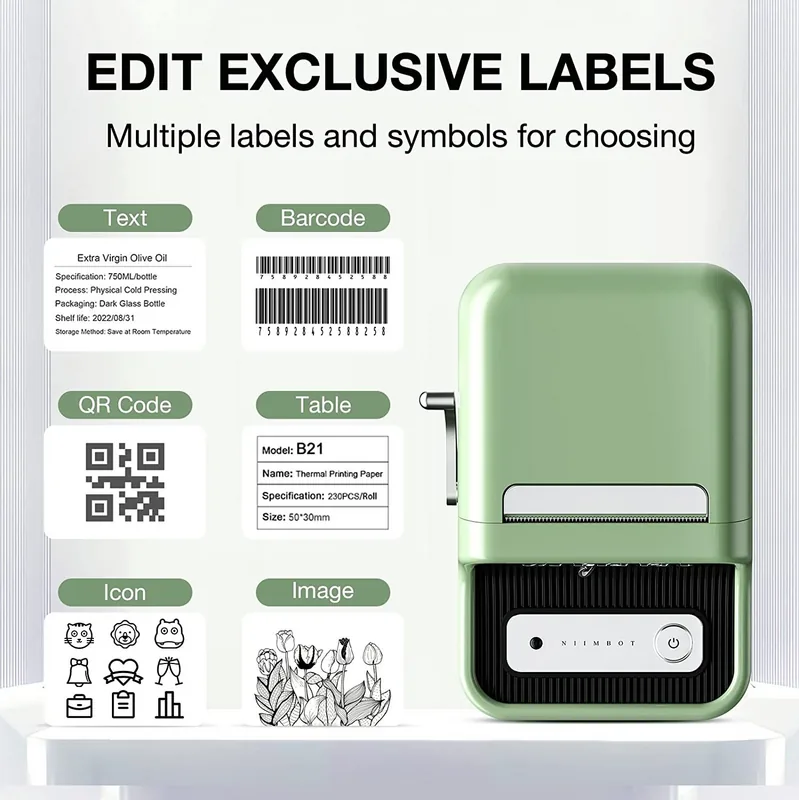
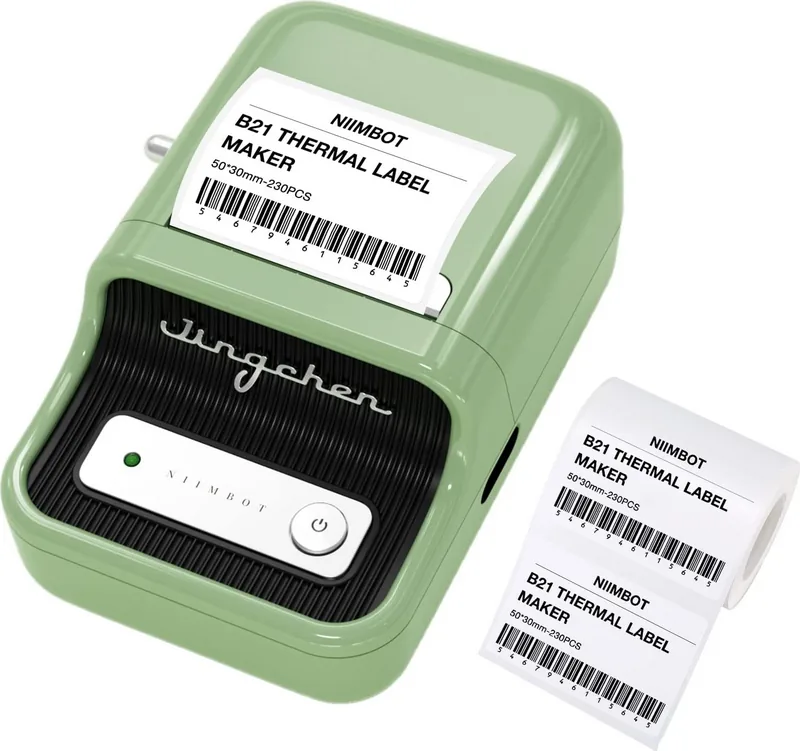
The Niimbot B21 Wireless Label Printer stands out in the modern market for its exceptional versatility and advanced wireless connectivity features. Users appreciate how easily they can create custom labels for a variety of home and office organization needs. This specific device supports robust Bluetooth connectivity, which allows for seamless printing directly from your smartphone without needing additional cables. The wireless capability ensures that you can print labels from various locations within your home or workplace without being tethered to a personal computer. This flexibility makes it perfect for dynamic environments where mobility is key to productivity and efficiency.
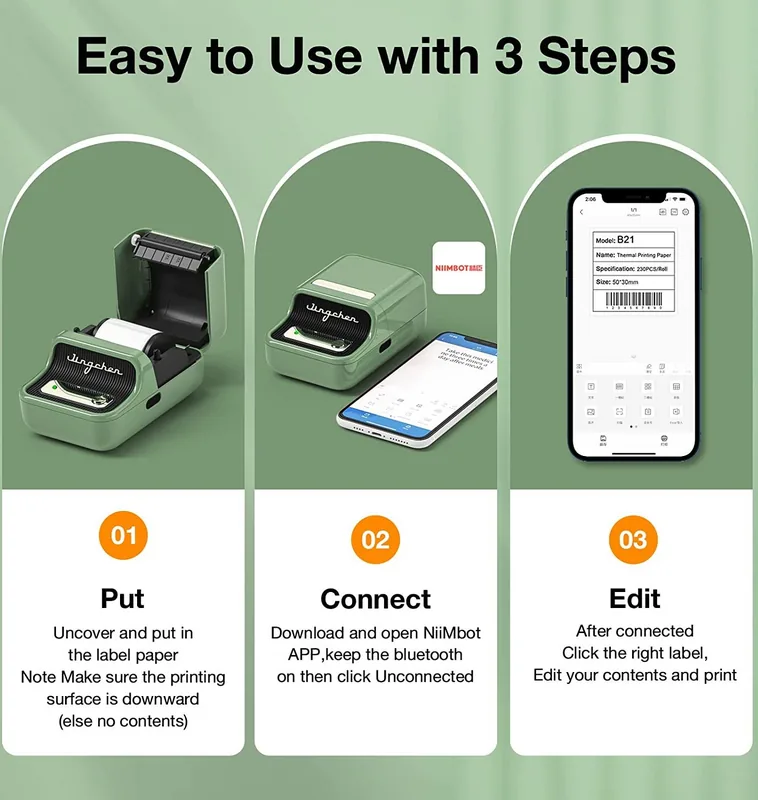
When setting up your new device, familiarizing yourself with the initial configuration process is highly recommended for optimal performance. Referencing the Niimbot B21 Wireless Label Printer Manual is essential for understanding advanced features and troubleshooting common issues effectively. The machine supports a wide range of thermal paper types suitable for shipping addresses, household organization bins, and decorative purposes. Its compact and portable design means it fits easily into standard drawers or travel bags when away from the office. This design philosophy prioritizes user convenience and space-saving solutions in crowded workspaces.
Battery life is a crucial aspect for mobile users who travel frequently or work in different rooms. The print quality remains consistent across different environmental temperatures throughout the year. Software integration allows for pre-designed templates to significantly increase your daily workflow speed. Organization tasks become much simpler with color-coded labels that help categorize items immediately. Durability is a key factor, as the internal printer mechanisms withstand repeated daily handling without failure. Noise levels are intentionally kept very low, making it suitable for quiet libraries or open plan offices.
Maintenance is straightforward with simple cleaning routines that extend the lifespan of the components. Overall, it offers a comprehensive solution for modern labeling tasks at an affordable price point. Proper usage instructions ensure longevity and continued high performance over time. The app provides extensive customization options for fonts, sizes, and sticker layouts to meet unique needs. Whether you are labeling cords, file folders, or pantry items, this printer handles them all.
The thermal printing technology ensures sharp text without using ink or toner cartridges. Recharging is possible via USB cable included in the box. Connectivity issues are rare when following the step-by-step guide. Consistent output reduces wasted paper during alignment errors. Utilizing the Niimbot B21 Wireless Label Printer Manual helps users unlock hidden settings for professional results. Many individuals enjoy the ability to sync designs across multiple devices simultaneously. The battery indicator helps prevent interruptions during critical printing sessions. Additionally, buying thermal paper is often cheaper than traditional ink for frequent users.
Search for 67,706 Manuals online


Type-in Brand or Model