
Nacon GM-110 Manual
PDF manual · 28 Pages
English



Quick check
Incorrect answer, please try again.
Chat with your Nacon GM-110 manual using AI
Get instant AI answers from your Nacon GM-110 manual
Ask anything about the Nacon GM-110. Answers come from this manual, with the pages they are based on.
GM-110 Maintenance Schedule
To prevent hand pain from maintaining the same position, take a 15 minute break every hour of usage.
Remove dirt and dust trapped in the sensor window to maintain optimal tracking performance.
Use only a soft, clean, damp cloth for external cleaning. Do not use detergents as they may damage the finish.
Ask a Question
Do you recommend GM-110?
Yes NoFrequently Asked Questions
Press the DPI switch located directly below the mouse wheel. This cycles through four resolutions: 800, 1200, 1600, and 2400 DPI.
Is this answer helpful?
No, this mouse is specifically compatible with Windows 7, 8, and 10 operating systems only.
Is this answer helpful?
The product is guaranteed by the manufacturer for two years from the date of purchase against defects in material or workmanship.
Is this answer helpful?
While it works on many surfaces, optimal performance is achieved on a mouse pad. Dusty or reflective surfaces may hinder tracking.
Is this answer helpful?
Use a soft, clean, damp cloth for external cleaning. Do not use detergents or immerse the mouse in liquid.
Is this answer helpful?
Advantages and Disadvantages
Advantages

- Plug-and-play compatibility with Windows 7, 8, and 10
- Adjustable DPI settings ranging from 800 to 2400
- Textured surface provides excellent grip and comfort
Disadvantages

- Cable length is fixed at 1.80 meters which may limit placement
- Optical sensor requires a smooth surface like a mouse mat for best results
- Not suitable for children under seven years due to cord safety risks
Product Specification
Suitability
right hand
Keys
6 (total), 2 (main), 1 (top), 2 (left), 1 (scroll wheel click)
Scroll Wheel
1x 2-way
Scanning
LED-red/IR
Resolution
2400dpi, reducible to 2000/1600/800dpi
Connection
wired (5.9ft), USB-A 2.0
Power Supply
USB
Dimensions (WxDxH)
2.48x1.46x4.93in
Approximate Volume
4.71cu in (approximated shape)
Features
thumb rest, non-slip surface (rubberized sides)
Product Description
Experience Precision with the Nacon GM-110 Gaming Mouse
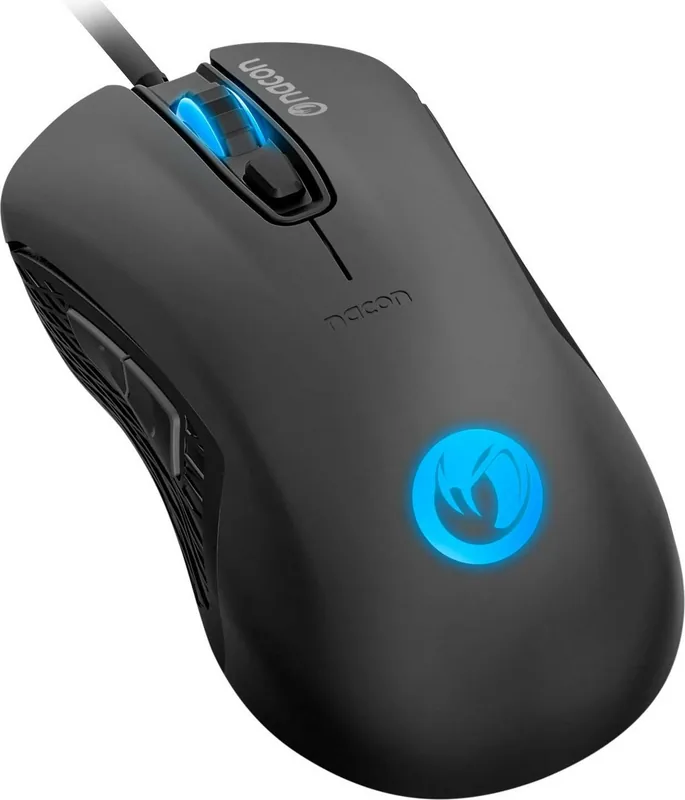
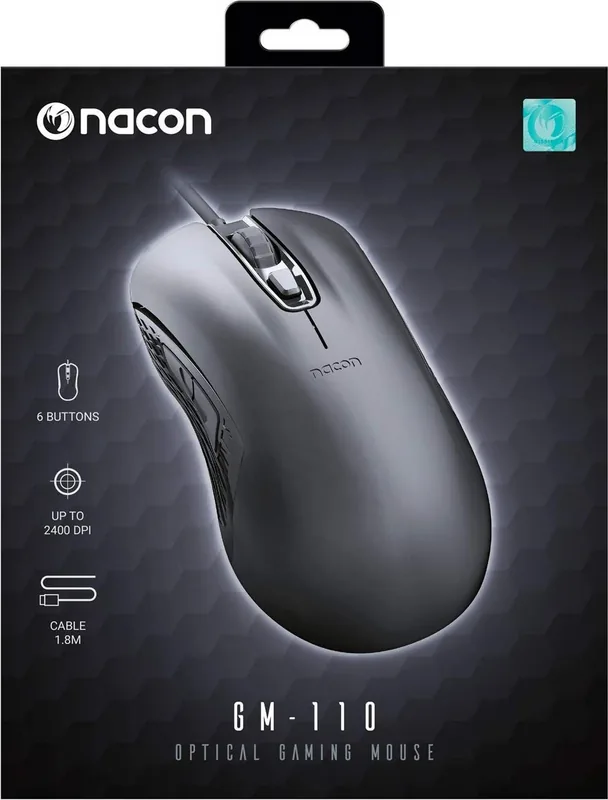
The Nacon GM-110 is a reliable USB optical gaming mouse designed for gamers who value simplicity and performance. This device features a textured surface that ensures a comfortable grip during extended gaming sessions, reducing hand fatigue. It operates seamlessly with Windows 7, 8, and 10 as a Plug-and-Play device, requiring no complex driver installation upon first connection. The mouse comes equipped with an optical sensor capable of reaching up to 2400 DPI, allowing users to adjust sensitivity on the fly.
Key Features and Design
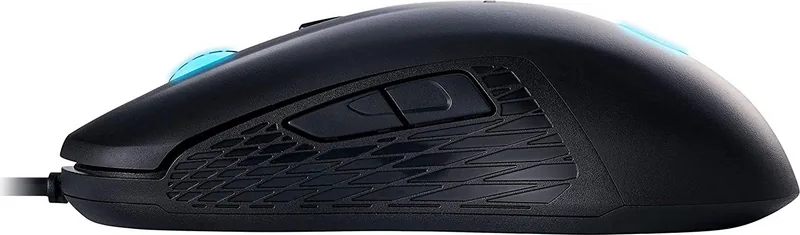
At the heart of the GM-110 lies a robust optical sensor that tracks movement accurately across various surfaces. Users can easily switch between four distinct resolution levels: 800, 1200, 1600, and 2400 DPI using the dedicated switch located beneath the scroll wheel. This flexibility allows players to adapt their cursor speed instantly depending on whether they are engaging in fast-paced shooters or strategy games. The mouse includes six buttons, offering standard left and right clicks, a clickable middle scroll wheel, and two additional browser navigation buttons for forward and backward actions.
Ergonomics and Durability
Designed with user comfort in mind, the GM-110 encourages healthy usage habits. The manufacturer recommends taking a 15-minute break every hour to prevent repetitive strain injuries. The unit is built for indoor use only and should be kept away from moisture, dust, and extreme temperatures. Cleaning is straightforward; simply use a soft, damp cloth without detergents. The product carries a two-year manufacturer warranty covering defects in material and workmanship, provided the proof of purchase is retained.
Notes
Ensure you use a mouse pad for optimal sensor performance, as some surfaces may reflect light differently. Keep the original packaging if purchasing online, as it is required for warranty claims involving distance sales.
Search for 67,706 Manuals online


Type-in Brand or Model