

Miroir M631 Manual
PDF manual · 44 Pages
English



Quick check
Incorrect answer, please try again.
Chat with your Miroir M631 manual using AI
Get instant AI answers from your Miroir M631 manual
Ask anything about the Miroir M631. Answers come from this manual, with the pages they are based on.
Ask a Question
Do you recommend M631?
Yes NoFrequently Asked Questions
It is designed for quick setup, with simple source selection, remote-based controls, battery indicators, and a lens cover that also helps power the unit on.
Is this answer helpful?
Yes. It supports USB-C video input with the included USB-C charge/video cable. The manual notes that not every USB-C cable supports video, so using the included one is important.
Is this answer helpful?
No. The Miroir M631 cannot charge and project at the same time through a USB-C connection. For best results, fully charge it before use.
Is this answer helpful?
It works with HDMI devices and USB-C compatible laptops or sources. Apple devices may need a separate digital AV adapter for HDMI connections.
Is this answer helpful?
Check focus using the motorized controls and make sure the projector is facing a flat, non-reflective surface. A tilted projector or uneven wall can distort the image.
Is this answer helpful?
Confirm the correct cable or adapter is being used, check that the source device supports HDMI or USB-C video out, and verify that display settings on a computer are set correctly.
Is this answer helpful?
Advantages and Disadvantages
Advantages

- Portable design with a built-in battery makes the Miroir M631 easy to move and use in different spaces.
- HDMI and USB-C support give users flexible connection options for laptops, phones, and streaming devices.
- Remote control and motorized focus simplify setup and make adjustments quick during use.
- Audio-out, tripod mount, and battery indicators improve everyday usability and placement control.
Disadvantages

- USB-C does not support simultaneous charging and projection, so battery management matters.
- Some devices require a separate adapter, such as Apple HDMI accessories, which adds cost.
- Tripod is not included, even though the projector supports standard tripod mounting.
- Image quality depends on the right surface and cable choice, so setup can be sensitive to mistakes.
Product Specification
Type
DLP
Light source
LED
Resolution (displayable)
Full HD (1920x1080)
Resolution (native)
Full HD (1920x1080)
Brightness
-/700/- ANSI Lumen (High/Standard/Eco)
Contrast
1000:1
Throw ratio
1.20:1
Lens shift
no
Video connectors
2x HDMI In
Audio connectors
1x Jack Audio Out
Other connectors
1x USB-C, 1x USB 2.0
Special features
Battery (7800mAh), integrated speaker (2x 3W)
Lamp lifetime
20000/-/-- hours (Standard/Eco/Eco+)
Manufacturer's warranty
1 year
Product Description
Miroir M631: Portable Projection with Everyday Flexibility
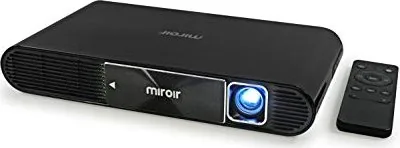
The Miroir M631 is built for people who want a compact projector that is easy to set up, simple to carry, and flexible enough for work, travel, or casual entertainment. Based on the practical guidance found in the Miroir M631 Manual, this model focuses on quick connectivity, clear controls, and battery-powered convenience rather than complicated setup.
One of the strongest advantages of the Miroir M631 is its portable design. The projector includes a built-in battery, battery indicator lights, and a drawstring pouch for storage, making it a strong pick for users who move between rooms or take presentations on the road. The lens cover doubles as a power control, which helps keep operation fast and straightforward.
Connectivity is another highlight. The Miroir M631 supports HDMI and USB-C video input, so it can work with laptops, streaming devices, and compatible mobile devices. The included USB-C cable is especially useful because it handles both video and charging, while HDMI offers a reliable option for many setups. An audio-out port also gives users the option to connect external speakers or headphones for a fuller viewing experience.
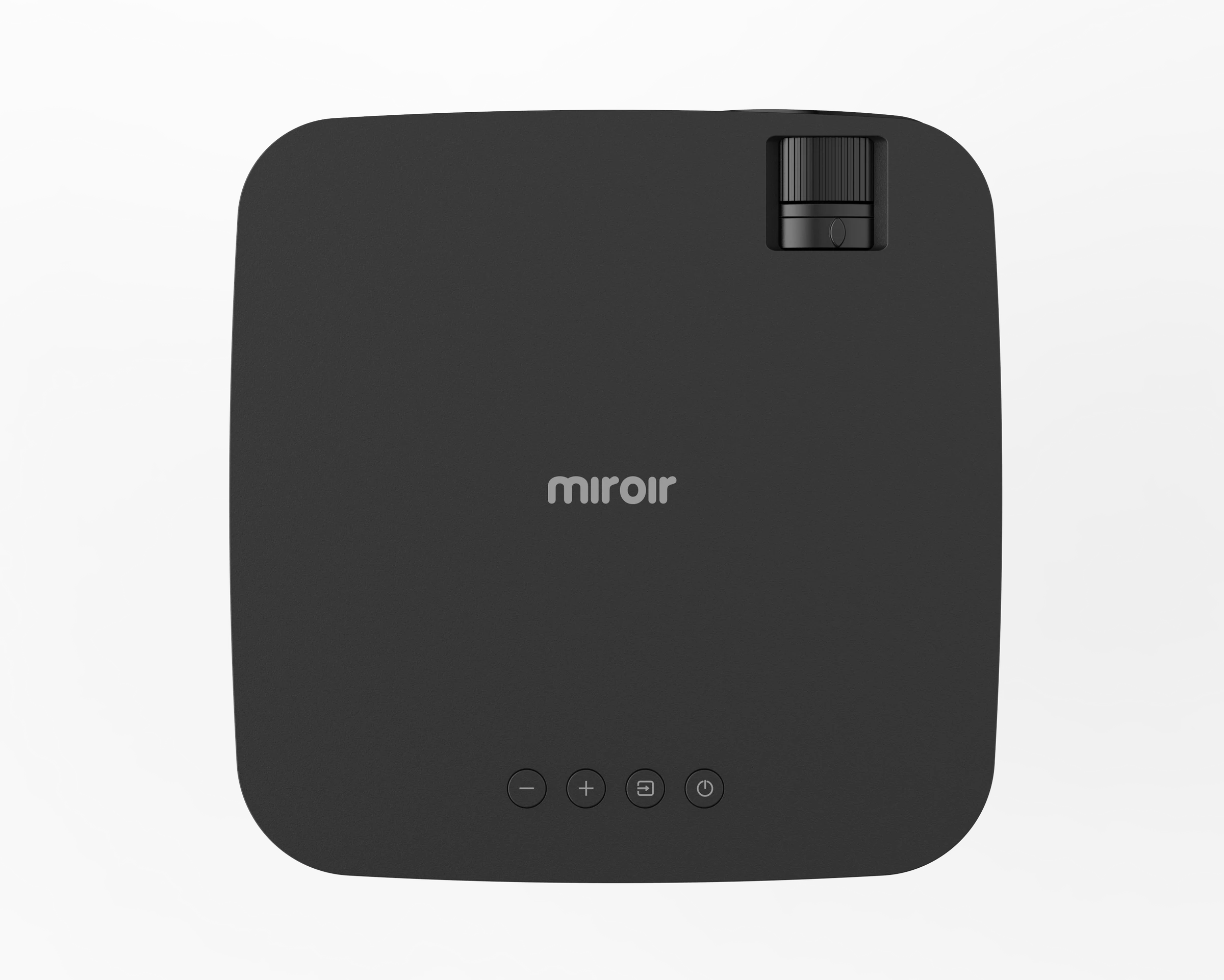
The projector is designed with usability in mind. A remote control provides access to power, image inversion, eco mode, input selection, volume, and motorized focus. On the projector itself, the volume controls can also be used to adjust focus, keeping the interface compact and efficient. A standard tripod mount adds another layer of placement flexibility for better alignment and viewing angles.
In daily use, the Miroir M631 feels like a practical compact companion rather than a bulky home theater unit. It is best suited for users who value convenience, portability, and easy source switching over advanced cinema-style features. The setup tips in the Miroir M631 Manual also show that a flat projection surface, the correct cable, and a fully charged battery make a big difference in performance.
Notes:
- USB-C cannot charge the projector and project at the same time.
- Some USB-C cables do not support video output.
- For the best image, use a smooth, non-reflective surface.
- Some adapters may be sold separately depending on your device.
Search for 67,732 Manuals online


Type-in Brand or Model