

Miroir M175 Manual
PDF manual · 7 Pages
English



Quick check
Incorrect answer, please try again.
Chat with your Miroir M175 manual using AI
Get instant AI answers from your Miroir M175 manual
Ask anything about the Miroir M175. Answers come from this manual, with the pages they are based on.
Ask a Question
Do you recommend M175?
Yes NoFrequently Asked Questions
It is best for portable viewing such as movies, casual presentations, photos, and streaming on a larger screen. Its compact size makes it convenient for home use or travel.
Is this answer helpful?
Briefly press the power button. The number of lit indicator lights shows the remaining battery life, making it easy to check before starting playback.
Is this answer helpful?
Yes. It includes HDMI video input and works with devices that can output video through HDMI, including many laptops and media players.
Is this answer helpful?
Yes, but you need an Apple Digital AV Adapter or compatible Lightning adapter and the included HDMI cable. The adapter is sold separately.
Is this answer helpful?
The battery should be fully charged before first use, and the initial charge typically takes about 4 to 5 hours.
Is this answer helpful?
Check the focus wheel, make sure the surface is smooth and flat, and confirm nothing blocks the lens. A proper projection surface helps improve clarity and shape.
Is this answer helpful?
Advantages and Disadvantages
Advantages

- Compact and portable design makes it easy to carry and set up anywhere.
- HDMI support offers broad compatibility with laptops, media devices, and streaming sticks.
- Battery indicators and USB-C charging make power management simple and convenient.
- Audio out and USB power output add flexibility for external sound and accessories.
Disadvantages

- iPhone, iPad, and MacBook connections may require separate adapters.
- USB port cannot be used for video input, only power output.
- Image quality depends on a smooth, flat, non-reflective surface.
- Cooling vents must stay unobstructed, which limits placement in tight spaces.
Product Specification
Type
DLP
Light source
LED
Resolution (displayable)
WXGA (1280x720)
Resolution (native)
WXGA (1280x720)
Brightness
-/200/- ANSI Lumen (High/Standard/Eco)
Projection ratio
1.30:1
Lens-Shift
no
Video connections
1x HDMI In
Audio connections
1x Jack Audio Out
Other connections
1x USB-C, 1x USB 2.0
Special features
Battery, integrated speaker (2x 2W)
Lamp life
20000/-/- Hours (Standard/Eco/Eco+)
Manufacturer's warranty
1 Year
Product Description
Miroir M175: A Compact HD Projector for Everyday Entertainment
The Miroir M175 is a pocket-sized HD mini projector made for people who want a simple, flexible way to enjoy movies, photos, presentations, or streaming content on a bigger screen. Built around portability, it focuses on quick setup and practical connections rather than complicated controls. For anyone searching for the Miroir M175 Manual, the core takeaway is straightforward: this projector is designed to be easy to use, easy to carry, and easy to integrate with common devices.
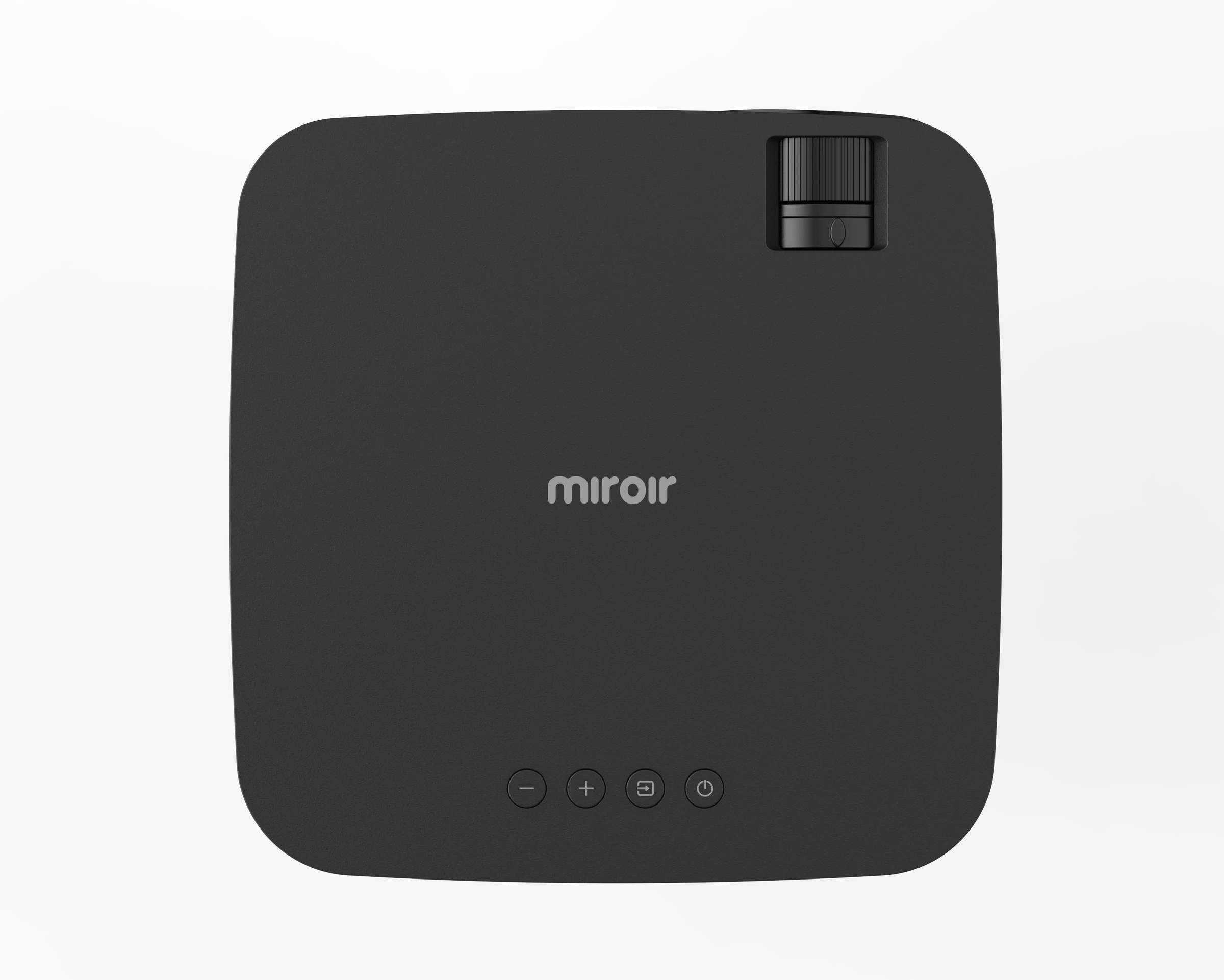
One of the standout features of the Miroir M175 is its friendly layout. A focus wheel helps fine-tune image clarity, while the power button also lets you check battery life at a glance. Battery indicator lights make it easier to know when the unit needs charging, and the USB-C charging input supports convenient recharging before use. The compact body also includes foot pads for stability and cooling vents that help maintain airflow during operation.
Connectivity is another major strength. The projector supports HDMI video input, which makes it compatible with many laptops, media players, and streaming accessories. It also includes audio output for external speakers or headphones, plus a USB power output that can help power certain streaming sticks or charge a smartphone. For Apple users, the setup is especially practical with the right adapter, since iPhone, iPad, and MacBook connections are supported through HDMI-based accessories.
In everyday use, the Miroir M175 is best suited to smooth, flat projection surfaces and a space where the image can be viewed comfortably. Like many mini projectors, it benefits from careful positioning, proper charging, and correct adapter selection. The troubleshooting guidance emphasizes common-sense checks such as cable compatibility, display settings, volume levels, and battery status, which makes it easier to solve basic setup issues without stress.
Overall, the Miroir M175 feels like a lightweight entertainment companion rather than a complex home theater system. It is ideal for users who value convenience, portability, and straightforward operation. If you want a small projector that can travel easily and handle simple viewing tasks, this model offers a balanced mix of features and usability.
Notes
- Fully charge the battery before first use.
- Keep the cooling vents clear for proper airflow.
- Use the correct adapter for Apple or USB-C devices.
- A flat, non-reflective surface improves image quality.
Search for 67,732 Manuals online


Type-in Brand or Model