
MDT Smart 86 Manual
PDF manual · 2 Pages
English



Quick check
Incorrect answer, please try again.
Chat with your MDT Smart 86 manual using AI
Get instant AI answers from your MDT Smart 86 manual
Ask anything about the MDT Smart 86. Answers come from this manual, with the pages they are based on.
Ask a Question
Do you recommend Smart 86?
Yes NoFrequently Asked Questions
No, you need ETS 4 or 5 to assign addresses and set all parameters effectively.
Is this answer helpful?
0.8mm solid core is permitted for the KNX bus connection ensuring reliable signal transmission.
Is this answer helpful?
Yes, the T.01 variant includes a sensor for efficient room temperature regulation and visualization.
Is this answer helpful?
No, it is rated IP 20 and is suitable for dry rooms only.
Is this answer helpful?
It has six programmable buttons for various functions like lighting and blinds.
Is this answer helpful?
No, it draws power from the KNX bus directly without an additional supply.
Is this answer helpful?
Advantages and Disadvantages
Advantages

- Integrated color display for real-time status feedback and customizable text.
- Supports up to twelve functions across multiple interface layers.
- Temperature sensor available in T.01 variant for heating regulation.
Disadvantages

- Must be installed by authorized electricians only for safety compliance.
- Cannot be used in USA or Canada due to certification differences.
- Rated only for dry indoor environments with IP 20 enclosure rating.
Product Specification
Type
Control Unit Hardware
Standard
KNX
Topology
Bus
Dimensions
3.39x3.39x1.15in
Features
IP20, Display, App controllable (Android, iOS)
Product Description
Introduction to the MDT Smart 86 Push Button
The MDT Smart 86 Push Button represents a significant step forward in modern building control systems. Designed for seamless integration into KNX networks, this device offers users a tactile and visual interface for managing various home automation tasks with precision. With its compact 86mm by 86mm dimensions, it fits perfectly into standard flush mount frames often found in contemporary interiors without looking out of place. It stands out as a premium control solution for residential and commercial spaces alike.
Key Features and Capabilities
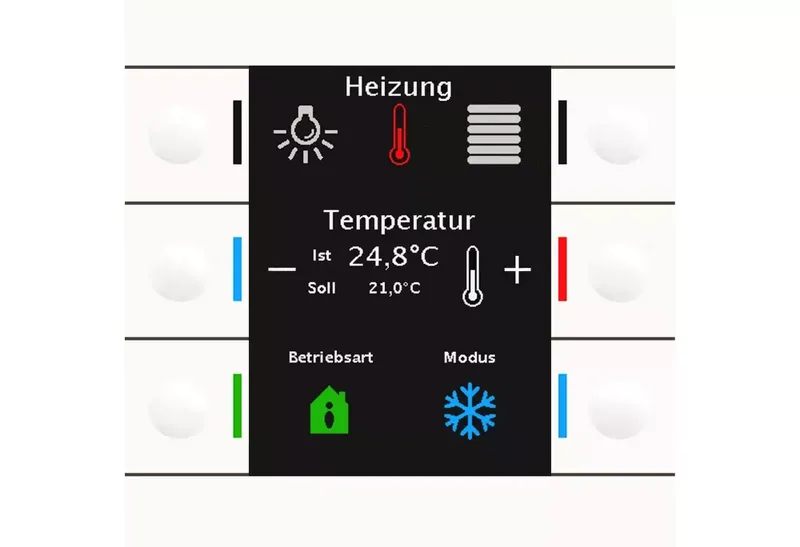
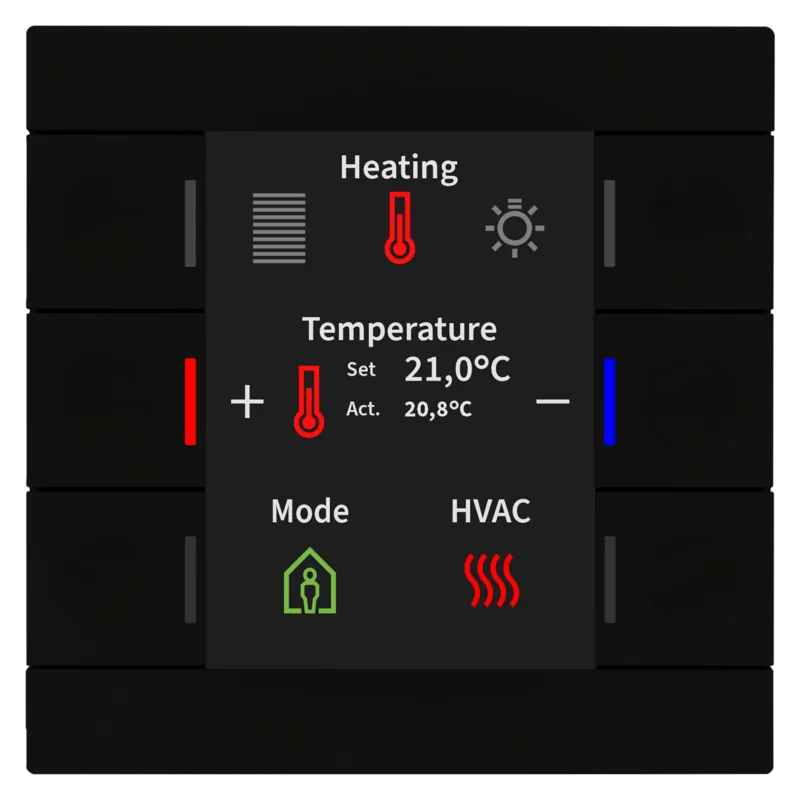
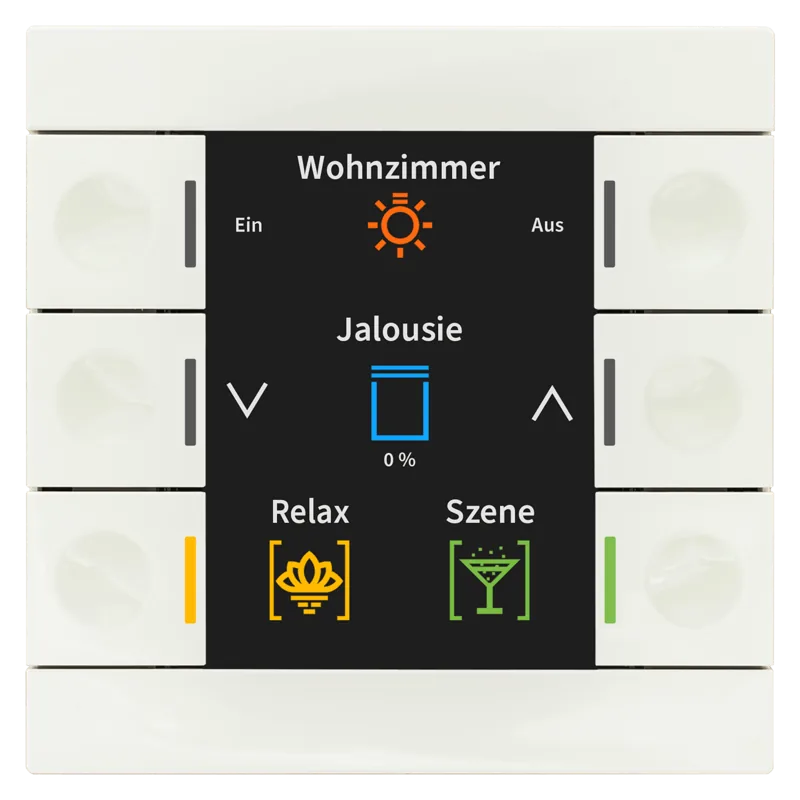
This unit comes equipped with six programmable buttons that provide flexible control over lighting, blinds, and temperature settings. Unlike traditional switches, the device features an advanced active color display. This screen provides real-time status feedback and allows administrators to customize symbols or plain text for any function. The integration of RGB status indicators per button further enhances usability by offering visual cues for device states without needing to check external systems or apps. Users can configure up to twelve functions across multiple layers of interface depth. The display brightness is adjustable, ensuring visibility in both bright sunlight and dark rooms. Refer to the MDT Smart 86 Push Button Manual for detailed parameter settings.
Installation and Configuration
Setting up this device requires a professional installer familiar with KNX protocols and safety regulations. It connects directly to the KNX bus and does not need an additional power supply as it draws power from the bus effectively. The device supports configuration via ETS 4 or ETS 5 software which simplifies the process significantly. Once the physical address is assigned, users can enter programming mode by holding specific sensor areas. This process allows for deep customization of logic modules included in the hardware to handle complex scenarios like double press events or cleaning modes.
Additional Functionalities
Beyond basic switching, the MDT Smart 86 Push Button includes a temperature sensor in specific models like the T.01 variant. This enables direct control over heating actuators for efficient room temperature regulation. There are also specialized functions like a cleaning mode and slap function for unexpected interactions. The enclosure carries an IP 20 rating, making it suitable for dry indoor environments only. It is approved for use in the EU but not recommended for regions with different voltage standards like the USA or Canada due to safety regulations and certification differences.
Technical Specifications
The recommended mounting height is between 1.10 and 1.25 meters for standard use, or higher if temperature display is needed for clarity. The permitted wire gauge is 0.8mm solid core for the KNX bus connection ensuring reliable signal transmission. Power consumption is low, staying under 0.6W during operation. Installation requires a single standard outlet socket. The device operates reliably between 0 and 45 degrees Celsius. Proper installation ensures longevity and consistent performance.
With its robust build and extensive parameter options, this push button stands out as a versatile component for smart homes. It bridges the gap between manual operation and automated control efficiently.
Search for 67,732 Manuals online


Type-in Brand or Model