
MDT Push Button 55 Manual
PDF manual · 2 Pages
English



Quick check
Incorrect answer, please try again.
Chat with your MDT Push Button 55 manual using AI
Get instant AI answers from your MDT Push Button 55 manual
Ask anything about the MDT Push Button 55. Answers come from this manual, with the pages they are based on.
Ask a Question
Do you recommend Push Button 55?
Yes NoFrequently Asked Questions
This device can control various functions including lighting switching, dimming operations, and the adjustment of blinds or shutters. It also supports contact types and block communication objects for each channel.
Is this answer helpful?
Yes, the Plus version includes two integrated logic modules and bi-colored LEDs per rocker. It also features an orientation LED to help locate the device in the dark.
Is this answer helpful?
Absolutely. The centered title block allows for individual labeling using transparent or light gray films. Custom templates are available for download on the manufacturer's website.
Is this answer helpful?
Installation involves connecting to the KNX bus, flushing the device into the box, and powering the bus. Programming is done via ETS software after physical connection.
Is this answer helpful?
Upon successful programming, the red programming LED turns off. This indicates that the physical address and application parameters have been correctly uploaded to the device.
Is this answer helpful?
The device must be installed in dry indoor rooms only. It is not suitable for wet locations or areas with extreme temperatures outside the 0 to 45-degree Celsius range.
Is this answer helpful?
Advantages and Disadvantages
Advantages

- Integrated logic modules enable sending secondary objects for complex automation scenarios
- Bi-colored LEDs offer three distinct visual states for enhanced user feedback
- Compatible with major 55mm faceplate systems including GIRA, JUNG, and BERKER
- Low power consumption ensures energy efficiency during continuous operation
- Customizable label area allows for personalized identification on the device
Disadvantages

- Installation restricted to authorized electricians due to high voltage risks
- Not approved for use in the USA and Canada limiting global market reach
- Requires specific KNX bus wiring which may need professional retrofitting
- Limited to dry indoor environments preventing outdoor or wet location use
- Programming requires ETS software knowledge which has a learning curve
Product Specification
Type
Sensor
Standard
KNX
Function
Pushbutton, Dimming, Blind Control
Topology
Bus
Dimensions
2.17x2.17x0.51 in
Features
IP20
Product Description
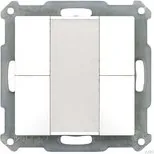
Discover the MDT Taster 55 Manual: Your Gateway to Smart Control
The MDT Taster 55 Manual introduces a sophisticated solution for modern home automation, specifically designed for users seeking seamless integration within KNX/EIB systems. This manual details the operation of the MDT Push Button BE series, a device that transforms simple wall switches into intelligent control centers. Whether you are managing lighting scenes or adjusting blind positions, this device offers unparalleled flexibility through its programmable interfaces.
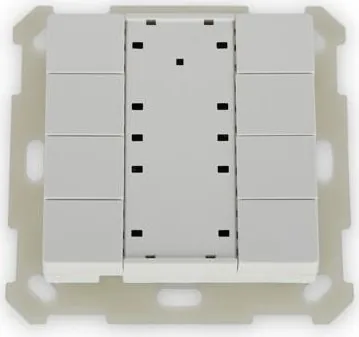
At the heart of the MDT Taster 55 is its ability to send specific KNX telegrams upon activation. The device supports both single and double rocker configurations, allowing users to tailor the interface to their specific architectural needs. The Plus version elevates this experience by incorporating advanced logic modules and bi-colored LEDs. These features enable complex state monitoring, such as distinguishing between occupied and vacant rooms or indicating open windows with distinct red and green signals.
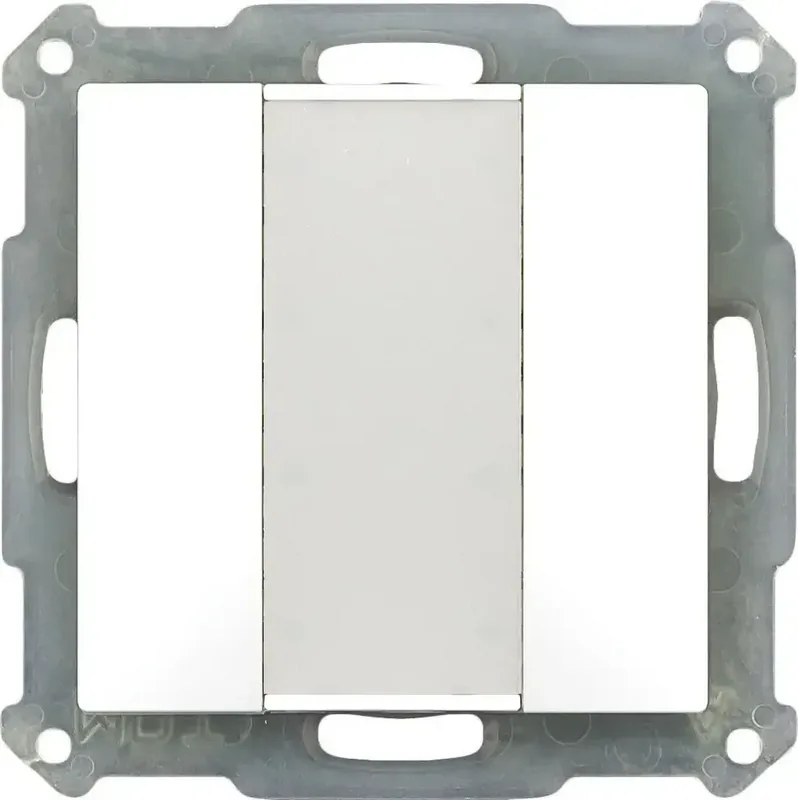
Installation is straightforward for authorized electricians, provided they adhere to strict safety guidelines regarding electrical voltage. The unit is designed for flush mounting in standard 55mm switch boxes, ensuring it blends perfectly with popular faceplate systems from manufacturers like GIRA, JUNG, and BERKER. The central label area allows for custom engraving, ensuring the device matches the aesthetic of any interior design while maintaining clear functionality.
Commissioning the device requires the use of ETS software to assign physical addresses and configure parameters. Once programmed, the red programming LED confirms successful setup by turning off, signaling readiness for daily operation. With low power consumption under 0.3W and an operating temperature range of 0 to 45 degrees Celsius, the MDT Taster 55 is built for reliability in dry indoor environments across the European Union.
Key Highlights
- Versatile Functionality: Supports switching, dimming, and shutter control.
- Visual Feedback: Bi-colored LEDs provide clear status updates.
- Customizable Interface: Fits multiple 55mm frame systems.
- Smart Logic: Integrated modules allow for secondary object transmission.
- Easy Integration: Compatible with standard KNX bus infrastructure.
Search for 67,732 Manuals online


Type-in Brand or Model