
MDT Glass LED Display Manual
PDF manual · 2 Pages
English



Quick check
Incorrect answer, please try again.
Chat with your MDT Glass LED Display manual using AI
Get instant AI answers from your MDT Glass LED Display manual
Ask anything about the MDT Glass LED Display. Answers come from this manual, with the pages they are based on.
Ask a Question
Do you recommend Glass LED Display?
Yes NoFrequently Asked Questions
It is compatible with 55mm switching programs from GIRA, BERKER, JUNG, and MERTEN, fitting frames like Standard 55, S1, A500, and 1M.
Is this answer helpful?
Each of the 12 LEDs can show up to five different states, including value 0, value 1, priority objects, and failure indicators.
Is this answer helpful?
Yes, the device features two brightness steps and supports day/night objects to automatically reduce or deactivate light at night.
Is this answer helpful?
No, the enclosure is rated IP 20 and is designed exclusively for fixed installations in dry indoor rooms.
Is this answer helpful?
You need ETS version 3, 4, or 5 along with the specific application software available for download from the manufacturer's website.
Is this answer helpful?
Yes, it includes drop-out monitoring for objects and can send report functions if a monitored object fails or changes state unexpectedly.
Is this answer helpful?
Advantages and Disadvantages
Advantages

- Supports 12 independent RGB LEDs with 5 customizable states each
- Fits major 55mm switching systems including GIRA, JUNG, and BERKER
- Includes advanced logic blocks and telegram comparison modules
- Offers adjustable brightness for day and night operation
- Provides visual status updates for complex building functions
Disadvantages

- Restricted to dry indoor rooms only
- Not approved for use in the USA and Canada
- Requires professional installation by authorized electricians
- Limited to KNX bus power supply constraints
- Configuration requires specific ETS software knowledge
Product Specification
Type
Hardware Control Unit
Standard
KNX
Function
Control, Operating Element
Topology
Bus
Dimensions
3.62x3.62x1.10 inches
Features
IP20
Product Description
Transform Your Smart Home with the MDT Glass LED Display
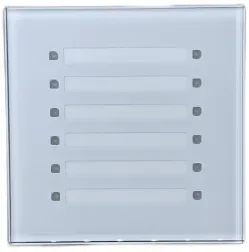
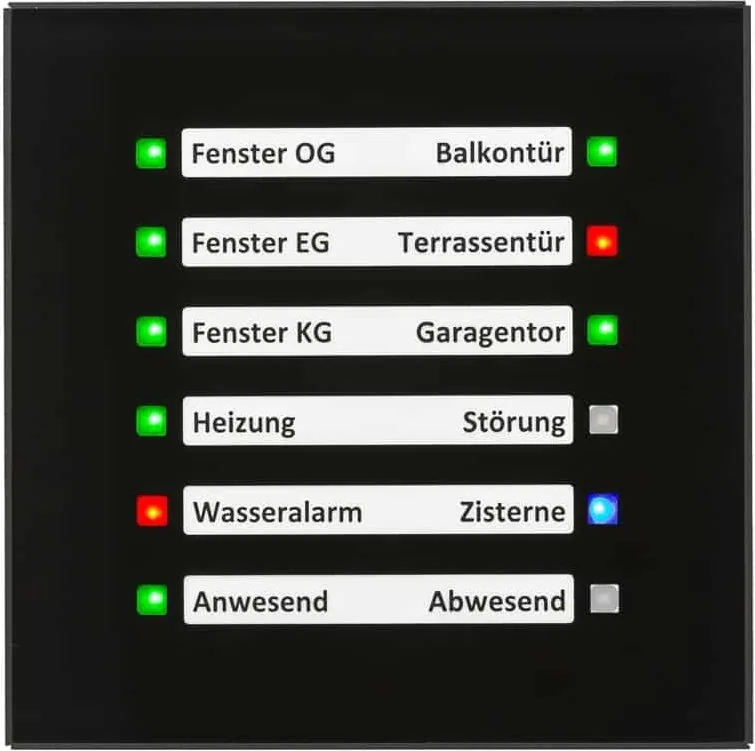
The MDT Glass LED Display Manual introduces a sophisticated solution for modern building automation, designed to bring clarity and visual feedback to your KNX system. This device is not merely a light indicator; it is an intelligent interface that visualizes complex connections and building functions in real-time. Whether you are monitoring garage doors, tracking window states, or managing presence detection, this display offers a seamless way to see what is happening in your home or office.
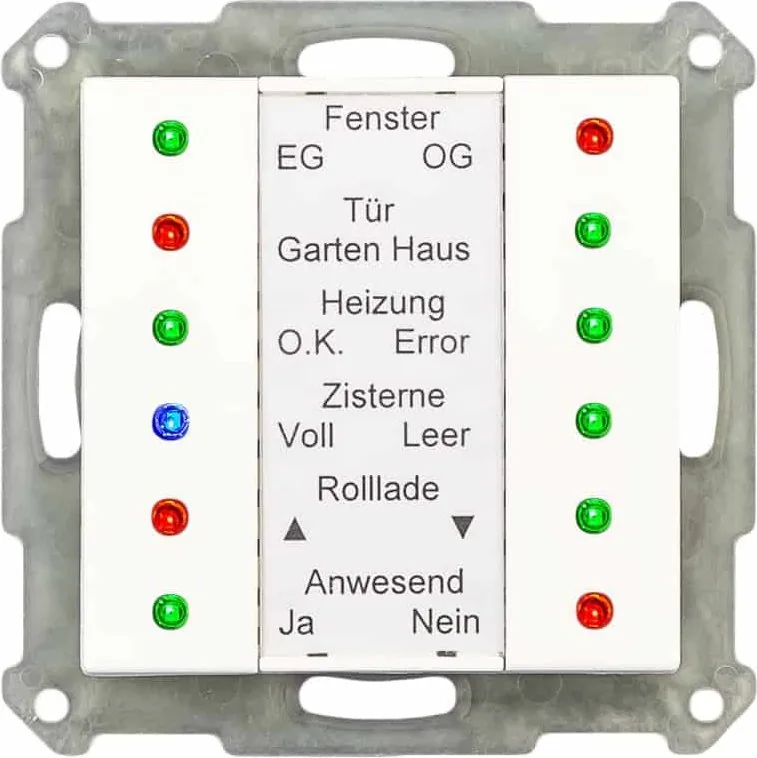
At the heart of the SCN-LED55.01 and SCN-GLED series lies a powerful array of 12 independently switchable RGB LEDs. Each LED can be configured with three distinct objects and up to five different states. This flexibility allows for nuanced signaling, such as displaying green when a garage door is closed, red when it is open, and flashing red during movement. The system supports advanced logic blocks and telegram comparison modules, enabling users to create highly customized scenarios without needing external hardware.
Designed for flush mounting, the MDT LED Indicator fits perfectly into standard 55mm switching programs from leading manufacturers like GIRA, BERKER, JUNG, and MERTEN. Its sleek glass design ensures it blends effortlessly into contemporary interiors while providing high visibility. The device operates on the KNX bus, requiring no separate power supply beyond the bus voltage, which keeps installation clean and efficient. With adjustable brightness levels for day and night modes, it ensures comfort in any lighting condition.
Installation is straightforward for authorized electricians. After connecting the device to the KNX bus and mounting it in the wall box, users simply upload the configuration via ETS software. A red programming LED guides the process, turning off once the parameters are successfully loaded. This user-friendly commissioning process makes the MDT Glass LED Display Manual an essential resource for integrators looking to enhance their KNX projects with intuitive visual control.
Key Features Overview
The display supports drop-out monitoring and report functions, ensuring that system failures are immediately visible. It is approved for use within the EU and meets strict safety standards, though it is not intended for use in the USA or Canada. The compact dimensions allow for discreet placement behind various frame designs, making it a versatile choice for both residential and commercial applications.
Important Notes
- Ensure installation is performed only by qualified electrical professionals.
- Download the latest application software from the manufacturer before starting.
- The device is strictly for dry indoor environments.
Search for 67,732 Manuals online


Type-in Brand or Model