
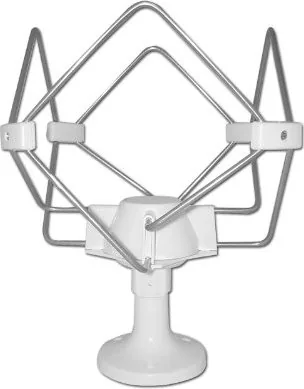
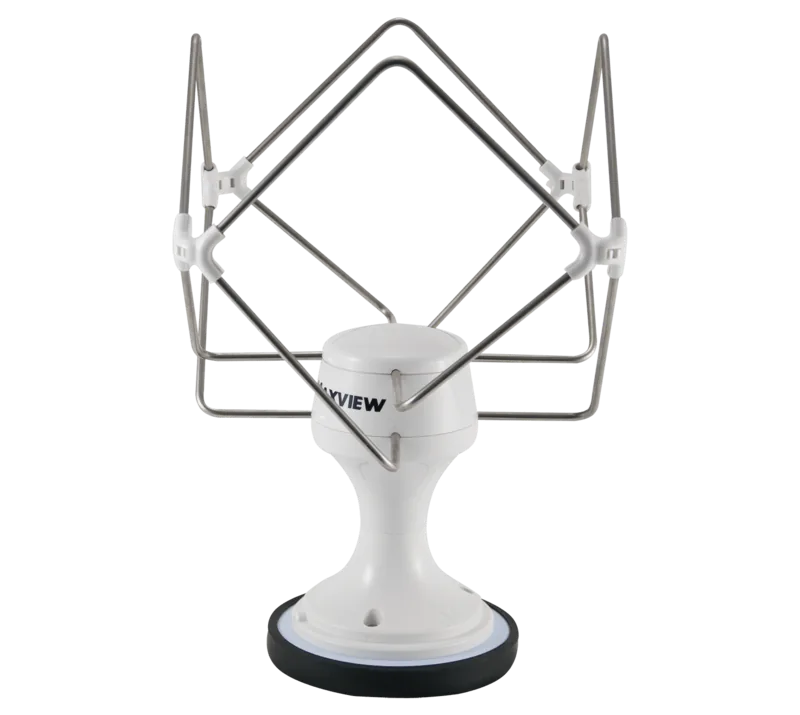
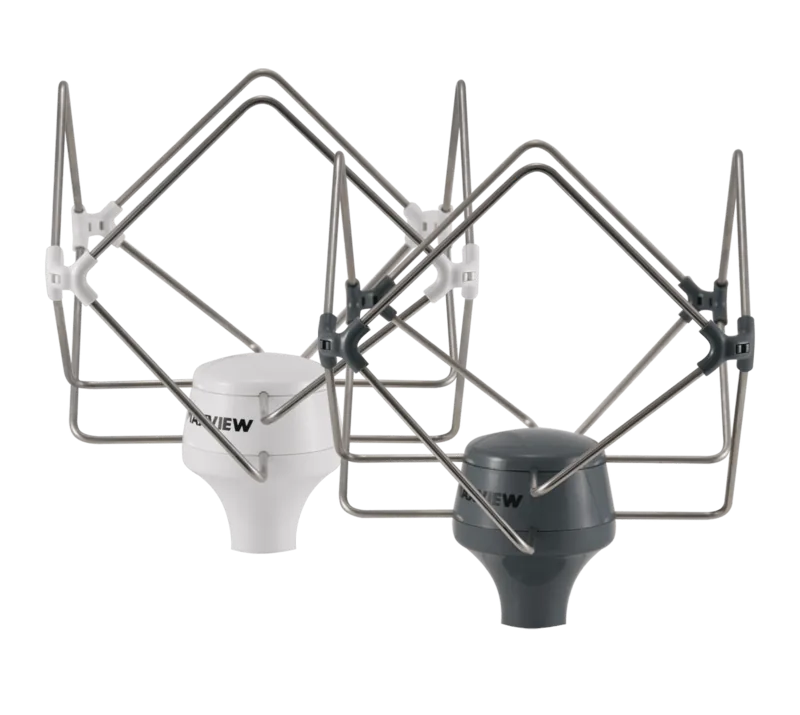
Maxview Omnimax Pro Manual
PDF manual · 24 Pages
English



Quick check
Incorrect answer, please try again.
Chat with your Maxview Omnimax Pro manual using AI
Get instant AI answers from your Maxview Omnimax Pro manual
Ask anything about the Maxview Omnimax Pro. Answers come from this manual, with the pages they are based on.
Omnimax Pro Maintenance Schedule
After installation make regular maintenance checks for wear and tear to ensure safety and proper function.
Use a sponge with mild soap and minimal water. Never use powerful water flow, power washer, or solvents.
Ask a Question
Do you recommend Omnimax Pro?
Yes No
Anna Weber
7 months ago
Is there a railing mount included for boat installation?
Frequently Asked Questions
Yes, you can cut the cable to the required length and reattach the F-connector using the included tool. Ensure you strip the insulation correctly to maintain signal integrity.
Is this answer helpful?
It is highly recommended to use the booster in-line as it significantly improves signal quality. However, in areas with very strong signals, you might not strictly need it.
Is this answer helpful?
Use a sponge with mild soap and a small amount of water. Never use high-pressure water jets, power washers, or chemical solvents as they can damage the unit.
Is this answer helpful?
Check that the power switch is on, verify the power source connection, and inspect the inline fuse in the power cable to ensure it is not blown.
Is this answer helpful?
The booster is designed for vehicles with a negative chassis earth, which covers most European vehicles. It supports 12/24V DC systems and optional 230V transformers.
Is this answer helpful?
The Maxview Omnimax Pro comes with a two-year guarantee covering defective parts and workmanship, excluding damage caused by improper use or accidents.
Is this answer helpful?
Advantages and Disadvantages
Advantages

- Supports SD, HD, 3D, and 4K TV plus FM/DAB radio reception
- Variable Signal Booster allows up to 19dB gain adjustment
- UV-stable ABS housing ensures long-term outdoor durability
- Easy installation with multiple cable exit options
- Maintenance-free design requires minimal upkeep
Disadvantages

- Requires careful cable routing to avoid signal loss if extended
- Booster must be installed indoors away from water exposure
- Initial setup requires drilling holes in the vehicle roof
- Higher signal gain may cause interference in strong signal areas
- Specific tools like drill bits and screwdrivers are needed for install
Product Specification
Type
Mobile Antenna
Application Area
Outdoor
Mounting
Base
Amplification
Active (18dB)
Frequency Range
10-860MHz
Features
Includes antenna cable (3.28 ft)
Product Description
Experience Superior Signal with the Maxview Omnimax Pro Manual
The Maxview Omnimax Pro stands as a premier solution for mobile television and radio enthusiasts who demand reliability on the road. Designed specifically for vehicles, this robust aerial system ensures crystal-clear reception for SD, HD, 3D, and 4K digital TV alongside FM and DAB radio signals. Whether you are traversing rural landscapes or navigating urban centers, the Omnimax Pro delivers consistent performance by capturing wideband UHF and VHF frequencies effectively.
Installation is straightforward yet versatile, offering two primary mounting options to suit different vehicle configurations. Users can opt for a direct roof exit or an indirect route that keeps cables hidden from view. The package includes all necessary components such as the aerial head unit, base, sealing gasket, and coaxial cables. For those seeking maximum signal clarity, the system integrates seamlessly with a Variable Signal Booster (VSB). This booster allows users to adjust gain levels up to 19dB, ensuring optimal picture quality even in areas with weak transmission strength.
Durability is at the core of the Omnimax Pro design. Constructed from UV-stable injection-molded ABS, the housing withstands harsh weather conditions without degrading over time. The compact 30cm height and lightweight 0.5kg profile make it unobtrusive while maintaining aerodynamic efficiency. Maintenance is virtually non-existent, requiring only occasional cleaning with mild soap and water. Avoid high-pressure washers or solvents to preserve the integrity of the unit.
For added convenience, the system supports flexible cable management. The supplied coaxial cable can be shortened to fit specific vehicle layouts, provided the F-connector is reattached correctly using the included tool. Alternatively, extension kits are available for longer runs, though users should be aware that excessive length may introduce minor signal losses. The product comes with a comprehensive two-year guarantee against manufacturing defects, reflecting the manufacturer's confidence in its build quality.
Whether you are upgrading an existing setup or installing a new system, the Maxview Omnimax Pro offers a blend of ease of use, durability, and superior signal enhancement. With clear instructions and a user-friendly interface, achieving professional-grade reception has never been simpler.
Important Notes
- Always ensure the arrow on the base faces the front of the vehicle for correct operation.
- Disconnect the battery before installing the Variable Signal Booster to prevent electrical shorts.
- Use a Pozidrive screwdriver for secure mounting of all screws.
- Retain your proof of purchase to validate your two-year warranty coverage.
Search for 67,706 Manuals online


Type-in Brand or Model
Stefan K
6 months ago
Does this antenna support UKW radio reception or only DVB-T2 TV signals?
Manual.ly
6 months ago
This antenna is optimized for DVB-T2 television reception and performs well even with weak signals. However, it does not support UKW radio reception through the amplifier's outputs, which are designed exclusively for connecting two televisions. Radio reception may be possible only in areas with very strong signal strength while stationary.