
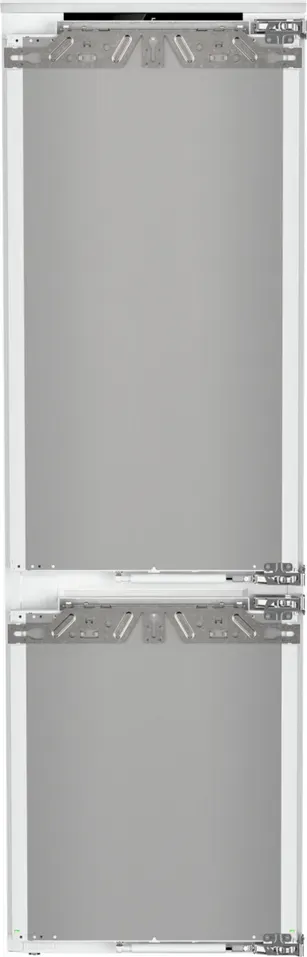
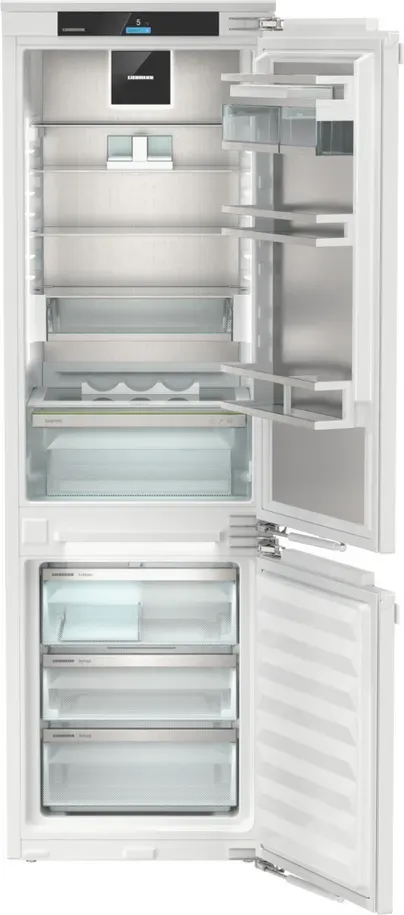
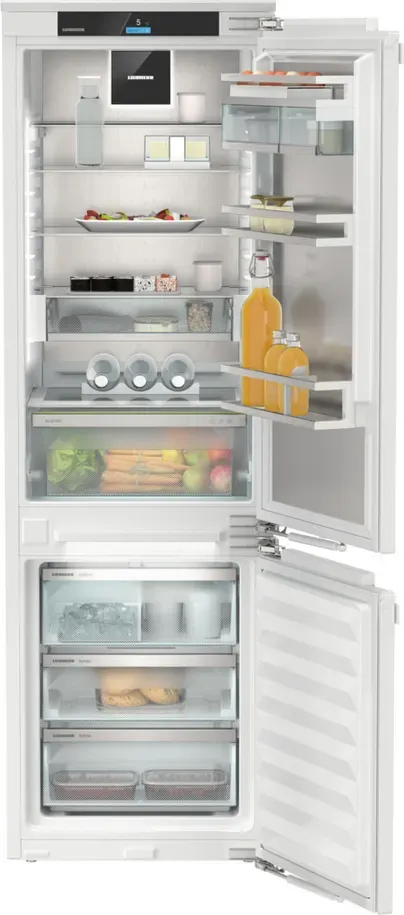
Liebherr ICNci 5173-22 Peak NoFrost Manual
PDF manual · 38 Pages
English



Quick check
Incorrect answer, please try again.
Chat with your Liebherr ICNci 5173-22 Peak NoFrost manual using AI
Get instant AI answers from your Liebherr ICNci 5173-22 Peak NoFrost manual
Ask anything about the Liebherr ICNci 5173-22 Peak NoFrost. Answers come from this manual, with the pages they are based on.
ICNci 5173-22 Peak NoFrost Maintenance Schedule
Change the air filter every six months when the display reminder appears to guarantee air quality.
If the appliance is out of use for more than 5 days, clean the IceMaker with the TubeClean function and wash the drawer with warm water and detergent.
Clean the drain opening regularly to ensure proper drainage during automatic defrosting.
Clean the interior, shelves, drawers, and VarioSafe parts using soft cloths and neutral cleaners; do not use abrasive agents.
Clean the IceMaker before using it for the first time by running the TubeClean function and washing the drawer.
Free maintenance reminders
Timed to your purchase date. Always free, unsubscribe anytime.
Ask a Question
Do you recommend ICNci 5173-22 Peak NoFrost?
Yes NoFrequently Asked Questions
NoFrost prevents ice formation in the freezer by depositing moisture on the evaporator and periodically defrosting and evaporating it automatically. This eliminates manual defrosting, keeps storage efficient, and maintains consistent cooling performance.
Is this answer helpful?
Install and register the SmartDevice app, then use the appliance WiFi function via the Touch & Swipe display to establish the connection. Follow the app setup prompts. Note: SmartDevice is not available in some countries.
Is this answer helpful?
MaxIce increases ice production by supplying more water and optimizing cycles. Clean the IceMaker using the TubeClean function with a 1.5 L container placed under the unit or by manual cleaning per the instructions to ensure hygienic lines and reliable ice production.
Is this answer helpful?
Use SuperFrost when freezing large amounts (activate ~6–24 hours prior depending on quantity). SuperCool quickly lowers fridge temperatures for newly added food. PowerCool optimizes air circulation at high ambient temperatures or humidity to prevent condensation.
Is this answer helpful?
Ensure adequate ventilation, avoid direct heat sources, keep vents and fan slits clear, minimize door openings, set appropriate temperatures, use HolidayMode during long absences, and replace the FreshAir carbon filter every six months.
Is this answer helpful?
Confirm the alarm to silence the tone, check for causes like door left open, large warm loads, or power cuts, and ensure proper ventilation. If the fault persists, note the error code and contact customer service with model and serial numbers.
Is this answer helpful?
Yes via VarioTemp you can set the freezer between -2 °C and 14 °C for use as an additional cooling zone. Reaching new temperatures may take several hours depending on the initial and target temperatures.
Is this answer helpful?
Advantages and Disadvantages
Advantages

- NoFrost technology prevents ice build-up and removes need for manual defrosting.
- SmartDevice WiFi connectivity and intuitive Touch & Swipe display enable remote control and advanced settings.
- IceMaker with MaxIce and TubeClean provides reliable ice production and hygienic line cleaning.
- VarioSpace, adjustable shelves and VarioTemp allow flexible storage and use of freezer as cooling zone.
- Energy-saving modes (EnergySaver, HolidayMode) and clear ventilation guidance support efficient operation.
Disadvantages

- Advanced menu access requires numeric code which can be inconvenient to set up.
- SmartDevice features are restricted in some countries (e.g., Russia, Belarus, Kazakhstan).
- SabbathMode suppresses alarms and reminders, creating risk after power outages if not checked.
- Cleaning and servicing IceMaker and tubing may require regular attention and proper procedure.
- Large or complex appliance may need careful installation and adequate ventilation to maintain efficiency.
Product Specification
Type of construction
integrable (flat hinge)
Energy efficiency class
C (A to G)
Energy consumption
146 kWh/yr
Front color
silver
Side color
white
Fridge compartment capacity
6.50 cu ft (top)
Freezer compartment capacity
2.51 cu ft (bottom)
Total capacity
9.01 cu ft
Star rating
4
Freezing capacity in 24h
13.23 lb
Storage time during power failure
9 hr
Display
Touchscreen
Features
Vegetable drawer (EasyFresh), NoFrost, Fast cooling, Fast freezing, Dynamic cooling, LED lighting, Divisible glass shelf, Door soft close, Door alarm, Ice dispenser (internal, fixed water connection)
Smart Home
App control (Wi-Fi (WLAN), SmartDevice)
Climate class
SN/N/ST/T
Noise level
33 dB
Airborne acoustical noise emission class
B (A to D)
Door system
Door hinge right, reversible
Dimensions
22.01x69.69x21.50 in (WxHxD)
Installation dimensions
22.05-22.44x69.76-70.39x21.65 in (WxHxD)
Product Description
Liebherr ICNci 5173-22 Peak NoFrost Manual
The Liebherr ICNci 5173-22 Peak NoFrost is a high-end integrated fridge-freezer designed for modern kitchens, combining efficient NoFrost freezing with smart connectivity and precise temperature control. Built for domestic and household-like use, this model emphasizes food preservation, energy efficiency, and user convenience through an intuitive Touch & Swipe display and optional SmartDevice WiFi integration.
The appliance offers separate fridge and freezer zones, an EasyFresh humidity-controlled drawer for fruits and vegetables, and versatile VarioSpace storage for bulky items. The NoFrost system prevents ice build-up in the freezer, eliminating manual defrosting. A factory-set D-Value accommodates a removable dry rear panel for cleaning while preserving energy performance when reinstalled. The freezer includes an IceMaker with optional MaxIce and TubeClean features for automated ice production and hygienic line cleaning. VarioTemp lets you convert the freezer into an adjustable cooling zone (-2 °C to 14 °C) for flexible storage needs.
Operation is centered on the Touch & Swipe display, which organizes functions into Main, Settings, and Advanced menus (Advanced requires a numeric code). Key functions include SuperCool and PowerCool for rapid cooling, SuperFrost for fast freezing, PartyMode (combines fast cooling/freezing and MaxIce), HolidayMode to lower energy use during absences, SabbathMode for religious observance compliance, CleaningMode for safe maintenance, and EnergySaver to reduce consumption. Display brightness, door alarm timing, language, temperature unit, and IceMaker water flow are user-configurable.
Practical features ensure everyday ease: adjustable shelves and VarioSafe compartments, removable drawers and glass shelves for VarioSpace, a FreshAir carbon filter to neutralize odors, bottle and egg holders, a covered ice cube tray, and freezer packs for power-outage protection. Safety and installation guidance cover flammable refrigerant precautions, correct ventilation, climate class suitability, and recommended ambient ranges. The manual also lists troubleshooting steps, fault messages, operating noises, technical specs (including ice production rates and maximum freezing capacity), and customer service instructions.
Before initial use, remove transport materials, install per the guide, and allow the fridge to reach set temperatures (about 6 hours recommended). If equipped, prime and clean the IceMaker per instructions. The manual stresses proper packaging and storage of food, safe defrosting and re-freezing rules, and periodic maintenance like replacing the FreshAir carbon filter every six months.
Notes:
- NoFrost eliminates manual freezer defrosting but regular cleaning of drains and components is advised.
- SmartDevice features require app installation and registration; not available in all countries.
- SabbathMode suspends many electronic alerts and modifies behavior—exercise caution after power outages as alarms may not sound.
Search for 67,706 Manuals online


Type-in Brand or Model