

Free Kostal Manuals – Read, Download & Print
8 Manuals
Manuals
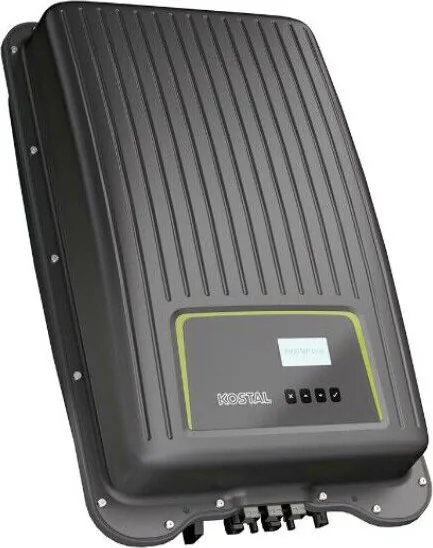
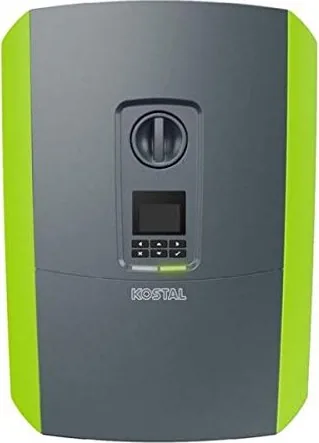
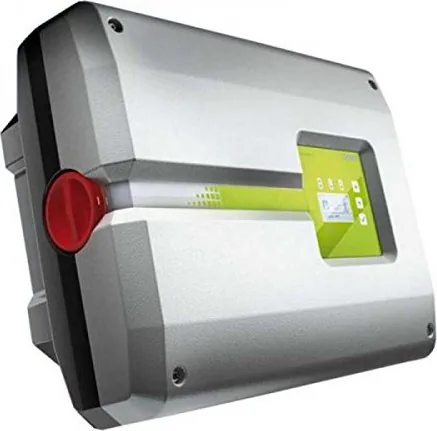
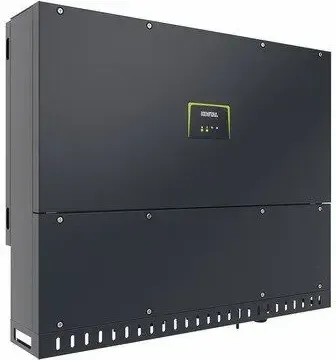
Categories


Free Kostal Manuals - Read, Download & Print
Find practical Kostal manuals for supported products, systems, and components in one convenient place. Whether you need to check installation steps, review operating instructions, understand settings, identify error messages, or locate technical specifications, a clear manual can save time and help you use your equipment correctly. This collection is designed to make documentation easier to access when you need it.
Kostal products are used across a range of electrical, energy, automotive, and building technology applications. Because models, firmware versions, connection options, and regional requirements can vary, it is important to consult the documentation that matches your exact product. Use the model name, type number, product series, or label information on your device to locate the most relevant guide.
Read Kostal Manuals Online
Reading a manual online is useful when you need a quick answer without saving a file. Browse instructions directly to find information about controls, displays, wiring terminals, indicators, maintenance intervals, safety notices, and troubleshooting procedures. Online viewing can be especially helpful for installers, technicians, homeowners, and users who want to confirm a setting while standing near the equipment.
Most manuals are organized into clear sections, allowing you to move from basic product information to detailed technical guidance. Look for sections covering intended use, package contents, installation conditions, initial setup, normal operation, cleaning, service requirements, and fault handling. If the document includes a table of contents or search function, use keywords such as "installation," "configuration," "error," "alarm," "reset," "communication," or "maintenance" to reach the needed topic faster.
Download Manuals for Offline Access
Downloading a Kostal manual provides a useful reference when internet access is limited or when you need to keep documentation with project records. A saved copy can be consulted during installation work, service visits, equipment inspections, or future maintenance. It can also help you compare instructions for several units in the same product family.
Before relying on a downloaded file, check the document title, publication date, revision number, and supported model list. Manufacturers may update manuals to reflect new features, corrected procedures, revised safety information, or software changes. The newest guide is often the best starting point, but older versions may be relevant for legacy equipment. Keep the version details with your records so you can identify which instructions were used for a particular installation.
Print the Pages You Need
Printable manuals are valuable for workshops, electrical rooms, installation folders, and field service kits. You may not need to print an entire document. Instead, print the specific pages that cover mounting dimensions, terminal assignments, commissioning steps, warning codes, technical data, or maintenance checklists. This reduces paper use while ensuring important information is available at the point of work.
When printing, make sure diagrams, tables, and safety symbols remain readable. Landscape orientation may improve wide wiring diagrams or specification tables. For frequently used guides, consider printing double-sided pages and placing them in a labeled binder. If you are working with electrical or energy equipment, keep the manual protected from moisture, dust, and accidental damage.
Find the Correct Kostal Documentation
Accurate identification is the first step toward finding the right manual. Product names may look similar even when devices have different ratings, connections, software functions, or installation requirements. Check the product label carefully and record all available details before choosing documentation.
Information to Check on the Product Label
Look for the following details when searching for a matching guide:
- Exact model name and product series
- Type designation or article number
- Serial number, where relevant
- Rated voltage, current, power, or capacity
- Hardware revision or firmware version
- Production date or year of manufacture
- Country or regional version
A manual for a related model can be helpful for general orientation, but it should not replace the correct document for safety-critical procedures. Connection layouts, protective settings, communications options, and required accessories may differ between variants.
Common Types of Kostal Manuals
Depending on the product, available documentation may include user manuals, installation manuals, operating instructions, quick start guides, technical data sheets, service documents, wiring guides, certificates, and software instructions. Each document has a different purpose.
User manuals explain daily operation and common settings. Installation guides focus on mounting, electrical connections, commissioning, and safety requirements. Quick start documents provide a simplified overview, while technical manuals may include advanced parameters, interface information, diagrams, and specifications. Service documentation can contain diagnostic details intended for qualified personnel. Always use the document appropriate for your task and experience level.
Use Manuals Safely and Effectively
Manuals provide important guidance, but they do not replace professional judgment, local regulations, or qualified installation work. Electrical systems and energy equipment can involve hazardous voltage, stored energy, heat, moving parts, or networked control functions. Read all warnings before beginning any work.
Installation and Electrical Safety
If a manual includes wiring, commissioning, or repair instructions, follow the stated safety sequence exactly. Isolate power where required, verify that circuits are de-energized, use appropriate measuring equipment, and observe applicable electrical codes. Only trained and authorized personnel should perform work that requires access to live components, protective devices, internal connections, or high-voltage areas.
Do not guess terminal functions or substitute cables, fuses, connectors, or settings unless the documentation explicitly permits it. Incorrect connections can damage equipment, reduce performance, invalidate warranties, or create safety risks. If the manual and the physical product label appear to conflict, stop and verify the product version before proceeding.
Troubleshooting and Error Messages
A manual can help you understand status lights, display notifications, warning messages, and error codes. Start by recording the exact message, time of occurrence, operating conditions, and any recent changes to the system. Then consult the troubleshooting section for recommended checks.
Many issues have simple causes, such as a loose connection, interrupted communication link, unsuitable configuration, external grid condition, or scheduled operating mode. However, repeated faults, visible damage, unusual smells, overheating, water ingress, or protective device trips should be assessed by a qualified service professional. Avoid repeatedly resetting equipment without identifying the cause of the fault.
Keep Your Documentation Organized
Good documentation makes future support and maintenance easier. Save manuals in a clearly named digital folder and retain a printed copy when appropriate. Include the purchase date, installation date, installer details, serial numbers, configuration notes, and records of updates or service work. For systems with multiple components, keep all related manuals together.
Useful Records to Store With a Manual
Alongside the manual, keep copies of warranty information, commissioning reports, electrical diagrams, network settings, maintenance logs, inspection results, and support contacts. These records can help technicians diagnose problems more quickly and can be useful when equipment changes ownership or requires replacement parts.
For downloaded documents, use descriptive filenames that include the product model and document revision. For example, a filename such as "Kostal-model-installation-manual-revision-date" is easier to identify later than a generic download name. Review your saved documentation occasionally to see whether newer revisions are available.
Get More Value From Your Kostal Product
The right manual helps you understand product features beyond basic operation. You may discover monitoring tools, communication settings, efficiency recommendations, programmable functions, maintenance reminders, or compatibility requirements that improve everyday use. Read the overview and feature sections before changing advanced settings, especially where changes may affect performance, safety, or connected equipment.
Use these free Kostal manuals to read instructions online, download documentation for later reference, and print important pages when needed. Select the guide that matches your specific model, follow all safety information, and consult qualified professionals for installation, repair, or complex technical work.
Search for 67,706 Manuals online


Type-in Brand or Model