
Jabra Speak 410 Manual
PDF manual · 6 Pages
English


Quick check
Incorrect answer, please try again.
Chat with your Jabra Speak 410 manual using AI
Get instant AI answers from your Jabra Speak 410 manual
Ask anything about the Jabra Speak 410. Answers come from this manual, with the pages they are based on.
Ask a Question
Do you recommend Speak 410?
Yes NoFrequently Asked Questions
Simply connect the unit via the included USB cable to a powered USB port on your computer or a powered USB hub. Do not use unpowered ports as this may prevent the device from functioning correctly.
Is this answer helpful?
Yes, you can mute the microphone by pressing the mute button. When active, all LEDs will light up red to indicate the mic is silenced automatically deactivated.
Is this answer helpful?
Yes, for call holding you need softphones that support the hold function. You can park an active conversation to accept an incoming line by pressing the specific hardware buttons.
Is this answer helpful?
The version designations are located on the under side of the Jabra Speak 410. They typically start with A for older models without Smart-Taste or B for newer models.
Is this answer helpful?
Yes, you can listen to music by setting the Jabra Speak 410-M as the default playback device in your computer audio settings for seamless audio streaming.
Is this answer helpful?
Advantages and Disadvantages
Advantages

- High quality broadband audio ensures clear speech during conference calls.
- Simple USB connection provides instant power and configuration without complex setup.
- Intuitive physical buttons allow for easy call management and volume control.
Disadvantages

- Requires a powered USB hub or direct computer connection for reliable operation.
- Advanced features like speed dial require Jabra Direct software installation.
- Older model variants lack the newer one-touch smart touch capabilities.
Product Specification
Interfaces
1x USB-A (Connector)
Field of View
360°
Frequency Range
150Hz-6.5kHz (Microphone), 250Hz-14kHz (Speaker)
Power Supply
USB-A (Connector)
Certification
Skype for Business
Color
black
Product Description
Elevate Your Communication
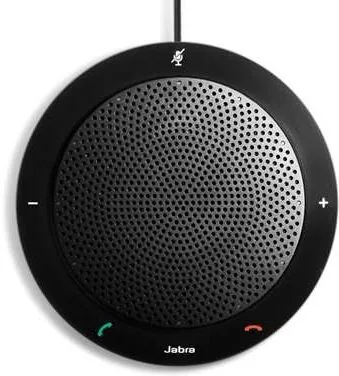
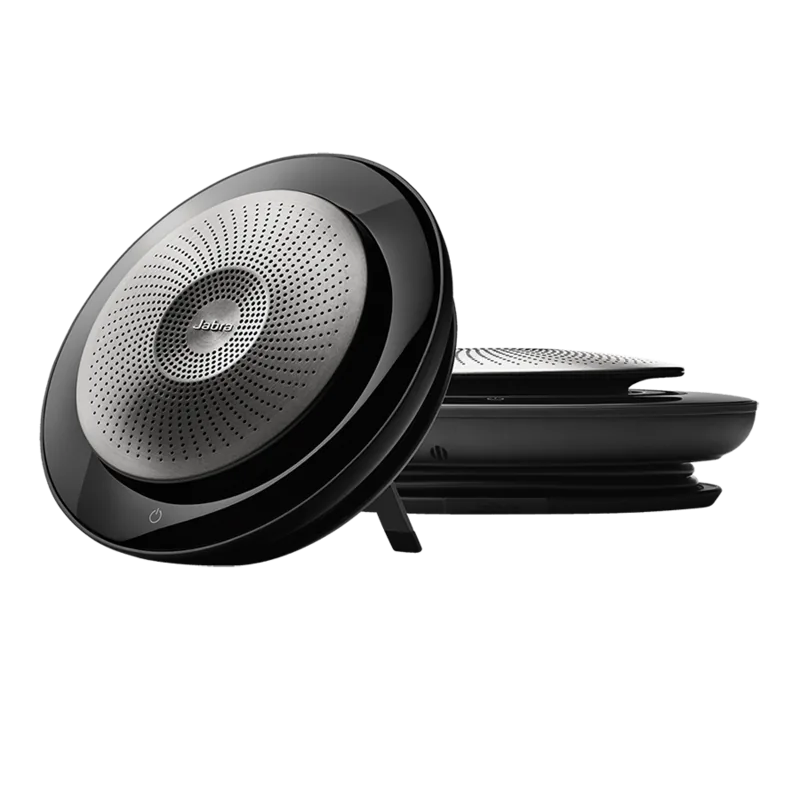
Welcome to the enhanced workspace experience with the Jabra Speak 410-M. This premium speakerphone is designed to deliver exceptional voice quality for modern professionals working from home or office. By utilizing advanced broadband audio technology, users can expect extraordinary speech intelligence during important business interactions. The spherical microphone features an omnidirectional pattern that captures voices from all angles comfortably. This ensures that conference calls remain clear even with multiple participants around the device.
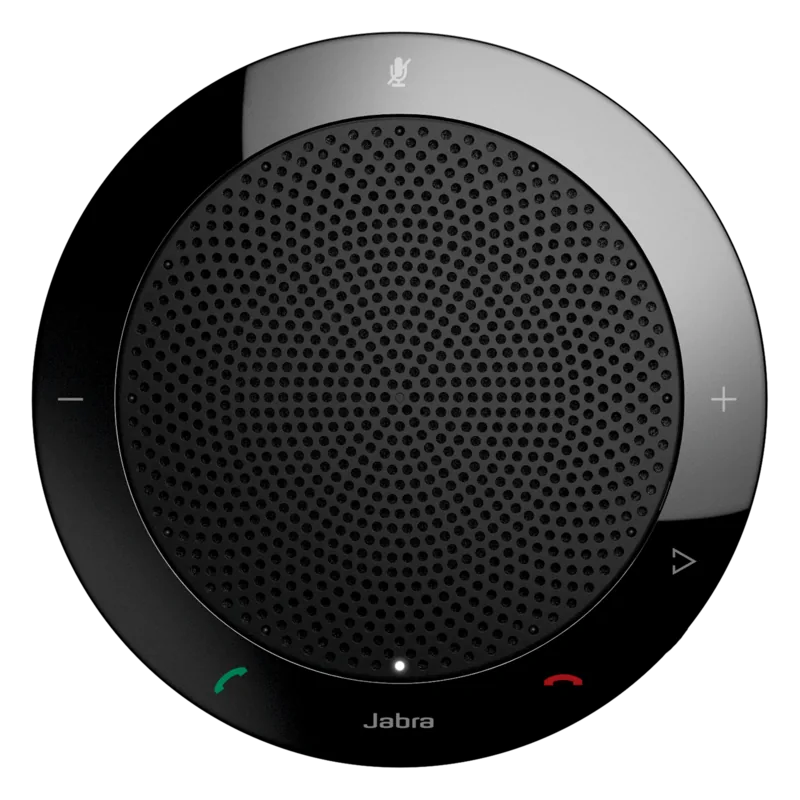
Physical setup is incredibly simple since the unit connects via a standard USB cable. Once plugged into a powered USB port, the white LED confirms successful pairing immediately. For advanced functionality, users should explore the Jabra Direct software suite available online for download. This software enables configuration options like speed dial activation for the one-touch smart touch button found on newer models. Older units may require different configurations regarding version designations starting with A instead of B.
To fully utilize the device, users might need to manually configure Windows audio settings. This involves opening the System Control Panel and navigating to Sounds and Audio Devices. You can select the speakerphone as the default playback and recording device there. Saving the configuration is essential for consistent performance across applications. This step ensures that the microphone input and speaker output align with your system preferences correctly.
Call management is handled through dedicated physical buttons on the top surface of the unit. A green button answers incoming calls while the red button ends conversations or declines incoming requests efficiently. The mute function provides visual clarity with red LEDs when the microphone is silenced. Volume regulation is precise with twelve steps visible through a circular LED ring on the device. Loudness settings for both speaker and ringtones can be adjusted separately for optimal comfort during all hours.
Integration with softphones allows for call holding procedures if supported by the specific software installed. This feature lets users park an active conversation to attend to another incoming line seamlessly without dropping either party. Music playback is also possible by setting the device as the default audio output in computer settings. This creates a versatile hub for both work and leisure audio streams with consistent high quality.
Important Notes
Important installation notes indicate that unpowered USB hubs may fail to trigger the device correctly. Direct connection to the computer or a powered hub is strictly required for operation. Ensure the USB connection supplies adequate power to the device for proper operation. The Jabra Direct tool is recommended for full feature access on supported models for configuration adjustments. Check the bottom of the unit for version numbers to identify Smart-Taste availability correctly.
Search for 67,706 Manuals online


Type-in Brand or Model
Germaine Lubowitz
6 months ago
Does the actual performance align with online ratings and comments?
Manual.ly
6 months ago
Based on current feedback, yes. Users indicate that their personal experiences align closely with what is written in internet reviews. This high level of agreement confirms the product reliability and accuracy of the listed specifications.