
Jabra Evolve2 65 Manual
PDF manual · 31 Pages
English


Quick check
Incorrect answer, please try again.
Chat with your Jabra Evolve2 65 manual using AI
Get instant AI answers from your Jabra Evolve2 65 manual
Ask anything about the Jabra Evolve2 65. Answers come from this manual, with the pages they are based on.
Ask a Question
Do you recommend Evolve2 65?
Yes NoFrequently Asked Questions
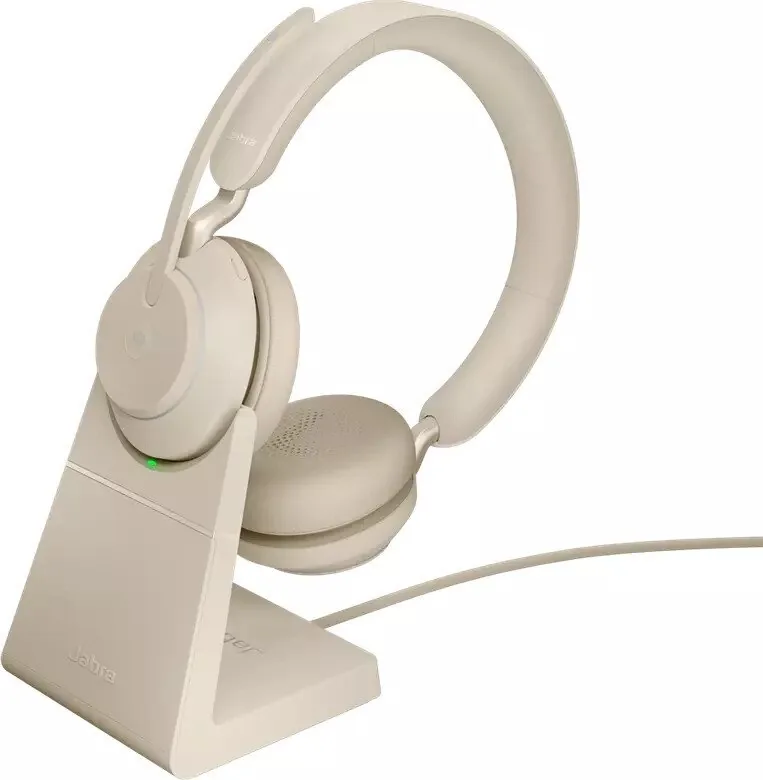
It takes approximately one hour and thirty minutes to fully charge using the USB charging cable or optional charging stand. A quick 15-minute charge provides up to 8 hours of battery life for emergency use.
Is this answer helpful?
Yes, you can pair the Jabra Evolve2 65 with a smartphone via Bluetooth. Slide the switch to the Bluetooth position and select the device on your phone settings to pair immediately.
Is this answer helpful?
The headset offers up to 37 hours of wireless battery life when fully charged, making it suitable for full workdays without needing to recharge during the day.
Is this answer helpful?
Hold the Multi-function button and Volume Up button simultaneously for 3 seconds until the LED lights purple. This clears paired devices and resets all settings to default.
Is this answer helpful?
Yes, specific variants are Microsoft Teams certified. The Busylight and Teams notification features work only with these certified versions for optimal integration.
Is this answer helpful?
Yes, the Multiuse feature allows connecting to two Bluetooth devices simultaneously, enabling you to handle calls from both sources like a computer and phone.
Is this answer helpful?
You can mute by pressing the Voice button during a call or by moving the microphone boom-arm up. Moving it down unmutes it, which is the default position.
Is this answer helpful?
Advantages and Disadvantages
Advantages

- Up to 37 hours of wireless battery life for all-day use without interruption.
- Comfortable noise-isolating design keeps distractions at bay during calls.
- 40mm speakers provide exceptional music quality for breaks between meetings.
- Microsoft Teams certified variants ensure platform compatibility and integration.
- Multiuse feature allows connection to two Bluetooth devices simultaneously.
Disadvantages

- Charging stand is an optional accessory not included in the standard box.
- Sleep mode disables features after 8 hours of inactivity to save power.
- Some advanced features require specific software setup on your computer.
- Mono headset option has different features than the stereo configuration.
- Voice assistant activation is tied to the last connected smartphone device.
Product Specification
Type
Headphones (On-Ear)
Style
Headband
Microphone
Boom Microphone
Wireless
Bluetooth 5.0, Multipoint
Controls
3-button remote, mute button
Battery Life
37 hours
Frequency Response
20Hz-20kHz (Headphones), 100Hz-8kHz (Microphone)
Sensitivity
117 dB
Drivers
1.57 in
Device Features
Status Light
Software Features
Voice Assistant (Apple Siri, Google Assistant), Preset Equalizers, Custom Equalizer, Sound Personalization, App Control, Find Device
Weight
0.39 lbs
Product Description
Experience Superior Audio Quality
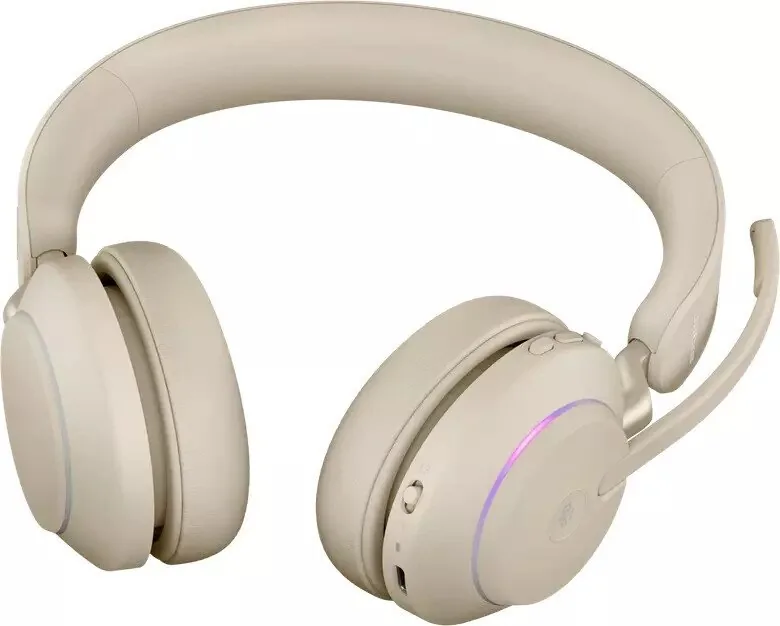
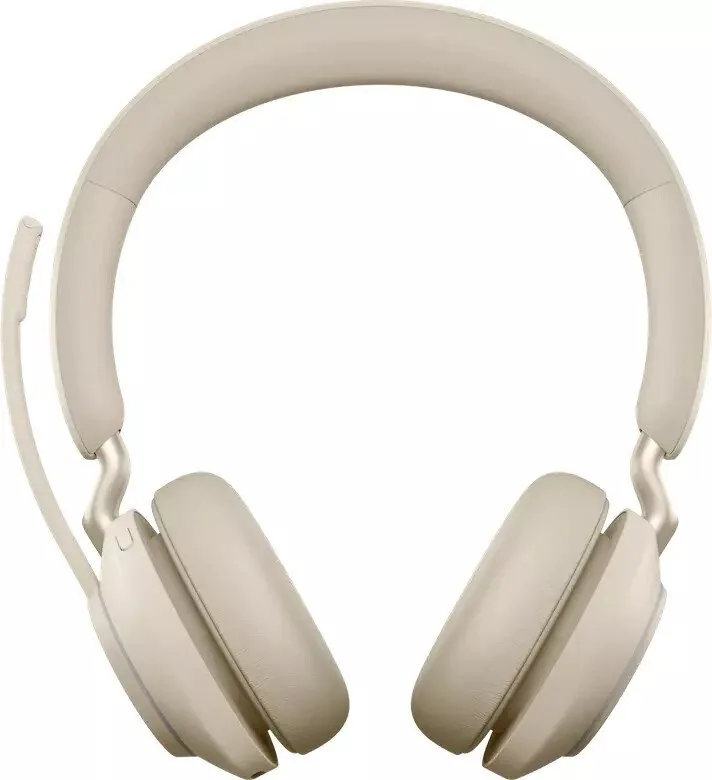
The Jabra Evolve2 65 Stereo represents a significant advancement in office communication technology. Designed for professionals who demand clarity, this headset features a comfortable noise-isolating design that keeps distractions at bay while ensuring your voice is delivered clearly. When consulting the official Jabra Evolve2 65 Stereo Manual, users discover a wealth of features aimed at maximizing productivity and comfort throughout the workday.
With up to 37 hours of wireless battery life, you can work through a long week without frequent charging interruptions. The included Jabra Link 380 USB adapter ensures seamless connectivity with your computer, offering a stable connection up to 30 meters or 100 feet. This range is significantly enhanced to minimize dropouts, which is crucial for uninterrupted meetings. Furthermore, the 40mm speakers provide exceptional music quality, making breaks enjoyable as well as functional during work sessions. Charging takes approximately one hour and thirty minutes to full capacity, though a quick fifteen-minute charge yields up to eight hours of power for emergency use.
Microsoft Teams users will appreciate the certified variants available within this lineup. The Busylight status LED informs colleagues when you are engaged in a call, maintaining professionalism in an open office environment. Customization is easy through the Jabra Sound Plus app on your smartphone or Jabra Direct on your computer. The microphone boom-arm offers dual functionality for mute control and answering calls, simplifying interactions significantly. Volume controls allow tracks play or pause, and voice assistants like Siri are accessible via dedicated buttons. Sleep mode automatically engages after eight hours of inactivity to conserve power.
Storing the device is simple as earcups fold flat for easy transport. The manual outlines care instructions, recommending storage in a supplied case to prevent battery depletion. Avoid storing in hot or cold environments like a closed car in summer. Whether for Microsoft Teams or other UC platforms, the Evolve2 65 Stereo delivers reliable performance. Pairing with smartphones allows two Bluetooth devices to be connected simultaneously, handling multiple incoming calls efficiently.
Key Insights
This device prioritizes user experience through intuitive controls and robust build quality. Regular firmware updates via Jabra Direct ensure optimal functionality over time. Resetting is straightforward if issues arise, following standard procedures in the documentation.
Search for 67,706 Manuals online


Type-in Brand or Model