
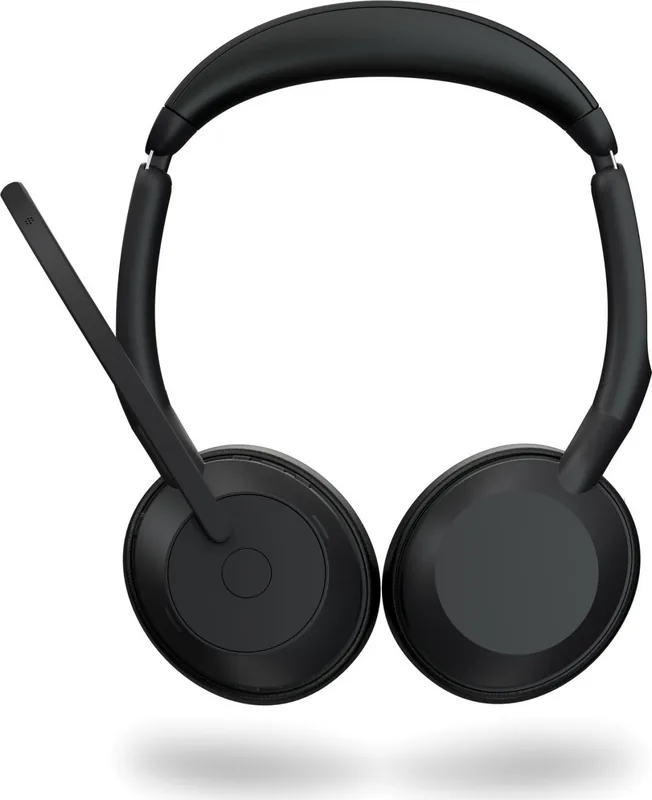
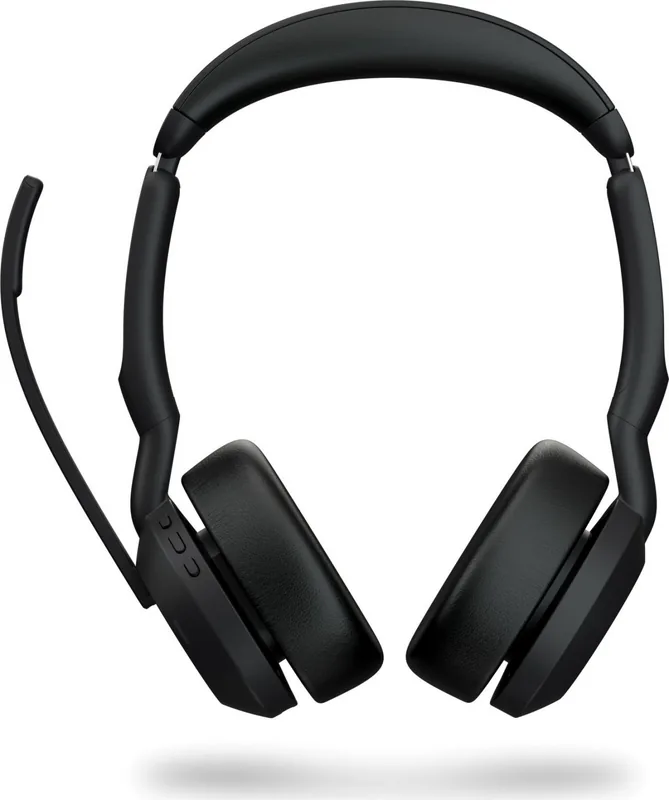
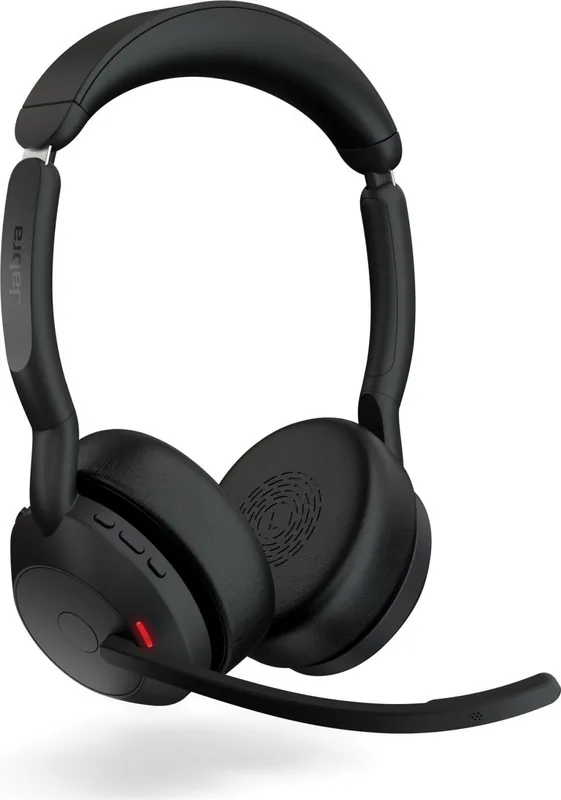
Jabra Evolve2 55 Manual
PDF manual · 32 Pages
English


Quick check
Incorrect answer, please try again.
Chat with your Jabra Evolve2 55 manual using AI
Get instant AI answers from your Jabra Evolve2 55 manual
Ask anything about the Jabra Evolve2 55. Answers come from this manual, with the pages they are based on.
Ask a Question
Do you recommend Evolve2 55?
Yes NoFrequently Asked Questions
Plug the Jabra Link 380 adapter into a USB port. The headset pairs automatically. You may select it as the audio playback device in your system settings.
Is this answer helpful?
The light turns red during an active call to signal you are busy. It can also help identify incoming calls or connection status via different LED patterns.
Is this answer helpful?
Move the microphone boom arm upward to mute. Moving it down unmutes the microphone. This feature activates by default.
Is this answer helpful?
Yes, you can use an optional Jabra charging stand connected to a powered USB port on your computer or power supply.
Is this answer helpful?
Use the Jabra Sound+ mobile app or Jabra Direct desktop application. Both tools notify you when updates are available for your headset.
Is this answer helpful?
Dampen a cloth with water and mild dish soap. Wipe gently without suds and let it dry. Avoid strong cleaning agents directly on the product.
Is this answer helpful?
Advantages and Disadvantages
Advantages

- Best-in-class comfort with AirComfort technology for long wear.
- Effective Active Noise Cancellation silences distractions.
- Up to eighteen hours of battery life on a single charge.
- Dual connectivity allows connecting two devices at once.
- Intuitive boom arm controls for mute and answering calls.
Disadvantages

- Battery takes two hours to fully charge.
- Charging stand is an optional accessory not included.
- Enters sleep mode after four hours of inactivity.
- Cleaning requires care to avoid strong chemical agents.
- Firmware updates needed to manage certain settings.
Product Specification
Type
Headphones (On-Ear)
Headband Style
Headband
Microphone
Boom Microphone
Wireless
Bluetooth 5.2, AAC, Google Fast Pair, Multipoint
Controls
3-button remote control, Mute button (Mic Flip)
Battery Life
15h (with ANC), 18h (without ANC)
Frequency Range
20Hz-20kHz (Headphones), 20Hz-10kHz (Microphone)
Drivers
28mm
Device Features
Active Noise Cancellation (ANC), Foldable, Status Light
Software Features
Voice Assistant
Color
Black
Weight
0.29 lbs
Product Description
Introduction to Jabra Evolve2 55 Stereo
Welcome to the world of advanced communication with the Jabra Evolve2 55 Stereo. This headset represents the pinnacle of professional audio technology designed for today's hybrid work environment. According to the detailed Jabra Evolve2 55 Stereo Manual, users receive a blend of comfort and performance that stands out from the crowd. The AirComfort technology ensures that earcups remain cool and breathable, making long calls a comfortable experience regardless of duration. Active Noise Cancellation is a standout feature that effectively silences surrounding chatter allowing you to concentrate on business conversations or important audio content without interference.
Seamless Connectivity and Control
Connectivity solutions are robust and flexible. You can engage in plug-and-play usage with the included Jabra Link 380 adapter which connects directly to your computer. Alternatively, the headset supports Bluetooth pairing for devices up to thirty meters away. The multiuse capability allows you to connect two devices simultaneously, meaning you might work from your desktop while keeping your phone connected for personal calls. This flexibility ensures you never miss a notification. Control is intuitive with dedicated buttons for mute and answer functions. The microphone boom arm is a versatile tool that mutes by lifting it and answers calls by lowering it towards your mouth.
Battery Power and Charging
Battery management is critical for productivity and this device excels. A full charge takes roughly two hours to achieve a maximum of eighteen hours of talk time. If you need quick energy, thirty minutes in a charger provides nine hours of life. Smart sleep mode activates after four hours of non-use to save power. You can charge using a cable or an optional charging stand. Visual indicators help you understand status instantly via LEDs that show battery life or connection status. The busy light turns red during calls to inform colleagues you are occupied.
Software and Maintenance
You can manage firmware and settings through the Jabra Sound+ mobile app or Jabra Direct on your computer to ensure the device performs at its peak level always. New firmware updates improve performance. Cleaning and care are simple using a damp cloth with mild soap. Do not use strong cleaning agents. Store the device in its carry pouch to protect it from damage when traveling. This product combines reliability with comfort to support your daily workflow effectively and keeps you connected. Keep in mind that storing the headset between minus ten and fifty degrees Celsius preserves battery health best.
Search for 67,706 Manuals online


Type-in Brand or Model