
Jabra Evolve 75 Manual
PDF manual · 28 Pages
English


Quick check
Incorrect answer, please try again.
Chat with your Jabra Evolve 75 manual using AI
Get instant AI answers from your Jabra Evolve 75 manual
Ask anything about the Jabra Evolve 75. Answers come from this manual, with the pages they are based on.
Ask a Question
Do you recommend Evolve 75?
Yes NoFrequently Asked Questions
It is built for focused work, clear calling, and wireless convenience. The headset combines noise reduction, multi-device support, and office-friendly features to improve productivity in professional and home environments.
Is this answer helpful?
Yes. It includes Active Noise Cancellation (ANC), which helps reduce surrounding noise and makes it easier to concentrate during calls, music listening, or work in busy spaces.
Is this answer helpful?
Yes. The Evolve 75 supports MultiUse connectivity, so it can connect to two Bluetooth devices at the same time. This makes switching between a PC and smartphone much easier.
Is this answer helpful?
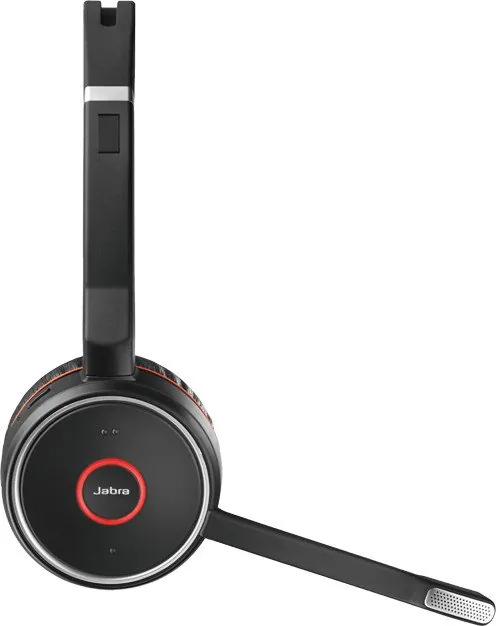
The headset has an integrated busylight that turns red during calls. It serves as a visual signal to let coworkers know the user is busy and should not be interrupted.
Is this answer helpful?
A full charge takes about 3 hours, whether you use the charging stand or the USB charging cable. Charging performance may depend on the power source being used.
Is this answer helpful?
Jabra Direct for PC and Jabra Suite for Mac help manage settings, updates, and device performance. They are also useful for pairing, firmware updates, and feature control.
Is this answer helpful?
Yes. A factory reset clears paired Bluetooth devices and personalized settings. After resetting, the headset must be paired again with a computer or smartphone.
Is this answer helpful?
Advantages and Disadvantages
Advantages

- Strong ANC helps block out office and ambient noise for better concentration.
- Busylight makes it easier to signal availability during calls.
- MultiUse connectivity supports two Bluetooth devices at once.
- Clear audio, adjustable microphone, and long wireless range improve daily usability.
Disadvantages

- Full charging takes around 3 hours, which may feel slow for heavy users.
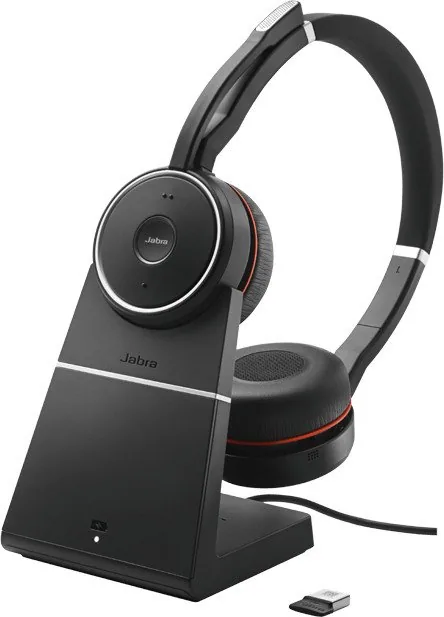
- Some accessories, like the charging stand, are not included in all variants.
- Bluetooth range is shorter when connecting directly to a smartphone.
- Replacement parts and accessories may need to be purchased separately.
Product Specification
Type
Headphones (On-Ear)
Form Factor
Headband
Microphone
Boom Microphone
Wireless
Bluetooth 4.2, Multipoint
Operating Time
15h (Talk Time)
Features
Active Noise Cancellation (ANC)
Color
black
Weight
0.39 lb
Product Description
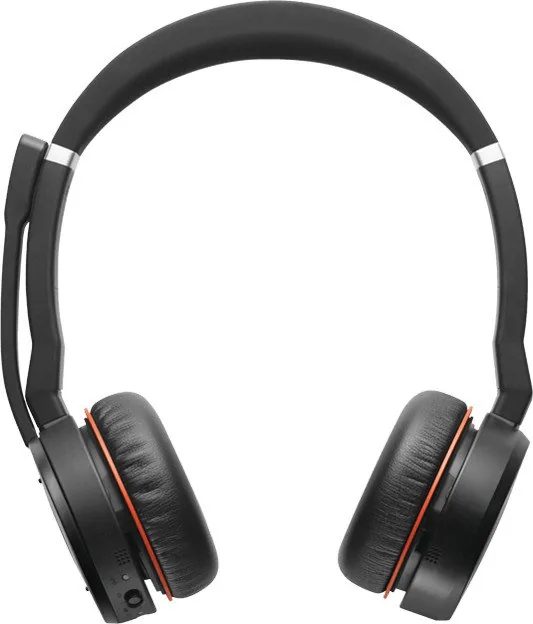
Jabra Evolve 75 Manual: a closer look at a productivity-focused wireless headset
The Jabra Evolve 75 is designed for people who need clear communication, fewer distractions, and flexible wireless freedom during the workday. In the Jabra Evolve 75 Manual, the headset is presented as a premium tool for calls, music, and everyday office use, with a strong focus on comfort and practical features that support busy professionals.
One of its standout strengths is Active Noise Cancellation (ANC), which helps reduce background noise so you can stay focused in open offices, home workspaces, or during travel. The built-in busylight is another thoughtful touch, automatically signaling when you are on a call so others know not to interrupt. Together, these features make the headset feel purpose-built for concentrated work and better call handling.
The Evolve 75 also offers multi-device connectivity, allowing it to connect to two Bluetooth devices at once. That makes it easy to move between a PC and smartphone without constantly reconnecting. It supports HD voice and quality speakers for clearer conversations and more enjoyable audio playback, while the wireless range reaches up to 30 meters / 100 feet with the Jabra Link 370 adapter. For smartphone pairing, the headset also supports standard Bluetooth use with a shorter range.
Comfort and convenience are central to the design. The microphone is adjustable, can be rotated to mute, and folds neatly into the headband when not needed. The earcups can be folded flat for storage, and replacement ear cushions are available for long-term use. Charging is straightforward, either through the included USB cable or an optional charging stand, and a full charge takes about 3 hours.
The software side is equally practical. Jabra Direct for PC and Jabra Suite for Mac help manage settings, updates, and performance improvements. Features like voice guidance, firmware updates, and factory reset options add flexibility for both personal and business setups.
Notes:
- Best suited for office calls, remote work, and multitasking.
- ANC and busylight help create a more focused workflow.
- Firmware updates can improve performance over time.
- Accessories and replacement parts extend the headset’s useful life.
Search for 67,706 Manuals online


Type-in Brand or Model