
Jabra Engage 65 Manual
PDF manual · 40 Pages
English


Quick check
Incorrect answer, please try again.
Chat with your Jabra Engage 65 manual using AI
Get instant AI answers from your Jabra Engage 65 manual
Ask anything about the Jabra Engage 65. Answers come from this manual, with the pages they are based on.
Engage 65 Maintenance Schedule
Do not store the headset for longer than three months without charging it.
Use a soft, damp, lint-free cloth to clean the headset or base station if they become dirty.
Free maintenance reminders
Timed to your purchase date. Always free, unsubscribe anytime.
Ask a Question
Do you recommend Engage 65?
Yes NoFrequently Asked Questions
It is designed for professional calling in offices, especially where users switch between desk phones and computers. It focuses on wireless freedom, comfort, and clear audio for daily communication.
Is this answer helpful?
Yes. It supports both desk phone and computer connections. The base can connect through telephone cables or USB, making it suitable for workplaces that use multiple communication systems.
Is this answer helpful?
Battery life depends on the model. Stereo and mono versions offer up to 13 hours of talk time, while the convertible version offers up to 9 hours. Fast charging helps restore power quickly.
Is this answer helpful?
PowerNap is a battery-saving mode that turns the headset off automatically after it has been idle and undocked for a while. It helps extend battery life when the headset is not in active use.
Is this answer helpful?
Yes. It supports conference calling with additional headsets paired to the same base. This is useful for shared listening, team training, or collaborative call handling.
Is this answer helpful?
No, basic use works without it. However, Jabra Direct is helpful for firmware updates, advanced settings, language changes, and customizing how the headset behaves in different office setups.
Is this answer helpful?
Advantages and Disadvantages
Advantages

- Works with both desk phones and computers, making it flexible for hybrid office environments.
- Long wireless range lets users move freely without being tied to the desk.
- Lightweight design and multiple wearing styles support all-day comfort.
- Busylight, encryption, and voice prompts add privacy and easier call management.
Disadvantages

- Setup can take time because the base, phone, and computer connections must be matched correctly.
- Convertible model offers less battery life than the stereo/mono versions.
- Some advanced settings are easier to manage through Jabra Direct, not only on the device.
- Conference and multi-headset features may be more than some solo users need.
Product Specification
Design
Headphones (On-Ear)
Microphone
Boom arm
Connection
USB, RJ-9
Wireless
DECT (492 ft range), Multipoint
Controls
1-button remote control, Volume control, Mute button
Frequency response
40Hz-16kHz (Headphones), 100Hz-7.30kHz (Microphone), Wideband
Driver
1.10 in
Features
Status light
Special features
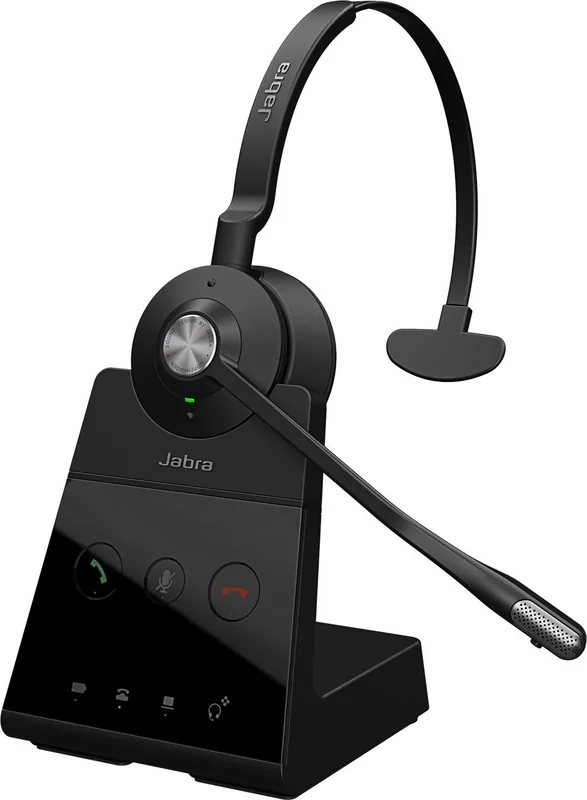
incl. Base station
Color
black
Product Description
Jabra Engage 65 Manual: A Smart Wireless Headset for Busy Workdays
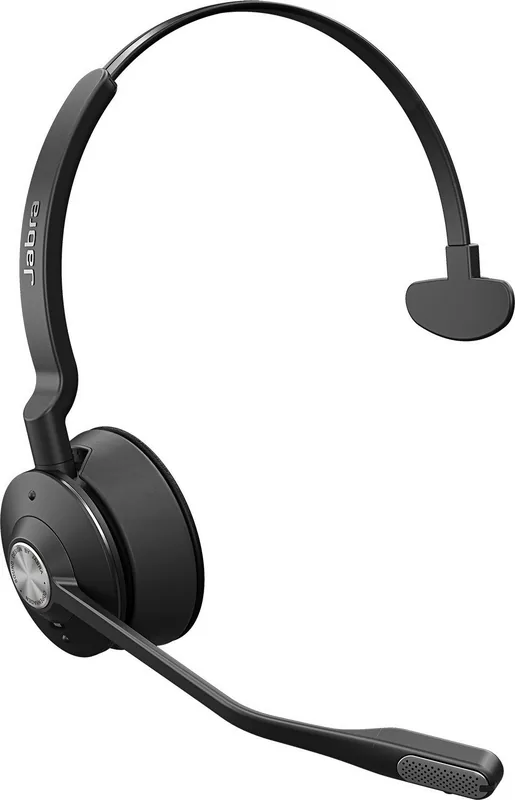
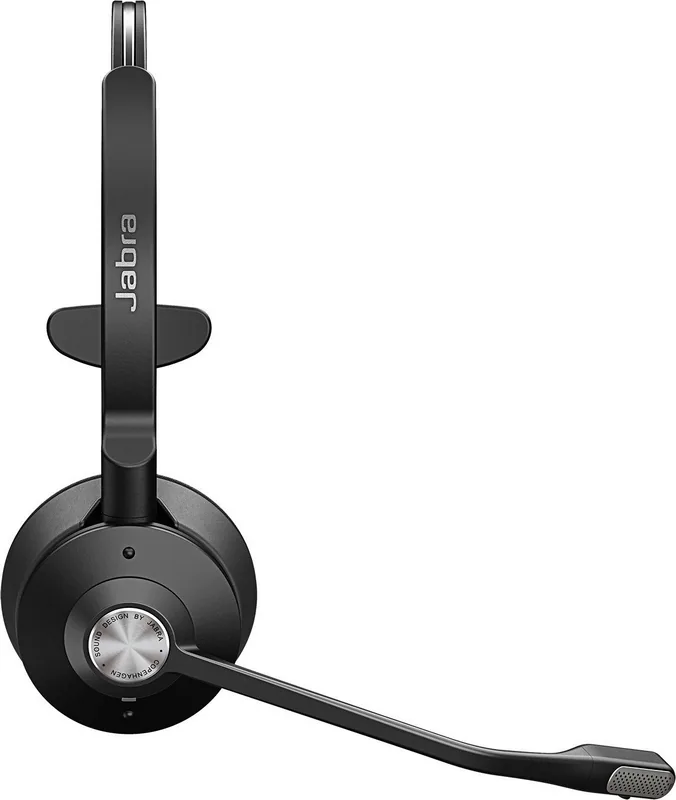
The Jabra Engage 65 is built for professionals who need clear calls, flexible connectivity, and reliable comfort throughout the day. It works with both desk phones and computers, making it a strong fit for offices where communication moves quickly between traditional phone systems and softphone platforms. Available in stereo, mono, and convertible styles, it gives users the freedom to choose the wearing option that feels best for long sessions.
One of its standout strengths is mobility. With DECT wireless range reaching up to 150 meters in stereo/mono versions and up to 100 meters in the convertible model, it lets users move around the office without losing connection. The lightweight design also helps reduce fatigue, especially in the convertible version, which is designed for all-day wear. Built-in Busylight support helps minimize interruptions, while DECT AES 256-bit encryption adds an extra layer of security for sensitive conversations.
The Jabra Engage 65 Manual highlights a setup that is practical rather than complicated. The base can connect to a desk phone with or without a headset port, and it can also connect directly to a computer through USB. Once connected, users can manage calls, adjust volume, mute the microphone, and switch target devices with simple button controls. Voice-guided settings and LED indicators make it easier to understand status updates, battery levels, and call activity at a glance.
This headset also supports more advanced office workflows. Users can merge calls, transfer audio between desk phones and headsets, and add additional headsets for conference calls. For teams that need shared communication, this is especially useful. Jabra Direct further improves the experience by enabling firmware updates and allowing deeper customization such as language selection, ringtone preferences, and range optimization.
Overall, the Jabra Engage 65 is a dependable choice for people who want a professional headset that balances comfort, security, and office-ready features. It is especially well suited for customer support, reception, sales, and other roles where call quality and ease of use matter every day.
Notes
- Best for mixed desk phone and computer setups.
- Jabra Direct can unlock more settings and updates.
- Choose the stereo, mono, or convertible style based on comfort needs.
Search for 67,706 Manuals online


Type-in Brand or Model