
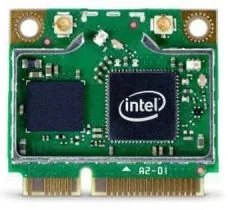
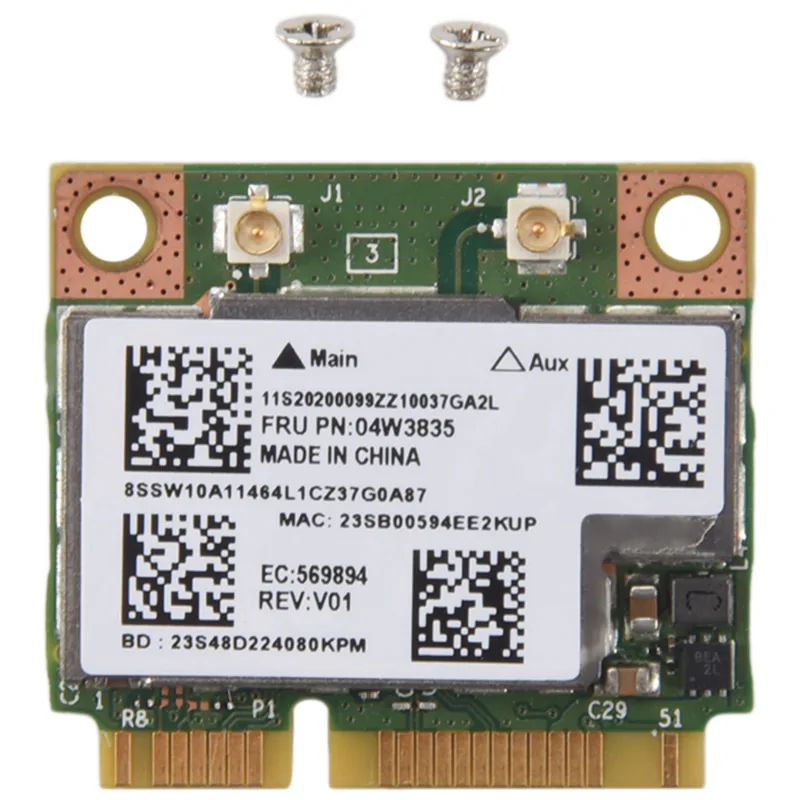
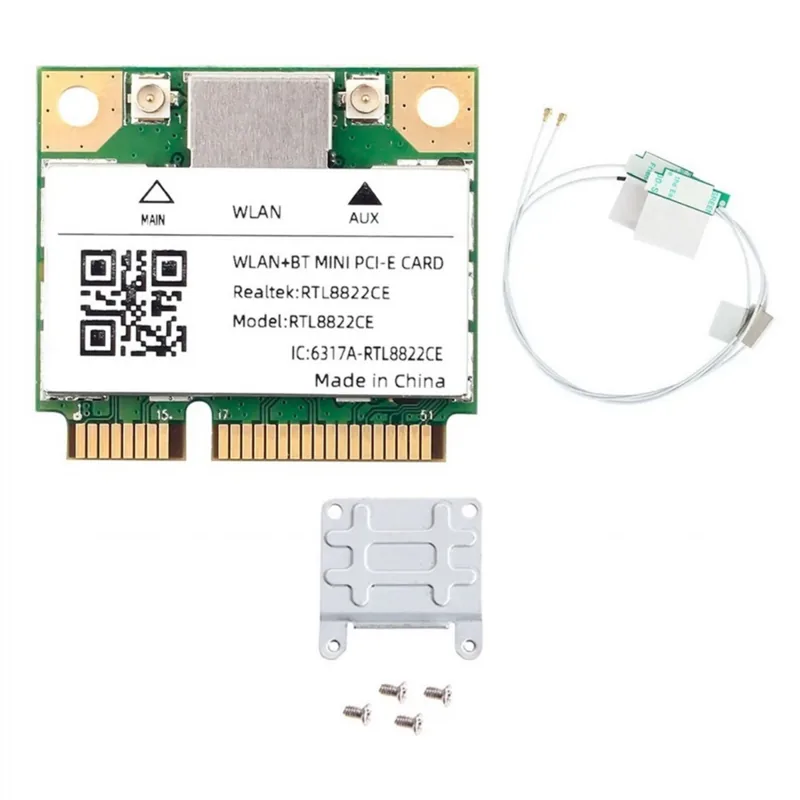
Intel Centrino Advanced-N 6235 Manual
PDF manual · 67 Pages
English



Quick check
Incorrect answer, please try again.
Chat with your Intel Centrino Advanced-N 6235 manual using AI
Get instant AI answers from your Intel Centrino Advanced-N 6235 manual
Ask anything about the Intel Centrino Advanced-N 6235. Answers come from this manual, with the pages they are based on.
Ask a Question
Do you recommend Centrino Advanced-N 6235?
Yes NoFrequently Asked Questions
The device supports transfer rates up to 300 Mbps on the N standard, depending on signal strength. AC variants support higher speeds.
Is this answer helpful?
It works with Windows 7, 8, and 8.1 in 32 and 64-bit options. Drivers should be updated from Intel sources.
Is this answer helpful?
This adapter utilizes a 52-pin Mini Card edge connector interface. It fits into compatible laptop slots.
Is this answer helpful?
Yes, Bluetooth is included. Versions 3.0 or 4.0 may vary depending on the specific model configuration.
Is this answer helpful?
The voltage requirement is standard at 3.3 volts for the PCIe connection.
Is this answer helpful?
Yes, network administrators deploy these cards in enterprise settings due to flexible roaming settings.
Is this answer helpful?
Users must verify configuration for their region and follow safety notices regarding antenna placement to avoid exposure risks.
Is this answer helpful?
Advantages and Disadvantages
Advantages

- Dual band 2.4GHz and 5GHz support
- MIMO technology increases throughput
- Compact half-mini card form factor
- Compatible with Windows 7 and 8
- On-board antenna diversity
Disadvantages

- Legacy hardware compared to Wi-Fi AC
- Drivers strictly for specific OS versions
- Third party modifications void warranty
- Regulatory restrictions vary by region
- Bluetooth version varies by configuration
Product Specification
Type
WLAN Adapter, WPAN Adapter
Form Factor
1x PCIe Mini Card (halfsize)
Interface
1x PCIe Mini (1x PCIe 1.0 x1, 1x USB 2.0)
Connectivity
1x WLAN 802.11a/b/g/n (1x 2.4GHz or 1x 5GHz, incl. 802.11h), 1x Bluetooth 3.0 (EDR, HS), 1x Signal Amplifier (2x MHF/U.FL Antenna Connector)
Transmission
1x 2.4GHz WLAN (300Mb/s, 2x2), 1x 5GHz WLAN (300Mb/s, 2x2), 1x Bluetooth 3.0
Chipset
Intel 6230 (WLAN Adapter, WPAN Adapter)
Dimensions
1.18x0.09x1.06in (WxDxH)
Weight
0.13oz
Compatibility
universal
Features
TPC/DFS, Intel Wireless Display
USB Layout
Left
Product Description
Experience Seamless Connectivity with Intel Centrino
The Intel Centrino Advanced-N 6235 offers robust wireless performance for modern computing needs. Designed as a PCIe Mini Card, this adapter enables dual-band connectivity across 2.4GHz and 5GHz frequencies. Users seeking optimal network speeds will find this hardware essential. Proper configuration ensures maximum stability. Many users rely on the Intel Centrino Advanced-N 6235 2.4GHz/5GHz WLAN, Bluetooth 3.0, PCIe Mini Card Manual to optimize settings.
This hardware supports 802.11n standards with MIMO technology. MIMO increases data throughput significantly. You can enjoy transfer rates up to 300 Mbps depending on signal strength. The device includes on-board antenna diversity to maintain connection quality. It fits into most laptops via the half-mini card slot. Power management features help extend battery life during mobile operations. Security protocols like WPA2 ensure your data remains safe. Bluetooth integration allows for wireless peripheral connections. The utility software provides advanced tabs for modifying settings easily. You can adjust channel widths to maximize performance in crowded environments. Compatibility spans across Windows 7, 8, and 8.1 operating systems. Driver updates are crucial for peak performance. The compact form factor leaves room for internal components. Regular firmware updates keep compliance intact.
Network administrators often deploy these cards in enterprise settings. The ability to switch between infrastructure and ad hoc modes provides flexibility. Roaming aggressiveness settings help maintain strong connections when moving between access points. Fat channel intolerant settings prevent interference from neighboring 40MHz channels. This ensures stable throughput even in dense environments. Regulatory information confirms compliance with FCC and Industry Canada standards. Operating within designated frequency ranges avoids legal issues. Local restrictions apply in various countries due to harmonization differences. Users must verify configuration for their specific region. Always follow safety notices regarding antenna placement to avoid exposure risks.
Installation requires physical access to the internal card slot. Ensure the host device supports the 52-pin edge connector interface. Voltage requirements are standard at 3.3 volts for the PCIe connection. Proper airflow prevents overheating during intensive data tasks. Consider the competitive landscape of wireless adapters on the market. This specific model remains popular for legacy compatibility. Upgrades to newer AC standards might be necessary for 867 Mbps speeds. However, the N standard serves most daily broadband tasks adequately. Driver installation should come from official Intel sources only. Third-party modifications void warranty authorization and risk compliance issues.
Security features include TKIP and AES encryption standards. These protect against common wireless attacks effectively. Supported authentication methods cover enterprise and personal scenarios. The Wi-Fi Protected Setup simplifies adding new devices to the network. Overall performance remains reliable for general computing tasks.
Search for 67,732 Manuals online


Type-in Brand or Model
Jared Bradtke
7 months ago
Is upgrading the WeTab network card from Realtek to Intel recommended for stability?
Manual.ly
7 months ago
According to user experiences, the Intel card offers significant improvements in performance and driver stability over the original Realtek module, particularly for WLAN-n and Bluetooth connections on Windows 8. While not strictly mandatory, the upgrade is highly recommended for users seeking a more reliable experience. Reviews confirm full satisfaction with the purchase, noting the price point of approximately 18 euros makes it a very cost-effective enhancement for the device.