
InLine USB PD 25W Manual
PDF manual · 2 Pages
English



Quick check
Incorrect answer, please try again.
Chat with your InLine USB PD 25W manual using AI
Get instant AI answers from your InLine USB PD 25W manual
Ask anything about the InLine USB PD 25W. Answers come from this manual, with the pages they are based on.
Ask a Question
Do you recommend USB PD 25W?
Yes NoFrequently Asked Questions
The InLine 25W USB-C Power Delivery Power Supply has a maximum output of 25 watts. It supports various voltage and current combinations including 5V/3A, 9V/2.77A, and 3.3-11V/2.25A to optimize charging for different devices.
Is this answer helpful?
Yes, it is compatible with iPhones and iPads provided they have a USB-C port or you use a compatible USB-C to Lightning cable. However, charging speeds will depend on whether the device supports Power Delivery technology.
Is this answer helpful?
No, the scope of delivery includes only the power supply unit and the instruction manual. You will need to purchase a separate USB-C cable or use one you already own to connect your device.
Is this answer helpful?
The device is equipped with an automatic temperature cutoff feature. If the internal temperature becomes too high, the charger will switch off immediately to prevent damage. It will resume charging automatically once the unit has cooled down.
Is this answer helpful?
Yes, the charger accepts an input voltage range of 110-240VAC at 50/60Hz. This makes it suitable for use worldwide without needing a voltage converter, though you may require a physical plug adapter depending on the country.
Is this answer helpful?
Clean the exterior of the charger using only a dry, soft, velvety cloth. Do not use any cleaning chemicals, solvents, or water, as these could damage the housing or compromise electrical safety.
Is this answer helpful?
Advantages and Disadvantages
Advantages

- Delivers fast charging speeds up to 25W for compatible devices
- Includes automatic thermal shutdown for enhanced safety
- Supports universal input voltage from 110V to 240V
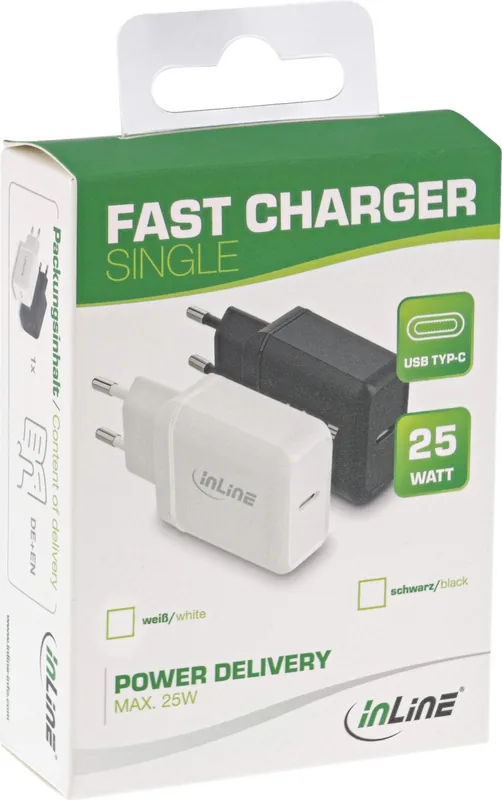
- Compact design available in black and white colors
- Features surge and short circuit protection
Disadvantages

- Only provides a single USB-C output port
- Cable is not included in the package
- Requires dry indoor environments for safe operation
- May take longer to charge non-PD conventional devices
- No display to show exact wattage output
Product Specification
Type
Third-party
Compatibility
USB-C
Input
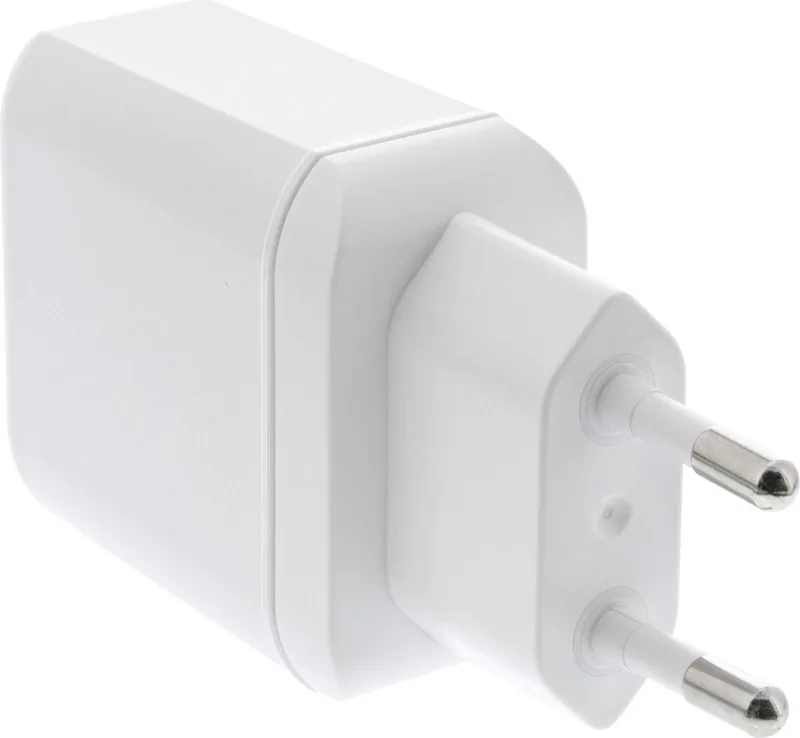
1x EU plug (non-removable)
Output
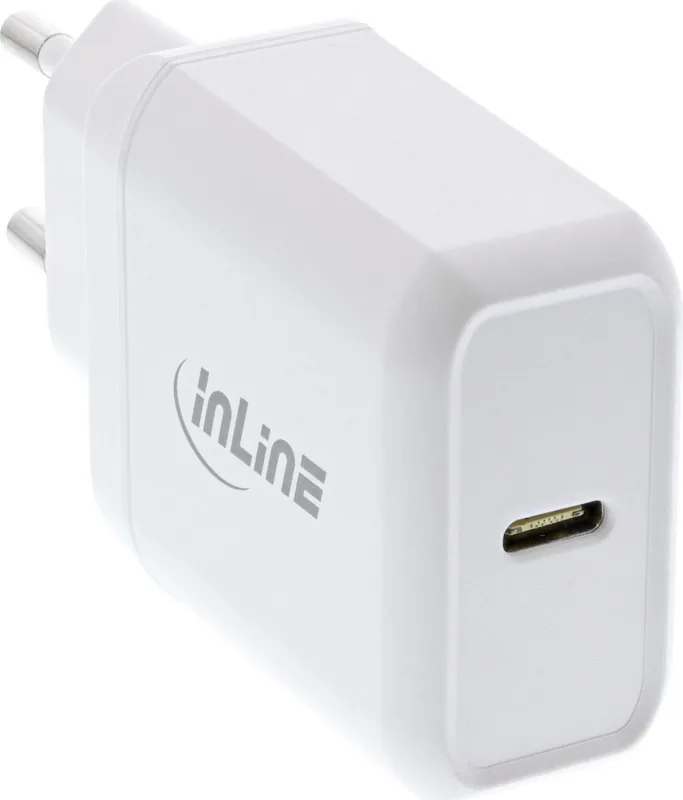
1x USB-C (female, without cable)
Power
25W
Input Voltage
110-240V
Output Voltage
5V, 9V, 3.3-11V
Current
3A
Features
USB-C output
Manufacturer Warranty
two years
Product Description
Unlock Fast Charging with the InLine 25W USB-C Power Delivery Power Supply
The modern digital lifestyle demands power that keeps up with your pace. The InLine 25W USB-C Power Delivery Power Supply is designed to meet this need, offering a sleek and efficient solution for charging compatible devices. Whether you are at home, in the office, or traveling, this charger ensures your gadgets are ready when you are.
This compact unit features a single USB Type-C port capable of delivering up to 25 watts of power. It supports multiple voltage profiles including 5V at 3A, 9V at 2.77A, and an adjustable range from 3.3V to 11V at 2.25A. This versatility allows it to fast charge smartphones, tablets, and other USB-C enabled electronics significantly faster than standard chargers. The device automatically detects connected devices to provide the optimal charging speed required.
Safety is paramount in the design of this power supply. It includes built-in surge protection and short circuit safeguards to protect both the charger and your expensive devices. An intelligent thermal management system monitors internal temperatures; if the unit gets too hot, it shuts down automatically and resumes charging once it cools down, preventing overheating risks. The durable housing is made to withstand daily use while maintaining a professional aesthetic available in black or white finishes.
Using the charger is straightforward. Simply plug the unit into any standard AC outlet rated between 110V and 240V, then connect your device via a USB-C cable. A status LED indicates operation, giving you visual confirmation that power is flowing. For maintenance, a simple wipe with a dry cloth is all that is needed. Always ensure the device remains in dry environments away from direct sunlight to maximize its lifespan.
Important Notes
- Keep away from children as packaging may contain small parts.
- Do not disassemble the unit under any circumstances.
- Dispose of old units at designated electronic waste collection points.
- Compatible accessories include specific Lightning and USB-C cables.
Search for 67,706 Manuals online


Type-in Brand or Model