

Free InLine Manuals – Read, Download & Print
47 Manuals
Manuals
4 Pages
8 Pages
1 Pages

2 Pages
24 Pages
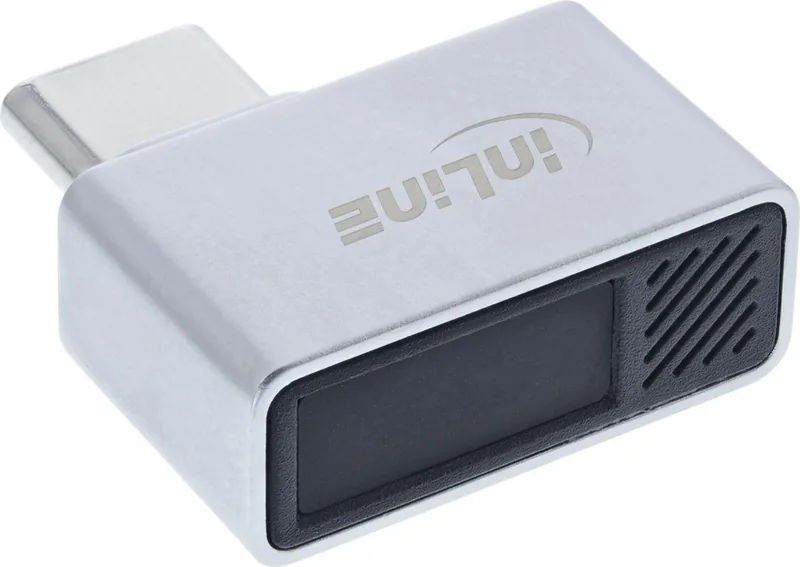
2 Pages
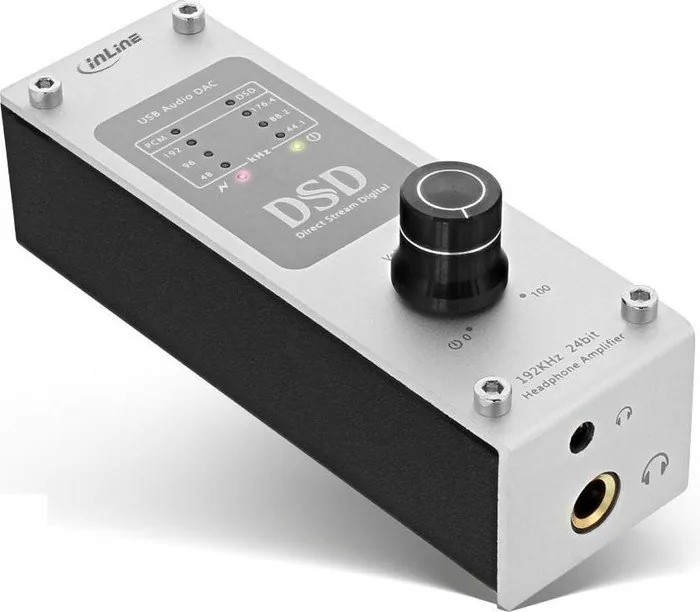
18 Pages
8 Pages
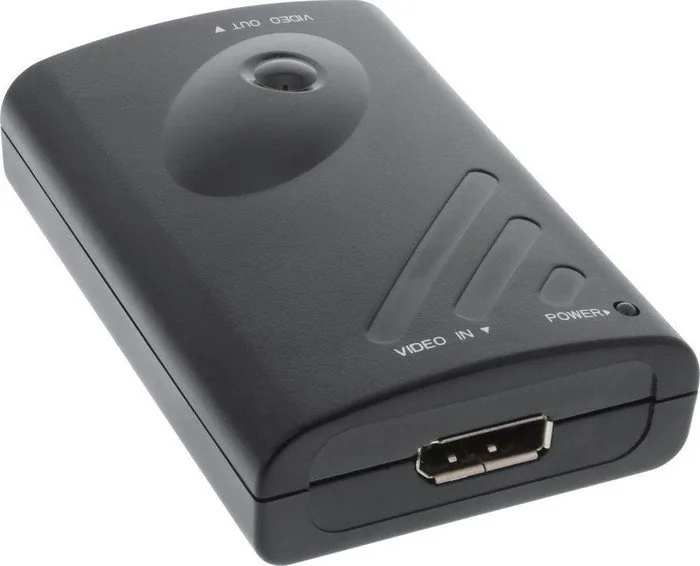
3 Pages

18 Pages

10 Pages

12 Pages

2 Pages
2 Pages
2 Pages
4 Pages

2 Pages
4 Pages
4 Pages

16 Pages

16 Pages
8 Pages

4 Pages
8 Pages
2 Pages

8 Pages
4 Pages
4 Pages
10 Pages

4 Pages

4 Pages

4 Pages
12 Pages
2 Pages
2 Pages

4 Pages

4 Pages
6 Pages
2 Pages
20 Pages
2 Pages
2 Pages
30 Pages

12 Pages

35 Pages
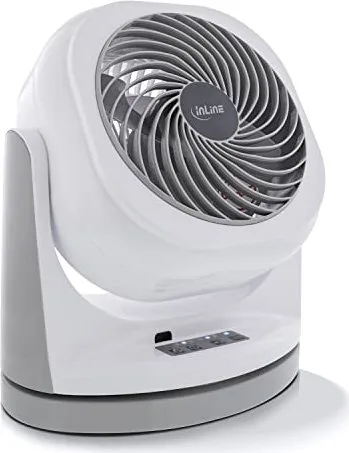
24 Pages

30 Pages
Categories


Free InLine Manuals - Read, Download & Print
Access Helpful Manuals Without the Hassle
Free InLine Manuals makes it easy to find, read, download, and print manuals for a wide range of products. Whether you need instructions for a household appliance, electronic device, power tool, vehicle accessory, office machine, or personal equipment, online manuals provide a convenient way to access important product information whenever you need it.
Instead of searching through drawers for a missing booklet or waiting for a replacement copy to arrive, users can locate digital manuals in minutes. These documents often include setup directions, operating instructions, maintenance guidance, safety notices, troubleshooting steps, specifications, and parts information. With free online access, product owners can get the answers they need without unnecessary delays.
Read Manuals Online Anytime
Convenient Digital Reference
Reading manuals online is an ideal option for people who want fast access to product information without downloading files. An inline manual can be viewed directly in a web browser on a desktop computer, laptop, tablet, or smartphone. This makes it simple to look up a specific instruction while standing next to the product.
Online reading is especially useful when you only need a quick answer. You may want to confirm which button changes a setting, check the correct cleaning procedure, identify an error code, or review a safety warning. Rather than scrolling through a large printed book, a digital manual can often be searched using keywords to help locate the relevant section quickly.
Easy Search and Navigation
Most digital manuals are organized into clear sections, including contents pages, chapter headings, diagrams, tables, and indexes. This structure helps users move from general product information to detailed instructions efficiently. Searching for terms such as "installation," "battery," "reset," "maintenance," or "troubleshooting" can save valuable time.
Inline viewing also helps users compare information while using a product. For example, someone setting up a printer can keep the manual open in one browser tab while completing software installation in another. A homeowner repairing an appliance can zoom in on a wiring diagram or parts illustration without needing to handle a paper booklet.
Download Free Manuals for Offline Use
Keep Important Instructions Available
Downloading a manual allows users to save a copy for future reference. This is useful when internet access is limited, when a product is used in a garage or workshop, or when instructions may be needed during travel. A saved manual can be stored on a computer, tablet, phone, USB drive, or cloud storage account.
Offline copies are also practical for families, businesses, and technicians who manage multiple products. Keeping manuals in labeled folders makes it easier to maintain an organized digital library. Instead of keeping stacks of paper documents, users can create folders for kitchen appliances, home electronics, tools, office equipment, and vehicle records.
Useful File Formats
Many manuals are provided as PDF files because PDFs preserve page layouts, images, charts, and formatting. They can usually be opened on most devices with standard browser tools or free document readers. PDF manuals are also easy to search, bookmark, share, and print.
When downloading a manual, choose a reliable file source and confirm that the document matches the exact product model. Manufacturers may release similar products with different controls, components, or technical requirements. Checking the model number on the product label before downloading helps ensure that the instructions are accurate.
Print Manuals When a Paper Copy Helps
Practical Instructions for Hands-On Tasks
Printing a manual is helpful for projects that require hands-on work. A paper copy can be placed on a workbench, taken outdoors, or kept near equipment without relying on a screen. Printed pages are particularly useful during installation, repairs, assembly, maintenance, and cleaning tasks.
For large manuals, users do not always need to print every page. Printing only the pages related to setup, safety, error codes, or maintenance can reduce paper use while still providing the needed information. Important pages can be placed in a binder, protective sleeve, or product folder for easy access.
Better Organization at Home or Work
A printed manual can be valuable for shared equipment used by several people. In offices, workshops, rental properties, schools, and community spaces, a clearly labeled instruction folder can help users operate equipment correctly. This may reduce misuse, prevent avoidable damage, and make routine tasks easier for everyone.
Printed copies are also useful for emergency reference. If a device loses power, a network is unavailable, or a phone battery is low, a paper manual remains accessible. For essential products such as generators, heating equipment, medical-support devices, security systems, and water systems, keeping printed guidance available can be a sensible precaution.
Find the Right Manual for Your Product
Use the Exact Model Number
The best way to find the correct manual is to search using the brand name and complete model number. Model numbers are commonly found on product labels, serial plates, packaging, purchase receipts, or registration documents. They may be located on the back, bottom, side, inside door, or battery compartment of a product.
A model number is more reliable than a general product name. For instance, two similar coffee makers or televisions may have different buttons, settings, replacement parts, and reset procedures. Using the exact number helps avoid confusion and ensures that the manual covers the correct features.
Check Manual Type
Products may have more than one manual. A user guide explains normal operation, while an installation guide focuses on setup. A service manual may contain technical repair details, wiring diagrams, diagnostic procedures, and parts lists. Quick-start guides provide a brief overview, while safety guides focus on proper use and precautions.
Select the manual type that fits your needs. New owners may benefit most from a user manual and quick-start guide. Installers may need mounting templates or technical instructions. People trying to solve a fault may need the troubleshooting section, error code list, or service documentation.
Common Information Included in Manuals
Setup and Daily Operation
Product manuals explain how to unpack, assemble, install, connect, charge, configure, and use equipment. They often include labeled diagrams that identify controls, ports, accessories, and components. Step-by-step instructions can make unfamiliar devices easier to use correctly from the first day.
Operating sections commonly cover modes, settings, display indicators, buttons, menus, and recommended usage. They may explain how to adjust temperature, pair a wireless device, load materials, change filters, select programs, or store the product safely after use.
Maintenance and Troubleshooting
Regular maintenance can extend product life and improve performance. Manuals often describe cleaning schedules, replacement parts, lubrication needs, battery care, filter changes, and storage recommendations. Following these instructions can help prevent common problems and keep equipment functioning as intended.
Troubleshooting sections are designed to help identify common issues before professional service is required. They may list symptoms, possible causes, and suggested solutions. Examples include checking power connections, resetting a device, clearing a blockage, replacing a battery, updating settings, or confirming that accessories are installed correctly.
Safety Matters When Using Any Manual
Follow Warnings Carefully
Manuals contain important safety information that should always be reviewed before operating, installing, or repairing a product. Warnings may address electricity, heat, sharp edges, moving parts, chemicals, batteries, pressure, fuel, water, and child safety. Ignoring safety instructions can result in damage, injury, or loss of warranty coverage.
Use the manual as a guide, but do not attempt advanced repairs unless you have the appropriate knowledge, tools, and safety equipment. For gas, high-voltage, structural, or complex mechanical work, qualified service professionals may be the safest choice.
Verify Current Information
Manufacturers may update manuals to reflect product changes, software updates, revised safety guidance, or new regulations. Whenever possible, use the latest version available for your model. If a manual does not match the product, contact the manufacturer or an authorized support provider for confirmation.
Make the Most of Free InLine Manuals
Free InLine Manuals offers a practical way to keep product knowledge within reach. Read instructions directly online for quick answers, download copies for offline access, and print the pages you need for convenient hands-on reference. Digital manuals save space, reduce the risk of losing important information, and make it easier to care for the products you rely on every day.
By searching with the correct brand and model number, selecting the appropriate manual type, and following safety guidance, users can confidently set up, operate, maintain, and troubleshoot their equipment. Free access to reliable manuals helps turn complicated instructions into clear, useful support when it matters most.
Search for 67,706 Manuals online


Type-in Brand or Model