
InLine SmartHome 40155 Manual
PDF manual · 4 Pages
English



Quick check
Incorrect answer, please try again.
Chat with your InLine SmartHome 40155 manual using AI
Get instant AI answers from your InLine SmartHome 40155 manual
Ask anything about the InLine SmartHome 40155. Answers come from this manual, with the pages they are based on.
Ask a Question
Do you recommend SmartHome 40155?
Yes NoFrequently Asked Questions
No, this device only supports 2.4GHz WiFi networks. Please ensure your router broadcasts on this frequency for successful connection.
Is this answer helpful?
Currently, the InLine SmartHome Smart Socket works with the Smart Life app and is compatible with Amazon Alexa and Google Assistant. It does not natively support Apple HomeKit.
Is this answer helpful?
Press and hold the reset button on the side of the socket for six seconds until the LED flashes rapidly. Then reconnect via the Smart Life app.
Is this answer helpful?
The socket supports up to 16 Amperes at AC 110-240 Volts. Do not exceed this limit to prevent damage or safety hazards.
Is this answer helpful?
No, the installation is very simple. Just plug it in, download the app, and follow the guided steps to connect it to your WiFi network.
Is this answer helpful?
Advantages and Disadvantages
Advantages

- Compatible with Amazon Alexa and Google Assistant for hands-free control
- Compact design measures only 46x33mm when plugged in
- Includes built-in overload and overheat protection for safety
- Easy setup process using the widely used Smart Life app
- Supports remote control and automation scheduling via smartphone
Disadvantages

- Requires a stable 2.4GHz WiFi connection which may limit range
- No battery backup so power outages disable smart features
- Limited to controlling basic on/off functions without dimming
- Plastic housing may feel less premium compared to metal alternatives
- Reset button requires accessing the side which can be tight in some outlets
Product Specification
Type
Actor
Standard
WLAN (802.11b/g/n)
Function
Switched Outlet (on/off)
Product Description
Transform Your Home with the InLine SmartHome Smart Socket
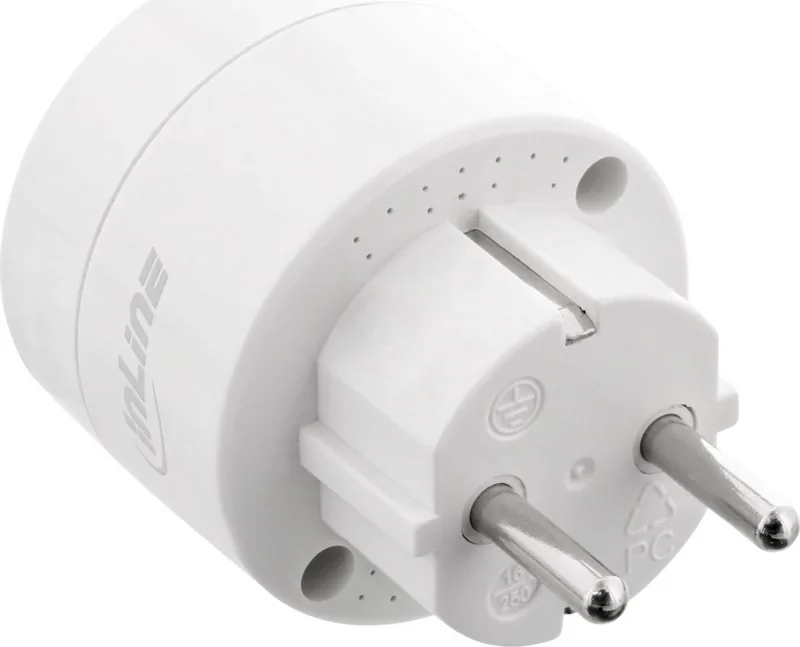
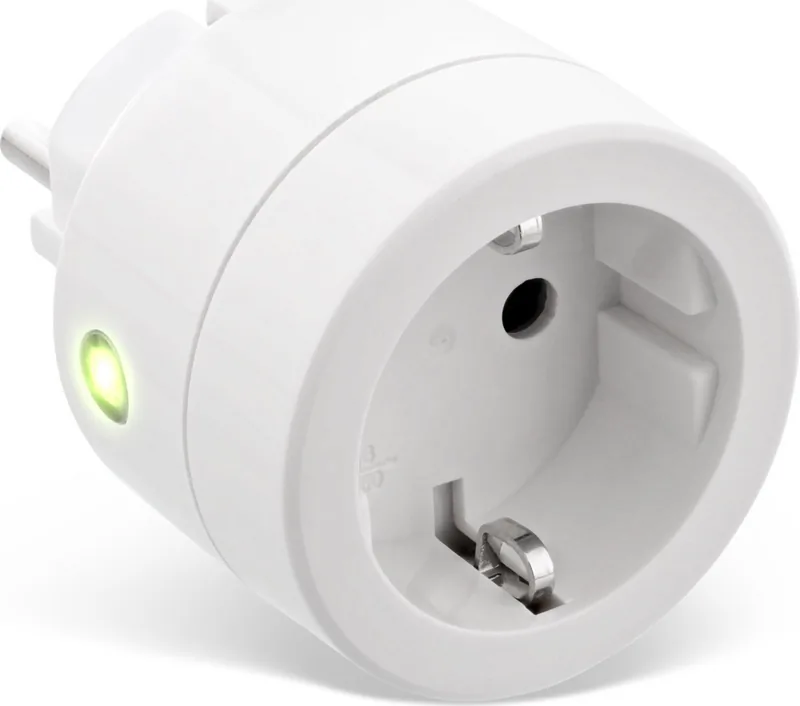
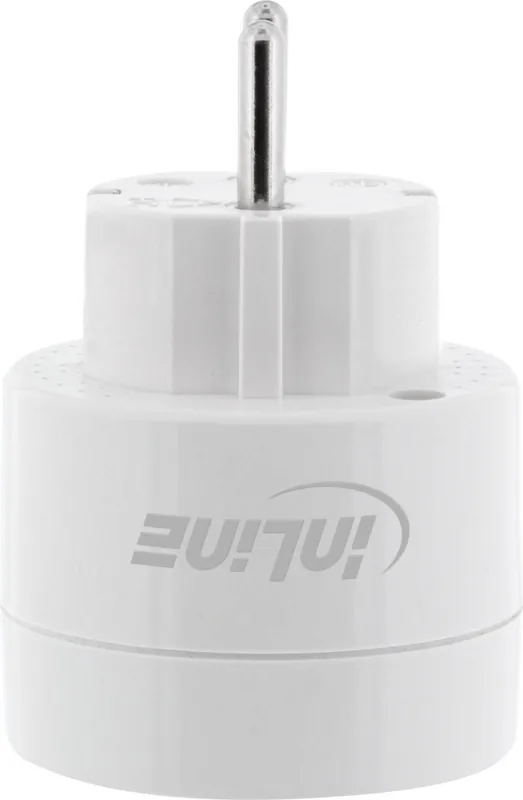
Welcome to the future of home automation. The InLine SmartHome Smart Socket is a sleek, white device designed to bring intelligence to your everyday appliances. Crafted from durable ABS+PC plastic, this socket fits seamlessly into any modern decor while offering robust functionality. With dimensions of just 46x70mm, it remains unobtrusive when plugged in, measuring only 33mm deep once connected.
This smart device operates on standard AC 110-240V power and supports WiFi 2.4GHz connectivity using the IEEE802.11b/g/n protocol. It allows you to control lights, fans, and other electronics remotely via the popular Smart Life app available on both Android and iOS. Whether you are at home or away, you can switch devices on or off with a simple tap on your smartphone.
The InLine SmartHome Smart Socket integrates effortlessly with voice assistants like Amazon Alexa and Google Assistant. You can create custom scenes, set timers, and automate routines to suit your lifestyle. The unit includes essential safety features such as overload and overheat protection, ensuring peace of mind during operation. It functions reliably within temperatures ranging from 0 to 40 degrees Celsius and maintains stability in humidity levels between 20% and 85%.
Setting up your new smart socket is straightforward. Simply download the Smart Life app, register an account, and follow the intuitive steps to connect the device to your network. A reset button located on the side allows for easy reconfiguration if needed. Once connected, you can assign the socket to specific rooms or share access with family members through the app interface.
Important Notes
Ensure your router is broadcasting a 2.4GHz signal, as this product does not support 5GHz networks. Always dispose of electronic waste responsibly at designated collection points. Keep the device away from children as it contains small parts.
Search for 67,706 Manuals online


Type-in Brand or Model