
InLine SmartHome 40152 Manual
PDF manual · 4 Pages
English



Quick check
Incorrect answer, please try again.
Chat with your InLine SmartHome 40152 manual using AI
Get instant AI answers from your InLine SmartHome 40152 manual
Ask anything about the InLine SmartHome 40152. Answers come from this manual, with the pages they are based on.
Ask a Question
Do you recommend SmartHome 40152?
Yes NoFrequently Asked Questions
No, the InLine SmartHome Door or Window Sensor only supports 2.4GHz WiFi networks. Please ensure your router broadcasts this frequency for successful pairing.
Is this answer helpful?
You can use the included 3M adhesive pads to stick the sensor and magnet directly to your door or window frame without needing to drill any holes.
Is this answer helpful?
Yes, the sensor is fully compatible with Amazon Alexa. You can ask Alexa to check the status of your doors or windows after linking the Smart Life skill.
Is this answer helpful?
The device uses one CR2 3V Lithium battery. The battery life lasts for approximately 3000 opening and closing cycles under normal usage.
Is this answer helpful?
The signal range is up to 45 meters, provided there is a clear line of sight between the sensor and your router without significant obstructions.
Is this answer helpful?
Advantages and Disadvantages
Advantages

- Easy installation with included adhesive pads and screws
- Compatible with major voice assistants like Alexa and Google
- Real-time notifications via the Smart Life app
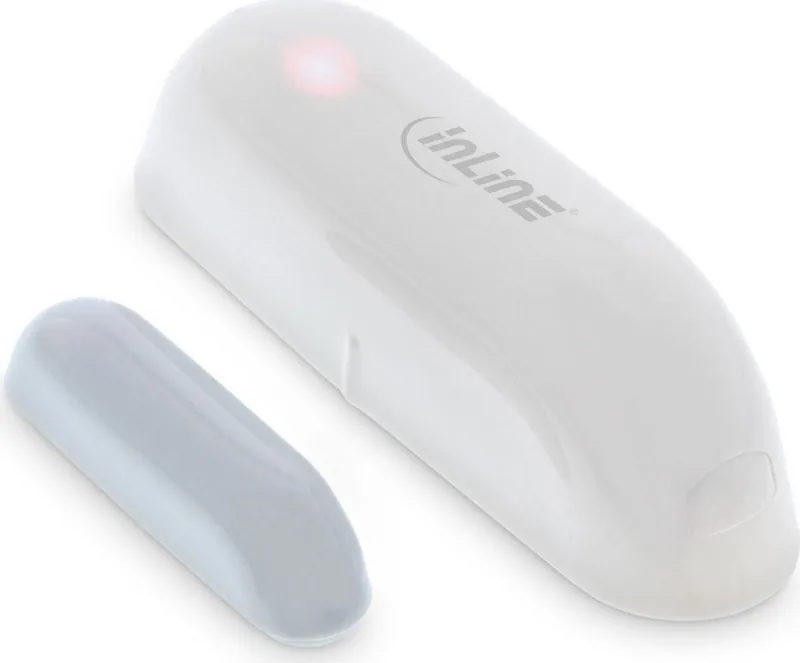
- Compact and discreet white design fits any interior
- Supports complex automation scenarios and routines
Disadvantages

- Requires 2.4GHz WiFi network only, not 5GHz
- Battery replacement needed after approximately 3000 cycles
- Range limited to 45 meters in clear line-of-sight conditions
- No built-in siren within the sensor unit itself
- Initial setup requires downloading the specific Smart Life app
Product Specification
Type
Sensor
Standard
WLAN (802.11b/g/n)
Function
Lock/Unlock Sensor
Dimensions
2.79x0.83x0.87 in
Features
Battery powered, controllable via app (Android, iOS), voice assistant (Amazon Alexa, Google Assistant)
Product Description
Enhance Your Home Security with the InLine SmartHome Door or Window Sensor
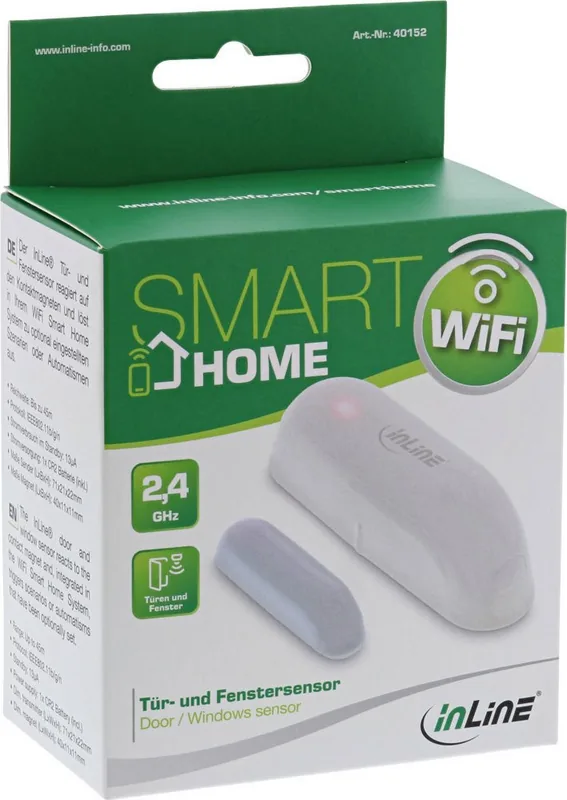
Welcome to the future of home automation. The InLine SmartHome Door or Window Sensor, Opening/Closing Sensor Manual is your gateway to a smarter, safer living environment. This sleek device transforms ordinary doors and windows into intelligent security points, alerting you instantly whenever an entry point is opened or closed.
Designed for seamless integration, this sensor connects effortlessly via WiFi 2.4GHz to your existing network. It works flawlessly with the popular Smart Life app, allowing you to monitor your home from anywhere in the world. Whether you are at work or on vacation, receiving real-time notifications ensures you never miss a beat. The device supports voice control through Amazon Alexa and Google Assistant, making it incredibly convenient to check your door status hands-free.
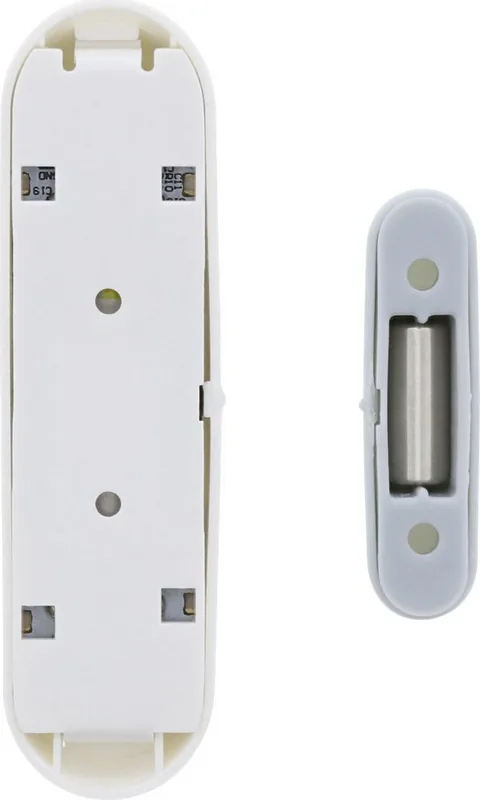
Installation is straightforward and requires no professional help. The package includes the transmitter, a contact magnet, a CR2 battery, screws, dowels, and adhesive pads. You simply attach the sensor to the frame and the magnet to the door or window. Once paired with the app using the reset button, your smart home ecosystem is ready to go. The compact white design blends perfectly with any decor, while the durable ABS+PC plastic construction ensures longevity.
Beyond basic monitoring, the sensor enables powerful automations. Imagine setting up a scenario where turning off your lights triggers the siren if a window is opened late at night. Or perhaps you want to receive a low-battery warning before the power runs out. These features make the InLine SmartHome Door or Window Sensor not just a detector, but a proactive guardian for your family.
Important Notes
- Ensure your router supports 2.4GHz networks for optimal connection.
- Always remove the protective foil from the battery contact before first use.
- Dispose of batteries and electronics responsibly according to local laws.
Search for 67,706 Manuals online


Type-in Brand or Model