
InLine SmartHome 40150 Manual
PDF manual · 4 Pages
English



Quick check
Incorrect answer, please try again.
Chat with your InLine SmartHome 40150 manual using AI
Get instant AI answers from your InLine SmartHome 40150 manual
Ask anything about the InLine SmartHome 40150. Answers come from this manual, with the pages they are based on.
Ask a Question
Do you recommend SmartHome 40150?
Yes NoFrequently Asked Questions
You can power it with the included Micro-USB cable using a USB power adapter (not included). Alternatively, you can run it on two optional CR123A 3 V batteries. If you use batteries, follow the battery durability and replacement guidance.
Is this answer helpful?
Yes. The siren is designed for WiFi 2.4 GHz using IEEE 802.11 b/g/n. If your network is 5 GHz only, the device will not connect until you use a compatible 2.4 GHz network.
Is this answer helpful?
Open Smart Life and tap add device. Select Sensor WiFi under Security & Sensor for this alarm siren. Then press and hold the reset button for 6 seconds until the LED begins flashing rapidly. Confirm Next step in the app when pairing mode is active.
Is this answer helpful?
The siren produces 110 dB. This makes it suitable for alerting occupants indoors when triggered through app controls or automations.
Is this answer helpful?
Yes. The device is compatible with Amazon Alexa and Google Assistant. After connecting it in Smart Life, you can use voice control and integrate it into routines depending on your setup.
Is this answer helpful?
Check that the WiFi password is correct and that you selected the correct device type during setup. For the siren, choose Sensor WiFi from the Security & Sensor section in the device list.
Is this answer helpful?
Yes. The instructions describe creating an automation in Smart Life so the siren can be activated based on battery status conditions. This helps you handle low-battery situations proactively.
Is this answer helpful?
Advantages and Disadvantages
Advantages

- 110 dB siren output for strong indoor alarm presence
- WiFi 2.4 GHz connectivity with IEEE 802.11 b/g/n support
- Works with Smart Life for automations, scenarios, and remote control
- Compatible with Amazon Alexa, Google Assistant, and IFTTT
- Multiple power options: Micro-USB or optional CR123A batteries
Disadvantages

- Requires a WiFi 2.4 GHz network, not 5 GHz
- USB power adapter for Micro-USB use is not included
- Battery operation depends on optional CR123A cells (not included)
- Effective range is up to 45 m only with visual contact
Product Specification
Type
Wireless Indoor Siren
Wireless Frequency
2.4GHz
Range
147.64ft (open field)
Interfaces
WLAN (802.11b/g/n)
Alarm Zones
1
Number of Users
1
Warning Tone
110dBA
Power Supply
Mains operation (microUSB, 5V), Battery operation (optional)
Dimensions
2.68x1.30in (diameter)
Weight
0.24lb
Features
App controllable (Android, iOS)
Product Description
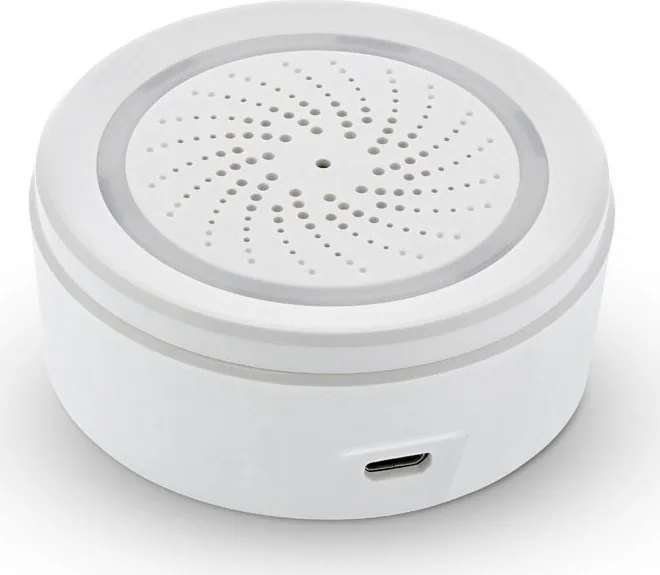
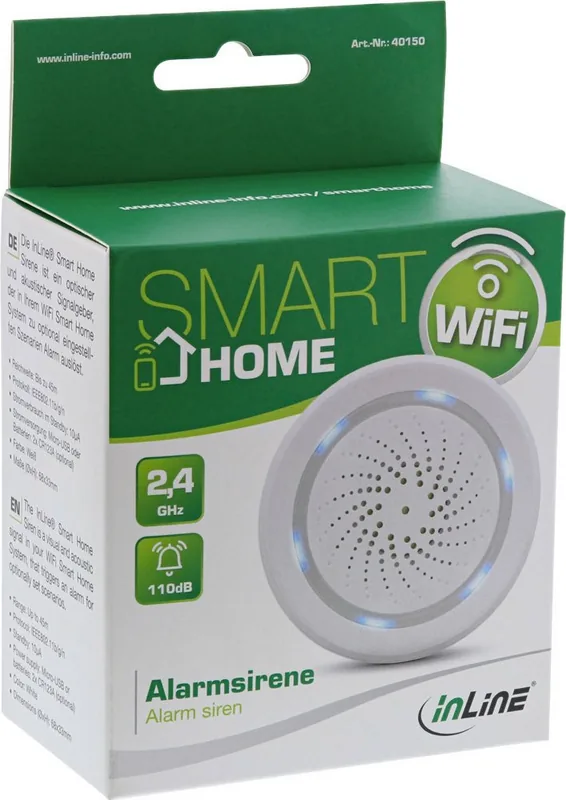
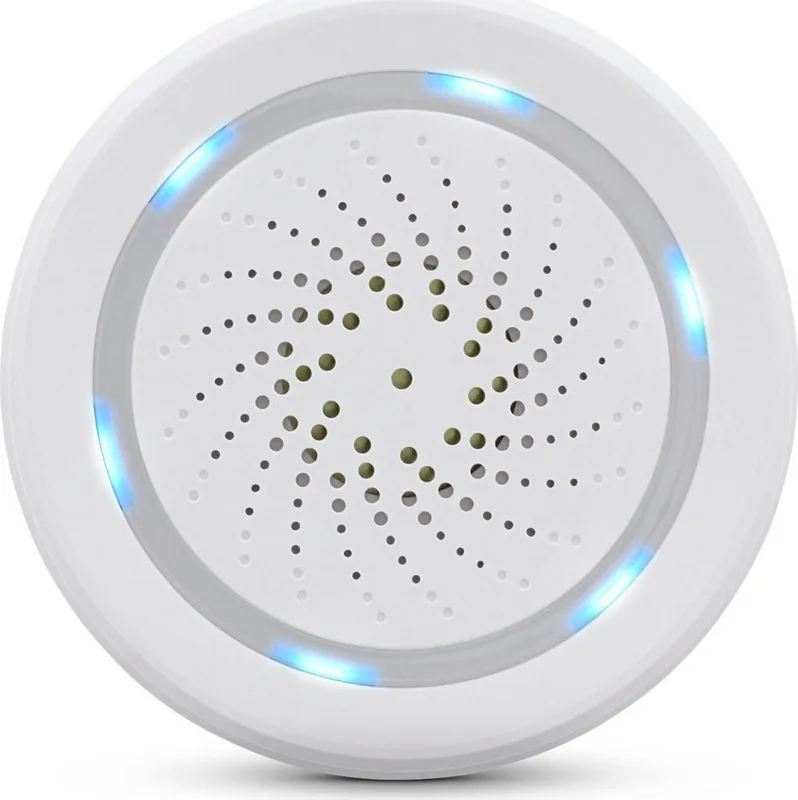
InLine SmartHome Alarm Siren Wireless Indoor Siren
Keep your home protected with the InLine SmartHome Alarm Siren Wireless Indoor Siren. Designed for indoor use, this WiFi-enabled alarm siren delivers a loud 110 dB sound and lets you trigger alerts through your Smart Life app. Whether you want a quick deterrent or a reliable notification for entry events, the device is built to fit a modern smart home setup.
Wireless siren that fits your routine
The siren connects via WiFi 2.4 GHz (IEEE 802.11 b/g/n) and works with Smart Life, so you can create automations and scenes. For example, you can activate the siren automatically when a specific condition occurs, including battery-status prompts if you are using the optional CR123A batteries.
You can also integrate voice control and automation platforms. Compatibility includes Amazon Alexa, Google Assistant, and IFTTT, making it easier to coordinate the siren with other smart devices.
Easy setup and everyday control
Power the siren using the included Micro-USB cable (with a separate USB power adapter, not included). Alternatively, run it on two optional CR123A 3 V batteries. For pairing, add the device in the Smart Life app by selecting the WiFi security sensor entry, then press and hold the reset button for 6 seconds until the LED starts flashing rapidly.
After connection, you can assign the siren to a room, use it in scenarios, and manage settings like firmware updates and sharing. If something does not work, the included InLine SmartHome Alarm Siren Wireless Indoor Siren Manual guidance covers typical pairing and WiFi issues.
Key results
- 110 dB siren sound for clear indoor alerts
- WiFi 2.4 GHz support, up to 45 m range in visual contact
- App control via Smart Life, with Alexa, Google Assistant, and IFTTT compatibility
- Setup through Smart Life using Sensor WiFi and a 6-second reset pairing step
- Power options: Micro-USB (adapter needed) or optional CR123A batteries
Key considerations
- Requires WiFi 2.4 GHz (IEEE 802.11 b/g/n), not 5 GHz
- Optional batteries are not included, and battery lifespan depends on usage
- Indoor performance depends on placement and signal strength
- Micro-USB power adapter is not included
Notes
- Standby power consumption is very low (10 µA), helping reduce idle draw.
- Operating temperature is 0 to 40 C, with 20 to 85 percent humidity supported.
Search for 67,706 Manuals online


Type-in Brand or Model