
InLine Smart Home 40151 Manual
PDF manual · 4 Pages
English



Quick check
Incorrect answer, please try again.
Chat with your InLine Smart Home 40151 manual using AI
Get instant AI answers from your InLine Smart Home 40151 manual
Ask anything about the InLine Smart Home 40151. Answers come from this manual, with the pages they are based on.
Ask a Question
Do you recommend Smart Home 40151?
Yes NoFrequently Asked Questions
The device requires one CR2 3V Lithium battery. You must remove the protective foil from the battery contact before operation.
Is this answer helpful?
The sensor works exclusively with the Smart Life app, available for both Android and iOS devices.
Is this answer helpful?
Yes, it is compatible with Amazon Alexa and Google Assistant, allowing for voice control and integration with other smart devices.
Is this answer helpful?
The signal range is up to 45 meters, but this assumes clear line-of-sight without significant walls or interference.
Is this answer helpful?
Press and hold the reset button on the product for 6 seconds until the LED starts flashing rapidly to enter pairing mode.
Is this answer helpful?
Advantages and Disadvantages
Advantages

- Seamless integration with Smart Life, Alexa, and Google Assistant
- Low standby power consumption extends battery life significantly
- Compact and lightweight design fits anywhere in the home
- Real-time monitoring with customizable automation triggers
Disadvantages

- Requires CR2 battery which may be less common than AA or AAA
- Limited to 2.4GHz WiFi networks only
- Range decreases significantly if there are physical obstructions
Product Specification
Type
Sensor
Standard
WLAN (802.11b/g/n)
Function
Humidity
Dimensions
2.7x1.3 in
Features
battery-powered, controllable via app, voice assistant (Amazon Alexa, Google Assistant)
Product Description
InLine SmartHome Feuchtigkeitsensor: A Guide to Smarter Home Climate Control
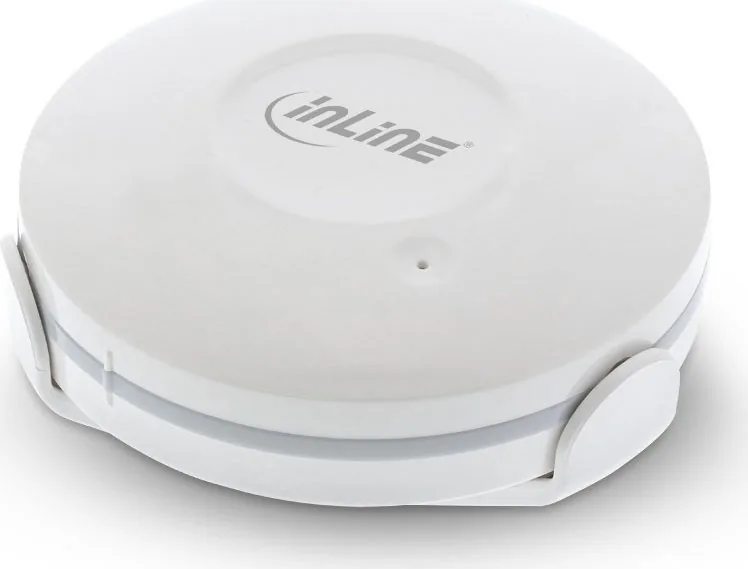
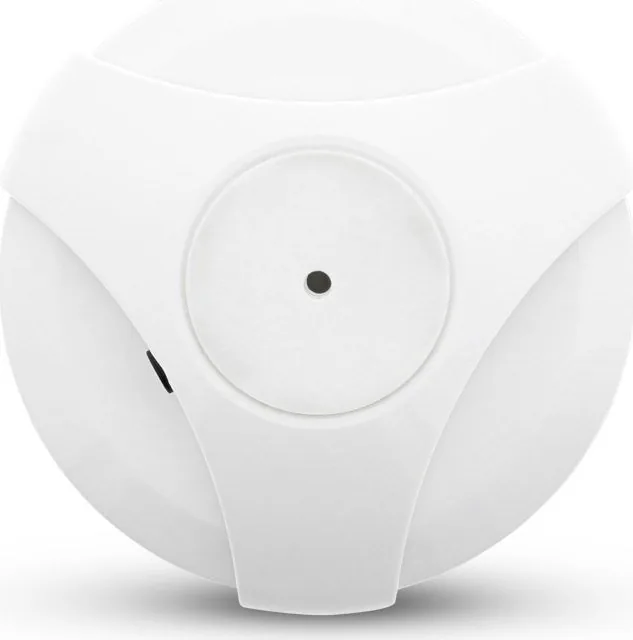
Maintaining the perfect humidity level in your home is essential for health, comfort, and protecting your furniture from damage. The InLine SmartHome Feuchtigkeitsensor offers a seamless solution for monitoring environmental conditions in real-time. This sleek white device, crafted from durable ABS+PC plastic, integrates effortlessly into modern smart home ecosystems. Weighing only 100 grams, its compact design allows for unobtrusive placement in any room.
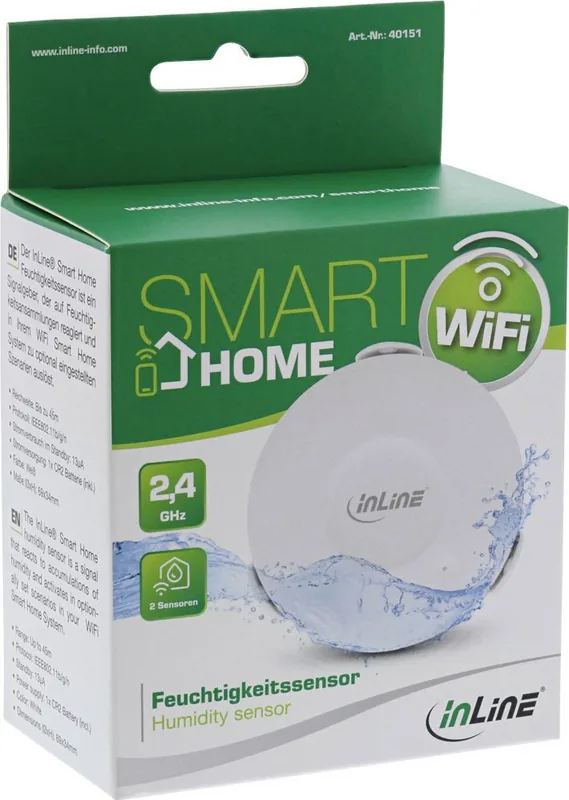
The sensor operates on a single CR2 lithium battery, ensuring long-lasting performance with minimal energy consumption. It connects via WiFi at 2.4GHz, supporting the IEEE802.11b/g/n protocol for reliable communication within a range of up to 45 meters. Once connected through the user-friendly Smart Life app, it becomes compatible with major voice assistants like Amazon Alexa and Google Assistant, as well as IFTTT for advanced automation scenarios.
Setting up the device is straightforward. After installing the battery and removing the protective foil, users simply download the Smart Life application on their Android or iOS devices. By selecting the "Sensor WiFi" option under the security category and holding the reset button for six seconds, the sensor enters pairing mode. The app then guides you through connecting to your router, assigning the device to a specific room, and creating custom rules.
Beyond basic monitoring, this sensor empowers users to create intelligent automations. You can set alerts when humidity levels drop too low or rise dangerously high, potentially triggering sirens or other smart devices. The app also provides battery status notifications, allowing you to replace the power source before the device goes offline. With an operating temperature range of 0°C to 40°C and humidity tolerance between 20% and 85%, it is suitable for various indoor environments.
Important Notes
- Ensure your router supports 2.4GHz networks for optimal connectivity.
- Always dispose of used batteries at designated recycling points.
- Keep the device away from direct water sources despite its moisture detection capabilities.
Search for 67,706 Manuals online


Type-in Brand or Model