
InLine HDMI 5-Port Manual
PDF manual · 2 Pages
English



Quick check
Incorrect answer, please try again.
Chat with your InLine HDMI 5-Port manual using AI
Get instant AI answers from your InLine HDMI 5-Port manual
Ask anything about the InLine HDMI 5-Port. Answers come from this manual, with the pages they are based on.
Ask a Question
Do you recommend HDMI 5-Port?
Yes No
Raoul Carroll
5 months ago
Can I control this HDMI switch using both the remote and physical buttons?
Frequently Asked Questions
The InLine HDMI Switch 5-fach supports a maximum resolution of 4096x2160 pixels at 60Hz, ensuring crisp and detailed images for 4K content.
Is this answer helpful?
No, the device is designed strictly for indoor use. Exposure to outdoor elements like rain or direct sunlight can damage the electronics.
Is this answer helpful?
No, the switch is plug-and-play. All functions are automatically detected by the system upon connection, so no drivers are needed.
Is this answer helpful?
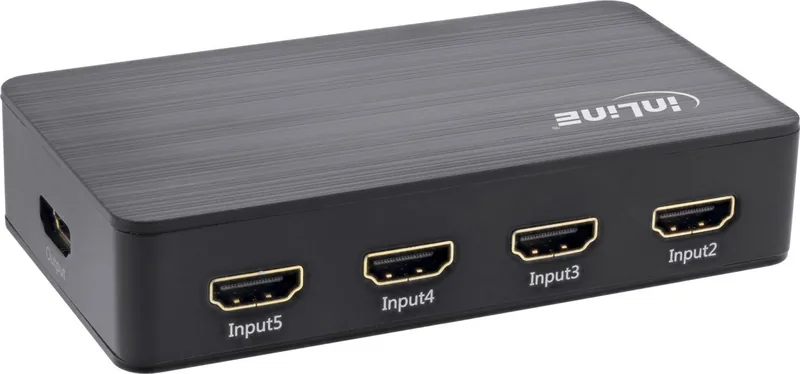
This specific model, the InLine HDMI Switch 5-fach, features five HDMI input ports, allowing you to connect five different devices simultaneously.
Is this answer helpful?
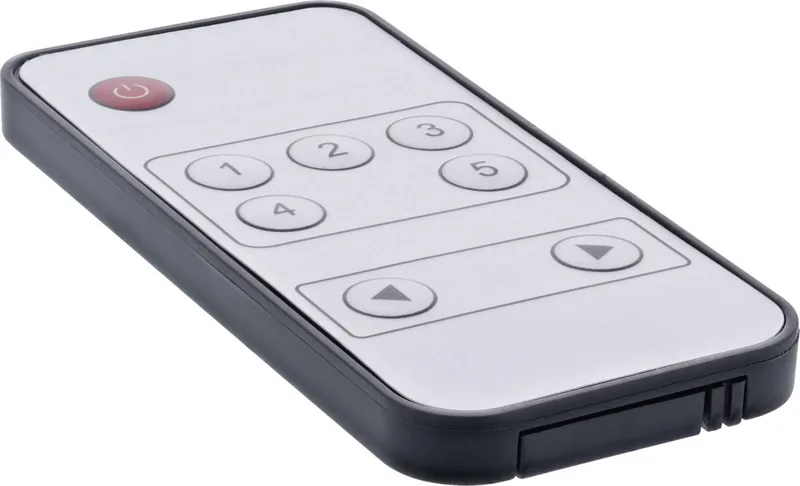
Yes, the package includes a remote control pre-installed with a CR2025 battery for immediate use right out of the box.
Is this answer helpful?
Clean the device using only a dry, soft, velvety cloth. Do not use water or liquid cleaners as they can harm the internal electronics.
Is this answer helpful?
Advantages and Disadvantages
Advantages

- Supports 4K resolution at 60Hz with HDCP 2.2 for high-quality video
- Connects up to five HDMI sources to one display effortlessly
- No driver installation required; automatic device detection
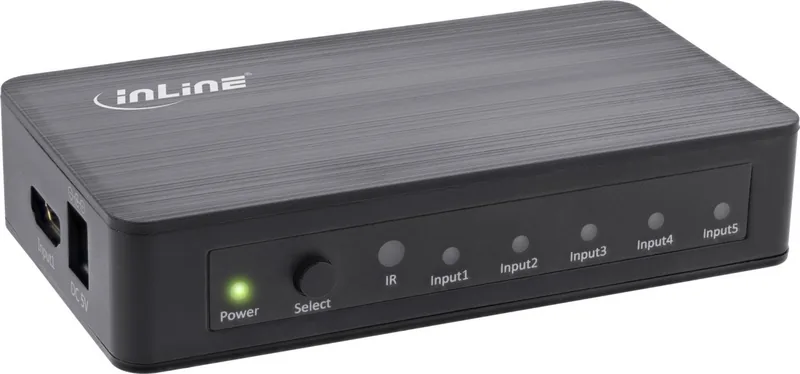
- Includes remote control and front button for easy switching
- Compact and lightweight design fits any entertainment setup
Disadvantages

- Not suitable for outdoor use due to weather sensitivity
- Requires specific indoor temperature range for optimal operation
- Cannot disassemble the unit without voiding safety standards
- Dependent on external power supply which must not be wet
- Cables must be managed carefully to prevent tripping hazards
Product Specification
Video Inputs
5x HDMI In
Video Outputs
1x HDMI Out
Resolutions up to
3840x2160@60Hz
Product Description
Enhance Your Home Theater with the InLine HDMI Switch 5-fach
In a world where entertainment options are endless, managing multiple devices can become a hassle. The InLine HDMI Switch 5-fach is the ultimate solution for connecting up to five HDMI sources to a single display. Whether you own a Blu-ray player, a gaming console, or a streaming box, this switch allows you to seamlessly toggle between them without constant cable swapping.
Designed for high-performance video, this device supports resolutions up to 4K at 60Hz and includes HDCP 2.2 compliance. This ensures that your premium content from 4K TVs and modern consoles plays smoothly without interruptions. The setup is incredibly straightforward; simply connect your devices to the inputs and your TV to the output. No drivers are required, as the system automatically detects all connected hardware.
Control is effortless thanks to the included remote control and a convenient button located on the front panel. You can also enjoy the smart feature where turning on a source device automatically switches the input to that channel. This adds a layer of convenience to your daily viewing experience.
Built with durability in mind, the unit features a compact design suitable for any home entertainment center. It operates quietly and efficiently within standard indoor environments. Remember to keep it away from moisture and direct sunlight to ensure longevity. Cleaning should be done gently with a dry cloth to maintain its sleek appearance.
Key Considerations
While the InLine HDMI Switch 5-fach offers robust performance, users should note that it is intended for indoor use only. Outdoor applications may damage the electronics due to weather exposure. Additionally, always use the provided power adapter to prevent electrical issues. Proper disposal of the device at the end of its life cycle is mandatory to protect the environment.
Important Notes
- Ensure cables are not crushed or bent sharply to avoid signal loss.
- Unplug the power supply during thunderstorms for safety.
- Keep small parts like batteries away from children.
Search for 67,706 Manuals online


Type-in Brand or Model
german78
5 months ago
Does this switch automatically detect and connect to multiple computers when one is turned on?
Manual.ly
5 months ago
Yes, the device features automatic port detection. When you power on a connected computer, it immediately recognizes the active port and switches the display accordingly without manual intervention.