
InLine FullHD 55364A Manual
PDF manual · 2 Pages
English



Quick check
Incorrect answer, please try again.
Chat with your InLine FullHD 55364A manual using AI
Get instant AI answers from your InLine FullHD 55364A manual
Ask anything about the InLine FullHD 55364A. Answers come from this manual, with the pages they are based on.
Ask a Question
Do you recommend FullHD 55364A?
Yes NoFrequently Asked Questions
No additional drivers are required for typical operation. The webcam is recognized automatically by most operating systems (Windows 7+, macOS 10.x+, Linux) when connected to a USB port and can be selected in conferencing or streaming applications.
Is this answer helpful?
The webcam’s maximum resolution is 1920x1080 at 30 frames per second. It also supports lower resolutions including 1280x720, 800x600, 640x480, and 320x240, all at 30 fps.
Is this answer helpful?
Autofocus covers a range from approximately 5 cm to infinity, allowing the camera to focus on near and distant subjects automatically. Performance is suitable for typical desk setups, video calls, and presentations.
Is this answer helpful?
Yes. The webcam includes a threaded hole on the underside for optional tripod mounting, and it also has a universal clip for attaching to monitors or laptop lids.
Is this answer helpful?
Use a dry, soft, velvety cloth to clean the lens and housing. Do not use water or liquid cleaners, which can damage electronics. Keep the device away from excessive heat, dust, and moisture, and use the mechanical lens cover for privacy when not in use.
Is this answer helpful?
Yes. The integrated microphone captures audio for conferencing and streaming. For best results, adjust microphone levels within your application and position the webcam near the speaker to reduce background noise.
Is this answer helpful?
Do not dispose of the webcam with household waste. Electrical and electronic devices must be taken to designated public collection points or returned to points of sale for proper recycling in accordance with applicable regulations.
Is this answer helpful?
Advantages and Disadvantages
Advantages

- Full HD 1920x1080 resolution at 30 fps for clear video in calls and streams.
- Autofocus from 5 cm to infinity ensures sharp subjects at varying distances.
- Plug-and-play via USB 2.0 with broad OS support (Windows, macOS, Linux).
- Built-in microphone and automatic brightness/color compensation simplify use.
- Mechanical lens cover and tripod thread add privacy and mounting flexibility.
Disadvantages

- Limited to 30 fps — not ideal for high-frame-rate recording or gaming capture.
- USB 2.0 interface may restrict future-proofing compared with USB 3.0/USB-C speeds.
- No bundled advanced software for image controls; adjustments rely on apps.
- Not rated for outdoor use and should be kept away from moisture and dust.
- Cable-fixed design (1.5 m) may be short for some setups without extension.
Product Specification
Type
Webcam
Image Sensor
1x CMOS
Resolution
1920x1080 Pixels (30fps)
Connections
1x USB-A 2.0 (480Mb/s)
Wireless
N/A
Focus
Autofocus
Camera Cover
Privacy shutter
Microphone
integrated
Speaker
N/A
Lighting
N/A
Cable Length
59.06 in
Power Supply
via USB
Mount
Mounting clip
Special Features
Status LED
Product Description
InLine FullHD Webcam mit USB-A Manual
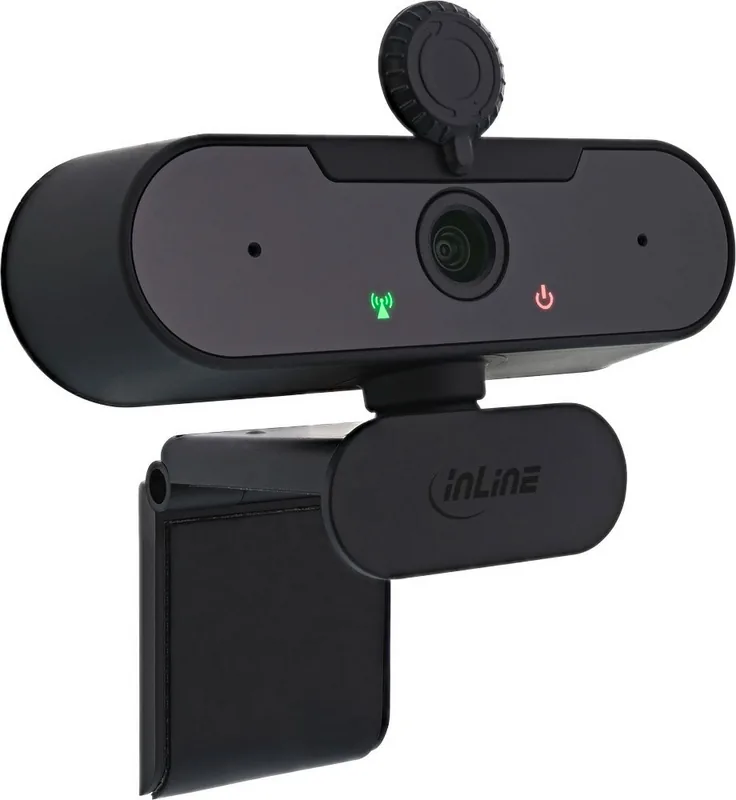
The InLine FullHD Webcam with USB-A is a compact, plug-and-play camera designed for everyday video communication. With a native 1920x1080 resolution at 30 fps, autofocus from 5 cm to infinity, and a built-in microphone, it suits video calls, streaming, remote meetings, and online teaching. The webcam connects via USB-A (model 55364A) and is also available in a USB-C variant (55364C). It supports multiple lower resolutions (320x240, 640x480, 800x600, 1280x720) and 24-bit true color for accurate, natural-looking images.
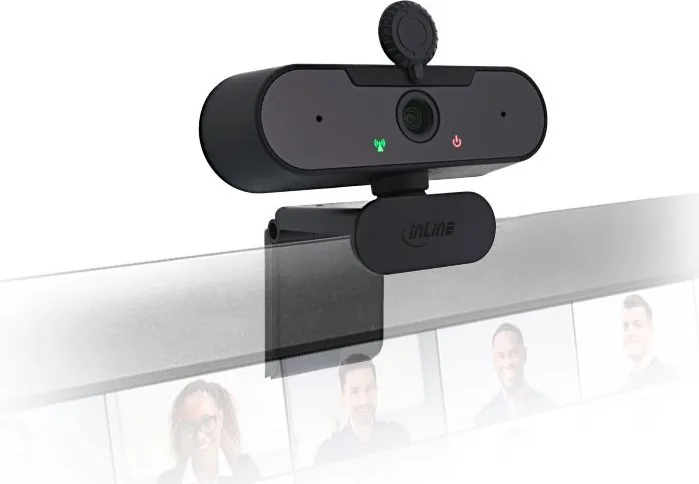
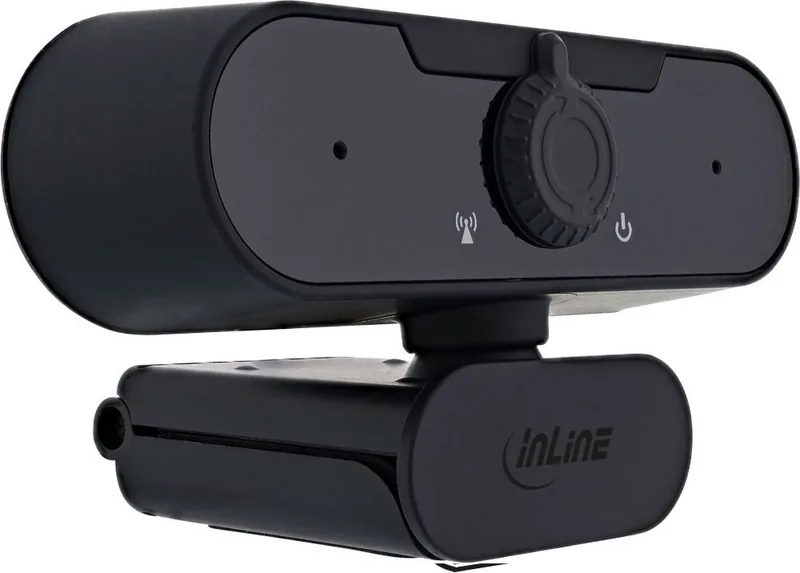
Placement is flexible thanks to a universal clip and a threaded underside for optional tripod mounting. A 1.5 m cable gives decent reach for desktop setups, and an included mechanical lens cover protects privacy when not in use. Automatic brightness and color compensation help maintain steady exposure in changing light, while the integrated microphone captures audio for conferencing applications.
System compatibility is broad: the webcam works with Windows (from Windows 7), macOS (10.x and later) and Linux using a standard USB 2.0 interface. No driver installation is required for typical use—most apps like Teams, Skype, Zoom or streaming software will detect and initialize the device automatically. Basic microphone level adjustments and camera positioning are managed within those applications.
The InLine webcam emphasizes low-maintenance operation. Cleaning requires only a dry, soft cloth; liquids and aggressive cleaners should be avoided to protect electronics. Users are advised to keep the device away from excessive heat, dust, and moisture. For privacy and safety, use the lens cover or unplug the webcam when idle. The product is not intended for outdoor use and should not be disassembled.
Notes:
- Includes webcam and manual; check contents on receipt.
- Complies with typical electronic disposal regulations—do not discard with household waste.
- Manufacturer: INTOS ELECTRONIC AG, Giessen, Germany (documentation dated 2021).
Overall, the InLine FullHD Webcam mit USB-A is a straightforward, reliable choice for users seeking full HD video, autofocus, and simple USB connectivity without complicated setup.
Search for 67,706 Manuals online


Type-in Brand or Model
Nash Schroeder
8 months ago
The webcam image quality is great, but my pet chewed the cable. Is the cable durable, and can I get a replacement or protect it so it does not fail after a few days?
Manual.ly
8 months ago
We are glad you like the video quality. Like most webcams, the cable is not designed to be chewed or pulled by pets, so damage can happen if it is accessible. To prevent this, route the cable behind furniture or along walls, secure it with clips so there is no slack, and use a thick cable sleeve or cord cover in the area your pet can reach. If the cable is already damaged, please contact support with your order details; we can check whether a replacement cable or repair option is available for your specific model. In the meantime, disconnect the webcam to avoid further stress on the connector.