
iiyama ProLite XU2793HS-B4 / XUB2793HS-B4 / XU2793HSU-B4 / XUB2793HSU-B4 Manual
PDF manual · 39 Pages
English



Quick check
Incorrect answer, please try again.
Chat with your iiyama ProLite XU2793HS-B4 / XUB2793HS-B4 / XU2793HSU-B4 / XUB2793HSU-B4 manual using AI
Get instant AI answers from your iiyama ProLite XU2793HS-B4 / XUB2793HS-B4 / XU2793HSU-B4 / XUB2793HSU-B4 manual
Ask anything about the iiyama ProLite XU2793HS-B4 / XUB2793HS-B4 / XU2793HSU-B4 / XUB2793HSU-B4. Answers come from this manual, with the pages they are based on.
ProLite XU2793HS-B4 / XUB2793HS-B4 / XU2793HSU-B4 / XUB2793HSU-B4 Maintenance Schedule
Clean the display regularly with a dry soft cloth. Do not use paper towels as they may damage the LCD.
Remove spots with a damp soft cloth using a weak dish soap solution if necessary.
Ask a Question
Do you recommend ProLite XU2793HS-B4 / XUB2793HS-B4 / XU2793HSU-B4 / XUB2793HSU-B4?
Yes NoFrequently Asked Questions
Yes, the ProLite XUB2793HSU and XUB2793HSU-B4 models support portrait rotation. You must adjust the stand height before rotating the panel to prevent damage. A video card capable of portrait display is required.
Is this answer helpful?
All models in this series support a native resolution of 1920 x 1080 pixels. They can also handle lower resolutions, though image quality may vary as the picture stretches to fit the screen.
Is this answer helpful?
The monitor features a 4ms response time and supports Adaptive Sync, which can reduce screen tearing. However, it is not specifically marketed as a high-refresh-rate gaming monitor.
Is this answer helpful?
Use a soft, dry cloth for periodic cleaning. Do not use tissue paper, strong solvents, or spray cleaners directly on the screen. If stains persist, lightly moisten a cloth with mild detergent.
Is this answer helpful?
Yes, the monitors come equipped with 2W x 2 stereo speakers. These are suitable for system sounds and basic media but may not be loud enough for movies or music.
Is this answer helpful?
Advantages and Disadvantages
Advantages

- IPS panel technology provides excellent color accuracy and wide 89-degree viewing angles
- Height adjustable stand allows customization up to 130mm for better ergonomics
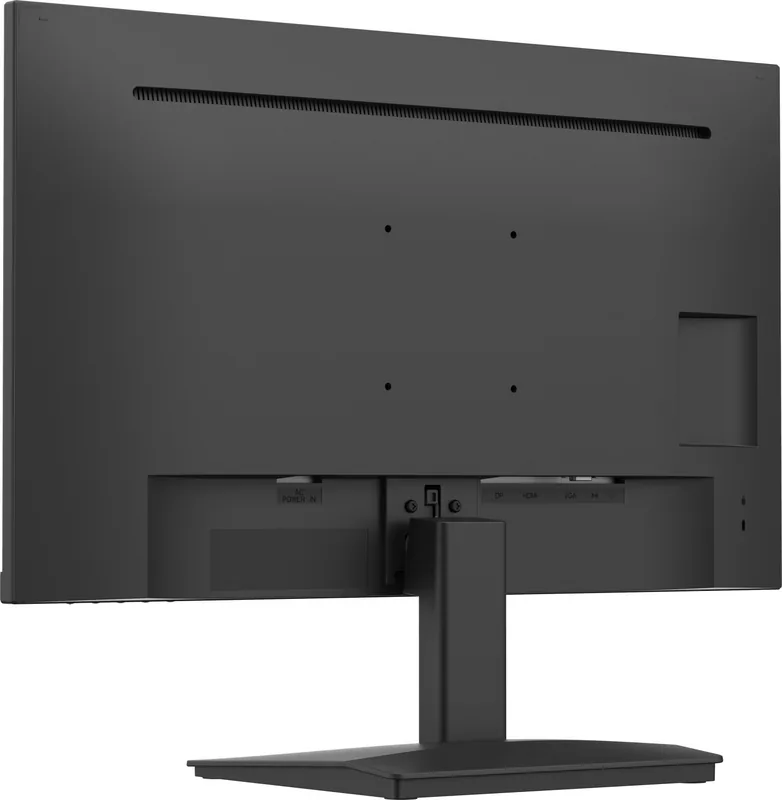
- Multiple connectivity options include HDMI, DisplayPort, VGA, and USB 3.0 ports
- Blue light reducer function helps reduce eye strain during long working hours
- Supports both landscape and portrait modes on select models like XUB2793HSU
Disadvantages

- Not specifically designed for 24/7 continuous operation in all environments
- VGA cable is not included in the package requiring separate purchase
- DisplayPort and HDMI cables are not supplied with the monitor
- Built-in 2W speakers may lack sufficient volume for immersive audio experiences
- Cannot be used for digital signage or wall mounting applications
Product Specification
Function
Monitor (stationary)
Diagonal
27" (68.58cm)
Resolution
1920x1080 (FHD), 16:9, 82ppi
Panel
IPS
Backlight
LED, blue light filter, flicker-free
Brightness
300cd/m^2 (typical)
Contrast
1,000:1 (static), 80,000,000:1 (dynamic)
Response Time
4ms (GtG)
Refresh Rate
75Hz (1920x1080)
Variable Synchronization
Adaptive Sync, AMD FreeSync certified (48-75Hz via DisplayPort, 48-75Hz via HDMI, no LFC support, no HDR)
Signal Frequency
30-85kHz (H) / 55-75Hz (V)
Shape
straight (flat)
Viewing Angle
178°/178°
Coating
non-glare (matte)
Color Depth
8bit (16.7M colors)
FRC
unknown
sRGB
96%
Speakers
Speakers (2x 2W)
Control
mechanical buttons
Power Consumption
19W (typical), 0.5W (standby)
Energy Efficiency SDR (A to G)
19kWh/1000h (E)
Features
Security lock (Kensington Security Slot), Slim Bezel
Screen-to-Body Ratio
90.21% (calculated)
Color
black (display frame) / black (lower bezel) / black (stand) / black (back)
Power Supply
internal
Warranty
three years (processing via manufacturer, product registration within 60 days of purchase: Link, warranty information: Link)
USB Spelling
Link
Product Description
Discover the iiyama ProLite XU2793HS-B4 Series
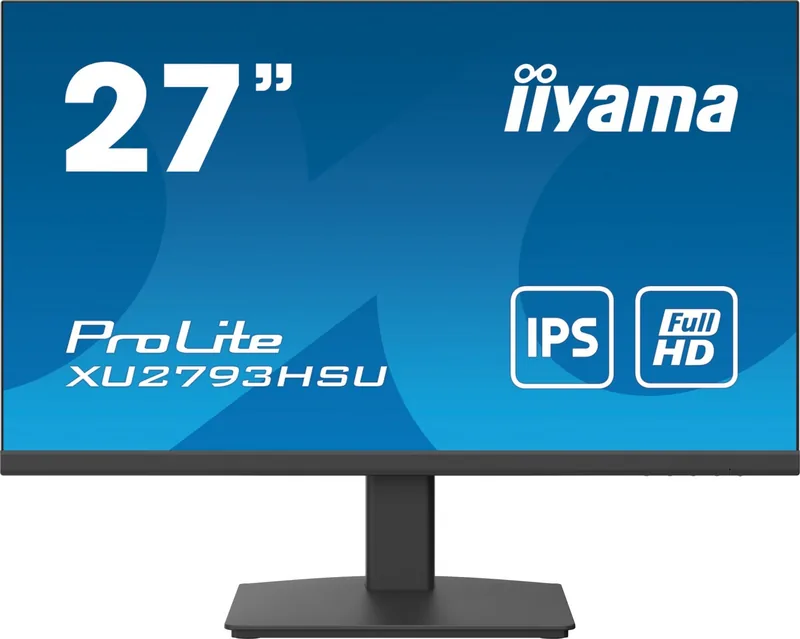
The iiyama ProLite series offers a robust solution for professionals and home users seeking high-quality visual performance. The models XU2793HS-B4, XUB2793HS-B4, XU2793HSU-B4, and XUB2793HSU-B4 represent a significant step forward in display technology, featuring advanced IPS panel technology that ensures accurate color reproduction and wide viewing angles. With a native resolution of 1920 by 1080 pixels on a generous 27-inch screen, these monitors deliver crisp text and vibrant images ideal for multitasking, creative work, or entertainment.
These monitors are designed with versatility in mind. The ProLite XUB variants support both landscape and portrait orientations, making them perfect for coding, reading long documents, or social media management. They feature a comprehensive connectivity suite including HDMI, DisplayPort, and VGA inputs, alongside USB 3.0 ports for convenient peripheral connections. The built-in stereo speakers provide basic audio output, while the blue light reducer function helps minimize eye strain during extended usage sessions.
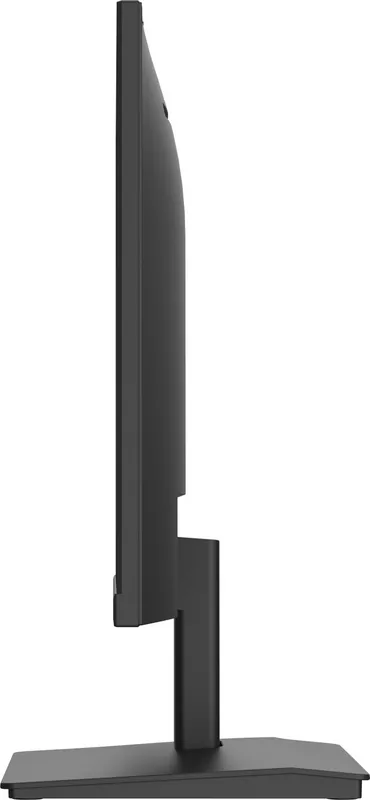
Ergonomics play a crucial role in user comfort. The height-adjustable stands allow users to customize their viewing position up to 130mm, reducing neck fatigue. Tilt adjustments ensure the screen is angled correctly for any lighting condition. Safety features are prioritized, with compliance to various EU directives ensuring low voltage and electromagnetic compatibility. Users are advised to maintain proper ventilation around the unit to prevent overheating and avoid exposing the device to moisture or direct sunlight. Whether you are setting up a dual-monitor workstation or replacing an aging display, this series combines reliability with modern features.
Search for 67,706 Manuals online


Type-in Brand or Model