
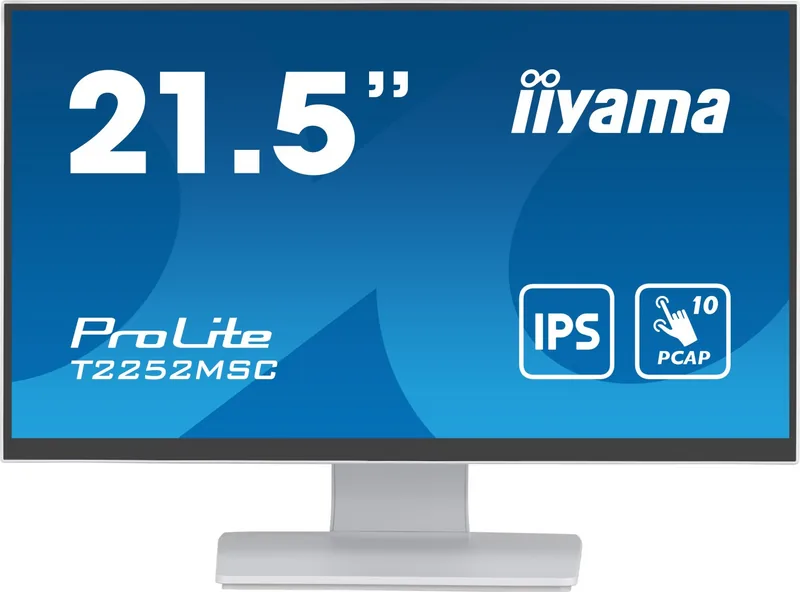
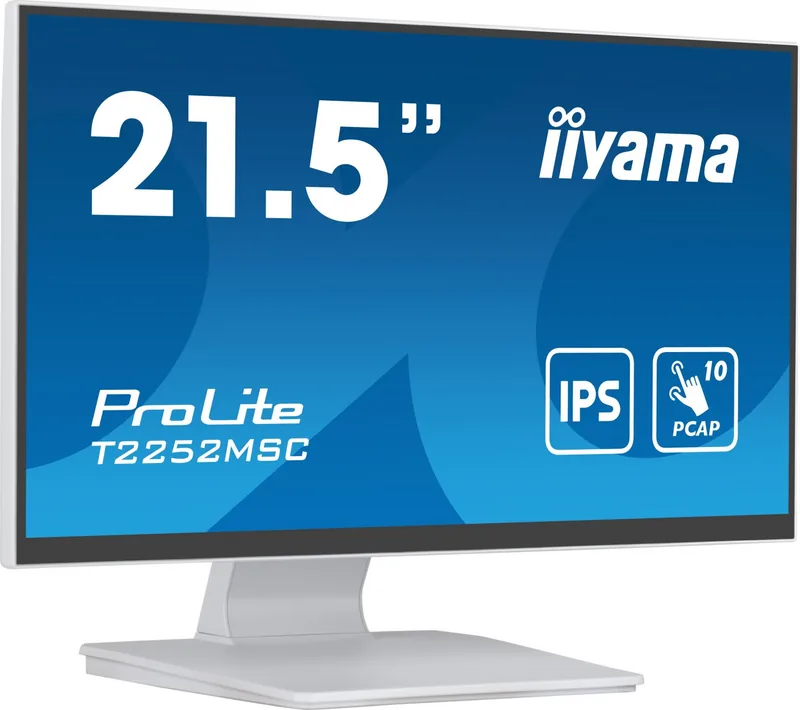
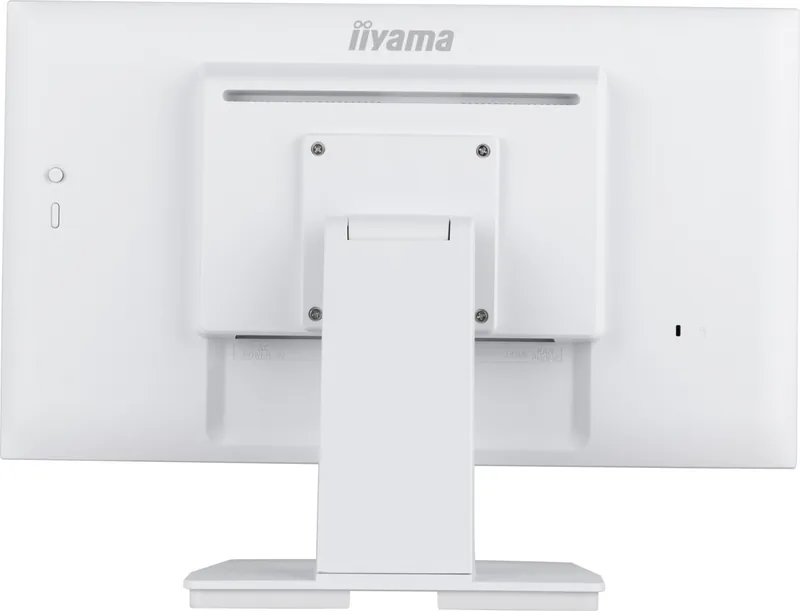
iiyama ProLite T2252MSC Manual
PDF manual · 29 Pages
English



Quick check
Incorrect answer, please try again.
Chat with your iiyama ProLite T2252MSC manual using AI
Get instant AI answers from your iiyama ProLite T2252MSC manual
Ask anything about the iiyama ProLite T2252MSC. Answers come from this manual, with the pages they are based on.
Ask a Question
Do you recommend ProLite T2252MSC?
Yes NoFrequently Asked Questions
The monitor uses an IPS panel with a native resolution of 1920 × 1080 (Full HD), offering wide viewing angles and approximately 16.7 million display colors.
Is this answer helpful?
Yes. It features a projected capacitive 10-point multi-touch sensor and communicates with the host via USB (USB 3.0 upstream/downstream).
Is this answer helpful?
The monitor provides HDMI and DisplayPort inputs for video. It includes 2 × 1W stereo speakers and a 3.5mm headphone jack for audio output.
Is this answer helpful?
Yes. The display is VESA 100×100 compatible for wall or arm mounting. Use M4 screws no longer than 7mm into the chassis to avoid internal contact.
Is this answer helpful?
It offers a standby mode reducing power consumption to under 1.5W, an Eco mode, and a Blue Light Reducer with multiple levels to lower blue-light emission for reduced eye strain.
Is this answer helpful?
This product is not specifically designed for 24/7 operation in all environments; prolonged continuous operation may not be supported and is discouraged by the manufacturer.
Is this answer helpful?
Use the joystick-style OSD control to access presets (Text, Game, Cinema, Scenery) and manual adjustments for brightness, contrast, gamma, color temperature, overdrive, sharpness, and touch mode (glove or normal).
Is this answer helpful?
Advantages and Disadvantages
Advantages

- Responsive projected capacitive 10-point touch ideal for interactive applications.
- Full HD (1920×1080) IPS panel with wide viewing angles and accurate color.
- Multiple inputs (HDMI, DisplayPort) plus USB 3.0 upstream/downstream for peripherals.
- Compact 21.45" size with VESA 100×100 mounting and tilt flexibility for varied installs.
- Energy-saving standby mode (<1.5W) and features like blue-light reducer and presets.
Disadvantages

- Brightness with the touch panel (225 cd/m²) is lower than some non-touch displays.
- Built-in speakers are low power (2 × 1W), not suitable for rich audio needs.
- Tilt range limited downward (only 5° down), may restrict some ergonomic setups.
- Not designed for continuous 24/7 operation in all environments.
- Advanced image adjustments may be disabled when certain modes (e.g., Adv. Contrast) active.
Product Specification
Function
Touchscreen (stationary)
Diagonal
21.45" (21.46in)
Resolution
1920x1080 (FHD), 16:9, 103ppi
Panel
IPS
Backlight
LED
Brightness
250cd/m² (typical)
Contrast
1,000:1 (static)
Response time
5ms
Refresh rate
60Hz (1920x1080)
Ports
1x HDMI, 1x DisplayPort, 1x USB-B 3.0 (5Gb/s, Touch function), 2x USB-A 3.0 (5Gb/s)
Viewing angle
178°/178°
Touch
capacitive, Multi-Touch
Coating
Hardness 7H
FRC
unknown
Speakers
Speakers (2x 1W)
Controls
Joystick
Ergonomics
without stand
VESA
100x100 (occupied)
Power consumption
11W (typical), 1.5W (Standby)
Energy efficiency SDR (A to G)
10kWh/1000h (C)
Screen-to-Body Ratio
Inf% (calculated)
Dimensions
19.44x14.23x9.43in (WxHxD) with stand
Weight
9.92lb (without stand)
Warranty
three years (processing via manufacturer, product registration within 60 days of purchase: Link, Warranty information: Link)
USB notation
Link
Product Description
iiyama ProLite T2252MSC — Compact 21.5" Touch-Enabled Full HD Monitor
The iiyama ProLite T2252MSC is a 21.45-inch IPS monitor designed for versatile everyday and business use. With a native Full HD (1920×1080) resolution, wide 178° viewing angles and an IPS panel, it delivers consistent color and clarity across a broad range of viewing positions. The display integrates a projected capacitive 10-point touch sensor for responsive touch input, making it suitable for interactive kiosks, point-of-sale stations, education environments, and collaborative workspaces.
Beyond touch functionality, the ProLite T2252MSC offers practical features such as built-in stereo speakers, multiple digital inputs (HDMI and DisplayPort), and USB 3.0 connectivity including upstream and downstream ports to support peripherals. The monitor supports a range of image-enhancement options—advanced contrast, X-Res edge enhancement, adjustable overdrive, and blue-light reduction—so you can tune the visual output for movies, gaming, text work, or low-eye-strain settings.
Ergonomics and installation are thoughtfully handled: a stand that tilts up to 90° upward and 5° downward, VESA 100×100 mounting compatibility, a removable stand base and cable management features. The housing includes a security lock slot for public installations and easy-access controls via a joystick-style OSD for quick adjustments. The OSD provides presets (Text, Game, Cinema, Scenery) and options for color temperature, gamma, sharpness, and eco modes.
The monitor emphasizes safety and durability with standard certifications (CE, UKCA, TÜV, EAC) and guidance for proper ventilation, stable mounting, and cleaning. Energy-conscious users will appreciate the standby feature that reduces power consumption below 1.5W when the signal is absent. The package typically includes HDMI and USB cables, power cable, stand components, and quick-start documentation.
Whether used as an interactive desktop display or as part of a public-facing installation, the ProLite T2252MSC balances responsive touch capability with practical connectivity and image controls. Its modest size and Full HD resolution make it well suited to spaces where a compact but capable touchscreen is required.
Notes
- Native resolution: 1920 × 1080 at 60 Hz.
- Touch tech: Projected capacitive, 10-point multi-touch via USB.
- Typical brightness with touch panel: ~225 cd/m²; contrast 1000:1 (typical).
- Built-in speakers: 2 × 1W; headphone jack available.
- VESA 100 × 100 mounting and security lock slot included.
Search for 67,706 Manuals online


Type-in Brand or Model