
iiyama ProLite T1732MSC-W5AG Manual
PDF manual · 30 Pages
English



Quick check
Incorrect answer, please try again.
Chat with your iiyama ProLite T1732MSC-W5AG manual using AI
Get instant AI answers from your iiyama ProLite T1732MSC-W5AG manual
Ask anything about the iiyama ProLite T1732MSC-W5AG. Answers come from this manual, with the pages they are based on.
Ask a Question
Do you recommend ProLite T1732MSC-W5AG?
Yes NoFrequently Asked Questions
The ProLite T1732MSC-W5AG has a native resolution of 1280 × 1024, optimized for best performance at that setting. Running other resolutions will be stretched to fit the screen.
Is this answer helpful?
It supports VGA (analog), HDMI and DisplayPort (digital) inputs. When multiple sources are connected you can switch inputs via the OSD or using the input-select shortcut.
Is this answer helpful?
Connect the included USB cable to your PC and install the touch driver provided on the touch panel driver disk (or download the latest driver from iiyama's website). Use the calibration tool in the driver to adjust touch accuracy and run it after installation or when the touch position deviates.
Is this answer helpful?
Yes—front IP54 compliance (only front face) and AG-coated glass improve durability and reduce glare, making the monitor suitable for kiosks, retail and light industrial environments. Use caution regarding ambient temperature and ventilation requirements.
Is this answer helpful?
Use a soft cloth lightly moistened with mild window cleaner or a 50/50 mix of water and isopropyl alcohol. Do not use abrasive cleaners, waxes or solvents as they can damage the touch surface and cabinet.
Is this answer helpful?
Yes. It complies with VESA DPMS power management. In power management mode, power consumption drops to 2W or less; activity resumes when the computer sends an active signal or on mouse/keyboard input.
Is this answer helpful?
Yes. The unit supports VESA 100×100 mm mounting. When wall-mounting, use appropriate screws and observe the specified screw length to avoid contacting internal components.
Is this answer helpful?
Advantages and Disadvantages
Advantages

- Accurate 10-point projected capacitive touch with USB connectivity and broad OS support.
- Anti-glare (AG) glass and IP54 front protection reduce reflections and resist splashes.
- Multiple inputs: VGA, HDMI and DisplayPort plus built-in stereo speakers.
- VESA 100×100 mounting, security lock and cable management for secure installations.
- Energy-saving VESA DPMS compliance with low-power standby (≤2W).
Disadvantages

- TN panel viewing angles and color accuracy are limited compared with IPS alternatives.
- Brightness (~215 cd/m² with touch + AG) lower than some modern commercial displays.
- Not specifically rated for guaranteed 24/7 operation in all environments.
- Requires driver installation for full touch features on some operating systems.
- Replacement of internal backlight requires service — not user-serviceable.
Product Specification
Touchscreen
capacitive, Multi-Touch
Diagonal
17"/17.01 in
Resolution
1280x1024, 5:4
Brightness
215cd/m2
Contrast
1,000:1 (static), no information (dynamic)
Response time
5 ms
Viewing angle
160/160
Panel
TN
Coating
non-glare (matte)
Backlight
White-LED
HDR
N/A
Refresh rate
60 Hz
Signal frequency
no information (horizontal), no information (vertical)
Connections
1x VGA (60 Hz@1280x1024), 1x HDMI, 1x DisplayPort
Other connections
1x USB-B (Touch function)
Ergonomics
N/A
VESA
100x100 (occupied)
Power consumption
no information (maximum), 20W (typical), no information (old energy label A+++ to G), 2W (standby)
Energy efficiency class SDR (A to G)
E
Energy consumption SDR
12 kWh/1000 h
Dimensions (WxHxD)
15.24x13.46x7.95 in
Weight
12.35 lb
Features
Speakers, IP54 certified (front)
Manufacturer warranty
three years (handling via manufacturer, product registration within 60 days after purchase: Link, warranty information: Link)
Product Description
iiyama ProLite T1732MSC-W5AG, 17" Manual — Product Overview
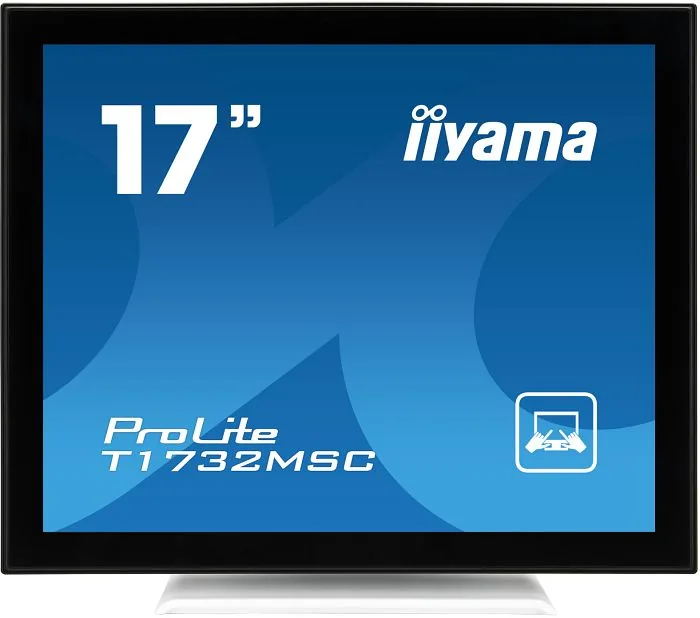
The iiyama ProLite T1732MSC-W5AG is a 17" touch-enabled monitor tailored for environments that demand reliable, responsive screens with anti-glare protection. Built around a TN panel with projected capacitive 10-point touch, this model balances compact size with practical features for point-of-sale, kiosk, industrial and business applications. It offers a native resolution of 1280 × 1024, a 1000:1 contrast ratio (typical) and an anti-glare (AG) glass coating to reduce reflections and maintain clarity in bright conditions.
Key features and usage
Designed for plug-and-play convenience, the ProLite T1732MSC-W5AG supports VGA, HDMI and DisplayPort inputs and includes built-in stereo speakers. The touch functionality works via USB and is supported across common operating systems including Windows (XP through 10), Mac OS and various Linux distributions. The monitor complies with VESA mounting standards (100×100 mm) and includes power management (VESA DPMS), making it energy-conscious during idle periods.
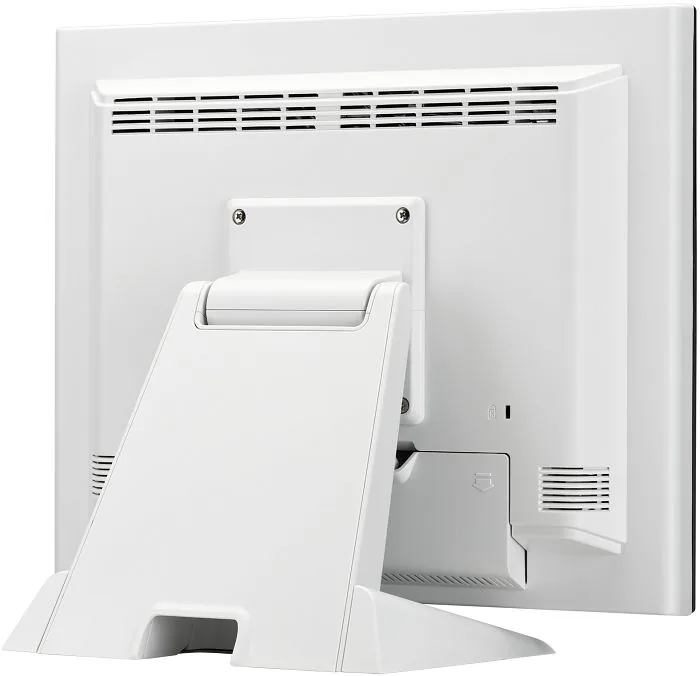
The display is optimized for 1280 × 1024 resolution and offers fast 5 ms response time for a TN panel, ensuring snappy visual feedback. With IP54-rated front protection and an AG-treated glass surface, it resists splashes and reduces glare — useful in public-facing installations. The bezel and chassis are engineered for durability; the unit also provides security lock provisions and cable management features to keep installations tidy.
Practical notes on setup and maintenance
iiyama emphasizes safe installation: place the monitor on a flat stable surface, maintain adequate ventilation, and avoid exposure to high humidity or direct sunlight. The package typically includes power, HDMI and DisplayPort cables, a USB cable for touch, audio cable, and a touch driver disk. For touch calibration and driver setup, install the provided software and follow the recommended warm-up and auto-adjust steps to fine-tune H/V position, size and fine (analog inputs) for best image stability.
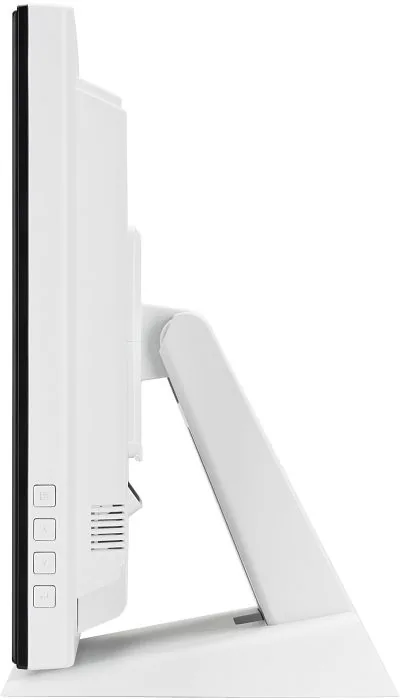
The monitor’s controls include on-screen display (OSD) buttons for brightness, contrast, input selection, color temperature and audio controls (volume/mute). Lock modes and touch-disable shortcuts are available to prevent unintended changes in public or kiosk scenarios.
Ideal use cases
This model is well suited for interactive kiosks, retail terminals, light industrial control panels and office environments where a compact, durable touch display with anti-glare glass is needed. Its combination of touch responsiveness, IP54 front protection and versatile input options make it a practical choice for mixed-use deployments.
Notes
- Optimal viewing distance: 40–60 cm; ergonomic placement just below eye level reduces eye strain.
- Not designed for continuous 24/7 operation in all environments — check cooling and ambient conditions.
- Use only mild cleaners and a soft cloth for the touch surface; avoid abrasive solvents.
Search for 67,706 Manuals online


Type-in Brand or Model