
iiyama ProLite T1532MSC-B5X Manual
PDF manual · 30 Pages
English



Quick check
Incorrect answer, please try again.
Chat with your iiyama ProLite T1532MSC-B5X manual using AI
Get instant AI answers from your iiyama ProLite T1532MSC-B5X manual
Ask anything about the iiyama ProLite T1532MSC-B5X. Answers come from this manual, with the pages they are based on.
ProLite T1532MSC-B5X Maintenance Schedule
Use a soft clean cloth with mild window cleaner or 50/50 water/isopropyl alcohol mix. Do not use abrasive materials or harsh chemicals.
Remove spots with a damp soft cloth using weak dish soap solution. Avoid rubber or plastic products for long contact.
Ask a Question
Do you recommend ProLite T1532MSC-B5X?
Yes NoFrequently Asked Questions
It is well suited for kiosks, retail counters, industrial workstations, information terminals, and compact business setups where touch control and reliability are important.
Is this answer helpful?
Yes. It uses projected capacitive technology with 10-point touch support, which makes it suitable for smooth gestures and everyday interactive use.
Is this answer helpful?
The native resolution is 1024 × 768. It is designed to perform best at that resolution, especially for clarity and stable image quality.
Is this answer helpful?
It includes VGA, HDMI, DisplayPort, USB for touch communication, and audio connectivity. This gives it broad compatibility with many systems.
Is this answer helpful?
Yes, the front face has IP54 protection, which helps against dust and light splashes. That makes it a practical choice for busy shared spaces.
Is this answer helpful?
Yes. It supports VESA 100 × 100 mounting, so it can be installed on compatible stands, arms, or wall brackets.
Is this answer helpful?
Use a finger or a plastic stylus, avoid sharp objects, and clean the surface with soft materials. This helps preserve touch accuracy and the display finish.
Is this answer helpful?
Advantages and Disadvantages
Advantages

- 10-point projected capacitive touch offers responsive, natural interaction for daily use.
- Compact 15-inch size fits kiosks, counters, and space-limited installations easily.
- VGA, HDMI, DisplayPort, USB, and audio create flexible compatibility.
- IP54 front protection adds durability for dust-prone or light-splash environments.
Disadvantages

- Native 1024 × 768 resolution may feel limited for users wanting sharper modern displays.
- Best results depend on correct calibration and proper setup.
- IP54 protection covers only the front panel, not the full enclosure.
- Touch and visual performance are strongest when used at the recommended native resolution.
Product Specification
Touchscreen
capacitive, Multi-Touch (10 points)
Diagonal
15 in / 38.1 cm
Resolution
1024x768, 4:3
Brightness
330 cd/m²
Contrast
700:1 (static), no information (dynamic)
Response time
8 ms
Viewing angle
140° / 125°
Panel
TN
Backlight
White-LED
HDR
N/A
Refresh rate
60 Hz
Signal frequency
no information (horizontal), no information (vertical)
Connections
1x VGA (60 Hz@1024x768), 1x HDMI 1.4, 1x DisplayPort
Other connections
1x USB-B (Touch function)
Ergonomics
N/A
VESA
100x100 (occupied)
Power consumption
no information (maximum), 20 W (typical), no information (energy label old A+++ to G), 2 W (Standby)
Energy efficiency class SDR (A to G)
E
Energy consumption SDR
10kWh/1000h
Dimensions (WxHxD)
13.82x12.09x7.95 in
Weight
9.92 lb
Special features
Speakers (2x 1 W), IP54 certified (front)
Manufacturer's warranty
three years (processing via manufacturer, product registration within 60 days after purchase: Link, warranty information: Link)
Product Description
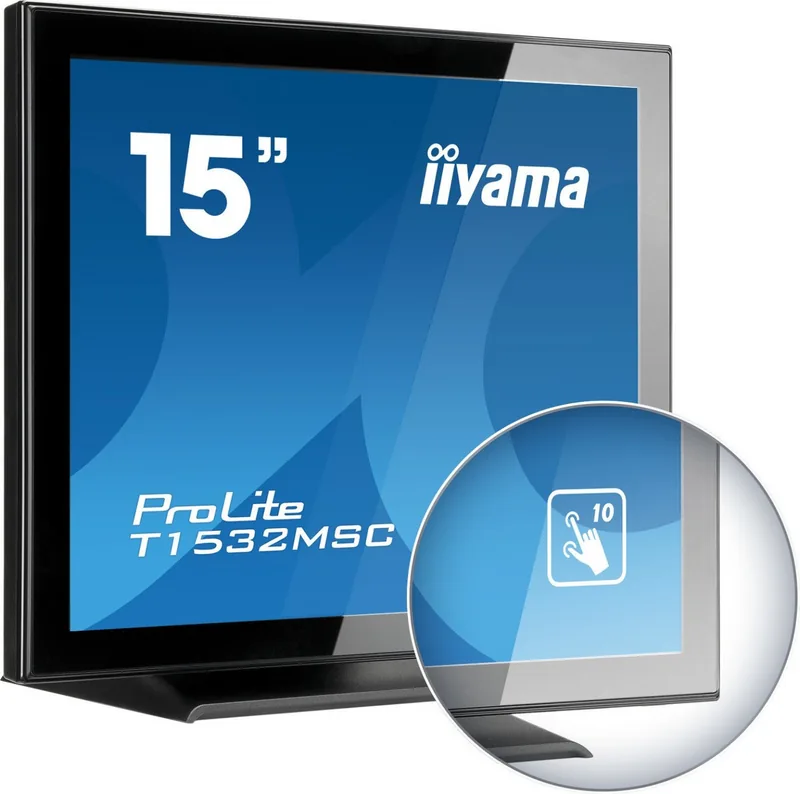
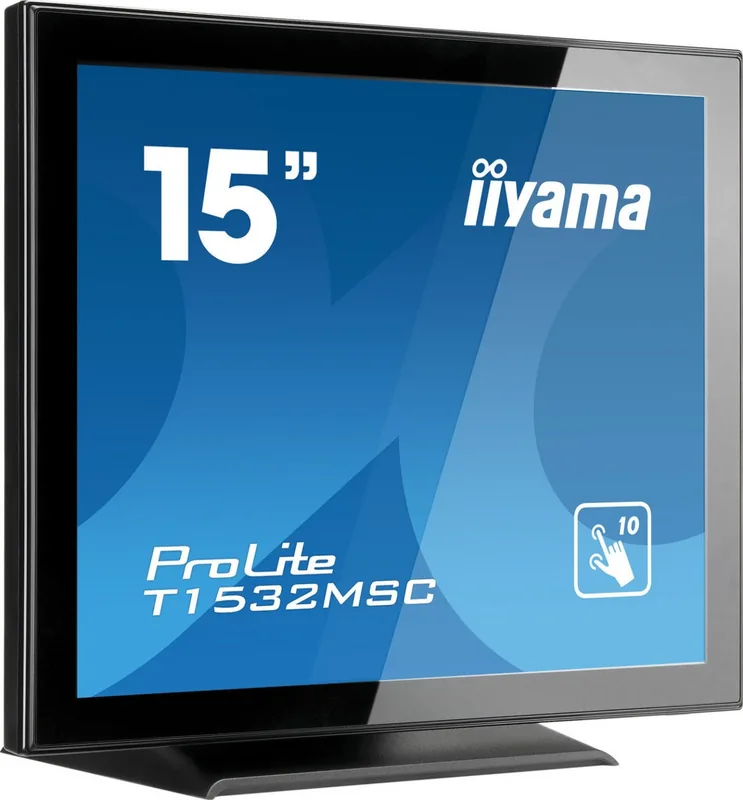
iiyama ProLite T1532MSC-B5X, 15" Touch Monitor Overview
The iiyama ProLite T1532MSC-B5X, 15" Manual highlights a compact touch display built for everyday interaction, retail counters, kiosks, control points, and other places where reliable input matters more than flashy extras. Its 15-inch panel keeps the footprint small, while the projected capacitive 10-point touch system makes navigation feel quick and familiar. This is the kind of screen that aims to stay practical: simple to set up, easy to use, and strong enough for routine business tasks.
One of the most appealing details is the balance between clarity and durability. The monitor offers a native 1024 × 768 resolution, 330 cd/m² brightness, and a 700:1 contrast ratio, giving it enough visual punch for menus, dashboards, and customer-facing applications. The front side carries IP54 protection, which adds confidence in environments where dust or light splashes can be a concern. For a small-format monitor, that makes it feel far more adaptable than a typical desktop screen.
Connectivity is also a major strength. With VGA, HDMI, DisplayPort, USB for touch, and audio support, the ProLite T1532MSC-B5X fits a wide range of systems. It is designed to work smoothly with Windows touch environments and supports Plug & Play operation, so the setup process is straightforward for many users. Stereo speakers are built in as well, which is useful when space is limited and separate audio hardware would be inconvenient.
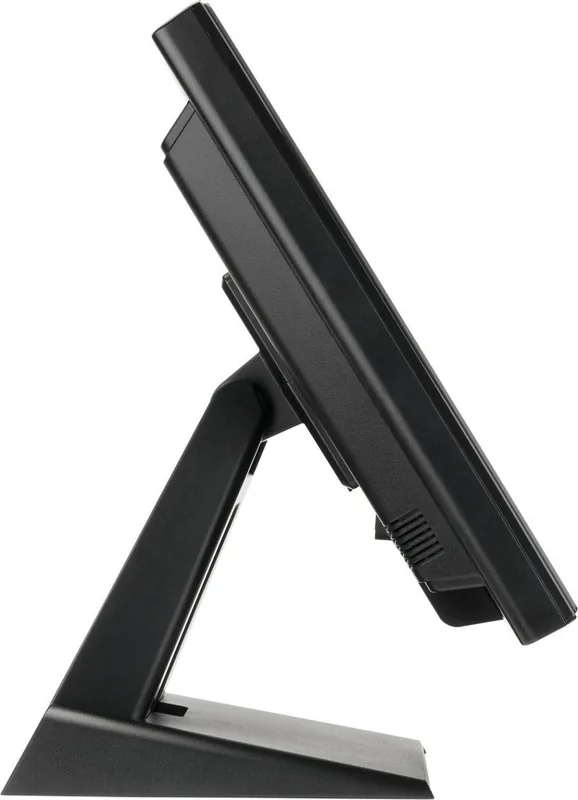
The physical design supports flexible use. A tilt range from 90 degrees upward to 5 degrees downward helps users find a comfortable viewing angle, and VESA 100 × 100 mounting allows installation on walls or arms when a fixed setup is preferred. The monitor is also designed with power management in mind, helping reduce energy use when the connected computer is idle.
Overall, the ProLite T1532MSC-B5X is best seen as a dependable touch display for practical work. It is not trying to be oversized or overly complex. Instead, it focuses on touch accuracy, sensible connectivity, and a sturdy build that suits professional spaces. If you want a compact interactive screen with solid everyday features, this model is easy to appreciate.
Notes
- Best performance is achieved at the native 1024 × 768 resolution.
- Use a finger or plastic stylus for touch input to protect the surface.
- The IP54 rating applies to the front face only.
- Proper calibration and careful cable setup improve long-term reliability.
Search for 67,706 Manuals online


Type-in Brand or Model