
iiyama ProLite T1521MSC-B1 Manual
PDF manual · 28 Pages
English



Quick check
Incorrect answer, please try again.
Chat with your iiyama ProLite T1521MSC-B1 manual using AI
Get instant AI answers from your iiyama ProLite T1521MSC-B1 manual
Ask anything about the iiyama ProLite T1521MSC-B1. Answers come from this manual, with the pages they are based on.
ProLite T1521MSC-B1 Maintenance Schedule
Always unplug the power plug from the device for safety reasons before cleaning the monitor.
Remove spots with a soft damp cloth using a weak dish soap solution.
Clean the surface with a soft clean cloth and mild commercial window glass cleaner or a 50/50 mix of water and isopropyl alcohol.
Ask a Question
Do you recommend ProLite T1521MSC-B1?
Yes No
Rudi Arnold
9 months ago
How fast is shipping, and is the price fair compared to similar products?

Manual.ly
9 months ago
Based on customer feedback, shipping is consistently fast and the pricing feels fair. Exact delivery times depend on your destination and are shown during checkout, and you will receive tracking once your order ships. If anything seems delayed or you have questions about your order, our support team can help you check the status and find a solution.
Frequently Asked Questions
It is best used for touch-based business applications such as POS systems, kiosks, reception desks, and control interfaces. Its compact size and responsive touch panel make it practical for straightforward interactive tasks.
Is this answer helpful?
Yes, it supports projected capacitive 10-point touch input. That allows smoother gesture-based interaction and more natural control than basic single-touch screens.
Is this answer helpful?
The monitor includes VGA for video, USB for touch communication, and audio connectivity. This makes it suitable for older and newer business setups that need simple integration.
Is this answer helpful?
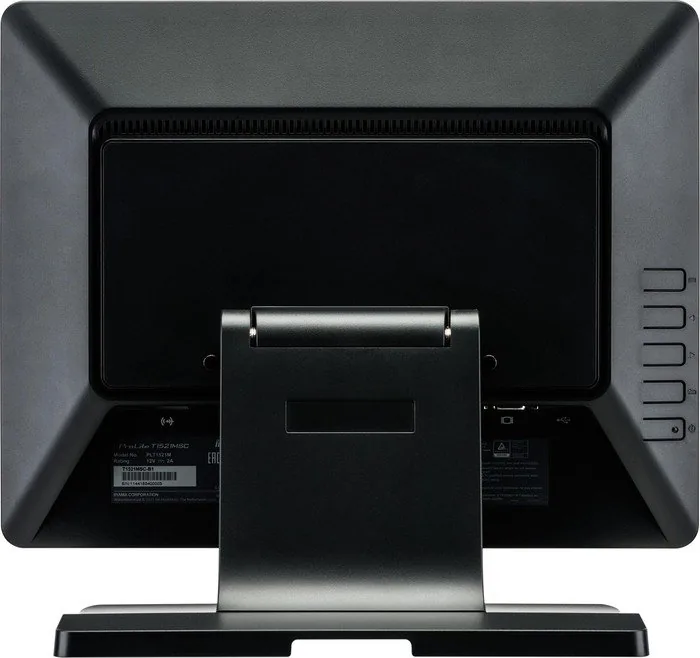
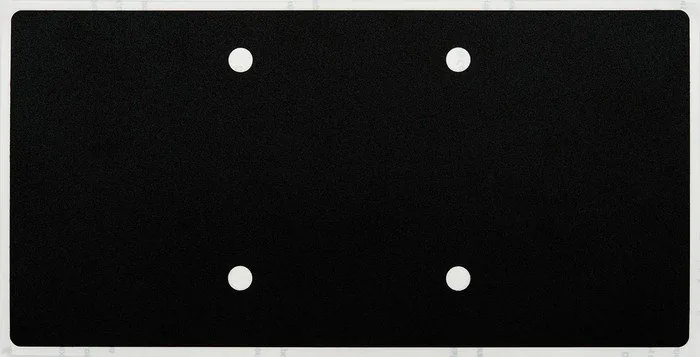
Yes, it supports VESA 75 × 75 mm mounting. That gives users the option to place it on a wall, arm, or compatible bracket for cleaner installation.
Is this answer helpful?
Its native resolution is 1024 × 768. That resolution is ideal for classic business software, but it is not designed for high-definition media use.
Is this answer helpful?
The monitor includes blue light reduction and adjustable tilt, which can help improve comfort during long sessions. The manual also recommends regular breaks and proper viewing distance.
Is this answer helpful?
Advantages and Disadvantages
Advantages

- 10-point projected capacitive touch offers smooth, accurate interaction for business and kiosk tasks.
- Compact 15-inch design fits well in small workspaces, counters, and embedded installations.
- VGA, USB, audio, and VESA 75x75 support make integration flexible.
- Built-in speakers, blue light reduction, and power management improve everyday usability.
Disadvantages

- 1024 × 768 resolution is modest by modern standards and may feel limited for detailed content.
- TN panel technology is functional, but viewing quality is not as rich as higher-end panel types.
- Best performance is oriented toward practical use, not demanding multimedia or creative work.
Product Specification
Touchscreen
capacitive, Multi-Touch
Diagonal
15"/15.00in
Resolution
1024x768, 4:3
Brightness
305cd/m²
Contrast
700:1 (static), no information (dynamic)
Response time
8ms
Viewing angle
160°/160°
Panel
TN
Backlight
White-LED
HDR
N/A
Refresh rate
60Hz
Signal frequency
no information (horizontal), no information (vertical)
Connections
1x VGA (60Hz@1024x768)
Other connections
1x USB-B (Touch function)
Ergonomics
N/A
VESA
2.95x2.95in (occupied)
Power consumption
no information (maximum), 20W (typical), no information (energy label old A+++ to G), 0.5W (Standby)
Energy efficiency class SDR (A to G)
E
Energy consumption SDR
11kWh/1000h
Dimensions (WxHxD)
13.39x12.13x7.80in
Weight
7.72lb
Special features
Speakers (2x 2W), IP54 certified (front)
Manufacturer warranty
three years (processing via manufacturer, product registration within 60 days of purchase: Link, warranty information: Link)
Product Description
iiyama ProLite T1521MSC-B1, 15-inch Manual
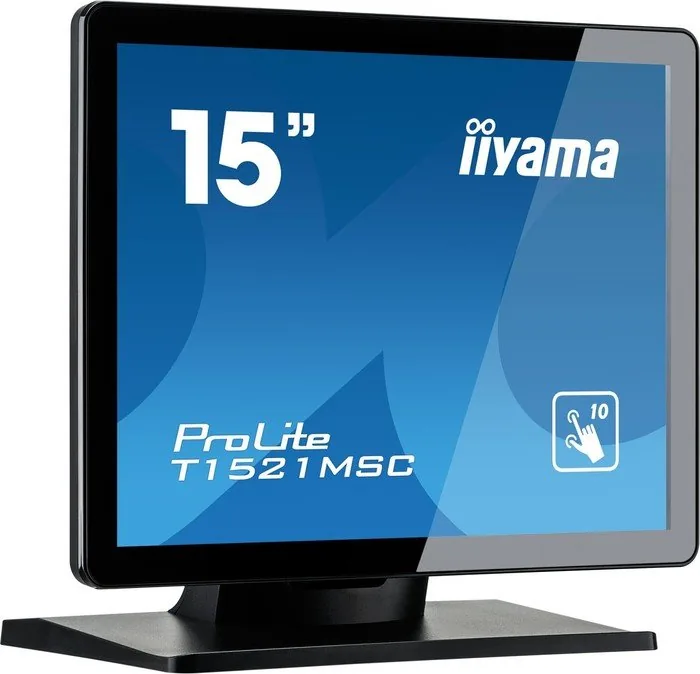
The iiyama ProLite T1521MSC-B1 is a compact 15-inch touchscreen monitor designed for everyday business tasks, interactive kiosks, point-of-sale setups, and light industrial use. Built around a projected capacitive 10-point touch panel, it delivers a smooth and responsive experience that feels natural for both finger input and stylus use. Its simple footprint and VESA mounting support make it easy to place in tight workspaces where reliability matters more than flashy extras.
Practical touch performance in a small format
This model uses a 1024 × 768 resolution panel, which is well suited to classic business software and structured interfaces. The TN display technology helps keep the monitor affordable and responsive, while the 800:1 typical contrast ratio and 370 cd/m² brightness aim to provide clear visibility in standard indoor environments. For users who need a straightforward screen for control panels, customer interaction, or self-service systems, the T1521MSC-B1 offers a balanced mix of usability and simplicity.
Built for flexible deployment
Connectivity is kept practical with VGA, USB, and audio support, making it easy to integrate into existing setups. The included stereo speakers add basic sound output without requiring external hardware, while the adjustable tilt stand helps improve viewing comfort during daily use. If wall mounting is preferred, the 75 × 75 mm VESA pattern provides another option for cleaner installation. The monitor also includes power management features and blue light reduction, both of which support longer operating sessions with less strain and lower energy use.
A monitor designed around everyday use
The iiyama ProLite T1521MSC-B1 is especially appealing for environments that value durability, easy setup, and touch accuracy over high-end multimedia performance. It supports common Windows versions and Linux, and the manual emphasizes proper handling, cleaning, and safe installation to help maintain the touchscreen surface over time. With its compact body and business-friendly feature set, it fits naturally into retail counters, reception desks, and embedded system applications.
Notes
- Best suited for practical touch applications rather than entertainment-focused use.
- Recommended resolution is 1024 × 768 for the sharpest everyday experience.
- Use gentle cleaning methods to protect the touch surface.
- Check mounting and cable routing carefully for safe long-term installation.
Search for 67,706 Manuals online


Type-in Brand or Model
Lena Hoffmann
9 months ago
Is the product quality good, and do you deliver quickly while keeping the price fair?
Manual.ly
9 months ago
Yes. Customers report very good product quality and reliable workmanship. Shipping is also described as fast, and our team aims to process and dispatch orders promptly. Reviews also mention a fair price and responsive customer service, so you can expect a smooth buying experience from order to delivery. If you have a specific delivery deadline, contact us with your order details so we can help you check the most accurate timing.