
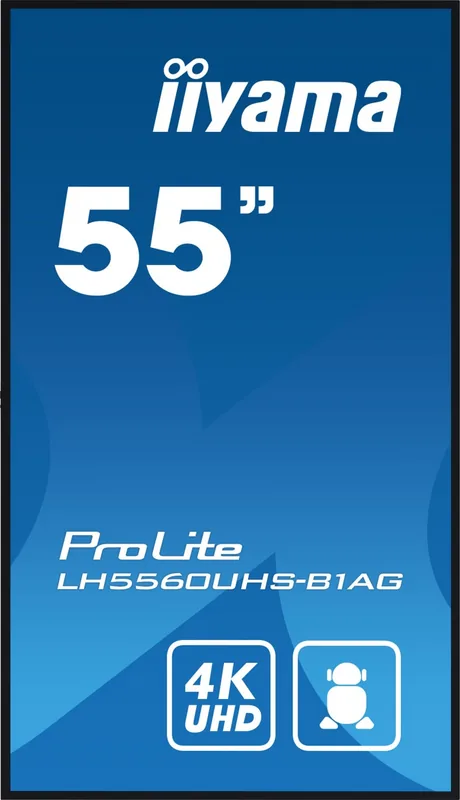
iiyama ProLite LH5560UHS-B1AG Manual
PDF manual · 57 Pages
English



Quick check
Incorrect answer, please try again.
Chat with your iiyama ProLite LH5560UHS-B1AG manual using AI
Get instant AI answers from your iiyama ProLite LH5560UHS-B1AG manual
Ask anything about the iiyama ProLite LH5560UHS-B1AG. Answers come from this manual, with the pages they are based on.
ProLite LH5560UHS-B1AG Maintenance Schedule
Replace batteries when the remote no longer functions even at a short distance from the sensor. Use only AAA type batteries.
Clean the screen regularly with a dry soft cloth. Do not use paper towels as they may damage the LCD.
Ask a Question
Do you recommend ProLite LH5560UHS-B1AG?
Yes NoFrequently Asked Questions
It supports 3840 x 2160 Ultra HD resolution at up to 60 Hz. This 4K resolution is well suited to detailed business presentations, digital signage, menus, videos, and high-resolution graphics.
Is this answer helpful?
Yes. The display is designed for 24-hour-per-day operation, making it suitable for commercial environments that need scheduled or continuous content playback.
Is this answer helpful?
Yes. The ProLite LH5560UHS-B1AG supports both landscape and portrait orientation. This allows it to be used for horizontal presentation displays or vertical signage and wayfinding layouts.
Is this answer helpful?
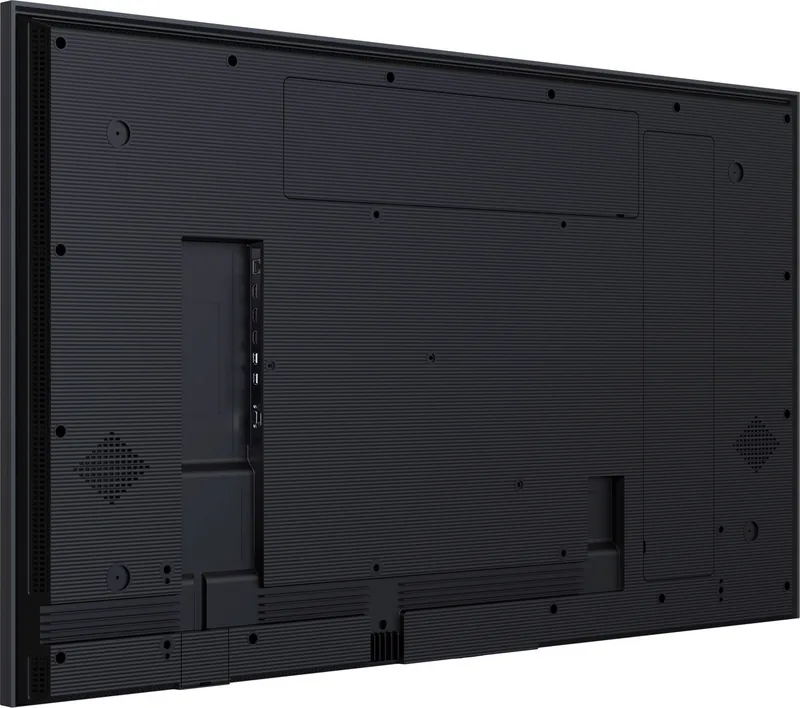
The display includes three HDMI inputs, LAN, RS-232C, two USB 2.0 ports, a 3.5 mm audio output, and built-in speakers. These connections support media devices, computers, local playback, and remote control systems.
Is this answer helpful?
Yes. Integrated functions include a media player, browser, PDF player, file manager, CMS support, and playlist tools. Content can be played from compatible storage or managed through supported networked signage workflows.
Is this answer helpful?
Avoid leaving static images on screen for long periods. Use moving content, scheduled power-off periods, screen saver options, Pixel Shift, and lower brightness settings where appropriate.
Is this answer helpful?
Advantages and Disadvantages
Advantages

- 4K UHD resolution provides sharp detail for professional signage, presentations, video, and information displays.
- 500 cd/m2 typical brightness, VA contrast, anti-glare coating, and 178-degree viewing angles support clear viewing.
- Designed for 24/7 operation and supports both landscape and portrait installation.
- Integrated media player, browser, PDF player, CMS support, LAN, RS-232C, and USB simplify content delivery.
- Three HDMI inputs and built-in 10 W + 10 W speakers provide versatile connectivity and audio.
Disadvantages

- Static images may cause temporary image retention, so Pixel Shift, screen savers, or changing content are recommended.
- The 54.6 inch display weighs 17.6 kg and requires careful, secure installation by at least two people.
- USB media playback is limited to supported formats and FAT32 storage.
- Typical power consumption of 89 W may be significant for installations with many displays.
Product Specification
Diagonal
54.6 in
Resolution
3,840 x 2,160, 16:9
Brightness
500 cd/m²
Contrast
4,000:1 (static), not specified (dynamic)
Response Time
6.5 ms
Viewing Angle
178° / 178°
Panel
VA
Shape
straight (flat)
Coating
non-glare (matte)
Backlight
White LED
HDR
N/A
Color Depth
10-bit (1.07 billion colors, 8-bit+FRC)
Refresh Rate
60 Hz
Signal Frequency
not specified (horizontal), not specified (vertical)
Connections
3 x HDMI 2.0 (60 Hz @ 3,840 x 2,160), 1 x 3.5 mm jack (Line-In), 1 x 3.5 mm jack (Line-Out)
Additional Connections
1 x RJ-45 1 Gb LAN, 2 x USB-A 2.0 (480 Mb/s), 1 x serial (RS-232)
VESA
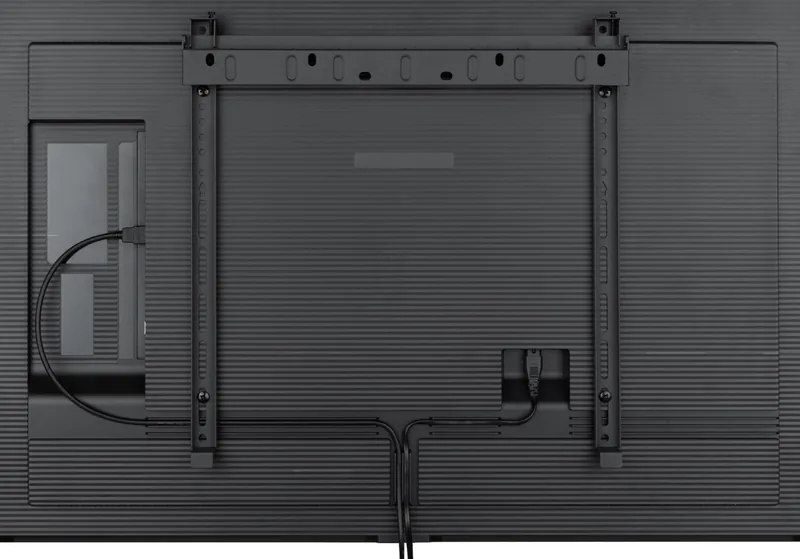
300 x 400 (unrestricted)
Operating Time
24/7
Power Consumption
not specified (maximum), 89 W (typical), not specified (old energy label A+++ to G), 0.5 W (standby)
SDR Energy Efficiency Class (A to G)
G
SDR Energy Consumption
89 kWh/1,000 h
Dimensions (W x H x D)
48.82 x 28.05 x 1.52 in
Weight
38.8 lb
Special Features
Speakers (2 x 10 W)
Manufacturer Warranty
Three years (handled through manufacturer, product registration within 60 days of purchase: link, warranty information: link)
Product Description
iiyama ProLite LH5560UHS-B1AG, 54.6 inch - Read, Download & Print Free
The iiyama ProLite LH5560UHS-B1AG, 54.6 inch is a professional 4K large-format display designed for clear, reliable visual communication. Its 3840 x 2160 resolution delivers detailed text, sharp graphics, and richly defined video, making it a strong choice for retail spaces, meeting rooms, reception areas, education settings, and digital signage installations.
Built for impactful everyday display
With a VA panel, 500 cd/m2 typical brightness, 4000:1 typical contrast ratio, and wide 178-degree viewing angles, this display is engineered to keep content visible from different positions in a room. The anti-glare screen treatment helps reduce distracting reflections, while the 54.6 inch viewing area provides enough scale for announcements, product promotions, menus, presentations, and branded messaging.
The screen supports continuous 24-hour operation, helping organizations maintain scheduled content throughout the day and night. It can be installed in either landscape or portrait orientation, providing flexibility for traditional widescreen layouts, vertical advertising, wayfinding, and information boards. A VESA 300 x 400 mm mounting pattern supports professional wall-mount integration.
Connectivity and integrated playback tools
Three HDMI inputs make it simple to connect PCs, media devices, players, and presentation hardware. LAN and RS-232C connectivity provide practical options for networked monitoring and control, while two USB 2.0 ports support local media playback. Built-in stereo speakers rated at 10 W + 10 W offer convenient sound for installations where separate audio equipment is not required.
Integrated Android-based functions add useful signage capabilities. The display includes a media player, browser, PDF player, file manager, CMS support, and EShare Pro for multi-screen interaction. Users can create playlists, define playback order, set automatic display times, and use scheduled power settings to streamline routine operation.
Control, protection, and efficiency
The iiyama ProLite LH5560UHS-B1AG, 54.6 inch includes settings for brightness, contrast, audio, screen format, input selection, and network configuration. Pixel Shift, screen saver tools, and lower-brightness options can help reduce the risk of image retention when static content is used. Wake-on-LAN and automatic signal detection support efficient management in connected environments.
Typical power consumption is 89 W, while standby consumption is rated at a maximum of 0.5 W without USB devices connected. The display measures 1240.0 x 712.5 x 38.5 mm and weighs 17.6 kg.
Notes
- Use moving content or screen protection features for long-running static images.
- Ensure adequate ventilation during installation.
- Wall mounting should use compatible M6 hardware with a maximum 18 mm screw length.
Search for 67,706 Manuals online


Type-in Brand or Model