

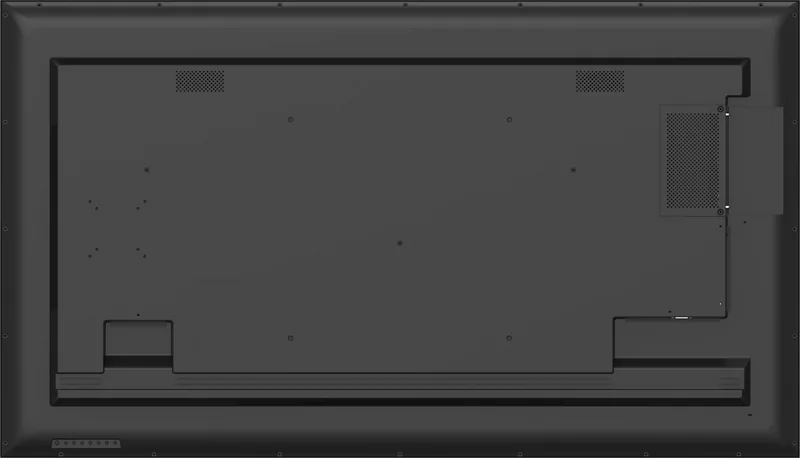
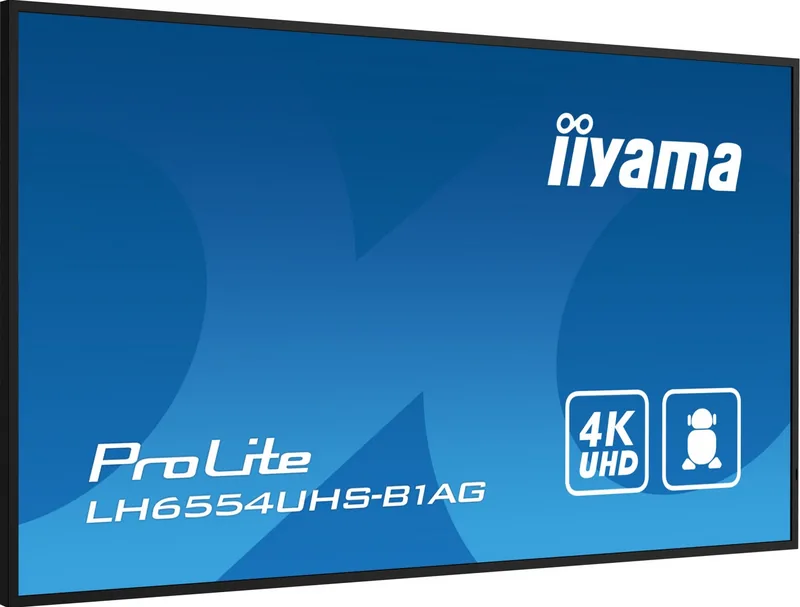
iiyama ProLite LH 54 Series Manual
PDF manual · 71 Pages
English



Quick check
Incorrect answer, please try again.
Chat with your iiyama ProLite LH 54 Series manual using AI
Get instant AI answers from your iiyama ProLite LH 54 Series manual
Ask anything about the iiyama ProLite LH 54 Series. Answers come from this manual, with the pages they are based on.
ProLite LH 54 Series Maintenance Schedule
Use a dry soft cloth to clean the display. Do not use paper towels as they may damage the LCD.
Replace batteries if the remote does not function even at close range. Use only AAA batteries.
Free maintenance reminders
Timed to your purchase date. Always free, unsubscribe anytime.
Ask a Question
Do you recommend ProLite LH 54 Series?
Yes NoFrequently Asked Questions
No, this LCD monitor is not designed for outdoor use. The specifications warn against installing them in outdoor environments to prevent damage and ensure safety.
Is this answer helpful?
The series supports resolutions up to 1920 x 1080 on smaller models and up to 3840 x 2160 on larger screens. This ensures crisp text and vivid graphics for advertising.
Is this answer helpful?
Use a clean soft cloth for periodic cleaning. Do not scratch the LCD or use strong solvents. Avoid wetting the screen directly with liquids to prevent damage.
Is this answer helpful?
Yes, the monitor consumes a small amount of electricity when in standby. Power consumption reduces to less than 0.5 Watts when the video signal is off.
Is this answer helpful?
The standby power consumption is limited to less than 0.5 Watts according to the specifications. The power off mode consumes 0.3 Watts maximum.
Is this answer helpful?
Advantages and Disadvantages
Advantages

- High brightness 500 cd/m2 suitable for commercial lighting conditions.
- Offers up to 4K resolution support for sharp imagery.
- VESA mounting options support flexible installation configurations.
- 24-hour design ensures reliability for continuous signage operation.
- Multiple connectivity options including HDMI and DisplayPort available.
Disadvantages

- Requires careful screw selection for wall mounting to avoid damage.
- DVI cables are not included with the monitor package for connection.
- Outdoor use is not recommended or supported by design specifications.
- Image persistence can occur with static content displayed over time.
- Specific ventilation clearance is required to prevent overheating risks.
Product Specification
Function
Monitor (Public Display)
Backlight
LED
Brightness
500 cd/m2 (typical)
Shape
Straight (Flat)
Viewing Angle
178 deg/178 deg
Speakers
Speakers (2x 10W)
Ergonomics
without stand
Operating Hours
24/7
System
Android, integrated media player (ARM Cortex A53, ARM Cortex A73, ARM Mali G52, 4GB RAM, 32GB Flash)
Warranty
three years (Process via manufacturer, Product registration within 60 days after purchase: Link, Warranty information: Link)
USB Type
Link
Product Description
Discover the Power of Digital Signage
The iiyama ProLite LH 54 Series Manual provides deep insights into a robust lineup of displays designed for continuous operation. These monitors stand out significantly in commercial signage setups due to their reliability and superior visual clarity. Users typically install these units in busy lobbies, retail stores, or information centers where uptime is absolutely critical. The series offers a diverse range of screen sizes to fit virtually any environment perfectly. From compact 32-inch models to expansive 86-inch displays, there is likely a fit for every specific space requirement.
Key features highlighted in the technical data reveal consistently high brightness levels across the board. Most models boast 500 cd/m2 typical brightness ensuring visibility even in bright rooms with overhead lighting. Contrast ratios vary slightly by panel technology but generally offer excellent image definition for the target audience. The iiyama ProLite LH 54 Series Manual also notes support for resolutions up to 4K Ultra HD on larger screens. This ensures crisp text and vivid graphics for advertising content without pixelation. Connectivity options are plentiful with HDMI, DisplayPort, and DVI inputs available on most units for versatile connections. RS-232C ports allow for centralized control which is vital for managing multi-screen installations efficiently.
Safety and durability are paramount in the design specifications. The monitors are engineered for 24-hour daily usage schedules without degradation. However, the specifications warn against installing them outdoors. Proper ventilation is crucial for system health. Users must maintain at least 10 cm from walls to prevent overheating during long operations. Cleaning instructions specify soft cloths to protect the sensitive panels from scratches. Power consumption is optimized with standby modes running under 0.5 Watts to save energy. Some models feature built-in Android capabilities allowing media players to run directly without an external computer box. This flexibility simplifies network management for signage networks significantly.
Setup guidelines emphasize proper mounting procedures using specific brackets. VESA standards vary by size requiring specific screw lengths to avoid damage. Remote controls included facilitate menu navigation and input switching easily. Settings allow for image persistence protection which is key for static signage content displayed for hours. By following guidelines similar to standard practices, users ensure longevity for their investment. This comprehensive approach makes these monitors suitable for demanding public display environments worldwide.
Search for 67,706 Manuals online


Type-in Brand or Model