
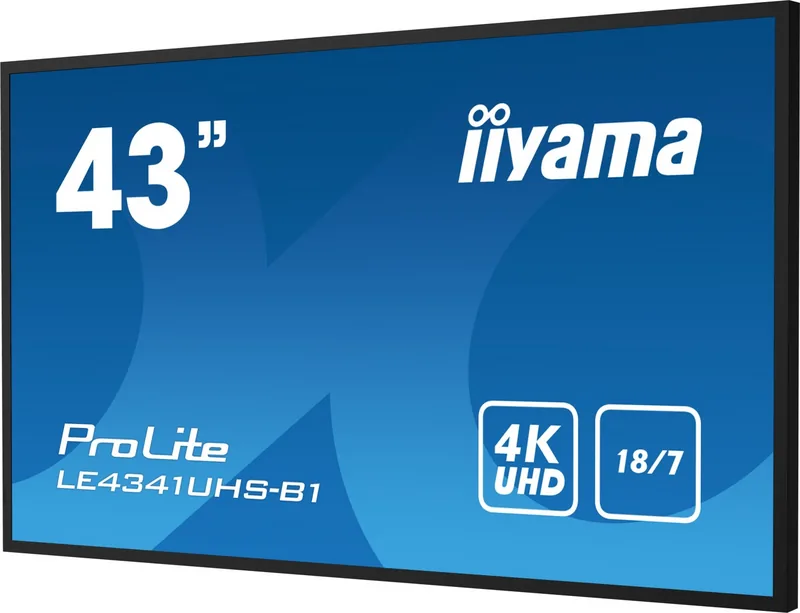
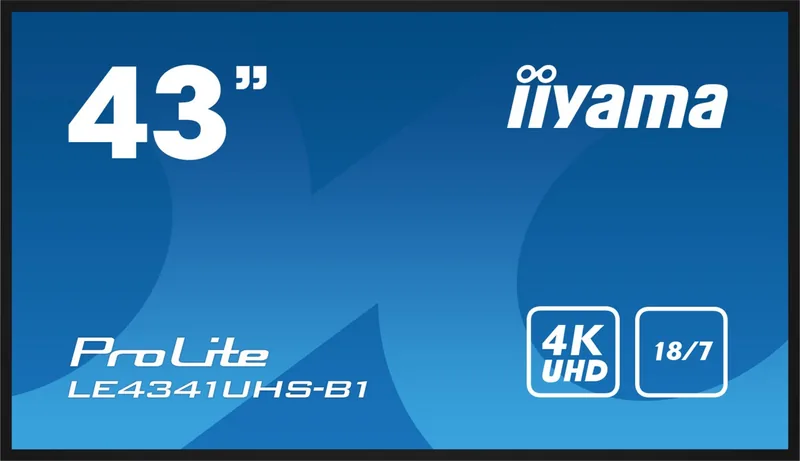
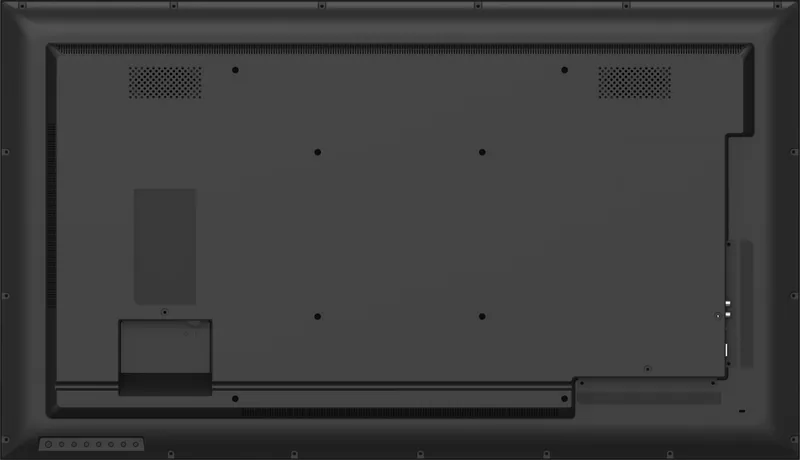
iiyama ProLite LE 41 Series LExx41UHS-B1 Manual
PDF manual · 48 Pages
English



Quick check
Incorrect answer, please try again.
Chat with your iiyama ProLite LE 41 Series LExx41UHS-B1 manual using AI
Get instant AI answers from your iiyama ProLite LE 41 Series LExx41UHS-B1 manual
Ask anything about the iiyama ProLite LE 41 Series LExx41UHS-B1. Answers come from this manual, with the pages they are based on.
ProLite LE 41 Series LExx41UHS-B1 Maintenance Schedule
Clean the display regularly with a dry soft cloth. Clean the housing with a damp soft cloth using a weak dish soap solution. Do not use paper towels or harsh chemicals.
Avoid displaying static images for long periods. Use a screen saver or turn off the monitor when not in use to prevent image persistence.
Ask a Question
Do you recommend ProLite LE 41 Series LExx41UHS-B1?
Yes NoFrequently Asked Questions
No, this LCD display is designed for indoor environments only. Exposure to rain, direct sunlight, or extreme weather conditions can cause damage to the panel and electronics inside the unit.
Is this answer helpful?
This product is not specifically designed for twenty-four seven usage. The recommended operating time is eighteen hours per day to ensure longevity and prevent overheating issues.
Is this answer helpful?
The monitor supports Full HD resolution up to 1920 by 1080 pixels. It also handles lower resolutions automatically but recommends 1080p for best image quality and pixel accuracy.
Is this answer helpful?
Avoid displaying static images for long periods. Use screen savers and turn the monitor off when not in use. Activate the Pixel Shift function if available in the menu settings.
Is this answer helpful?
The unit includes three HDMI ports, one VGA connector, LAN for network, RS-232C for serial control, and a USB 2.0 port for media playback and data connection.
Is this answer helpful?
Yes, the monitor comes with internal two-watt stereo speakers. You can adjust volume using the remote control or front panel buttons without needing external speakers.
Is this answer helpful?
Yes, you can set specific ID numbers for the remote control to operate individual monitors in a multi-screen setup without interference from other remote signals.
Is this answer helpful?
Advantages and Disadvantages
Advantages

- High contrast IPS panel with 1200:1 ratio and accurate colors.
- Integrated stereo speakers providing audio without external hardware.
- Multiple HDMI connectors allowing flexible device connectivity options.
- Remote control included for enhanced menu navigation and input switching.
- VESA mounting compatibility for secure wall or arm installation setups.
Disadvantages

- Recommended usage time is limited to eighteen hours rather than 24/7.
- Static images displayed for long periods can cause image sticking or ghosting.
- VGA cable is not included in the package with the monitor unit.
- Screen is not designed for outdoor use due to weather sensitivity constraints.
- USB port limited to 500mA power output for external storage devices.
Product Specification
Function
Monitor (Public Display)
Backlight
LED
Brightness
350 cd/m² (typical)
Shape
Straight (flat)
Viewing Angle
178°/178°
Coating
non-glare (matte)
Speakers
Speakers (2x 10W)
Controls
Remote control included
Ergonomics
without stand
Operating Time
18h / 7
Computing
Integrated Media Player
Warranty
Three Years (Claims handled by manufacturer, Product registration within 60 days after purchase: Link, Warranty Information: Link)
USB Specification
Link
Product Description
Welcome to Professional Viewing
The iiyama ProLite LE 41 Series offers exceptional display performance for modern workspaces. This unit features a high-contrast IPS panel that ensures wide viewing angles and accurate color reproduction. It supports up to 1920 by 1080 resolution, providing sharp visuals for office tasks or media consumption. The design includes integrated stereo speakers for convenient audio output. You will find three HDMI ports alongside a VGA option for flexible connectivity with various computer systems. A remote control is included to navigate menus easily without physical button presses. The build quality is sturdy with a slim bezel profile suitable for bezel-free configurations. Color temperature options allow customization from cold to warm tones. Noise reduction features help reduce visual distortion from media sources. Input switching is fast using the remote or front panel buttons. This versatile screen adapts well to office or home entertainment environments.
Installation and Configuration
Setting up the monitor is straightforward with VESA mounting compatibility for wall or arm installation. The on-screen display allows precise adjustments for brightness and contrast. Power management features include a standby mode reducing consumption below half a watt when idle. Security options allow you to lock the control buttons to prevent unauthorized changes. The USB port supports media playback for photos and videos stored on flash drives. This feature is useful for digital signage or entertainment in waiting areas. The unit comes with necessary cables for power and HDMI signals. RS-232C ports allow for control integration in large setups. Network settings can be configured for LAN connectivity if required. The monitor complies with EMC and safety standards for residential use.
Usage and Safety Guidelines
To maintain best performance, avoid static images displayed for extended periods to prevent ghosting. The recommended operating time is eighteen hours daily rather than continuous twenty-four seven operation. Ventilation slots must remain clear to ensure proper airflow and cooling. Cleaning should only be done with a soft dry cloth. Never use harsh solvents on the screen surface. For detailed calibration steps, users often reference guidelines associated with iiyama ProLite LE 41 Series LExx41UHS-B1 Manual resources. Always ensure the power cable is secure and the main switch is activated. Unplug the device during storms or long periods of non-use. Recycling information is available online to protect the environment. If synchronization issues arise, check signal timing compatibility with the computer. Adjusting the position and clock manually might resolve flickering. The screen is not designed for outdoor use due to weather factors. Ensure the wall mount can support the weight. Check cable connections for loose fits. This display balances functionality with energy efficiency. Proper placement and care will extend the lifespan of the hardware. The monitor consumes approximately fifty-five watts typically during operation.
Search for 67,706 Manuals online


Type-in Brand or Model