
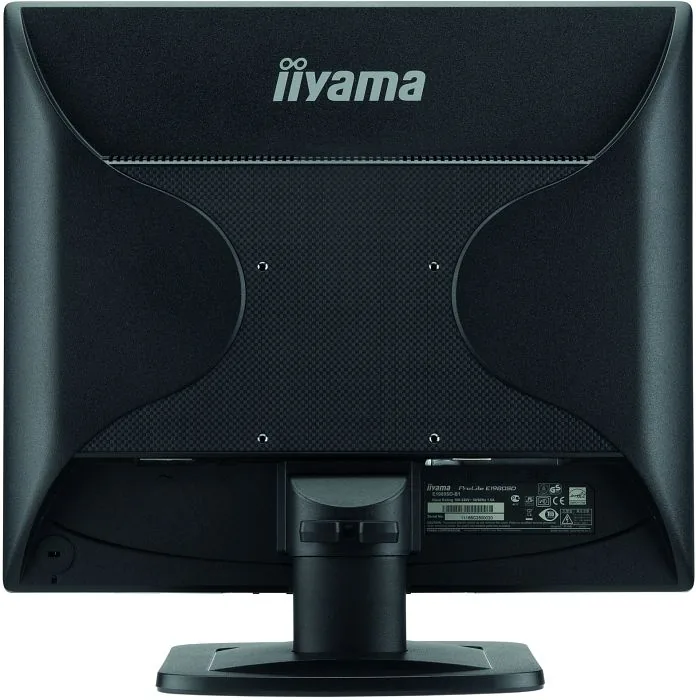
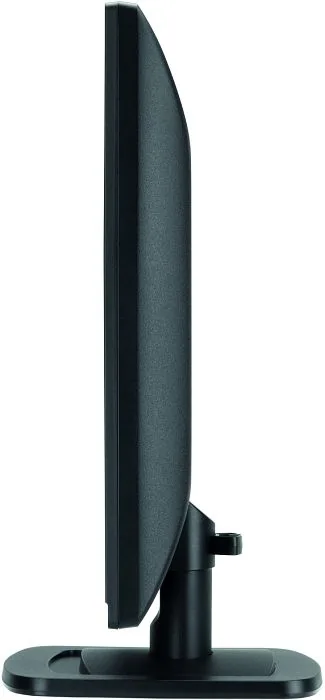
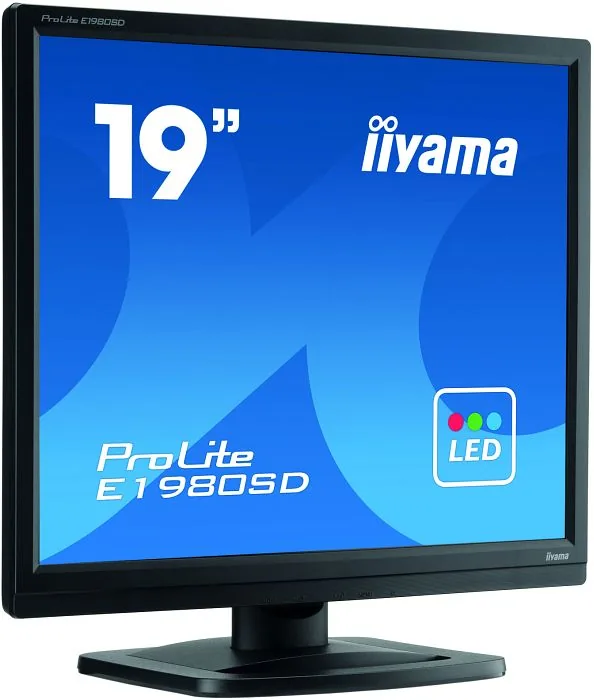
iiyama ProLite E1980SD-B1 Manual
PDF manual · 37 Pages
English



Quick check
Incorrect answer, please try again.
Chat with your iiyama ProLite E1980SD-B1 manual using AI
Get instant AI answers from your iiyama ProLite E1980SD-B1 manual
Ask anything about the iiyama ProLite E1980SD-B1. Answers come from this manual, with the pages they are based on.
ProLite E1980SD-B1 Maintenance Schedule
Clean the display regularly with a dry soft cloth. Do not use paper towels as they may damage the LCD.
Remove spots with a damp soft cloth using a weak dish soap solution if necessary.
Ask a Question
Do you recommend ProLite E1980SD-B1?
Yes No
Leanne Wilson
7 months ago
The device seems good, but the German description/manual is hard to use. Is there a proper German user guide or can you send the correct instructions for my model?

Manual.ly
7 months ago
Yes. You can download a complete German user manual (PDF) from the product page. If the manual version you received does not match your exact model or any section is missing, please contact us with your order number and we will provide the correct instructions or the right download link. The quick-start guide also summarizes the essential setup steps so you can configure the device without having to search through individual terms.
Frequently Asked Questions
The native (optimal) resolution is 1280 × 1024 pixels. The monitor is designed to perform best at this resolution; lower resolutions may be automatically stretched and appear less sharp.
Is this answer helpful?
It supports DVI-D (digital) and D-SUB (VGA/analog) inputs. DVI offers the best digital image quality; VGA requires proper cabling and may need auto-adjustment for optimal positioning and phase.
Is this answer helpful?
Yes. The model meets ENERGY STAR guidelines and VESA DPMS. Typical power consumption is about 16 W; standby power is 0.5 W or less, reducing energy use when the computer is idle.
Is this answer helpful?
Yes, the SD variant includes two 1 W stereo speakers and an audio input cable in the package. Audio must be connected from the computer to use the speakers.
Is this answer helpful?
Use the Auto Adjust (hold AUTO button 3–4 seconds) to automatically set H/V position, clock and phase. If issues persist, fine-tune H.Position, V.Position, Clock and Phase via the OSD screen adjustments.
Is this answer helpful?
Yes. The display is VESA-compliant (100 × 100 mm), enabling wall or arm mounting. Ensure the mount and wall can support the monitor’s weight and follow the manual’s screw-length warnings.
Is this answer helpful?
Wipe the cabinet with a cloth lightly moistened with mild detergent and the screen with a soft dry cloth. Avoid strong solvents (thinner, benzine, abrasive cleaners, spray-type cleaners) and do not scratch or rub the LCD surface.
Is this answer helpful?
Advantages and Disadvantages
Advantages

- Native 1280 × 1024 resolution delivers clear text and productivity-focused detail.
- Fast 5 ms response time reduces motion blur in most office and video tasks.
- ENERGY STAR compliance and standby under 0.5 W lower power consumption.
- Built-in stereo speakers provide basic audio without external speakers (SD model).
- VESA 100 × 100 mounting and compact footprint suit small desks and arms.
Disadvantages

- TN panel limits vertical viewing angles and color accuracy compared with IPS panels.
- 19" 1280 × 1024 is less suitable for widescreen multimedia or modern wide-format workflows.
- Some advanced color adjustments locked in certain modes (e.g., sRGB).
- VGA cable may not be included; analog auto-adjust needed for optimal analog signals.
- Limited ergonomic range: no extensive height or swivel adjustments on E-series.
Product Specification
Function
Monitor (stationary)
Diagonal
19" (19.02in)
Resolution
1280x1024 (SXGA), 5:4, 86ppi
Panel
TN
Backlight
LED
Brightness
250cd/m2 (typical)
Contrast
1,000:1 (static), 12,000,000:1 (dynamic)
Response time
5ms (GtG)
Refresh rate
60Hz (1280x1024)
Signal frequency
24-80kHz (H) / 56-75Hz (V)
Connectors
1x VGA (60Hz@1280x1024), 1x DVI (60Hz@1280x1024), 1x 0.14in jack (Line-In), 1x AC-In C13 (Power connector)
Shape
straight (flat)
Viewing angle
170°/160°
Coating
non-glare (matte)
Color depth
8bit (16.7 million colors)
FRC
unknown
sRGB
99%
Certifications/Standards
EPEAT
Speakers
Speakers (2x 1W)
Controls
mechanical buttons
Ergonomics
with stand, height adjustable N/A, Pivot N/A, rotatable N/A, tiltable (+21°/-4°)
VESA
100x100 (free)
Power consumption
16W (typical), 0.5W (Standby)
Energy efficiency SDR (A to G)
15kWh/1000h (E)
Special features
Security lock (Kensington Security Slot)
Screen-to-Body-Ratio
78.42% (calculated)
Dimensions
16.18x15.83x8.05in (WxHxD) with stand, 16.18x13.88x1.93in (WxHxD) without stand
Color
black (display frame) / black (lower bezel) / black (stand) / black (back)
Weight
7.05lb (with stand)
Power supply
internal
Warranty
three years (processing via manufacturer, product registration within 60 days after purchase: Link, Warranty information: Link)
USB notation
Link
Product Description
iiyama ProLite E1980SD-B1, 19" Manual
The iiyama ProLite E1980SD-B1 is a compact 19" LCD monitor designed for everyday office, home and multimedia use. With a native resolution of 1280 × 1024, a quick 5 ms response time and typical brightness of 250 cd/m², it delivers crisp text and stable images for productivity tasks, web browsing and light video playback. The monitor uses a TN panel with a 1000:1 contrast ratio (typical) and supports both D-SUB (VGA) and DVI-D inputs, offering compatibility with older and modern systems.
Ergonomically, the ProLite E1980SD-B1 provides tilt adjustment (approximately +21° / -4°) and a compact footprint that fits small desks. It supports VESA 100 × 100 mounting for flexible placement on arms or walls. Useful built-in features include two stereo speakers (on SD models), audio input, ENERGY STAR compliance with low standby power consumption (≤ 0.5 W), and ECO picture modes to reduce backlight power when desired.
Setup is straightforward: the package typically includes power and DVI cables plus an audio cable for speaker-enabled models. The monitor offers an On-Screen Display (OSD) with menus for brightness, contrast, color temperature, image positioning (H/V position), clock, phase and preset i-Style color modes (Standard, Text, Internet, Game, Movie, Sports). Auto-adjust helps align analog input signals; manual screen adjustments are provided for fine-tuning. The monitor stores user adjustments in memory and supports multiple languages in the OSD.
Safety and maintenance guidance emphasizes placing the display on a flat stable surface, protecting cables, disconnecting power before servicing, and avoiding liquids or strong solvents on the screen or cabinet. Regular soft-cloth cleaning and avoiding abrasive or solvent cleaners will maintain the panel and enclosure. The manual also details troubleshooting steps, recycling guidance and regulatory compliance (CE, UKCA, TÜV-GS, RoHS, ENERGY STAR), plus complete specifications and compliant timing tables for various video modes.
Overall, the ProLite E1980SD-B1 suits users who need a reliable, energy-efficient 19" monitor with essential connectivity and adjustable display settings. Its small size, VESA compatibility and built-in speakers make it a practical choice for basic office setups, point-of-sale systems, and compact workstations.
Notes
- Native resolution: 1280 × 1024 (optimal).
- Typical brightness: 250 cd/m²; contrast ratio: 1000:1 (typical).
- Standby power ≤ 0.5 W (ENERGY STAR compliant).
- Supports DVI-D and VGA inputs; VGA cable not always supplied.
Search for 67,706 Manuals online


Type-in Brand or Model
Nadja Wiedemann
8 months ago
The device seems good, but the German description is frustrating. Do you have a clearer German manual, and can this model be used as a secondary display?
Manual.ly
8 months ago
Yes. We recommend using the full quick-start guide and manual (often available as PDF) in German from the product page or within the included materials. If any German terms are missing or the guide you received is unclear, please share your order number and we will provide the correct German version. Also yes, this model can be used as a secondary display. After connecting it using the supported connection type for your model (e.g., HDMI or USB-C), open your computer display settings and choose Extend or Duplicate display to match your use case.