
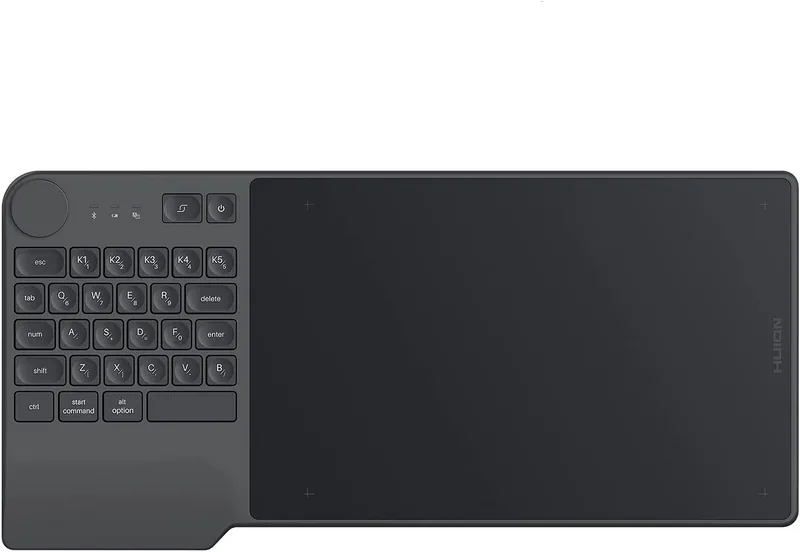
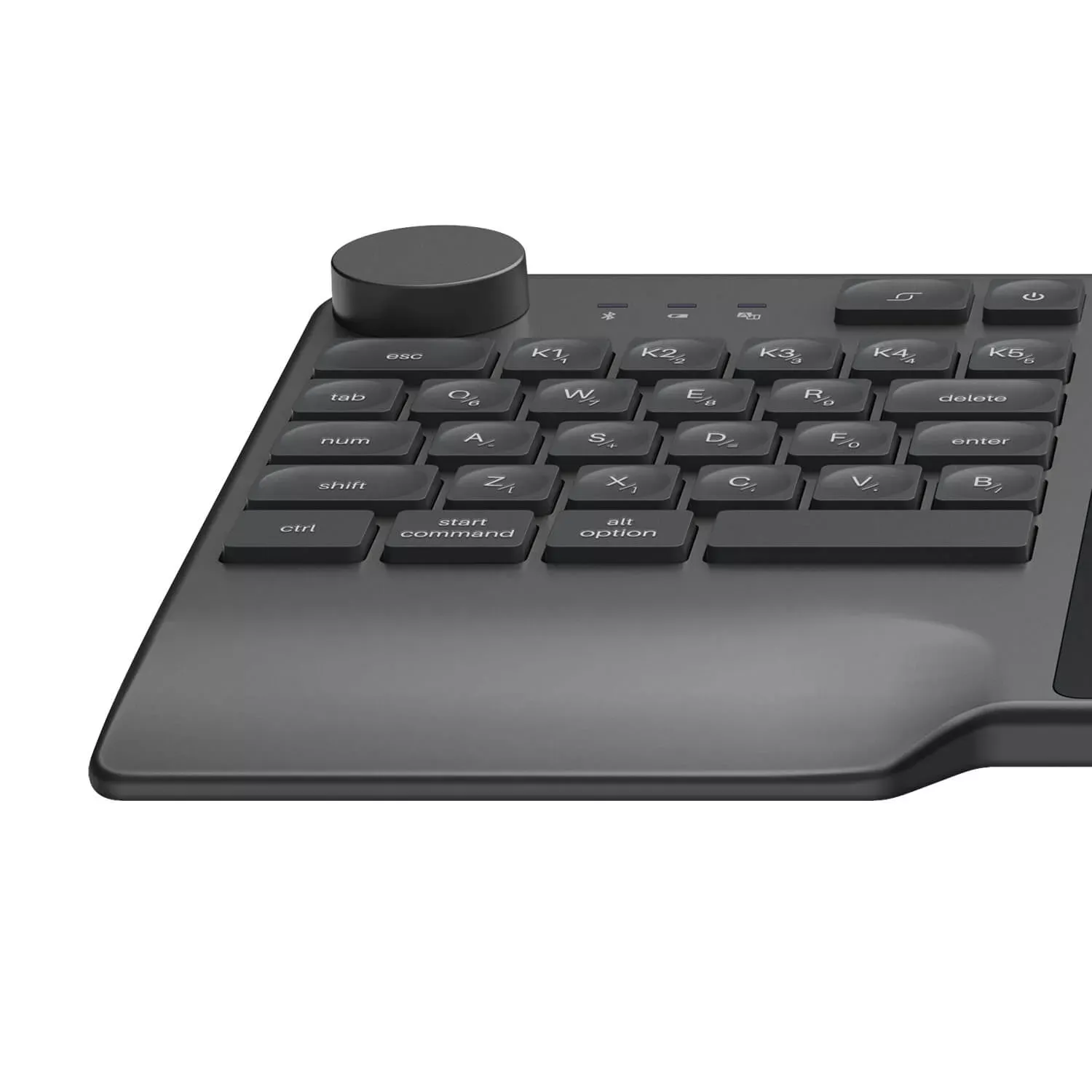
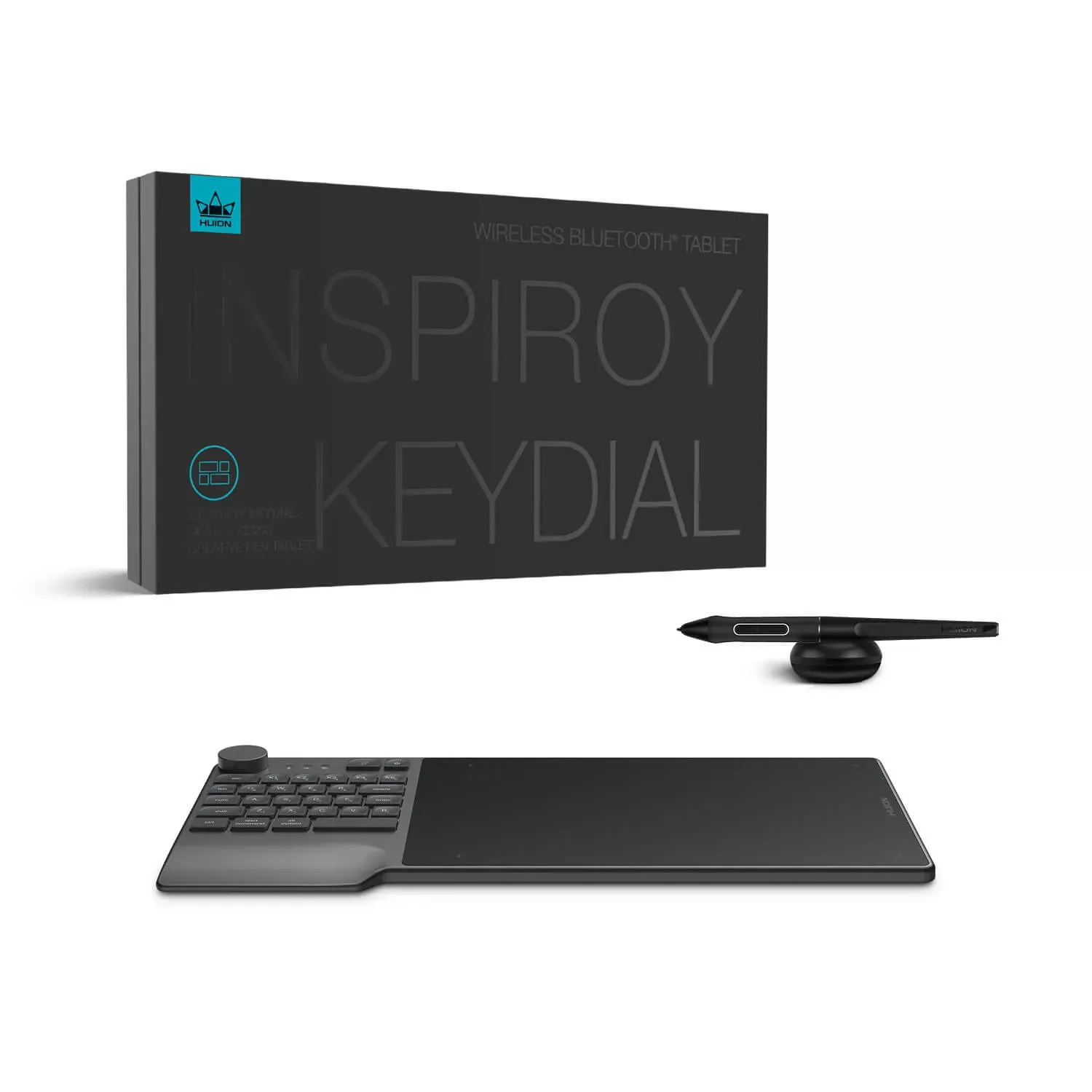
Huion Inspiroy Keydial KD200 Manual
PDF manual · 38 Pages
English



Quick check
Incorrect answer, please try again.
Chat with your Huion Inspiroy Keydial KD200 manual using AI
Get instant AI answers from your Huion Inspiroy Keydial KD200 manual
Ask anything about the Huion Inspiroy Keydial KD200. Answers come from this manual, with the pages they are based on.
Ask a Question
Do you recommend Inspiroy Keydial KD200?
Yes NoFrequently Asked Questions
The KD200 supports USB-C wired connection, Bluetooth pairing (PC and Android), and a nano receiver for systems without Bluetooth, giving flexible wired and wireless use.
Is this answer helpful?
It ships with the battery-free PW517 pen featuring 8192 pressure sensitivity levels, ±60° tilt support, 5080 LPI resolution, ~233 PPS report rate, and an adjustable pressure curve via the driver for tailored responsiveness.
Is this answer helpful?
Yes. The driver supports programmable press keys, a customizable dial with multiple function groups, a Quick Menu, and per-application profiles so shortcuts change automatically when you switch programs.
Is this answer helpful?
Ensure only the Huion driver is installed (uninstall other tablet drivers), close graphic apps during installation, update or reinstall the KD200 driver, and use the Diagnose tool in the driver to test pen pressure and buttons.
Is this answer helpful?
The KD200 is compatible with Windows 7 or later, macOS 10.12 or later, and Android 6.0 or later. Use the official KD200 driver from Huion’s website for full functionality.
Is this answer helpful?
Use the Working Area settings in the driver to choose Full Area, Screen Ratio, or Custom Area. You can map to a single monitor in extended mode or keep mirrored displays mapping uniformly; rotation options support left/right-handed use.
Is this answer helpful?
Close all graphic software and antivirus programs, uninstall other tablet drivers, and confirm your OS compatibility. Then download and install the KD200 driver from Huion, reconnect the tablet, and restart if needed.
Is this answer helpful?
Advantages and Disadvantages
Advantages

- Battery-free PW517 pen with 8192 pressure levels and ±60° tilt for natural, precise strokes.
- Multiple connection options: USB-C wired, Bluetooth, or nano receiver for flexible setups.
- Customizable dial and programmable keys with per-app profiles and a Quick Menu for workflow speed.
- Driver offers detailed settings: pressure curve, mapping, rotation, diagnostics, and profile backup.
- Compact metal-grey design with a large active area and support for Windows, macOS, and Android.
Disadvantages

- Requires driver installation and may conflict with other tablet drivers if not removed first.
- Bluetooth performance can degrade if paired with multiple high-data devices nearby.
- Game Mode is tailored to OSU and may be unsuitable for other gaming scenarios.
- Some advanced features rely on driver stability; occasional reinstall may be needed for fixes.
- No built-in battery for the pen (battery-free) means reliance on tablet electromagnetic system; very minor learning curve for new users.
Product Specification
Type
Graphics tablet
Active Area
8.90x5.63in
Pen
wireless, tip, 2 buttons
Resolution
5080lpi
Pressure Levels
8192
Tilt Range
60°
Max. Pen Reading Height
0.39in
Display
N/A
Signal Input
N/A
Brightness
N/A
Contrast
N/A
Response Time
N/A
Buttons
28x Buttons (23 standard, 5 programmable), 1x Dial Ring
CPU
N/A
RAM
N/A
Storage
N/A
Graphics
N/A
Host Connection
USB-C, Bluetooth 5.0
Other Connections
N/A
Wireless
N/A
Card Reader
N/A
Webcam
N/A
Operating System
N/A
Power Consumption
no data (typical), no data (sleep)
Battery
Li-ion, 4.07Wh, up to 18h runtime, 1.2h charging time
Dimensions
15.52x7.39x0.33in
Weight
1.43lb
Scope of Delivery
Main unit, 1x Pen (PW517), 1x Pen holder, 10x Replacement nibs, 1x USB cable
Product Description
Huion Inspiroy Keydial KD200 Metal Grey, Bluetooth Manual
The Huion Inspiroy Keydial KD200 Metal Grey is a versatile, battery-free creative pen tablet that blends precision input with convenient control. With a slim metal-grey body and an expansive active area, the KD200 targets digital artists, illustrators, and content creators who need responsive pen performance and tactile hardware controls. It supports multiple connection modes — USB-C wired, Bluetooth, and a nano receiver — giving flexibility across desktops, laptops, and Android devices.
At the heart of the KD200 experience is the PW517 battery-free pen with 8192 levels of pressure sensitivity and ±60° tilt support. The pen delivers natural strokes and fine control, while an adjustable pressure curve in the driver lets you tailor responsiveness to your style. The tablet’s working area maps to single or multiple monitors, supports customizable rotation for left- or right-handed users, and offers screen-ratio or freehand mapping modes for precise cursor behavior.
Hardware controls include a programmable dial for zoom, brush size, or scrolling, long-press to call a function menu, and multiple programmable press keys plus a Num key that toggles alternative functions. The Quick Menu can be customized with up to six entries for fast access. The KD200 driver also allows per-application key bindings so shortcuts switch automatically when specific apps are active. Device status is communicated via LEDs for Bluetooth pairing, battery, and Num indicator modes.
The driver package includes a comprehensive settings panel: tablet mapping and rotation, dial customization, press-key assignments, pen button configuration, pressure sensitivity adjustment and testing, and device diagnostics. Features such as Precision Mode, Pan/Scroll, Fixed Pressure, and a dedicated Game Mode (optimized for OSU) expand the tablet’s utility for creative and gaming workflows. Backup and restore functions help save custom profiles, while language, theme, and auto-start options let users fine-tune the driver UI.
Connection setup is straightforward: plug in via USB-C for immediate wired use, pair via Bluetooth for wireless freedom, or use the included nano receiver for systems without Bluetooth. LED indicators show pairing status, battery level, and charging state. The KD200 is compatible with Windows 7+/macOS 10.12+/Android 6.0+, and Huion recommends installing the official driver and removing other tablet drivers to avoid conflicts.
Overall, the Inspiroy Keydial KD200 Metal Grey is built for creators who want a balanced mix of tactile hardware controls and deep software customization, backed by a high-resolution, tilt-capable pen and flexible connectivity.
Notes
- Includes PW517 battery-free pen, pen holder with 10 replacement nibs, USB-C cable, and nano receiver.
- Recommended to uninstall other tablet drivers before installing the KD200 driver.
- Keep the tablet close to paired devices for stable Bluetooth performance.
- Use driver diagnostics to test pen pressure, keys, dial, and touch if issues arise.
Search for 67,706 Manuals online


Type-in Brand or Model