
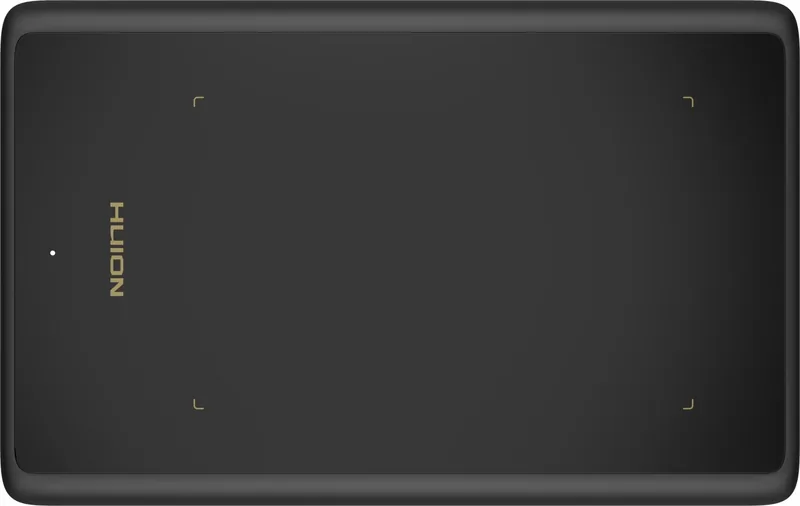
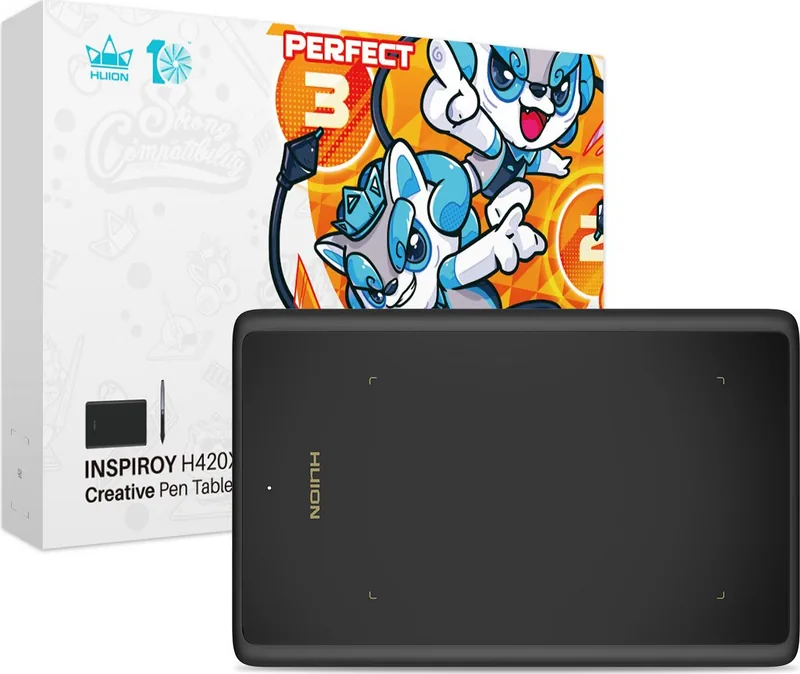
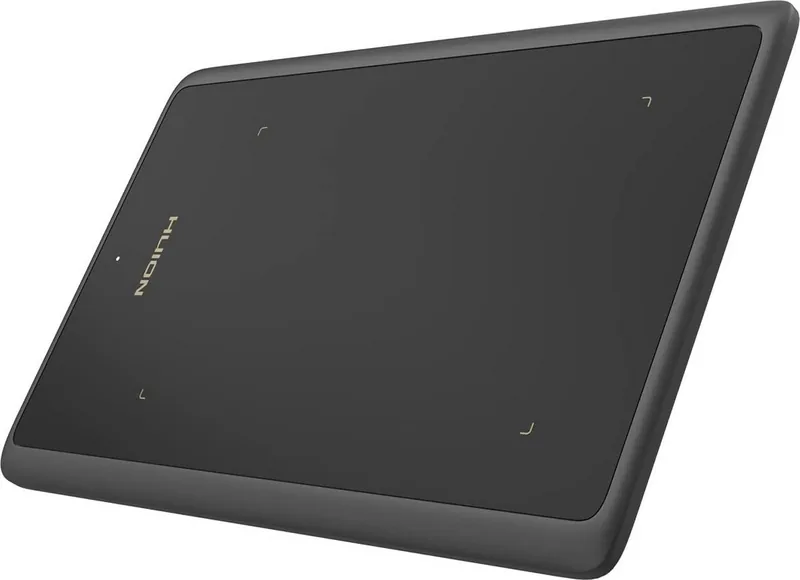
Huion Inspiroy H420X Manual
PDF manual · 30 Pages
English



Quick check
Incorrect answer, please try again.
Chat with your Huion Inspiroy H420X manual using AI
Get instant AI answers from your Huion Inspiroy H420X manual
Ask anything about the Huion Inspiroy H420X. Answers come from this manual, with the pages they are based on.
Ask a Question
Do you recommend Inspiroy H420X?
Yes NoFrequently Asked Questions
No, the battery-free digital pen does not need charging and works continuously.
Is this answer helpful?
Yes, Android 6.0 or later is supported using an OTG adapter for connection.
Is this answer helpful?
It features 8192 levels of pressure sensitivity for accurate stroke variation.
Is this answer helpful?
The driver allows mapping the tablet area to any connected monitor screen.
Is this answer helpful?
Compatible with Windows 7+, macOS 10.12+, ChromeOS 88+, and Android 6.0+.
Is this answer helpful?
Uninstall old drivers, close graphic apps, then reinstall and restart the computer.
Is this answer helpful?
It does not support touch input as it is a digital pen focused tablet.
Is this answer helpful?
Advantages and Disadvantages
Advantages

- Battery-free digital pen eliminates charging needs for endless creativity sessions.
- 8192 pressure levels provide detailed line control for professional artistic work.
- Multi-device support allows connection to Windows, Mac, and Android systems efficiently.
- Compact 172 by 109 millimeter workspace fits easily into small desks and bags.
- Customizable pen side buttons enhance workflow speed and reduce hand movement.
Disadvantages

- Requires USB cable connection making wireless movement impossible within room.
- Driver installation must be completed before using tablet functions to work.
- Limited express keys compared to larger models reduce shortcut accessibility.
- Pen nibs wear over time and require periodic replacement for best quality.
- Touch features are not active on the tablet surface itself for multitouch.
Product Specification
Type
Graphics Tablet
Active Area
4.17 x 2.60 in
Pen
Wireless, Tip, 2 Buttons
Resolution
5080 lpi
Pressure Levels
8192
Max. Pen Height
0.39 in
Display
N/A
Signal Input
N/A
Brightness
N/A
Contrast
N/A
Response Time
N/A
Buttons
N/A
CPU
N/A
RAM
N/A
Storage
N/A
Graphics
N/A
Host Port
USB-C
Additional Ports
N/A
Wireless
N/A
Card Reader
N/A
Webcam
N/A
Operating System
N/A
Power Consumption
N/A (Typical), N/A (Sleep)
Dimensions
6.77 x 4.33 x 0.28 in
Weight
0.23 lbs
Box Contents
Main Device, Pen (PW100), 8x Replacement Tips (PN04), USB-C Cable, USB-C Adapter
Product Description
Discovering Creativity with the Huion Inspiroy H420X
Welcome to a world where digital art meets precision engineering. The Huion Inspiroy H420X is designed for artists who demand reliability and performance without the bulk of traditional setups. This compact drawing tablet serves as a powerful tool for painting, writing, and design across various professional applications. It brings a real shock experience to creation, allowing you to freely paint and write while depicting different lines and colors.
Enhancing Your Workflow
Using a drawing tablet can significantly improve work efficiency during long sessions. With its advanced pressure sensitivity reaching 8192 levels, every stroke feels natural and accurate. You do not need to worry about charging batteries for the pen, making sessions completely uninterrupted. The device features a battery-free digital pen that offers realistic drawing feedback up to 10mm sensing height. This technology allows you to depict different lines and colors freely, just as you would with a traditional pen on paper.
Connectivity and Setup
Connecting is straightforward and versatile across operating systems. The tablet utilizes a USB-C interface for stable wired connection to your PC or laptop. It supports Windows 7 or later, macOS 10.12 or later, Chrome OS, and even Android devices via OTG adapters for mobile creativity. The driver installation process is intuitive, requiring a download from the official website. You can set the working area to match your monitor resolution exactly or rotate the active area for left or right-hand operation.
Customization Power
The software interface provides extensive control for personalized setups. You can adjust pressure sensitivity to suit different art styles using simple sliders. Switching between Game Mode and Mouse Mode offers versatility for gaming versus precise drawing in Photoshop or SketchBook. The pen includes customizable side buttons that work without pressure on the surface within a specific range. Additionally, the Huion Inspiroy H420X Manual settings help users configure these tools efficiently for maximum output.
Technical Reliability
Troubleshooting is rarely needed but solutions are available if issues arise. Common checks include ensuring the driver is installed after closing graphic software. You can backup your custom settings to avoid reconfiguration when launching new programs. The digital pen works on multiple screens simultaneously if mirrors are used. Experience the tactile response and elevate your content production today with this reliable peripheral.
Final Thoughts
This model is part of a new generation of professional tablets. Its compact dimensions of 172 by 109 mm make it travel friendly. Whether you are a beginner or a experienced illustrator, this creative pen tablet brings a tactile experience to your flat screen. The compact size and compatibility make it a staple for digital creators worldwide. It handles OSU games well in specific modes and general sketching perfectly.
Search for 67,706 Manuals online


Type-in Brand or Model