
Honeywell Orbit 7190g Manual
PDF manual · 249 Pages
English



Quick check
Incorrect answer, please try again.
Chat with your Honeywell Orbit 7190g manual using AI
Get instant AI answers from your Honeywell Orbit 7190g manual
Ask anything about the Honeywell Orbit 7190g. Answers come from this manual, with the pages they are based on.
Orbit 7190g Maintenance Schedule
Wipe the housing with a soft cloth dampened with water or mild detergent. Rinse with clean water if detergent used. Do not use solvents or abrasive wipes.
Check interface cable and connector for wear or damage. Contact distributor for replacement if needed.
Ask a Question
Do you recommend Orbit 7190g?
Yes NoFrequently Asked Questions
It is commonly used at retail checkout counters, self-checkout stations, and service desks. It is built for hands-free scanning and fast reading of everyday barcodes, including labels and screen-displayed codes.
Is this answer helpful?
Yes. The scanner supports several interfaces, including USB, keyboard wedge, RS232, RS485, and USB serial modes. This makes it easier to match the device to different host systems and terminals.
Is this answer helpful?
Yes. The device includes mobile phone read support, which helps it decode barcodes shown on LED screens. This can be useful for digital coupons, tickets, and loyalty apps.
Is this answer helpful?
Basic setup is simple because it ships with common defaults. More advanced changes are also possible through programming barcodes, allowing users to adjust output, timing, and scan behavior.
Is this answer helpful?
Its presentation-style operation, flexible connectivity, and strong decoding options make it a good fit for busy retail environments. It can stay ready on a counter and scan quickly when a barcode is presented.
Is this answer helpful?
Yes. Users can adjust prefixes, suffixes, symbology priorities, beeper settings, centering, delays, and host acknowledgment behavior. This helps the scanner fit specific software and operational needs.
Is this answer helpful?
Advantages and Disadvantages
Advantages

- Supports many interfaces, including USB, RS232, RS485, and keyboard wedge.
- Works well in presentation mode for fast, hands-free retail scanning.
- Offers deep customization for beeps, LEDs, data output, and scan behavior.
- Can be tuned for damaged barcodes, mobile displays, and specialized workflows.
Disadvantages

- Advanced configuration can take time for users who only want a simple setup.
- Some presentation features are limited or not supported on the Orbit 7120plus.
- Best results depend on the correct cable, power setup, and host settings.
- Many programming options may be unnecessary for small or low-volume environments.
Product Specification
Type
Stationary Scanner
Decoding Capabilities
1D, 2D, GS1
Reading Distance
0-12.87in
Connections
USB, serial (RS-232, RS-485), Keyboard Wedge
Wireless
N/A
Package Contents
Barcode Scanner
Dimensions
4.25x5.83x4.06in
Weight
0.90lb
Manufacturer Warranty
3 Years
Product Description
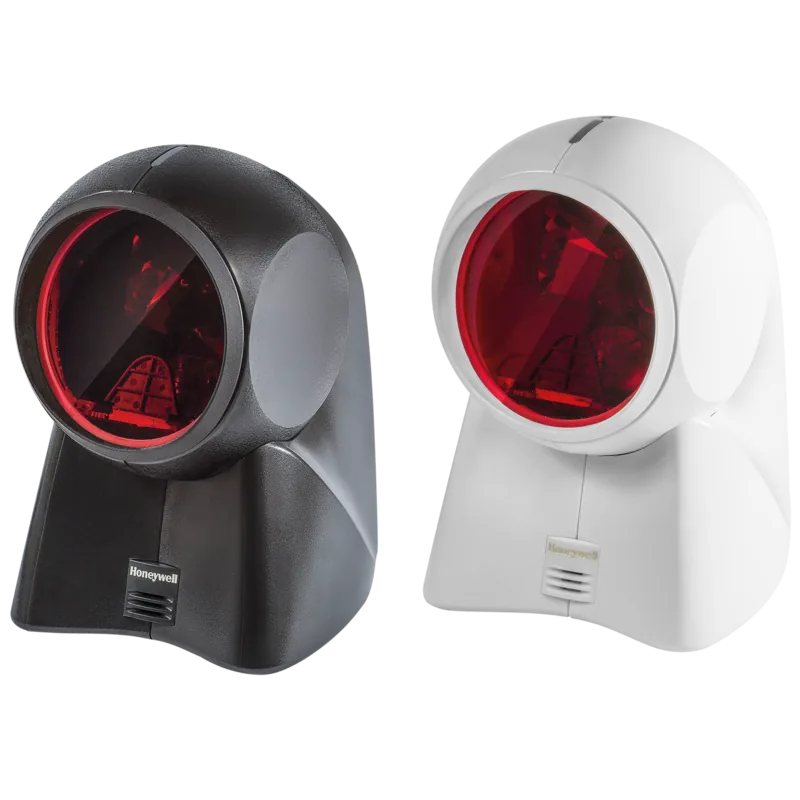
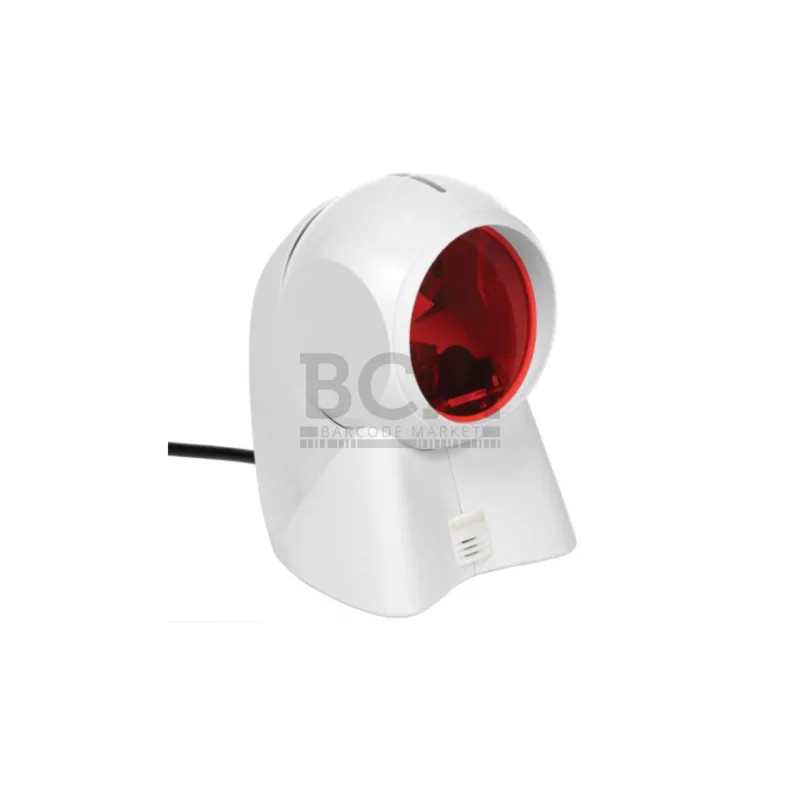
Honeywell Orbit 7190g White Manual: A Compact Hybrid Scanner Built for Fast Checkout
The Honeywell Orbit 7190g, white Manual highlights a scanner designed to blend presentation scanning with everyday retail practicality. The Orbit 7190g is built for busy counters, self-checkout areas, and point-of-sale workflows where speed, reliability, and easy integration matter. Its white housing gives it a clean, modern look that fits neatly into retail environments without drawing too much attention away from the store experience.
What makes this model especially useful is its hybrid approach. It can sit on a counter for hands-free scanning, yet it also adapts well to varied barcode reading needs, including standard labels, damaged codes, and even barcodes displayed on mobile screens. The scanner supports multiple connection styles, so it can work with USB, keyboard wedge, RS232, RS485, and other common retail interfaces. That flexibility helps businesses use it with different registers, terminals, and software setups.
The setup options are extensive, but that is part of the scanner’s strength. The manual covers plug-and-play configuration, custom defaults, trigger behavior, beeper and LED settings, and output formatting. In practice, this means operators can tune the scanner for quieter environments, faster response, more precise centering, or better handling of poor-quality barcodes. It is not just about reading codes; it is about fitting into a workflow and staying consistent under pressure.
For retailers and integrators, the Orbit 7190g stands out because it balances simplicity with control. Users who need a straightforward scanner can keep the default settings and begin scanning quickly. Those who need more specialized behavior can adjust symbologies, suffixes, prefixes, presentation sensitivity, and data formatting to match the exact demands of their system.
Notes
- Best suited for checkout lanes, convenience stores, pharmacies, and service counters.
- The white finish gives it a neutral, professional appearance.
- Some advanced presentation features apply only to the 7190g model.
- Custom programming makes it useful for both basic and specialized scanning tasks.
Search for 67,706 Manuals online


Type-in Brand or Model