
Honeywell Dolphin 75e Manual
PDF manual · 122 Pages
English



Quick check
Incorrect answer, please try again.
Chat with your Honeywell Dolphin 75e manual using AI
Get instant AI answers from your Honeywell Dolphin 75e manual
Ask anything about the Honeywell Dolphin 75e. Answers come from this manual, with the pages they are based on.
Dolphin 75e Maintenance Schedule
Use a clean, non-abrasive, lint-free cloth. The terminal can also be cleaned with a damp cloth.
Excessive discharge degrades performance. Recharge the battery when the terminal indicates low battery power.
Using a defective battery could damage the Dolphin terminal. Replace it only with qualified Honeywell Li-ion packs.
Although rechargeable many times, battery life is limited. Replace it after the battery is unable to hold an adequate charge.
Ask a Question
Do you recommend Dolphin 75e?
Yes NoFrequently Asked Questions
Before initial use, charge the standard battery for at least 4 hours and the extended battery for 6 hours using a compatible Honeywell charging peripheral. If charging via a 500mA USB port, extend these times to 6 hours for standard and 8 hours for extended batteries.
Is this answer helpful?
Removing the battery while powered on will erase all non-persistent memory stored in RAM. Always ensure the terminal is fully powered off before removing the battery to prevent data loss.
Is this answer helpful?
Honeywell recommends using only qualified Li-ion battery packs. Using non-Honeywell batteries may result in damage not covered by the warranty and could pose safety hazards.
Is this answer helpful?
If the touch panel is unresponsive, press and hold the Power button for 8 seconds until the reboot starts. When the splash screen appears, simultaneously hold the Power and Volume Down buttons to enter Recovery Mode, then select Wipe data/factory reset.
Is this answer helpful?
Yes, the device supports Near Field Communication (NFC) for reading tags and transferring content, provided the model has the NFC feature enabled and uses a compatible battery door.
Is this answer helpful?
Honeywell recommends using Single Level Cell (SLC) industrial grade microSD or microSDHC cards for maximum performance and durability in this terminal environment.
Is this answer helpful?
Connect the terminal using the USB cable, swipe down to access notifications, tap the USB notification, and select File transfers (MTP) or Photo transfer (PTP) to access files on your computer.
Is this answer helpful?
Advantages and Disadvantages
Advantages

- Dedicated high-performance image engine for reliable 1D and 2D barcode decoding
- Android 6.0 OS with Qualcomm processor ensures fast multitasking and app performance
- Integrated 8MP autofocus camera for high-quality image and video capture
- Comprehensive connectivity including Wi-Fi ac, Bluetooth, and NFC support
- Rugged design with sealed battery compartment maintains environmental durability
Disadvantages

- Requires specific Honeywell accessories for optimal charging and warranty coverage
- Battery removal erases non-persistent memory, requiring careful data management
- USB charging times vary significantly depending on the source current capacity
- Advanced reset procedures require technical knowledge if the device becomes unresponsive
- Limited native storage may necessitate external microSD cards for large data sets
Product Specification
Type
Mobile computer with scanner
Decoding capabilities
1D, 2D, GS1
Connections
USB 2.0 Micro-B, Card reader (SD/SDHC)
Wireless
WLAN 802.11a/b/g, Bluetooth 4.0
Display
Color, 4.3 inch touchscreen
Protection rating
IP67 certified
Package contents
Barcode scanner
Dimensions
2.9 x 5.3 x 0.7 inches
Weight
7.2 ounces
Manufacturer warranty
1 year
Product Description
The Honeywell Dolphin 75e: A Robust Android Workhorse
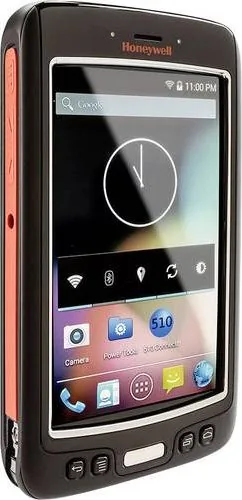
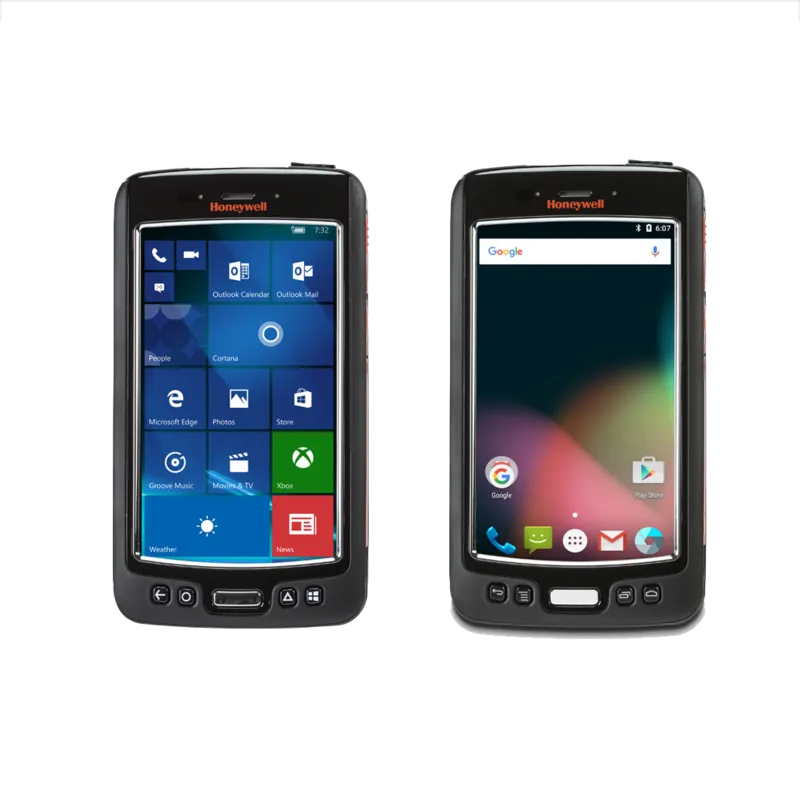
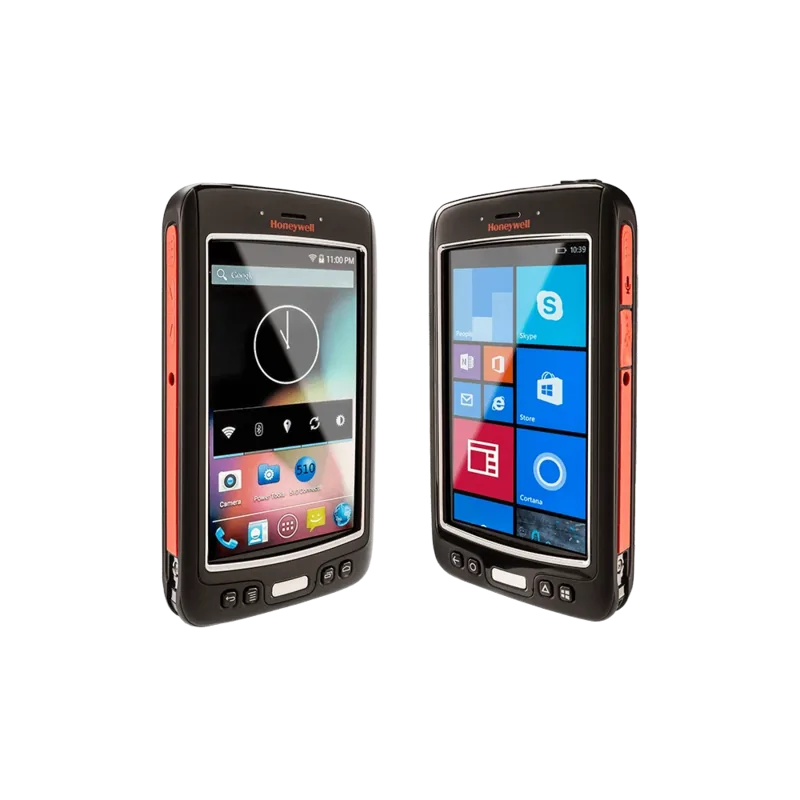
The Honeywell Dolphin 75e stands as a premier mobile computer designed for demanding industrial environments. Powered by the robust Android 6.0 operating system, this device delivers exceptional performance for data collection, inventory management, and field service tasks. At its core lies a powerful Qualcomm APQ8074AB processor paired with 2GB of RAM and 16GB of flash storage, ensuring smooth multitasking and rapid application loading even under heavy workloads.
One of the standout features of the Dolphin 75e is its advanced imaging engine. This dedicated imager effortlessly decodes a vast array of standard 1D and 2D barcodes, including QR codes, Data Matrix, and PDF417, from various distances. Whether you are scanning small labels on pharmaceutical bottles or large pallets in a warehouse, the omni-directional aiming beam provides flexibility and speed. Additionally, the built-in 8.0-megapixel autofocus color camera allows for high-quality photo and video capture, making it ideal for documenting asset conditions or capturing signatures.
Connectivity is seamless with integrated Wi-Fi supporting 802.11a/b/g/n/ac standards, Bluetooth technology, and Near Field Communication (NFC). These features enable instant data transfer to host systems and easy pairing with peripherals like printers and headsets. The device also includes a micro USB port for direct computer connections and supports Hi-Speed USB 2.0 communication for fast file transfers up to 480 Mbps.
Durability is paramount in the design of the Dolphin 75e. It features a rugged construction with an industrial protective lens over the 4.3-inch WVGA multi-touch capacitive screen. The battery compartment is sealed to maintain environmental ratings against dust and moisture, provided all doors remain properly closed. Users can choose between a standard or extended Li-ion battery pack, offering flexible power options for long shifts. The terminal supports quick charging via compatible cradles such as the HomeBase, eBase, or ChargeBase, minimizing downtime.
Customization is extensive, allowing users to remap physical buttons for specific functions, personalize the home screen, and manage apps through the intuitive Android interface. Security is maintained with support for VPNs, certificates, and screen lock mechanisms. With its blend of powerful hardware, versatile software capabilities, and rugged reliability, the Honeywell Dolphin 75e remains a top choice for enterprises seeking efficient mobile solutions.
Search for 67,706 Manuals online


Type-in Brand or Model