

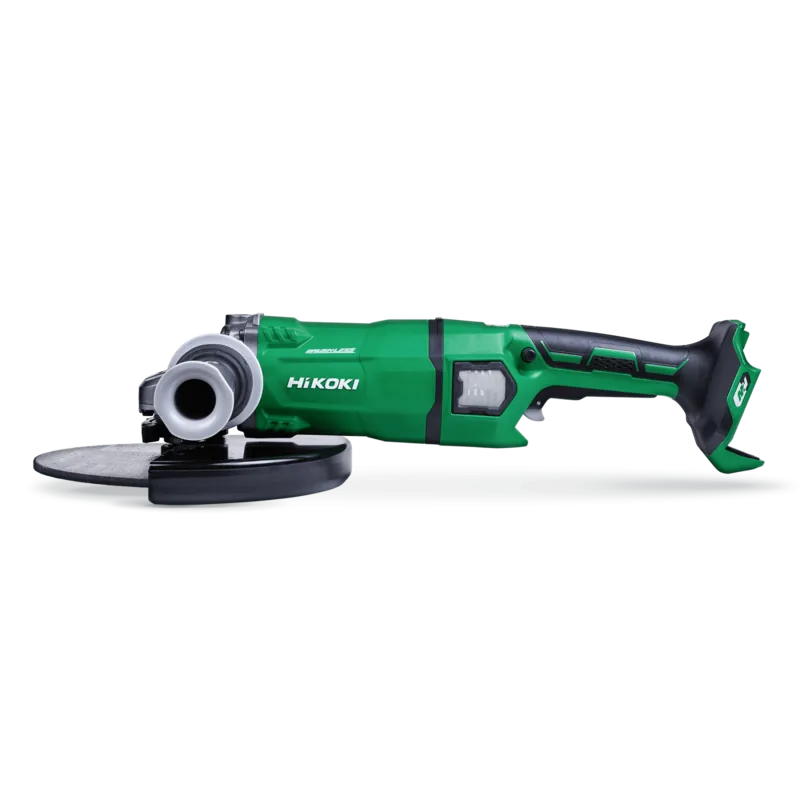
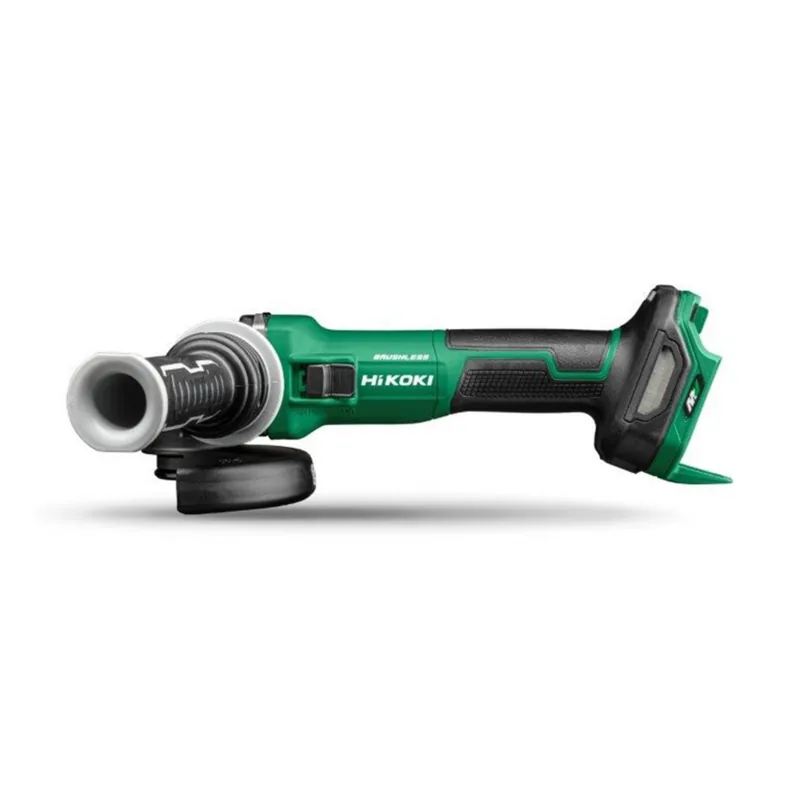
HiKOKI G3613DEW2Z Manual
PDF manual · 288 Pages
English



Quick check
Incorrect answer, please try again.
Chat with your HiKOKI G3613DEW2Z manual using AI
Get instant AI answers from your HiKOKI G3613DEW2Z manual
Ask anything about the HiKOKI G3613DEW2Z. Answers come from this manual, with the pages they are based on.
G3613DEW2Z Maintenance Schedule
Ensure the depressed center wheel is free of cracks and surface defects before use.
Check all mounting screws to ensure they are properly tightened. Retighten immediately if loose.
Remove debris or dust adhered to the filter using a soft brush after use.
Check the filter periodically for scratching, chipping, or tearing. Replace if damaged.
Periodically run the motor with no load to expel debris and dust from inside.
Check tool and battery terminals prior, during, and after operation to ensure they are free of swarf and dust.
Ask a Question
Do you recommend G3613DEW2Z?
Yes NoFrequently Asked Questions
No, do not charge the battery outside the temperature range of 0 degrees Celsius to 40 degrees Celsius. Charging below 0 degrees can result in over charging which is dangerous.
Is this answer helpful?
Maintain a firm grip with both hands and use the auxiliary handle if provided. Position your body and arm to resist kickback forces and avoid placing hands near the rotating accessory.
Is this answer helpful?
Yes, you must always attach the appropriate wheel guard based on the accessory used. Using an incorrect guard can lead to loss of control and serious injuries.
Is this answer helpful?
Clean the filter periodically to ensure it is free of scratching or tearing. Use a soft brush and check before use to prevent debris accumulation affecting the motor.
Is this answer helpful?
Auto mode adjusts revolutions based on load while Full-Speed mode maintains a constant number of revolutions regardless of load changes for specific work applications.
Is this answer helpful?
Remove the battery and allow it to cool. If the battery is overheated under overload work, output will stop until it cools down sufficiently.
Is this answer helpful?
No, do not use accessories that require liquid coolants. Using water or other liquids may result in electrocution or shock due to electrical safety risks.
Is this answer helpful?
Advantages and Disadvantages
Advantages

- Cordless design provides freedom from power cords and outlets
- Kickback protection cuts power if wheel speed drops unexpectedly
- LED light illuminates work zone for better precision
- Auto mode adjusts speed based on load automatically
- Soft start technology reduces initial recoil for better control
Disadvantages

- Battery packs are sold separately from the main unit
- Unit weight increases significantly with larger battery packs
- Charging requires specific temperature range of 0 to 40 degrees Celsius
- Wheel guard must be securely attached for any operation
- Filters require regular cleaning to prevent dust accumulation
Product Specification
Type
Angle Grinder
Battery
36V, Li-Ion
No-load speed
10,000 / min
Disc diameter
4.92 in
Spindle thread
Spindle thread M14, Spindle lock
Features
Electronic speed control, LED work light, Softgrip, Additional handle, Soft start, Restart protection, Vibration damping, Quick Stop, Motor brake, Brushless motor, Overload protection
Weight
6.61 lbs
Package contents
without charger and battery, incl. case (HSC III)
Product Description
Unlock Professional Power with the Hikoki G3613DEW2Z Cordless Angle Grinder with case Manual
When you are working on large projects away from power outlets, the freedom of cordless equipment is essential. The Hikoki G3613DEW2Z Cordless Angle Grinder with case Manual offers this flexibility while maintaining high performance standards. This tool is designed for grinding stones, metal, and other hard materials without the restriction of a trailing cable. You can move freely around your workshop or construction site without worrying about tripping over electrical cords.
Safety features are integrated directly into the electronic system. Soft start technology reduces sudden recoil when the switch is engaged, helping you maintain a firm grip. Kickback protection cuts power if the wheel speed drops unexpectedly due to binding. An electric brake stops the disc quickly after the switch is released, minimizing wait time before setting the tool down. Always wear eye protection and keep bystanders clear of the work area to avoid injury from flying fragments.
The battery system supports 36 volts or 18 volts automatic switching capabilities. This allows you to use various battery packs depending on your power needs and availability. The lithium-ion cells provide long runtimes and fast charging times. Ensure you only charge within specified temperature ranges to protect battery life and prevent overheating hazards during use. The LED light illuminates the work zone effectively for precise operations in dimly lit environments.
Maintenance requires regular attention to filters and terminals to ensure motor efficiency. Clean the filter using compressed air periodically to prevent dust accumulation inside the housing. Avoid exposing the tool to rain or wet conditions which could cause electrical shock risks. The wheel guard must be securely attached before any grinding or cutting operation begins to protect against broken wheel fragments.
This grinder handles synthetic resins, slate, brick, and marble with ease. Whether you are removing casting fins or smoothing welds, the tool delivers consistent results. Use the correct accessory guards for the specific wheel type to maximize safety levels. Support large workpieces to prevent pinching or kickback during deep cuts. Store the unit in a dry place away from children when not in use for extended periods. Operators can choose between Auto mode and Full-Speed mode for different material types. Select the appropriate speed dial setting to optimize cutting efficiency and safety. The tool is designed to minimize noise emission while maintaining power output for tough applications. Vibration values are controlled to reduce fatigue during extended usage periods. Always inspect the abrasive wheels for chips or cracks before every installation to prevent catastrophic failure. Do not use liquid coolants as sparks can cause ignition hazards. Keep ventilation openings clear of dust to prevent overheating motor components. This comprehensive approach ensures durability and reliability for years of dedicated service in the field.
Search for 67,732 Manuals online


Type-in Brand or Model